Licensed Florida Contractor
FL License #EC13016138 identifies the contracting license presented by Data Pro Communications.

MOVING CAMERA AND ANALYTICS GUIDE
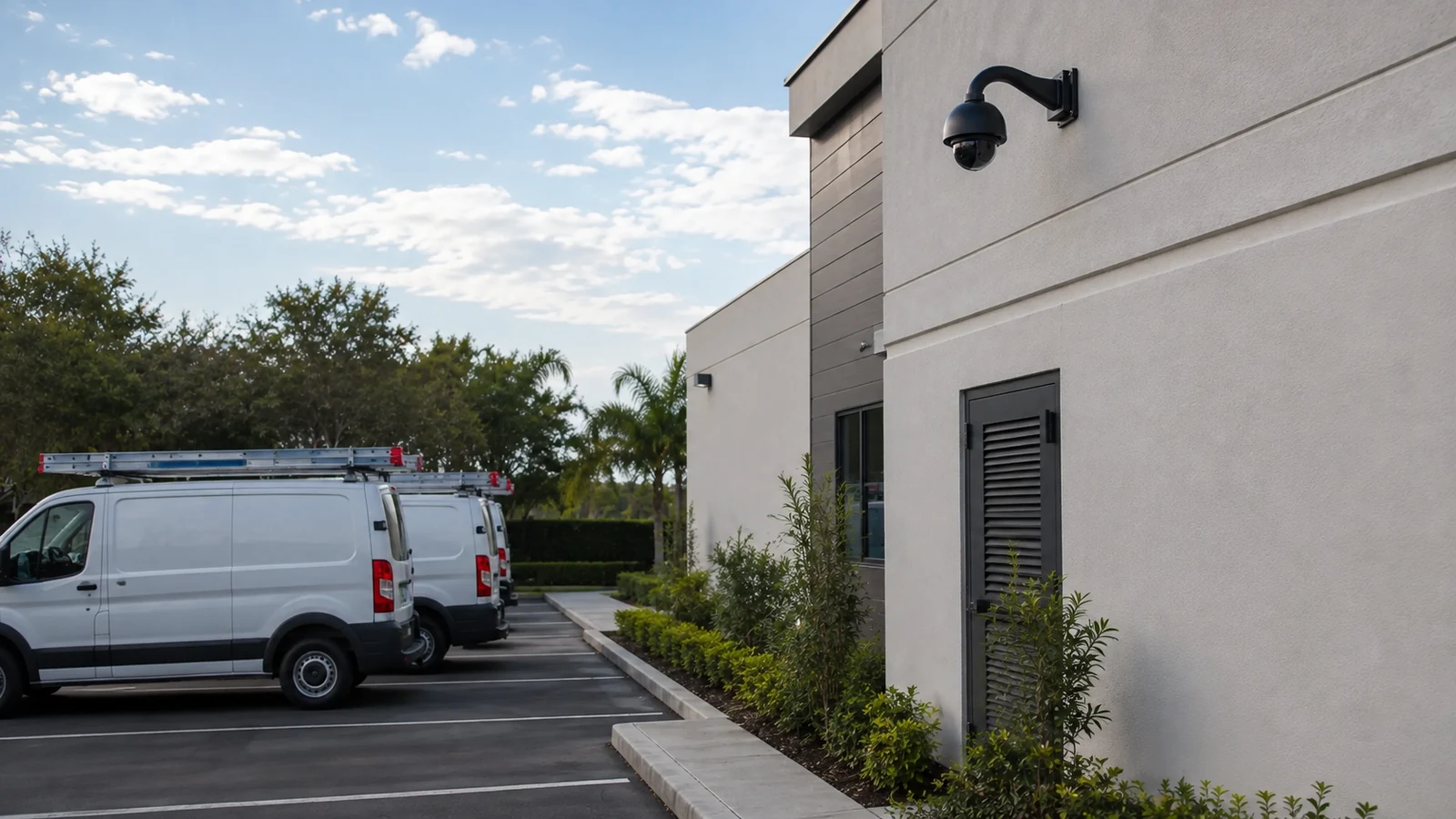
A PTZ camera can follow a moving subject, but it can look in only one direction at a time. While the lens pans or zooms, activity outside the current field of view is not recorded by that camera, and an obstruction can break the track.
FL License #EC13016138 identifies the contracting license presented by Data Pro Communications.
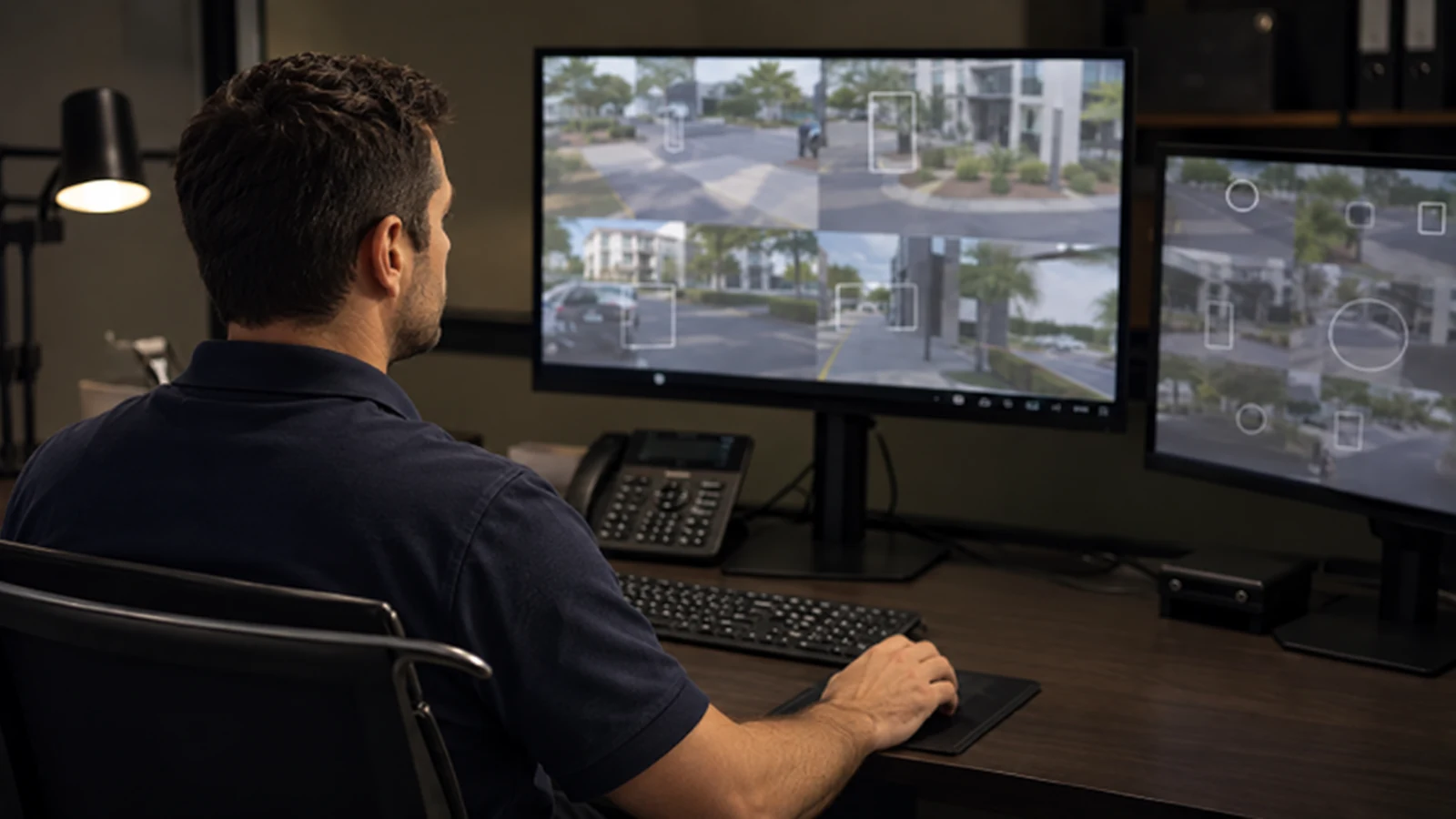
Tracking may begin from onboard analytics, another camera, an alarm input or an operator command; supported methods vary by platform.
Occlusion, speed, distance and scene complexity affect continuity.
Manual control priority, alert review and event export.
PROJECT GUIDANCE
Use auto tracking as a supplemental capability for large open areas, not as a replacement for fixed overview coverage. Define trigger zones, presets, subject priorities and operator override, then test how the camera behaves with crowds, vehicles, poles, landscaping and simultaneous events.
CAPABILITIES
Tracking may begin from onboard analytics, another camera, an alarm input or an operator command; supported methods vary by platform.
Mechanical speed and zoom help follow distant subjects but can overshoot, hunt or lose context.
Columns, parked vehicles and landscaping can hide a subject long enough for tracking to stop or switch targets.
Crowds, crossing paths and multiple vehicles make target selection harder than a single subject in an open yard.
The camera needs a defined home or patrol position after the event so it does not remain pointed away from priority areas.
Static views preserve continuous evidence and can cue the PTZ without surrendering overview coverage.
EAST ORLANDO CONTEXT
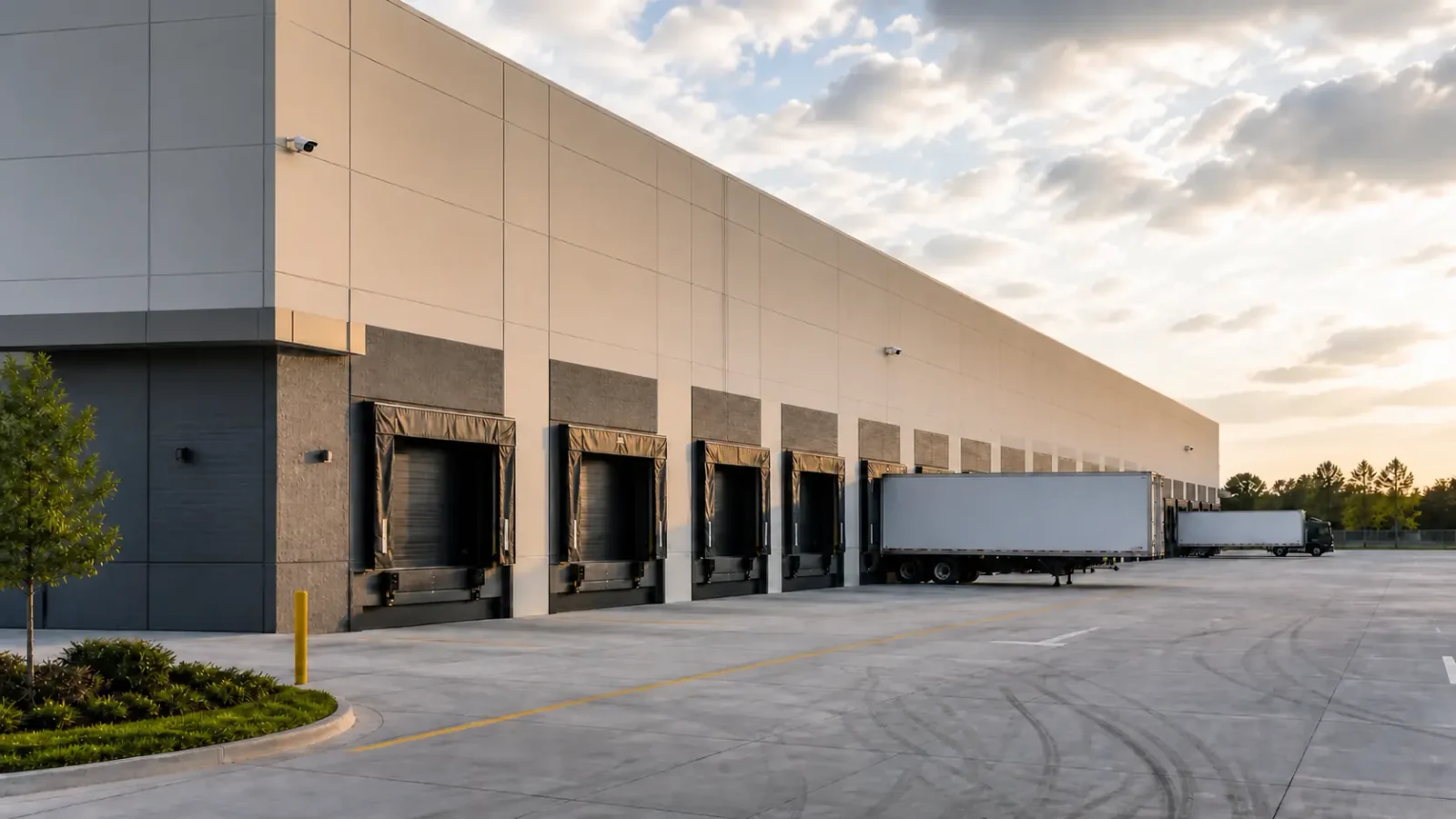
Open yards and parking areas can make PTZ coverage attractive at East Orlando commercial sites, but landscaping, parked vehicles and simultaneous activity complicate tracking. Fixed cameras should retain the entrances and chokepoints that cannot tolerate a moving blind spot.
PROJECT GUIDANCE
Tracking may begin from onboard analytics, another camera, an alarm input or an operator command; supported methods vary by platform.
Mechanical speed and zoom help follow distant subjects but can overshoot, hunt or lose context.
Columns, parked vehicles and landscaping can hide a subject long enough for tracking to stop or switch targets.
Crowds, crossing paths and multiple vehicles make target selection harder than a single subject in an open yard.
The camera needs a defined home or patrol position after the event so it does not remain pointed away from priority areas.
Static views preserve continuous evidence and can cue the PTZ without surrendering overview coverage.
PROPERTY APPLICATIONS
A fixed camera detects entry into a zone and a PTZ follows movement while other fixed views retain gate and dock context.
Trees and parked vehicles interrupt line of sight, so track continuity is treated as conditional.
Crowds create frequent target changes; operator control and conservative rules may be more useful than unrestricted automatic tracking.
PROJECT PROCESS
Limit triggers to meaningful zones and subject types to reduce nuisance movement.
Choose a home view and timeout that restore priority coverage after tracking ends.
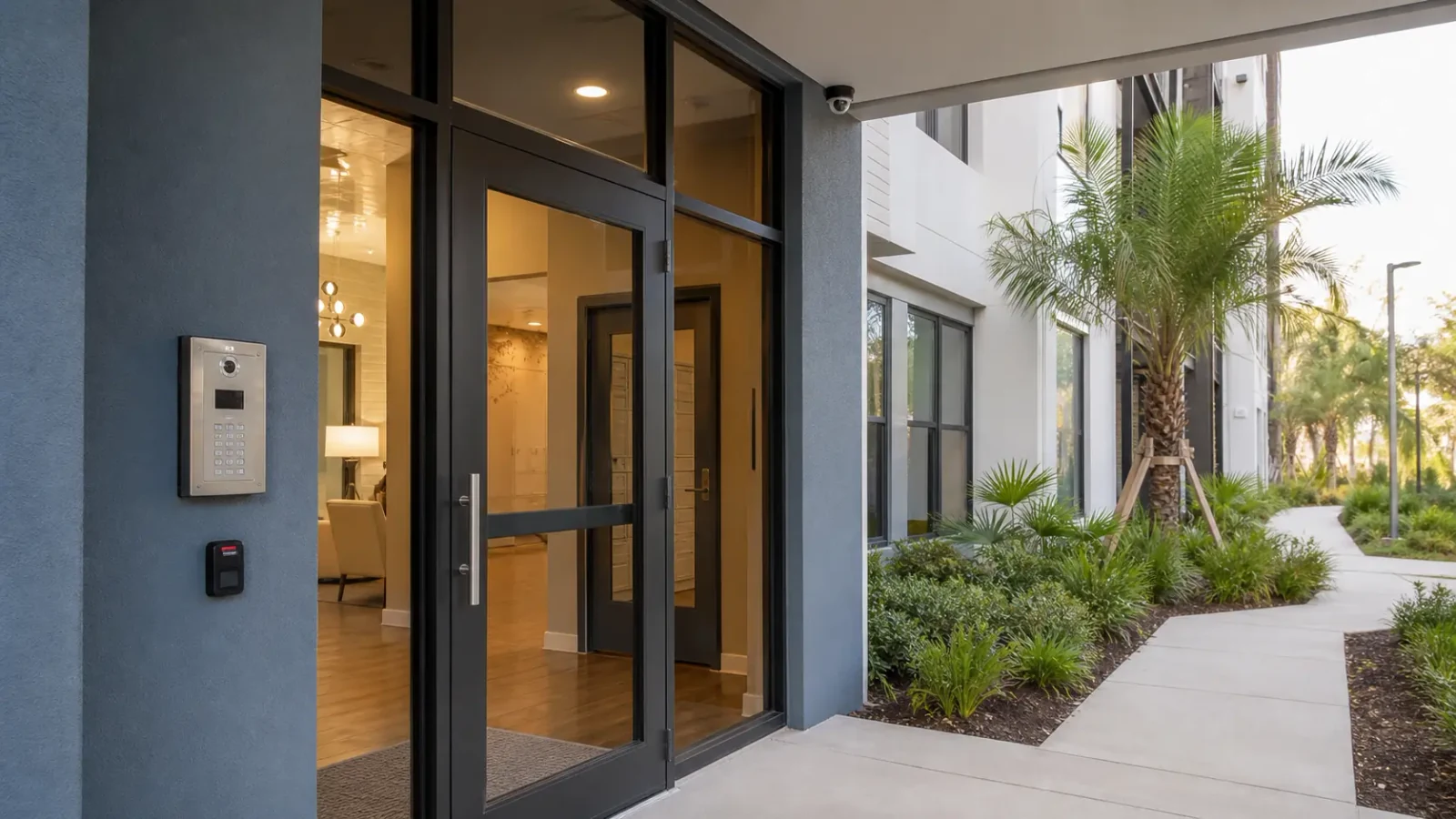
Place static cameras on entrances and chokepoints that must never depend on PTZ orientation.
PLANNING RISKS
Occlusion, speed, distance and scene complexity affect continuity.
A close tracked view records less surrounding context.
Lighting, weather, contrast and configuration influence detection and classification.
PLANNING RISKS
The unobserved direction becomes a blind spot whenever the camera moves.
Generic zones can cause constant movement or attention to irrelevant activity.
Moving assemblies and exterior housings require accessible maintenance planning.
TECHNICAL PLANNING
Detection zones, classes, sensitivity and supported handoff rules.
Line of sight, pan limits, obstructions and lighting.
Home view, patrol positions and recovery timing.
Manual control priority, alert review and event export.
PROJECT GUIDANCE
RELATED PATHS
PROJECT PROCESS
Tracking may begin from onboard analytics, another camera, an alarm input or an operator command; supported methods vary by platform.
Mechanical speed and zoom help follow distant subjects but can overshoot, hunt or lose context.
Detection zones, classes, sensitivity and supported handoff rules.
Place static cameras on entrances and chokepoints that must never depend on PTZ orientation.
FAQ
Depending on the system, onboard analytics, a fixed-camera event, an alarm input or an operator can initiate tracking.
No. The camera records its current field of view, so areas behind or outside that view require fixed coverage.
Occlusion, rapid movement, low contrast, distance, zoom, crowds or crossing targets can interrupt tracking.
A preset is a saved pan, tilt and zoom position used for home views, tours, alarms or operator recall.
Usually yes. A defined timeout and home position prevent the camera from remaining on a low-priority view.
No. Fixed cameras preserve continuous overview and chokepoint evidence while the PTZ follows one target.
Multiple close targets can cause switching, confusion or short tracks, depending on analytics and scene geometry.
Many systems allow manual priority, but the exact behavior and permissions must be configured and tested.
Test trigger zones, target types, obstructions, zoom, preset return, simultaneous activity, manual override and recorded playback.
No. Performance depends on the specific equipment, configuration, light, weather, line of sight and subject behavior.
PTZ auto tracking adds detail when a target moves through a suitable scene, but fixed cameras preserve the evidence the PTZ leaves behind. The strongest design gives each camera type a distinct job and defines what happens when tracking fails.