Florida Licensed
FL License #EC13016138 for low-voltage systems work.

CAMERA SERVICE PLANNING AND COMPARISON
A camera project can begin with a new installation, an aging recorder, a network constraint, or a problem that has not yet been isolated. This guide separates those needs so property teams can start with the right technical conversation.
Data Pro Communications supports commercial camera projects from the Goldenrod branch, coordinating video equipment with cabling, power, switching, recording and access requirements where those dependencies affect the result.
FL License #EC13016138 for low-voltage systems work.
The hub starts with the buyer’s immediate question, then routes the project to the service that owns that decision.
Installation, CCTV, IP video, analytics, recording, upgrades and diagnostics are compared by purpose rather than presented as interchangeable offers.
Each service summary identifies the infrastructure or operating condition that makes that route relevant.
Properties with mixed symptoms can begin with a site review that separates installation needs from recording, modernization or fault-isolation work.
PROJECT GUIDANCE
Start with installation when the property needs a new system, CCTV when analog or hybrid equipment shapes the scope, IP video when network design is central, analytics when event rules and search are the priority, NVR service when recording or access is the issue, upgrades when useful equipment may be retained, and troubleshooting when the fault is still unknown.
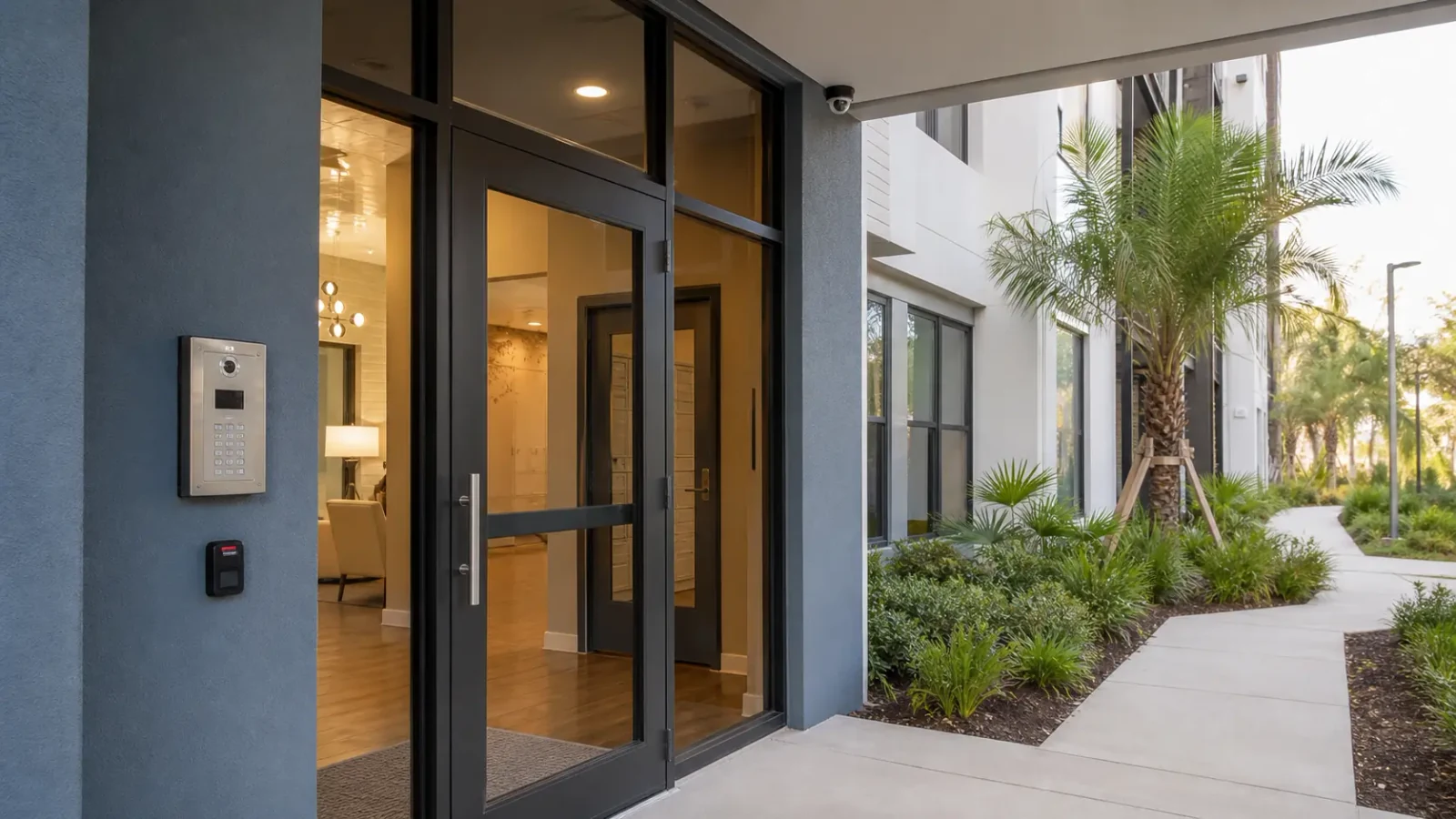
PLANNING RISKS
Camera count and model selection are premature until coverage purpose, scene conditions and evidence needs are understood.
An upgrade request can actually be a storage fault, while a camera complaint can originate in PoE, switching or credentials.
Cabling, recorder capacity, user access and network uplinks can determine whether a camera plan is workable.
Live viewing, incident review, analytics and deterrence require different design choices and acceptance checks.
Retail, warehouse, medical office and multifamily common-area projects have different scenes, operating hours and access patterns.
Account ownership, exports, camera names and recovery information must be decided before closeout.
CAPABILITIES
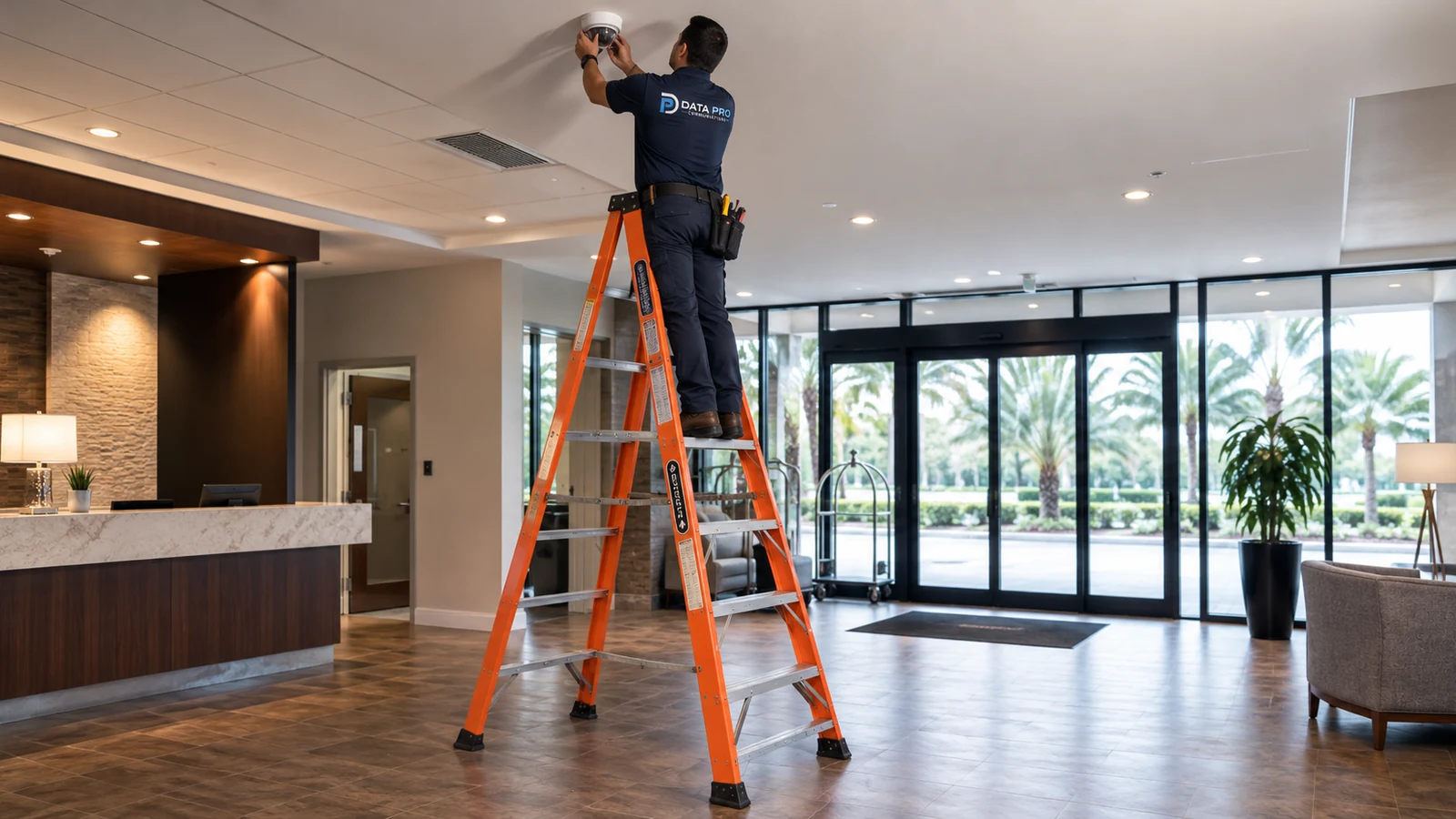
Plan and implement a new commercial camera system, including camera locations, pathways, mounting, connectivity, commissioning and handoff.
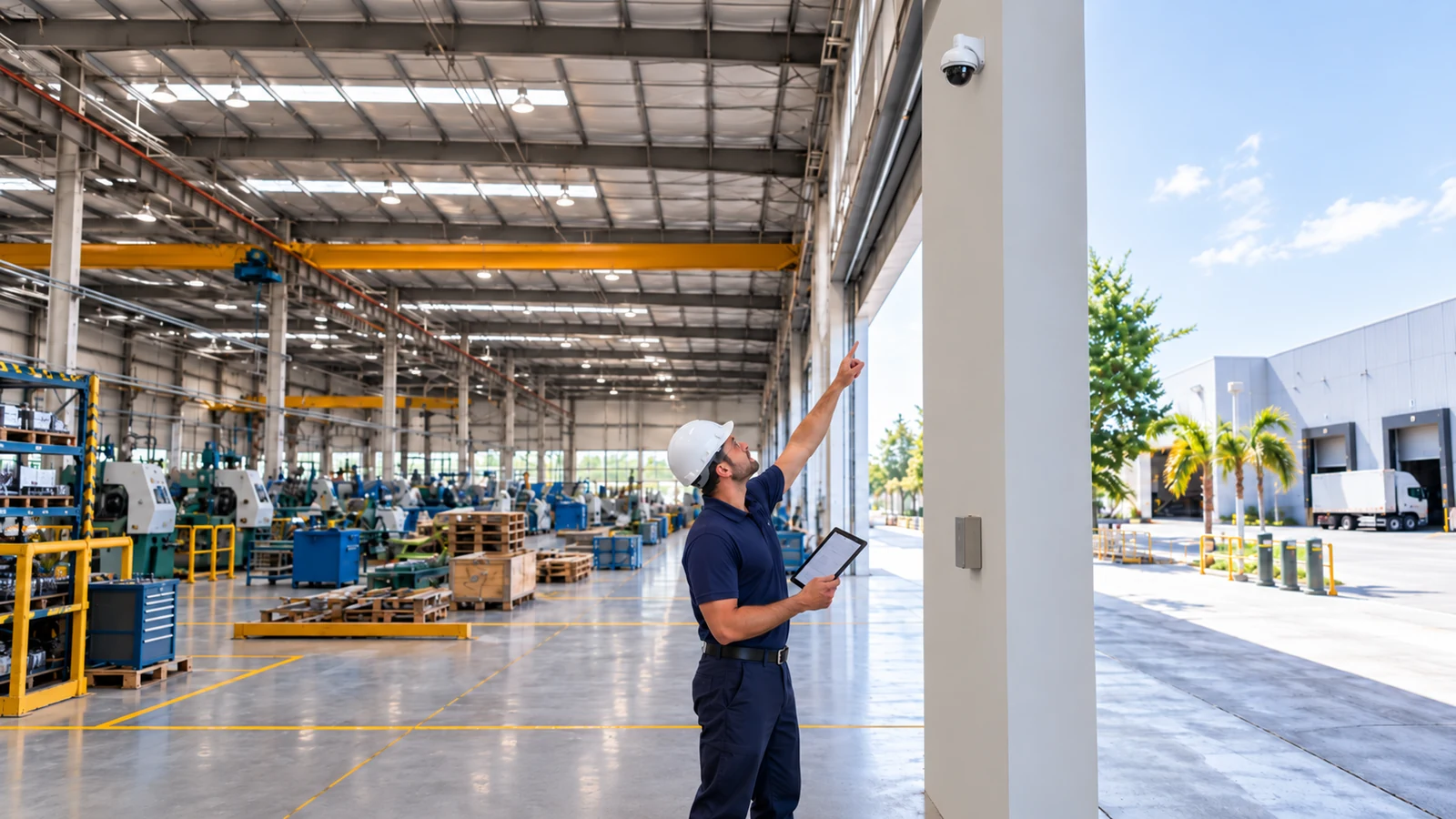
Address analog, IP or hybrid commercial CCTV systems, including coax reuse, DVR/NVR compatibility and staged migration.
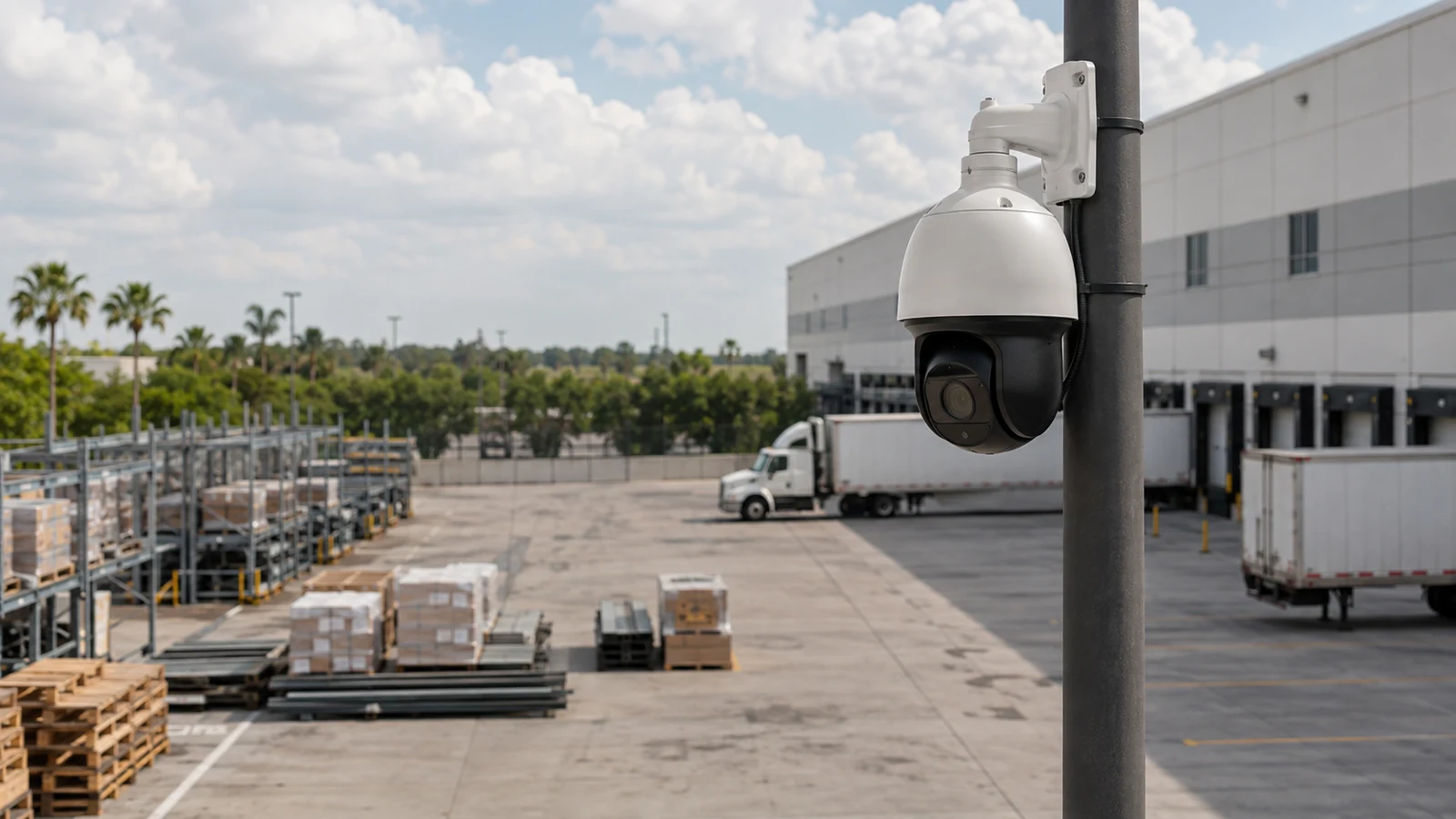
Design network-native video with PoE, switching, bandwidth, segmentation, recorder or VMS integration and permissions.
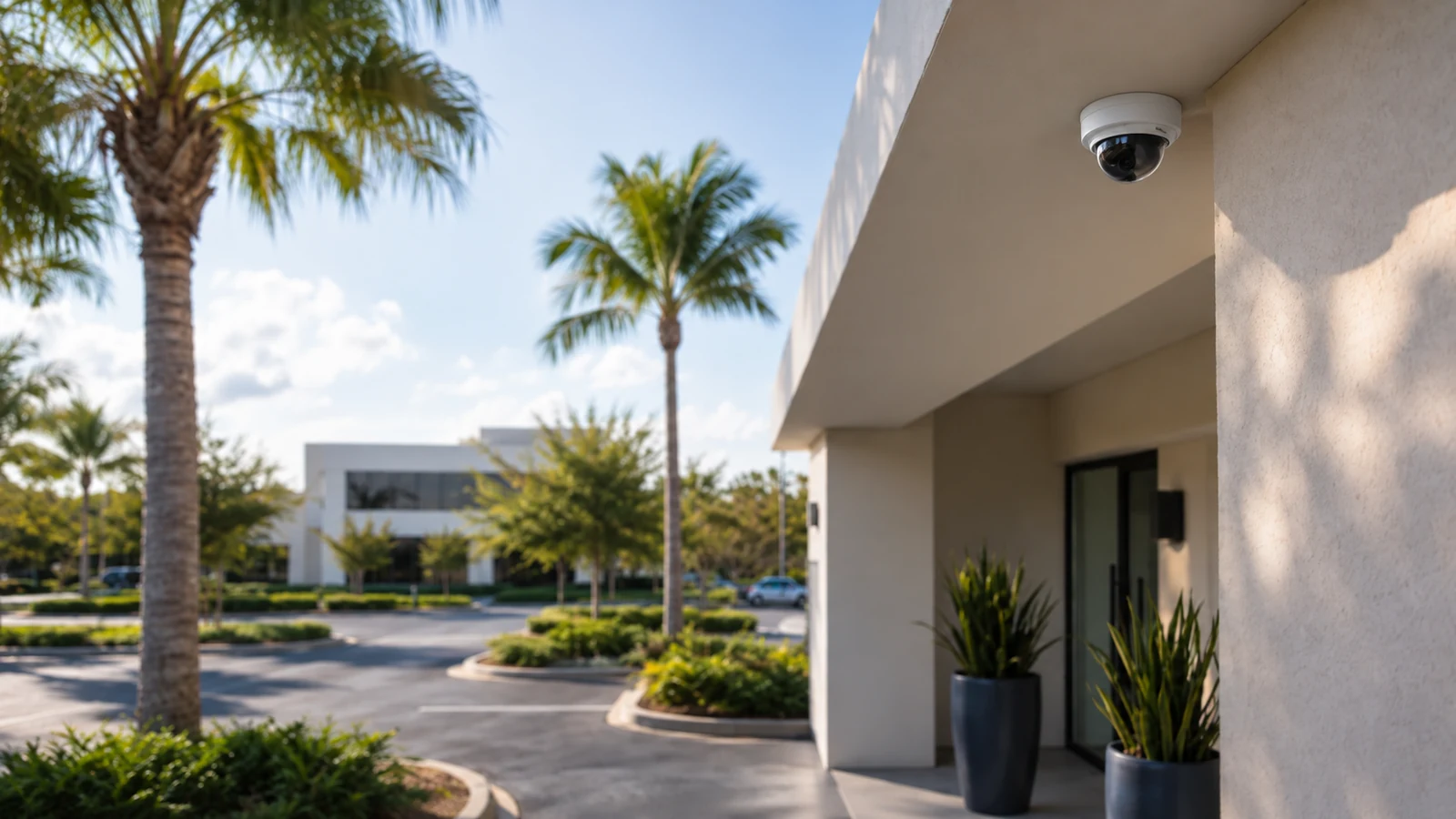
Evaluate scenes, configure supported event rules, tune detections and establish realistic operational expectations.
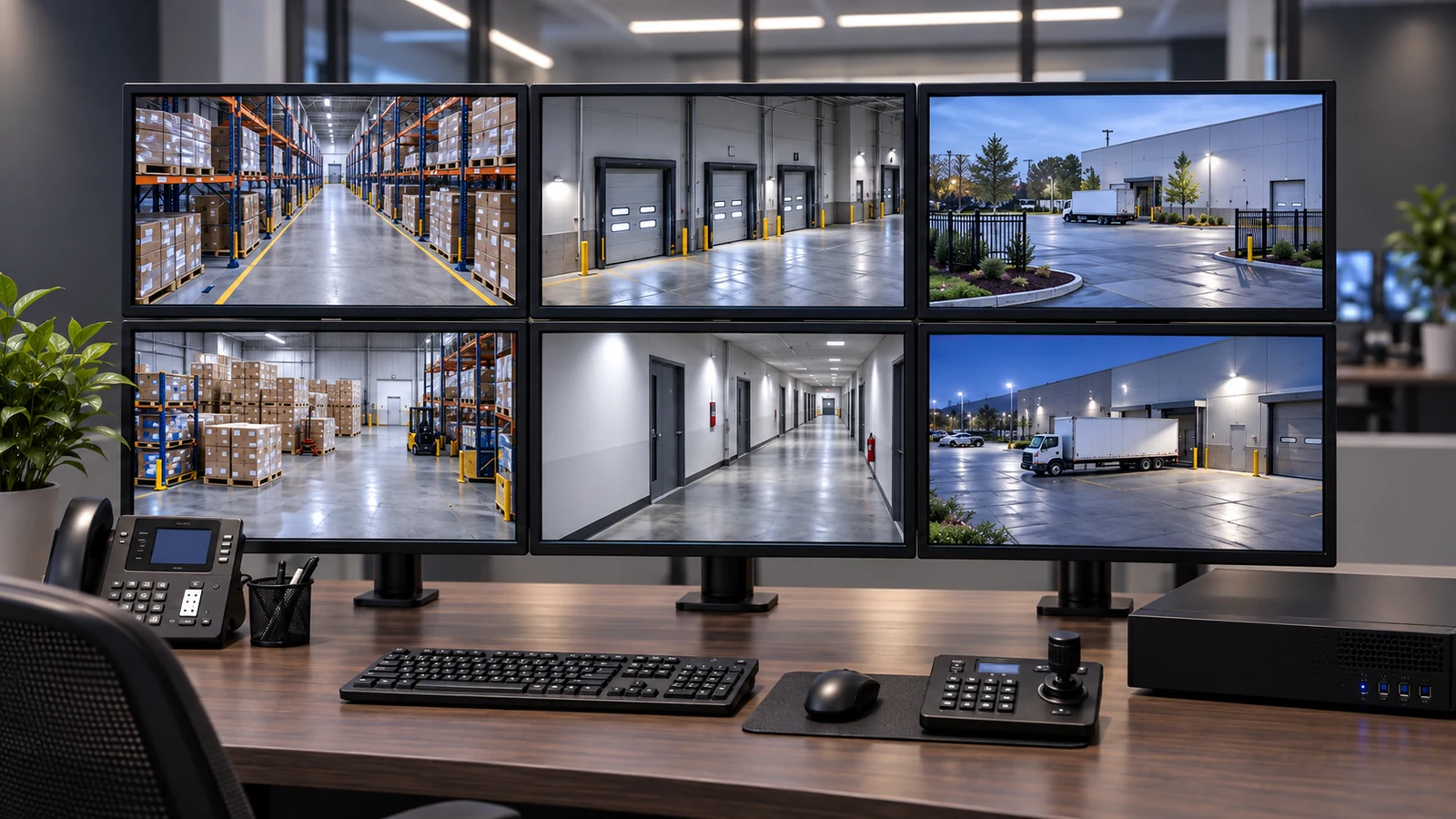
Plan recording, retention, playback, export, user accounts and secure remote access.
Inventory an existing system, identify reusable components and sequence modernization without assuming full replacement.
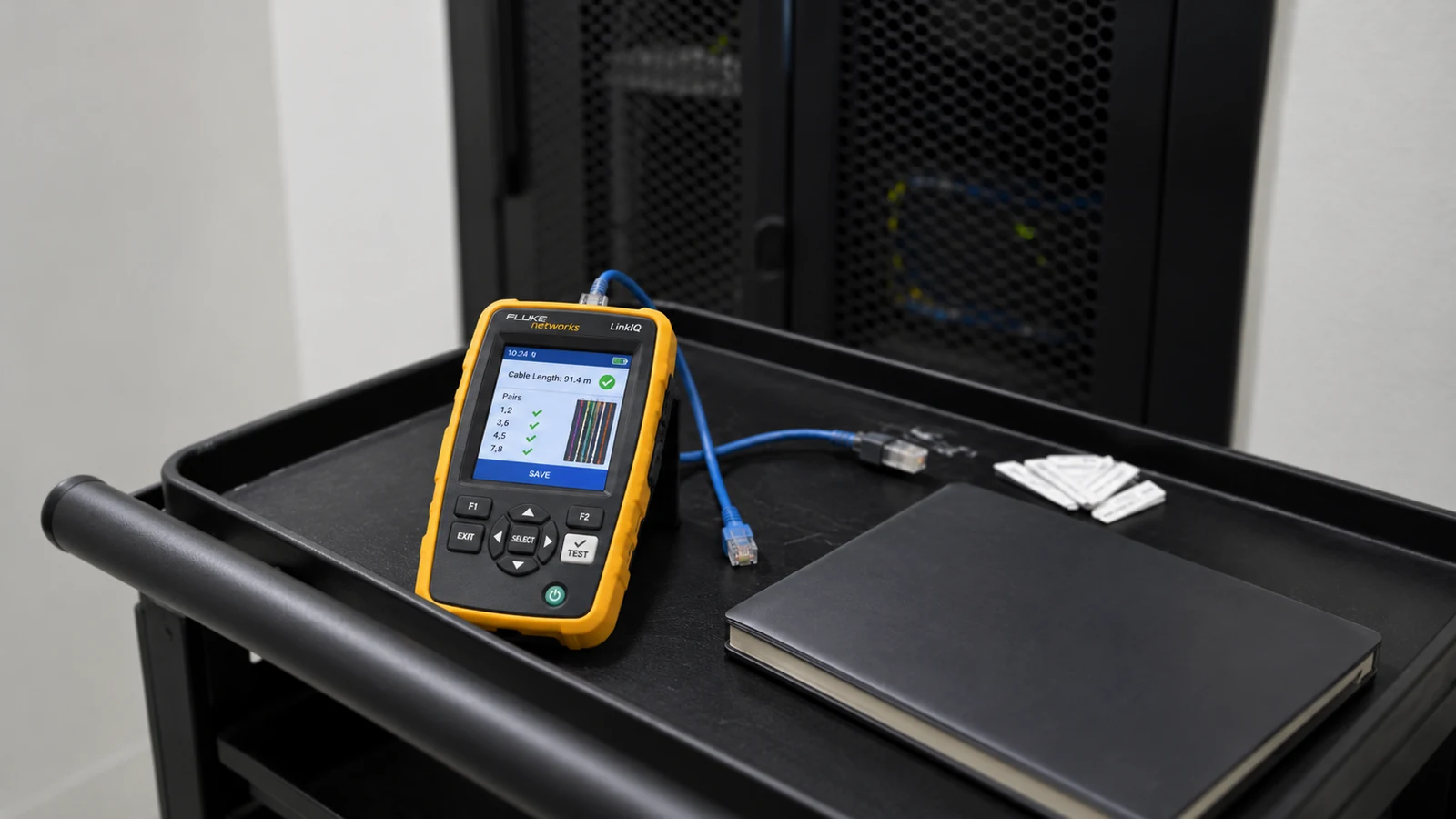
Isolate faults across cameras, power, cabling, networks, recorders, storage, credentials and configuration.
PROPERTY APPLICATIONS
Reassess entrances, registers and stock paths when a tenant buildout changes sightlines or network locations.
Explore Retail turnoverAdd coverage for new racking, dock activity and yards without overlooking uplink or storage impact.
Explore Warehouse growthSeparate visitor-area visibility from restricted work areas and assign appropriate viewing permissions.
Explore Professional officesCoordinate common-area coverage, account ownership and evidence export responsibilities.
Explore Managed propertiesPlan lobby, service-corridor and receiving scenes around continuous operations and controlled access.
Explore Hospitality operationsMatch camera placement and recording needs to vehicle movement, exterior work areas and after-hours events.
Explore Service facilitiesTECHNICAL PLANNING
Define the event, subject distance, direction of travel and lighting instead of relying on a generic coverage label.
Document cameras, cable types, switches, recorders, licenses, accounts and support status before recommending reuse.
Identify PoE sources, switch capacity, uplinks, segmentation and remote-access boundaries.
Relate camera count, resolution, frame rate, bitrate and recording mode to usable storage and retention goals.
Define roles for live view, playback, export, administration and credential recovery.
Test named scenes, recording, playback, export, user access and documentation against the approved scope.
PROJECT GUIDANCE
Camera services connect to different supporting systems for different reasons. Installation may require new cabling and recorder setup; IP video may depend on switching and segmentation; analytics may rely on compatible cameras and event search; recorder work may involve user identity and remote access. The destination service should define and test its own supported interfaces.
EAST ORLANDO CONTEXT
East Orlando projects often combine older commercial spaces along East Colonial and Goldenrod with newer managed properties toward Waterford Lakes and the UCF area. Site surveys should account for occupied work areas, mixed cabling histories, shared telecommunications rooms and the practical windows available for cutovers. The service path should follow the property condition, not a neighborhood label.
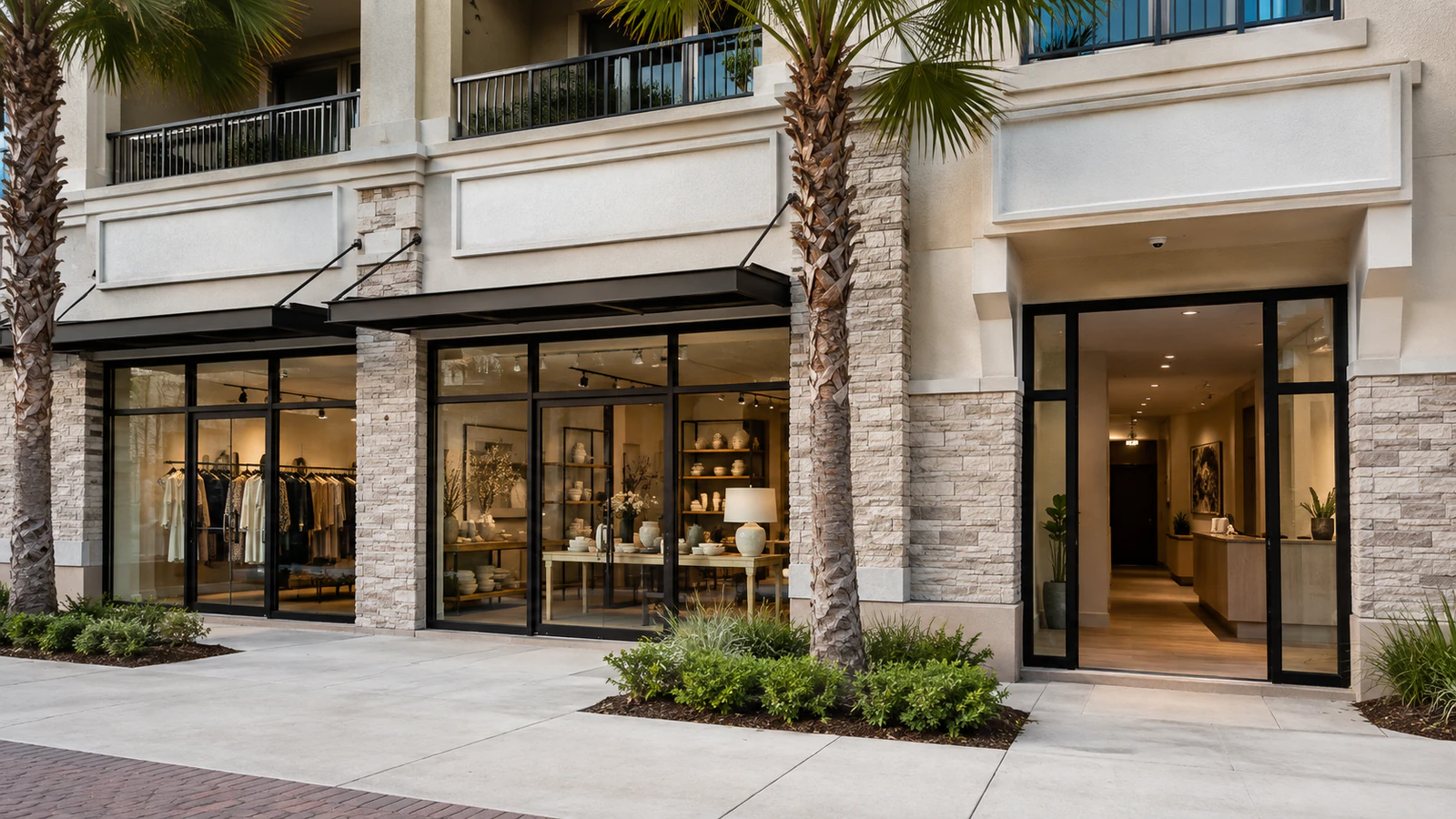
RELATED PATHS
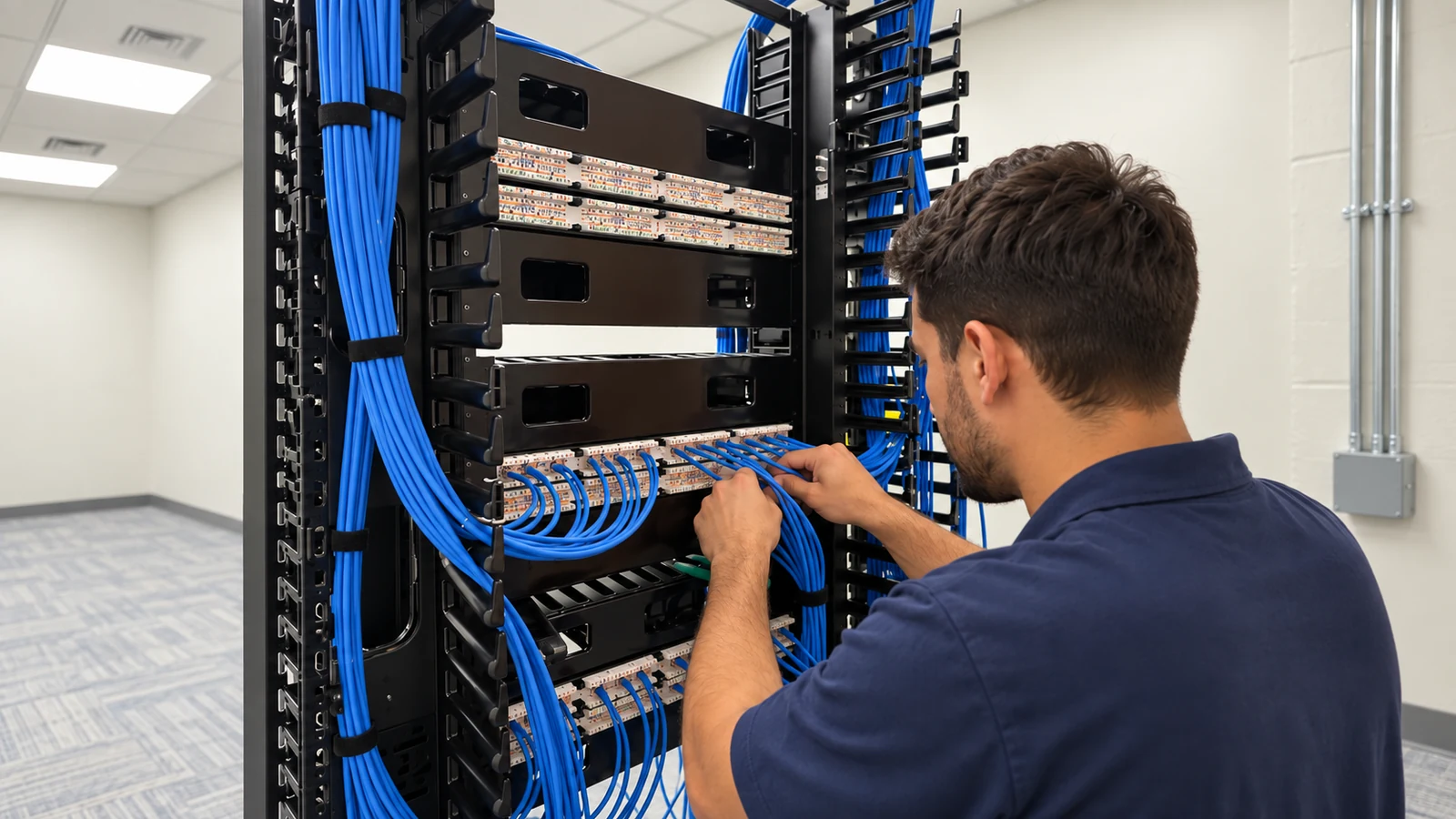
Camera pathways and tested cabling support new installations and selective reuse.
View Structured Cabling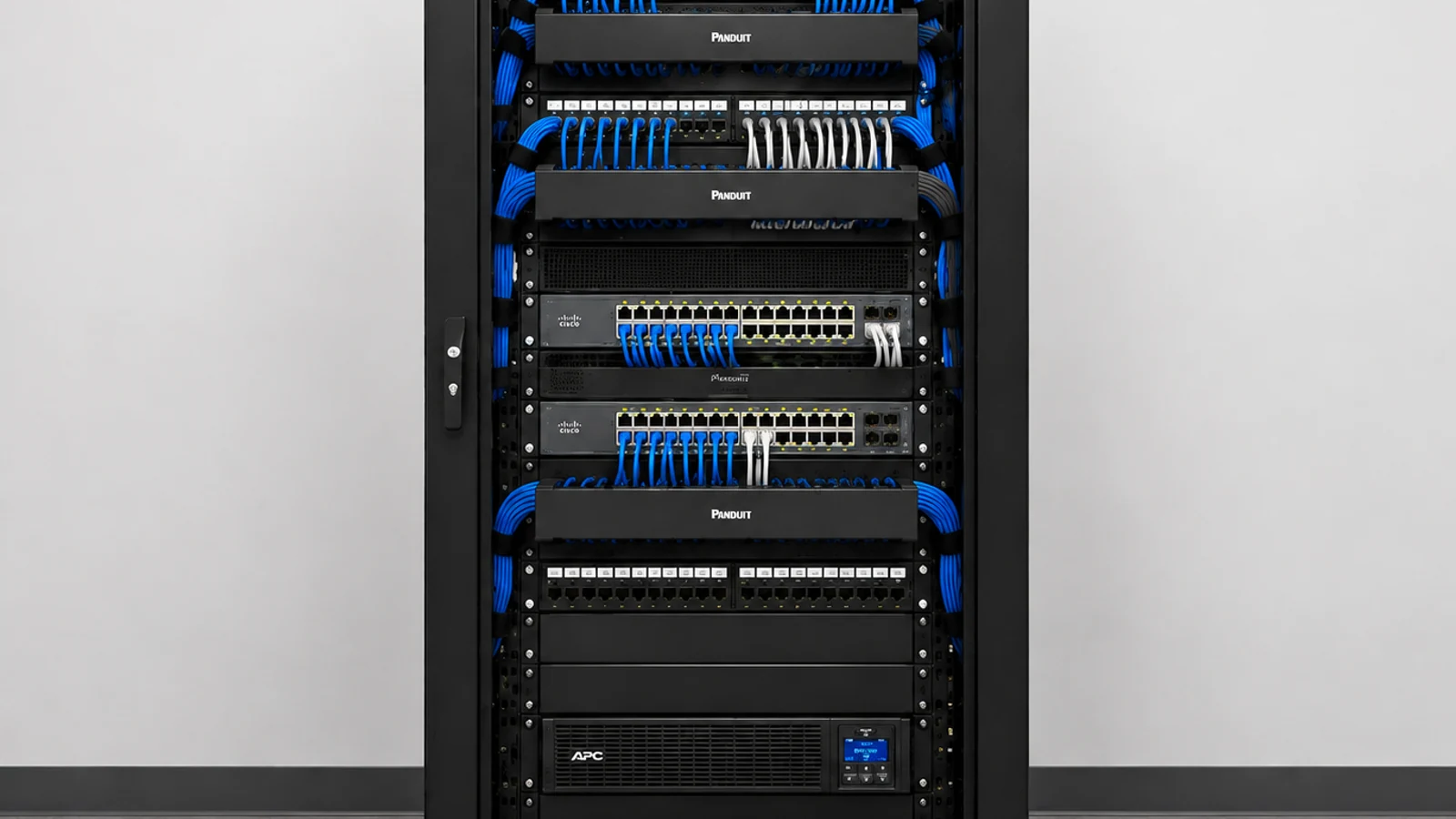
Switching, uplinks and segmentation become relevant when IP camera traffic changes the customer network.
View Network Solutions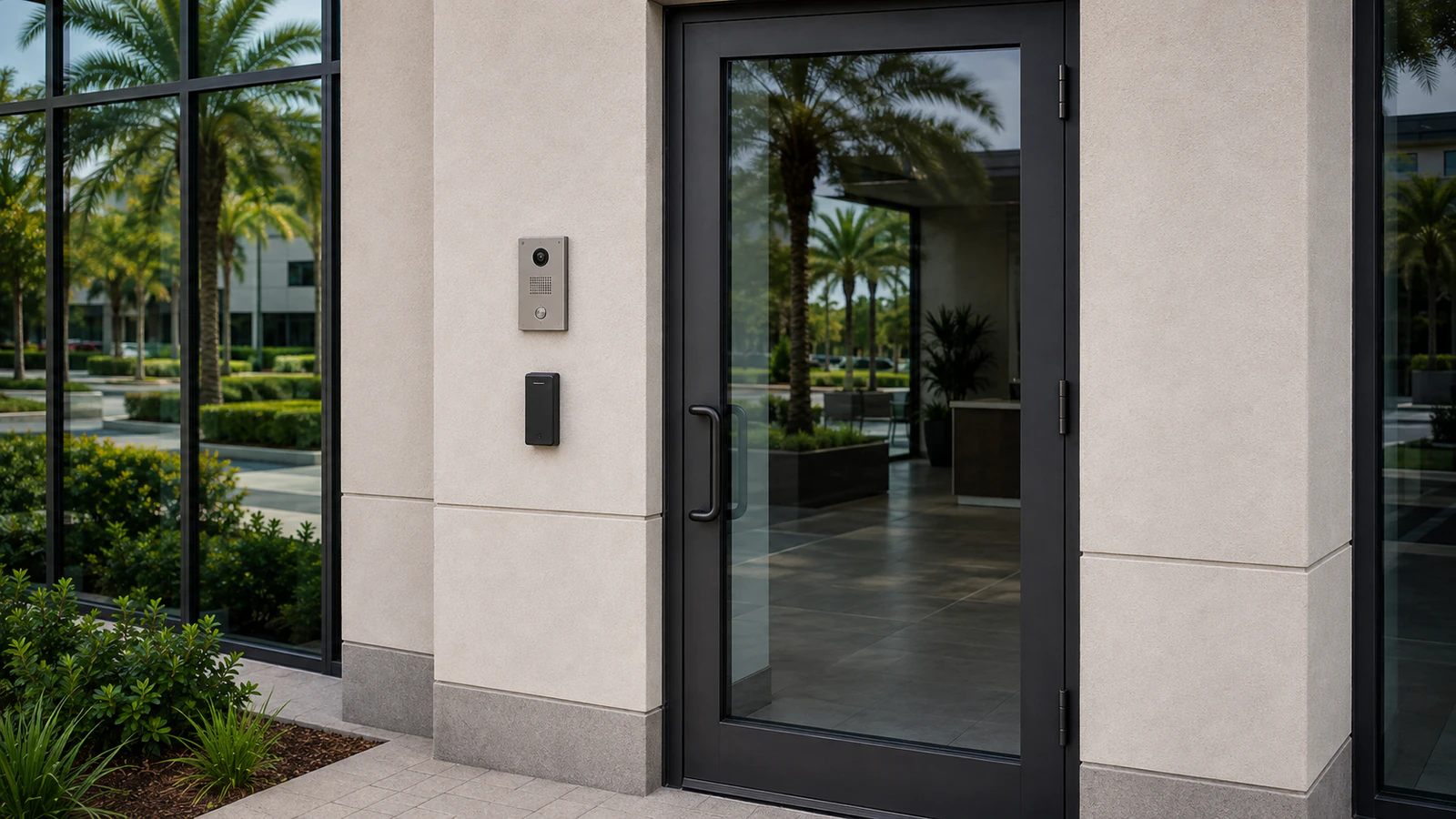
Door events and camera views can be coordinated when the approved platforms support an integration.
View Access ControlRELATED PATHS
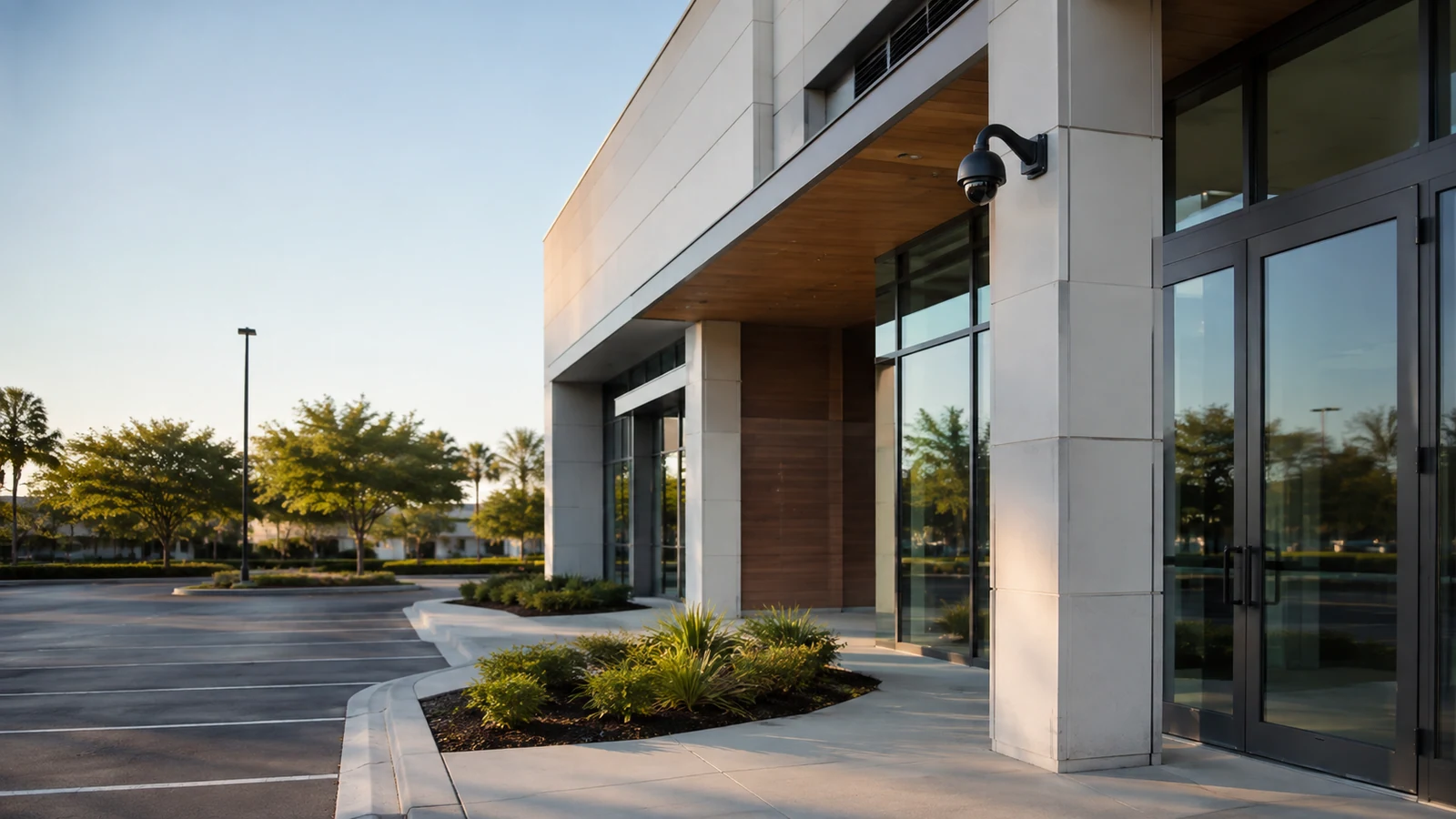
Entrances, transactions, deliveries and employee areas require scene-specific views and practical user roles.
Explore Retail and Offices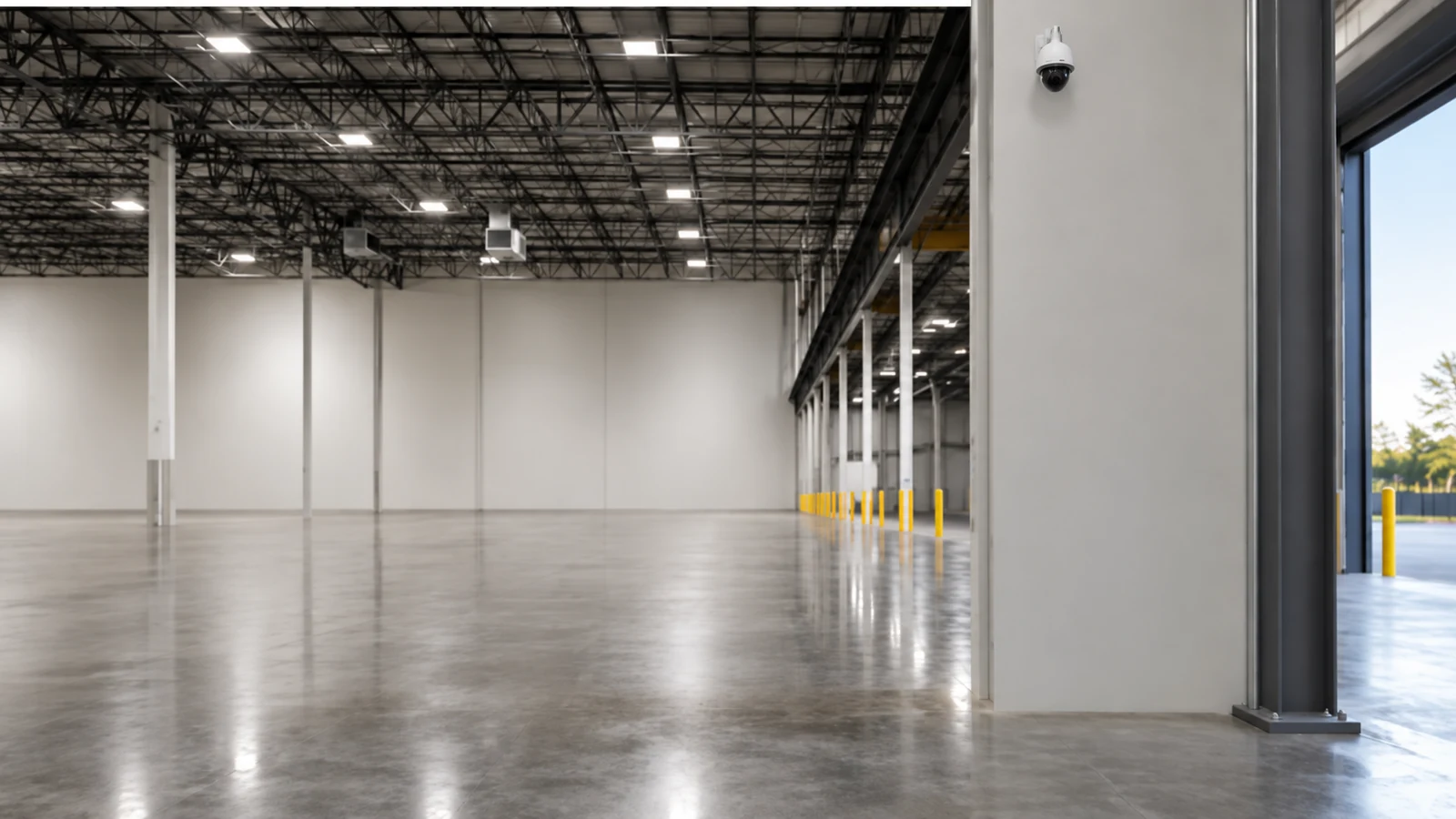
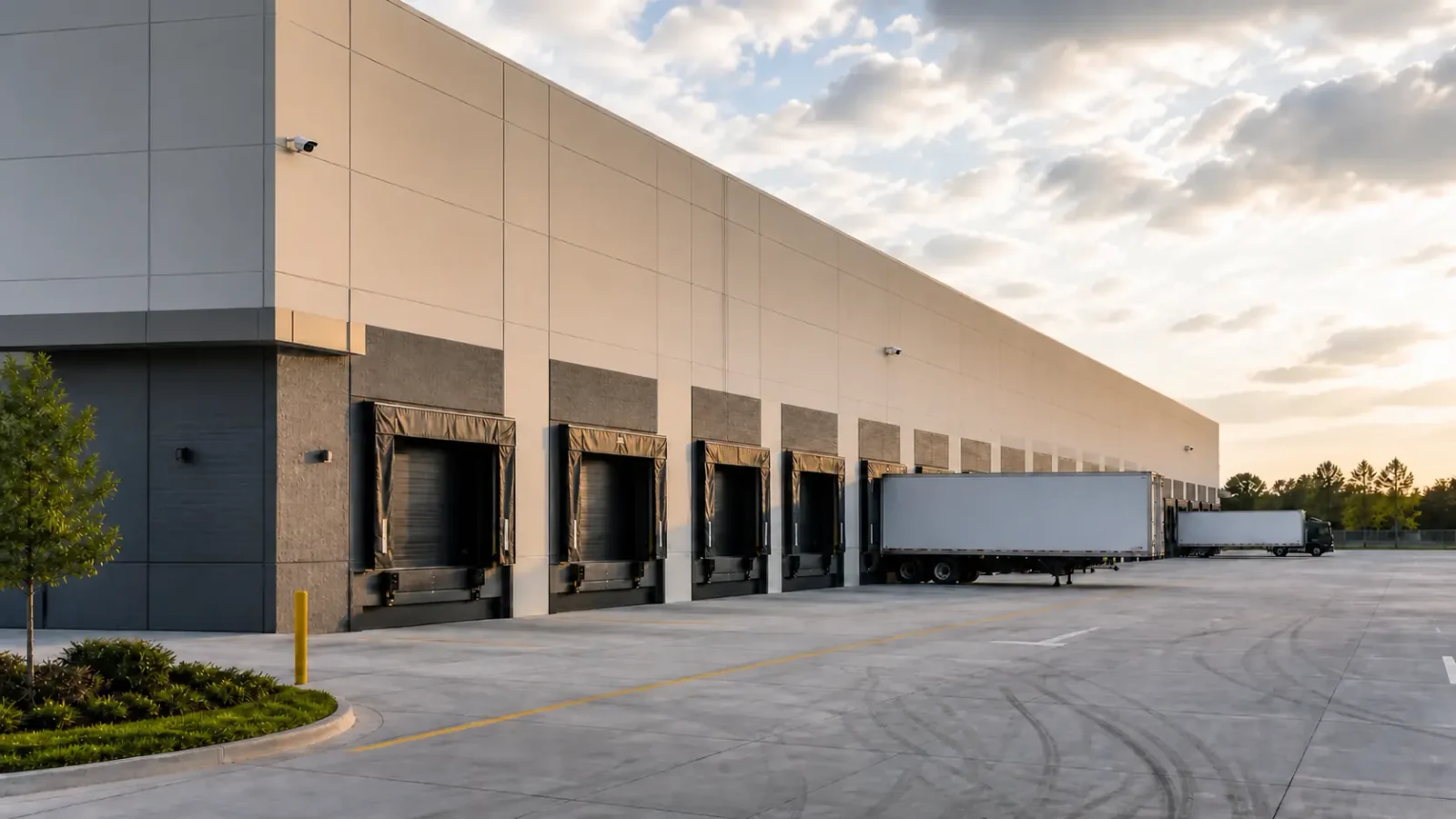
Docks, aisles, yards and long cable paths place greater demands on lighting, uplinks and retention.
Explore Warehouses and Logistics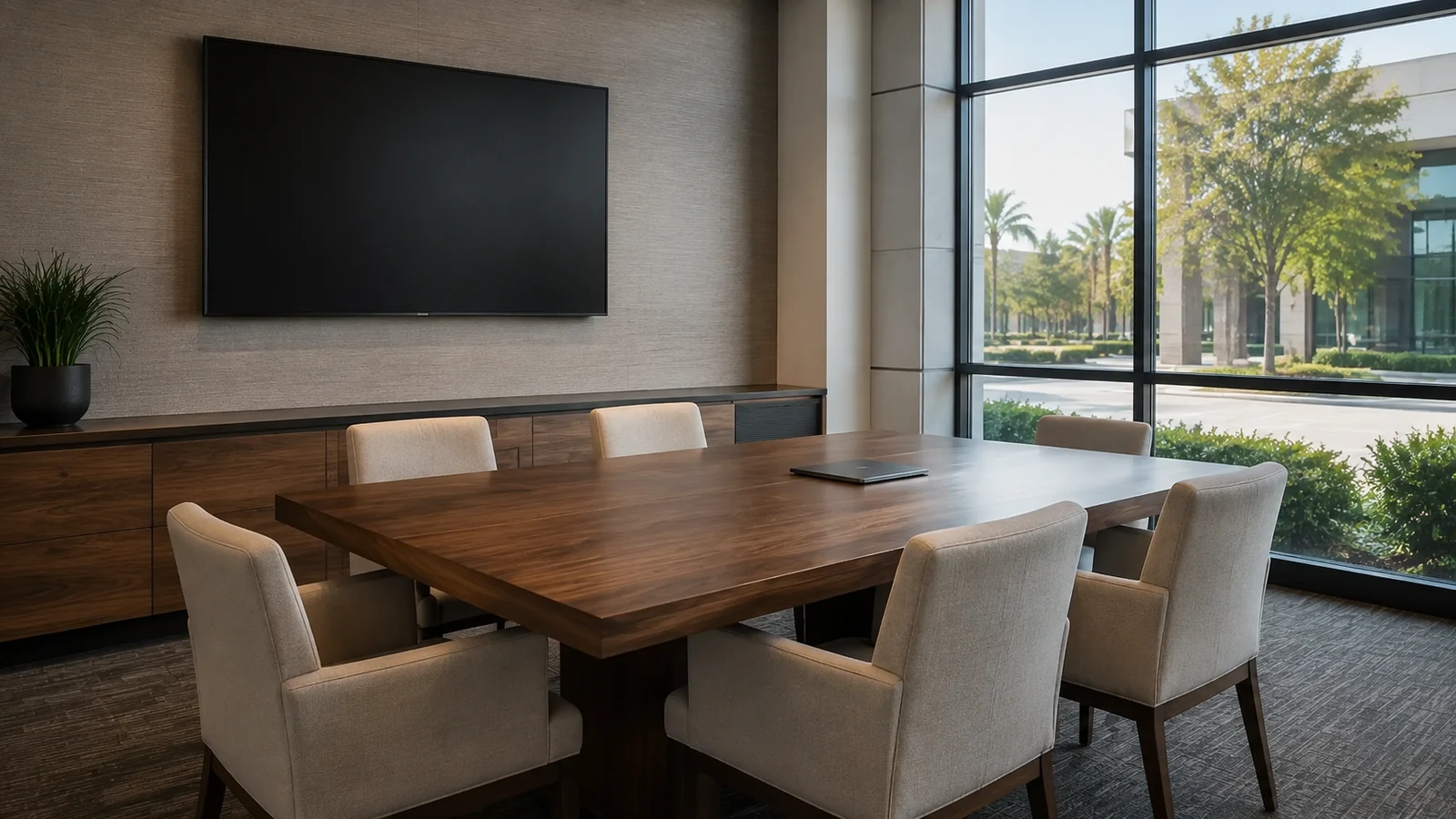
Occupied work areas, privacy-sensitive operations and controlled permissions shape installation and review workflows.
Explore Healthcare and Professional FacilitiesPROJECT PROCESS
Clarify whether the immediate need is installation, recording, analytics, modernization or fault isolation.
Review scenes, pathways, equipment, network conditions, accounts and operating constraints.
Define the page-specific scope and any supporting cabling, network or integration work.
Document findings, priorities, activation dependencies and the site-survey or diagnostic next step.
LICENSED SUPPORT
Data Pro Communications operates under FL License #EC13016138. From the East Orlando / Goldenrod branch, the team helps commercial buyers separate installation, CCTV, IP video, analytics, recording, modernization and diagnostic needs. The result is a clearer starting scope based on the property and system condition, not a one-size-fits-all camera recommendation.
FAQ
Start with the problem you can describe most clearly. New coverage points to installation; analog or hybrid constraints point to CCTV; network-native expansion points to IP video; event rules point to analytics; recording and access point to NVR service; known aging equipment points to upgrades; and an unexplained fault points to troubleshooting.
Yes. A survey connects the required scene, mounting position, lighting, pathway, power, network and recording conditions before product choices narrow the design.
Yes. A phased upgrade may include troubleshooting, cabling corrections, recorder sizing and new IP cameras. One scope should still identify the primary decision so responsibilities remain clear.
Commercial CCTV can include analog, IP and hybrid systems, with emphasis on recorder and channel compatibility. IP video is network-native and places greater focus on PoE, switching, bandwidth, addressing, segmentation and scalable management.
Evaluate analytics after the scene and operating goal are defined. Lighting, camera angle, occlusion, target size and platform support affect which rules are practical and how much tuning is required.
Camera count, resolution, frame rate, codec, expected bitrate, recording schedule, motion activity and usable storage are the main inputs. Retention should be calculated rather than assumed.
Sometimes. Reuse depends on physical condition, signal or bandwidth capability, power method, compatibility, support status and whether the component can meet the approved performance target.
Not before the fault is isolated. Intermittent loss can originate in power, connectors, cable, switching, addressing, storage or configuration rather than the camera itself.
The customer should have documented ownership of administrative accounts, recovery methods and authorized user roles. Shared or installer-only credentials create avoidable support and security problems.
Closeout should include tested scenes, camera names, recording and playback verification, export testing, authorized user access, relevant configuration records and a clear list of retained or replaced equipment.
Describe the camera decision, the property and what is already installed. A site review can identify whether installation, recording, analytics, modernization or diagnostics is the right next path.