Florida Licensed
FL License #EC13016138 for low-voltage systems work.

NEW COMMERCIAL CAMERA IMPLEMENTATION
A new camera system succeeds when each view is tied to an operational purpose and the installation path is coordinated before mounting begins. Data Pro Communications plans commercial camera installations around scenes, pathways, power, network interfaces and recording requirements.
Installation work is sequenced for occupied East Orlando properties, with mounting, cabling, recorder or VMS integration, commissioning and customer handoff treated as one accepted scope.
FL License #EC13016138 for low-voltage systems work.
Camera positions begin with the event, detail and operating area the property needs to see, not a generic device count.
Mounting locations are checked against pathway, cable-distance, switch-port and power-budget conditions before installation.
Handoff verifies camera names, accepted fields of view, recording, playback, export and authorized user access.
A live image is only one checkpoint; the completed scope is tested against the property’s approved scenes and workflows.
PROJECT GUIDANCE
A new camera system succeeds when each view is tied to an operational purpose and the installation path is coordinated before mounting begins. Data Pro Communications plans commercial camera installations around scenes, pathways, power, network interfaces and recording requirements. Installation work is sequenced for occupied East Orlando properties, with mounting, cabling, recorder or VMS integration, commissioning and customer handoff treated as one accepted scope.
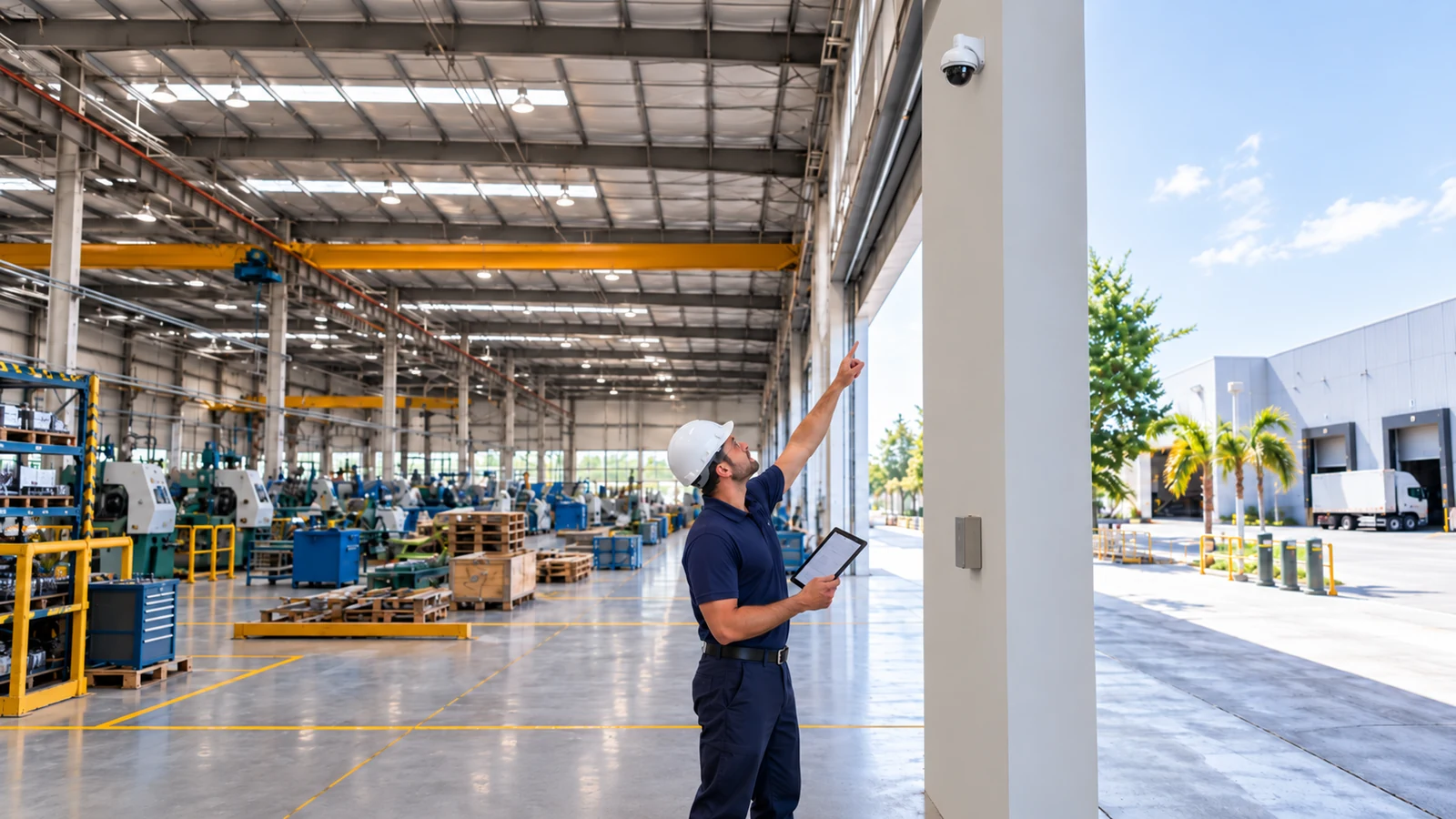
PLANNING RISKS
A camera mounted in the right general area may still miss faces, transaction detail or vehicle movement if distance and angle are not defined.
Finished ceilings, fire-rated assemblies, shared risers and occupied tenant areas can constrain cable routes and installation hours.
Switch port availability is not the same as an adequate PoE budget, especially when higher-power devices share the switch.
Camera resolution, codec or licensing can exceed the selected recorder or VMS capacity.
A live image does not prove recording, playback, export, user access or night-scene performance.
Unnamed cameras, undocumented credentials and missing as-built information slow future support.
CAPABILITIES
Define each required scene, subject distance, mounting position, lighting exposure and obstruction risk.
View Coverage surveyCoordinate cable routes, penetrations, supports, device mounting and work windows for the property.
View Pathway and mounting planInstall or verify category cabling, terminations, switch ports and power budgets for IP cameras.
View Structured cabling and PoEAdd cameras with compatible settings, licenses, recording profiles and meaningful names.
View Recorder or VMS integrationVerify focus, field of view, timestamps, recording, playback, export and authorized viewing.
View CommissioningDeliver account ownership, recovery information, camera map, configuration summary and accepted test results.
View Customer handoffPROPERTY APPLICATIONS
Install new views after a floor-plan change alters entrances, checkout positions and stock movement.
Explore Retail renovationCoordinate discreet pathways and viewing permissions around patient-facing and staff-only areas.
Explore Medical office fit-outAdd dock and aisle coverage while accounting for cable distance, uplinks and recorder load.
Explore Warehouse expansionPlan entrances, package rooms and shared exterior areas with documented management access.
Explore Multifamily common areasSequence lobby and service-area installation around guest operations and back-of-house activity.
Explore Hospitality refreshExtend coverage to a new building or parking area with fiber or network uplink planning where needed.
Explore Commercial campus additionTECHNICAL PLANNING
Write observable acceptance criteria for each camera, such as identifying activity at a counter or following movement through a loading lane.
Locate telecom spaces, route category cable within distance limits and use fiber or intermediate infrastructure when the topology requires it.
Total device power draw against switch and per-port capacity, allowing for environmental housings or higher-power devices.
Set resolution, frame rate, codec and recording mode according to evidence and retention priorities.
Reserve addresses or DHCP rules, document switch ports and isolate video traffic when the customer network design calls for it.
Capture camera names, views, user roles, playback/export results and approved changes in closeout records.
PROJECT GUIDANCE
Installed cameras must reach the approved recorder or VMS through a stable signal or network path. PoE cameras also depend on compatible switch power, addressing and time services. When a camera view is associated with an access-control event, both platforms and the customer’s operating workflow must support and separately validate that exchange.
EAST ORLANDO CONTEXT
Goldenrod and East Colonial properties often have occupied tenant spaces and mixed pathway histories; installation planning should protect business continuity and verify what the existing telecom room can support.
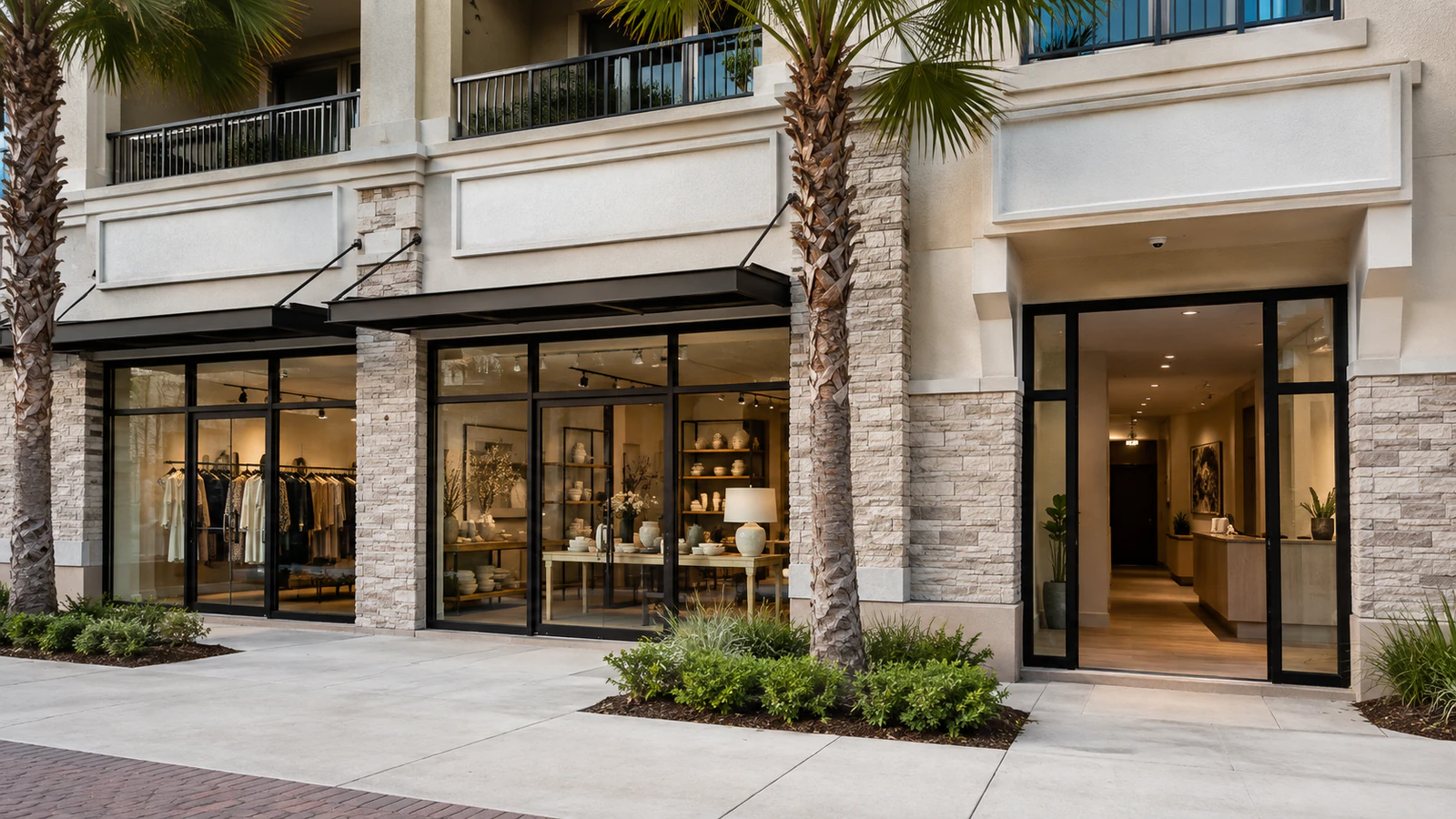
RELATED PATHS
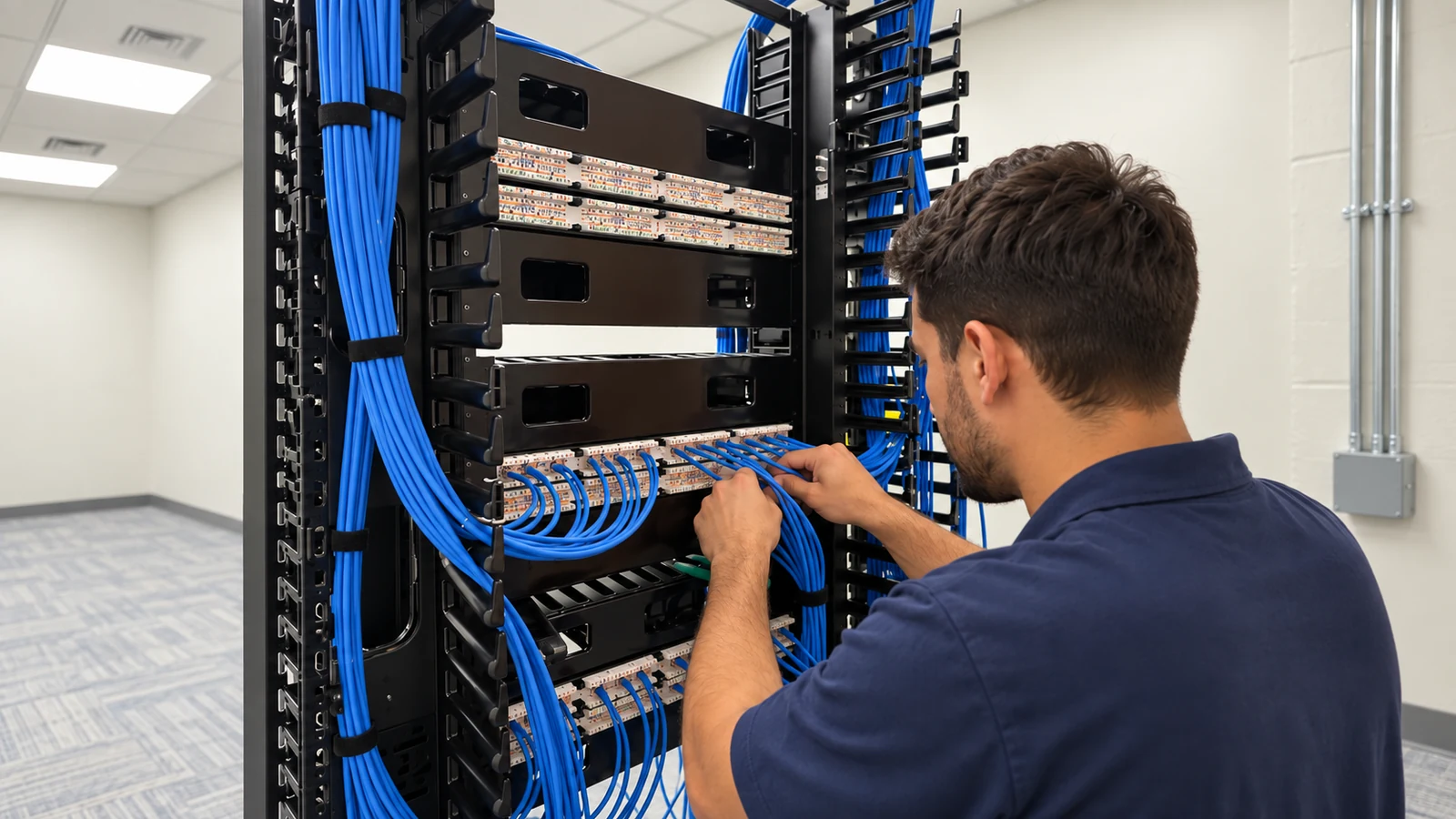
Use cabling support when new camera locations need tested category or fiber paths.
View Structured Cabling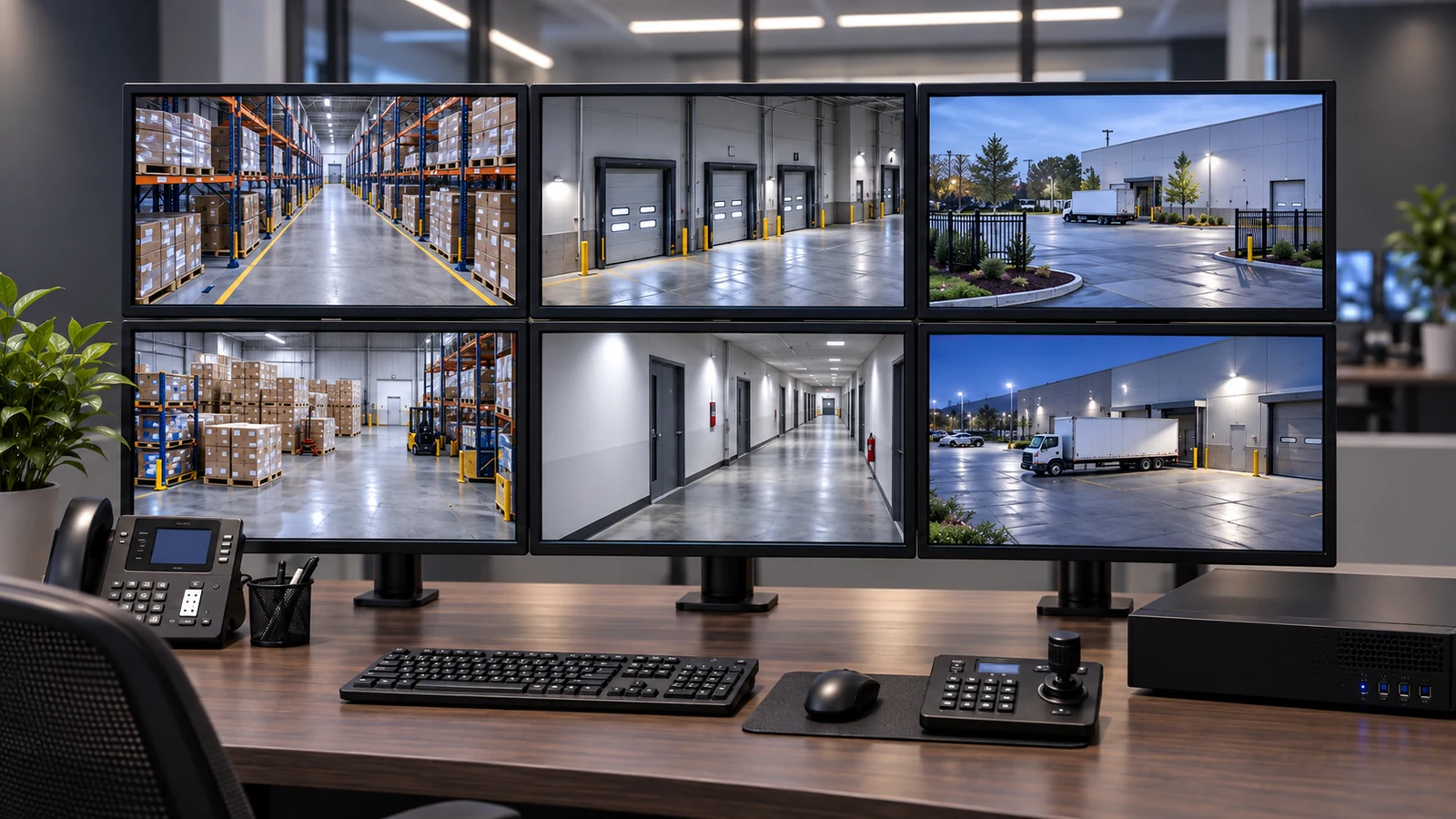
Recording and access planning completes the camera installation workflow.
View NVR & Remote Viewing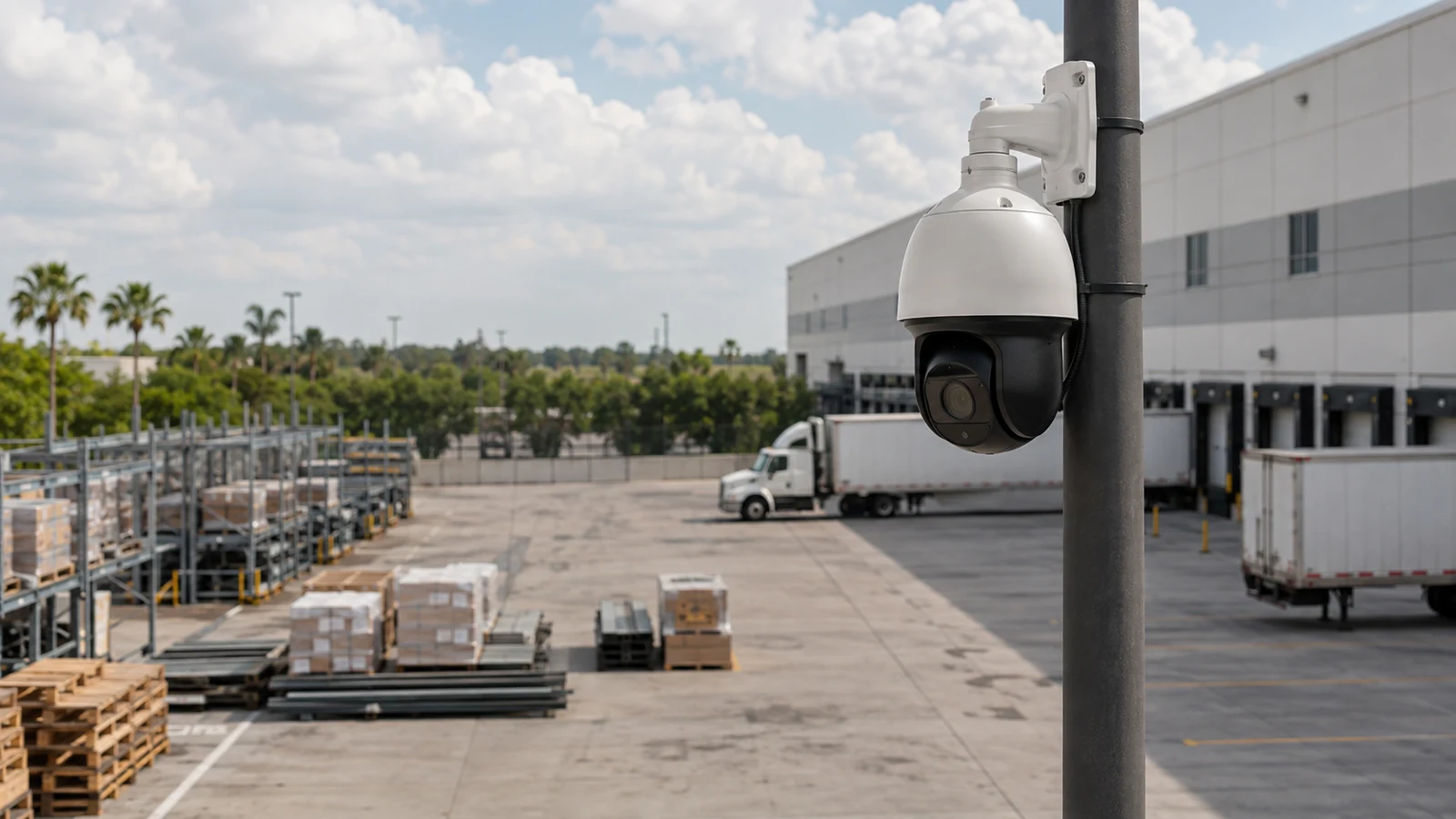
Use the IP service for network-native camera design and scalability.
View IP Video SurveillanceRELATED PATHS
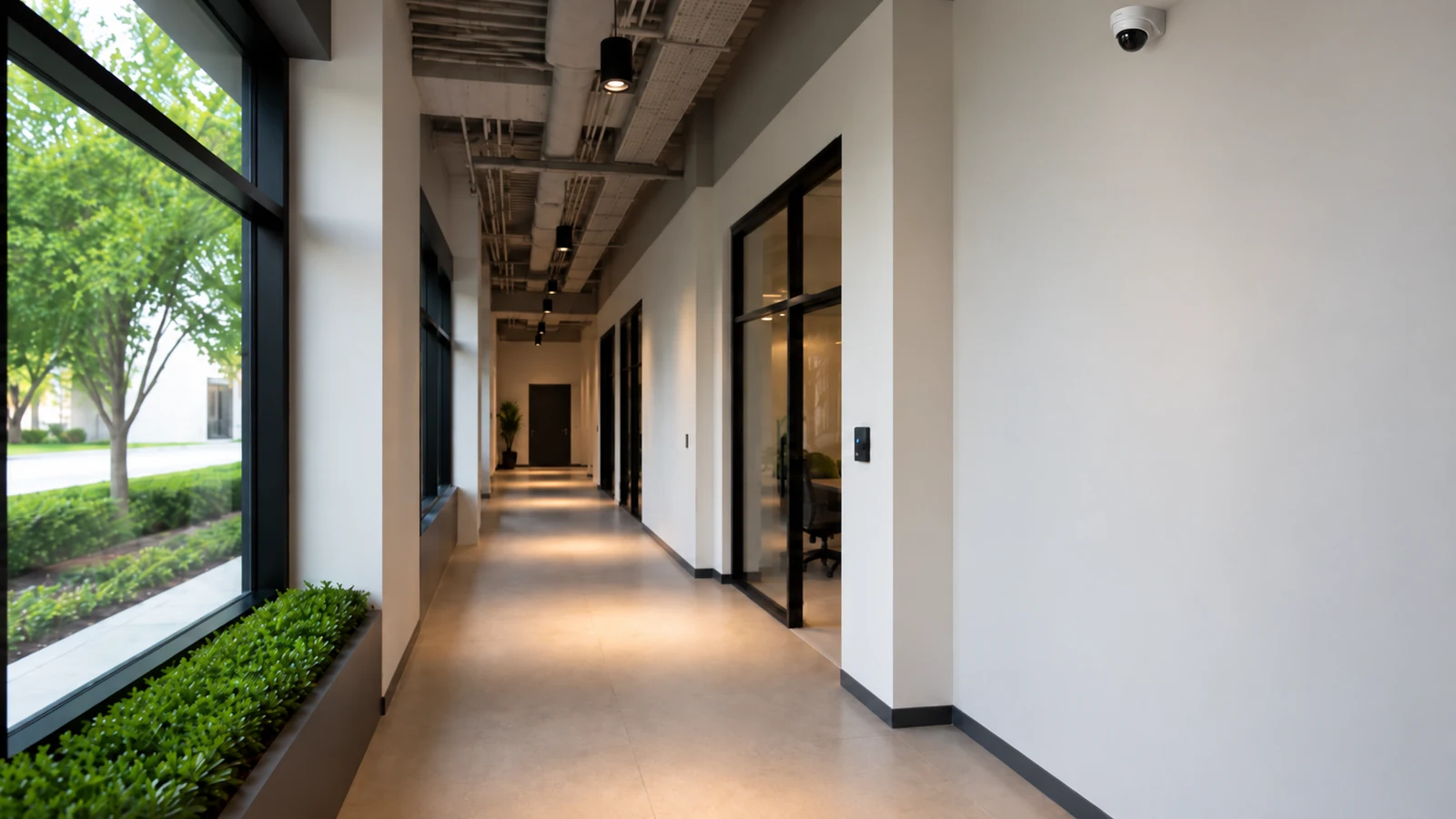
New layouts require camera locations and cable pathways to be coordinated before ceilings close.
Explore Retail and Tenant Fit-Outs
Occupied rooms and controlled areas call for careful work windows, camera purposes and viewing roles.
Explore Healthcare and Professional Offices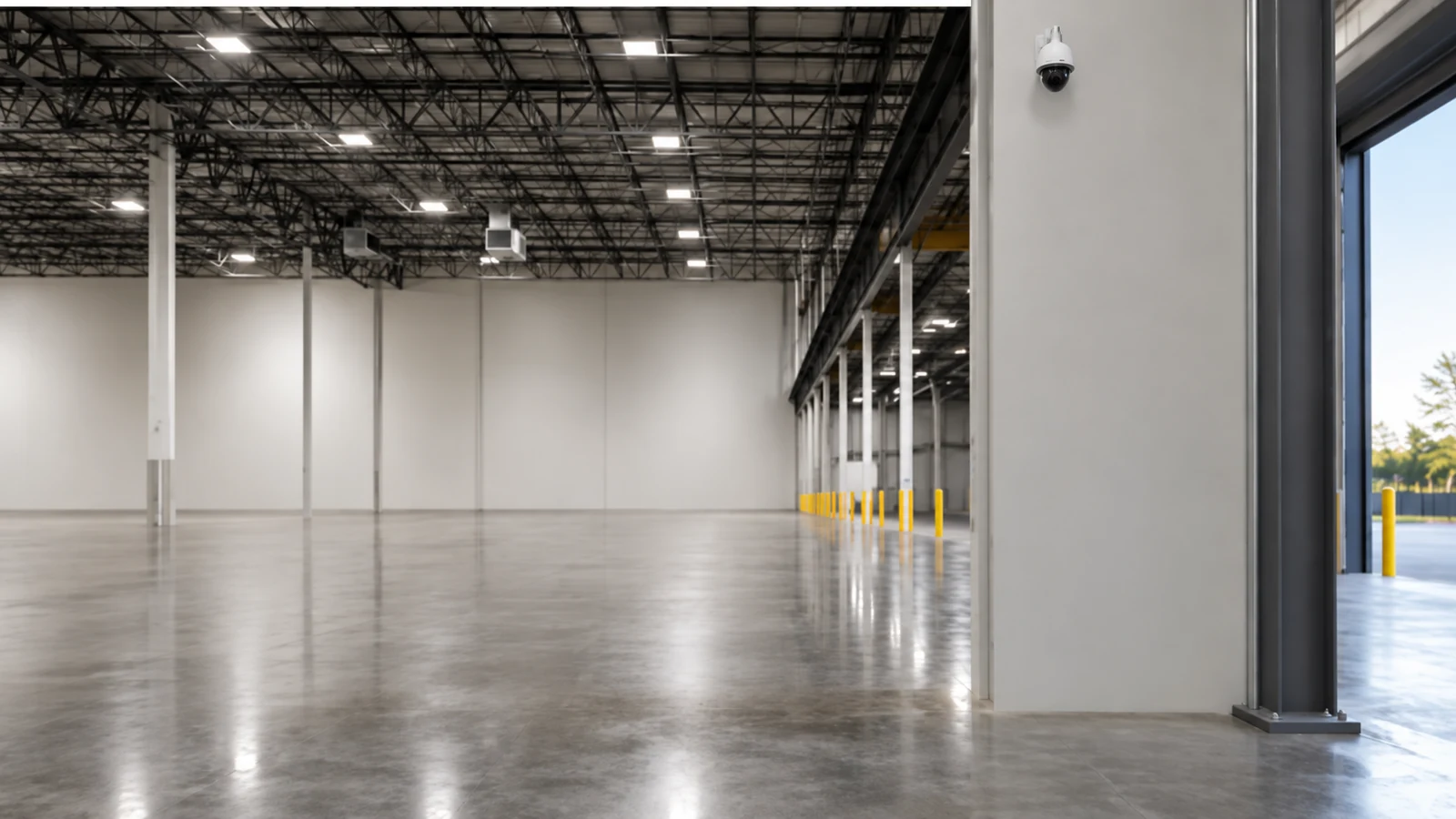
Long pathways, docks and high mounting points affect lift access, uplinks and commissioning.
Explore Warehouses and LogisticsPROJECT PROCESS
Walk the property with decision-makers, define views and inspect mounting, cabling, power and network conditions.
Select compatible cameras and recording interfaces, then document locations, routes and responsibilities.
Mount, cable, configure and focus the cameras while coordinating work around property operations.
Test live view, recording, playback, export and authorized access before delivering documentation.
LICENSED SUPPORT
Data Pro Communications operates under FL License #EC13016138. Commercial camera installation is scoped from the required scenes outward: mounting positions, pathways, cable routes, PoE resources and recorder interfaces are resolved before commissioning. Closeout documents the installed views, tested recording workflow and customer access delivered with the project.
FAQ
The survey connects each requested view to mounting height, target distance, lighting, obstructions, pathway, cable length, PoE, network and recording conditions.
Locations are selected from the event or detail the customer needs to observe, then checked for angle, distance, backlighting, glare, weather exposure and physical access.
Often yes. Work can be divided by area and scheduled around customer traffic, clinical operations, loading periods or tenant access, subject to the property rules and approved work window.
Each wired IP camera generally needs an Ethernet path to an appropriate network point, but existing category cabling may be reused if testing, distance, termination and performance are suitable.
The design compares each camera’s maximum power requirement with per-port limits and the switch’s total available PoE budget, including any higher-power accessories.
Compatibility, camera count, incoming bandwidth, storage, retention, user roles, export workflow, licensing and support status all influence the recording platform.
Commissioning verifies image framing, focus, exposure, time, recording profile, playback, export, network stability, user access and the agreed day or night scene conditions.
Authorized customer representatives should receive documented administrative ownership and recovery information. Individual users should receive only the permissions needed for their roles.
Yes, when the approved scope uses analog or hybrid equipment. The recorder, channel type, signal format, power and cabling must be compatible.
Useful closeout records include camera names and locations, cable labels, switch or recorder connections, approved settings, user roles, test results and known retained equipment.
Bring the planned scenes, floor plans and operating constraints into one installation review. A site survey can define camera locations, pathways, recording interfaces and acceptance tests.