Florida Licensed
FL License #EC13016138 for low-voltage systems work.

VIDEO EVENT RULES, SEARCH AND TUNING
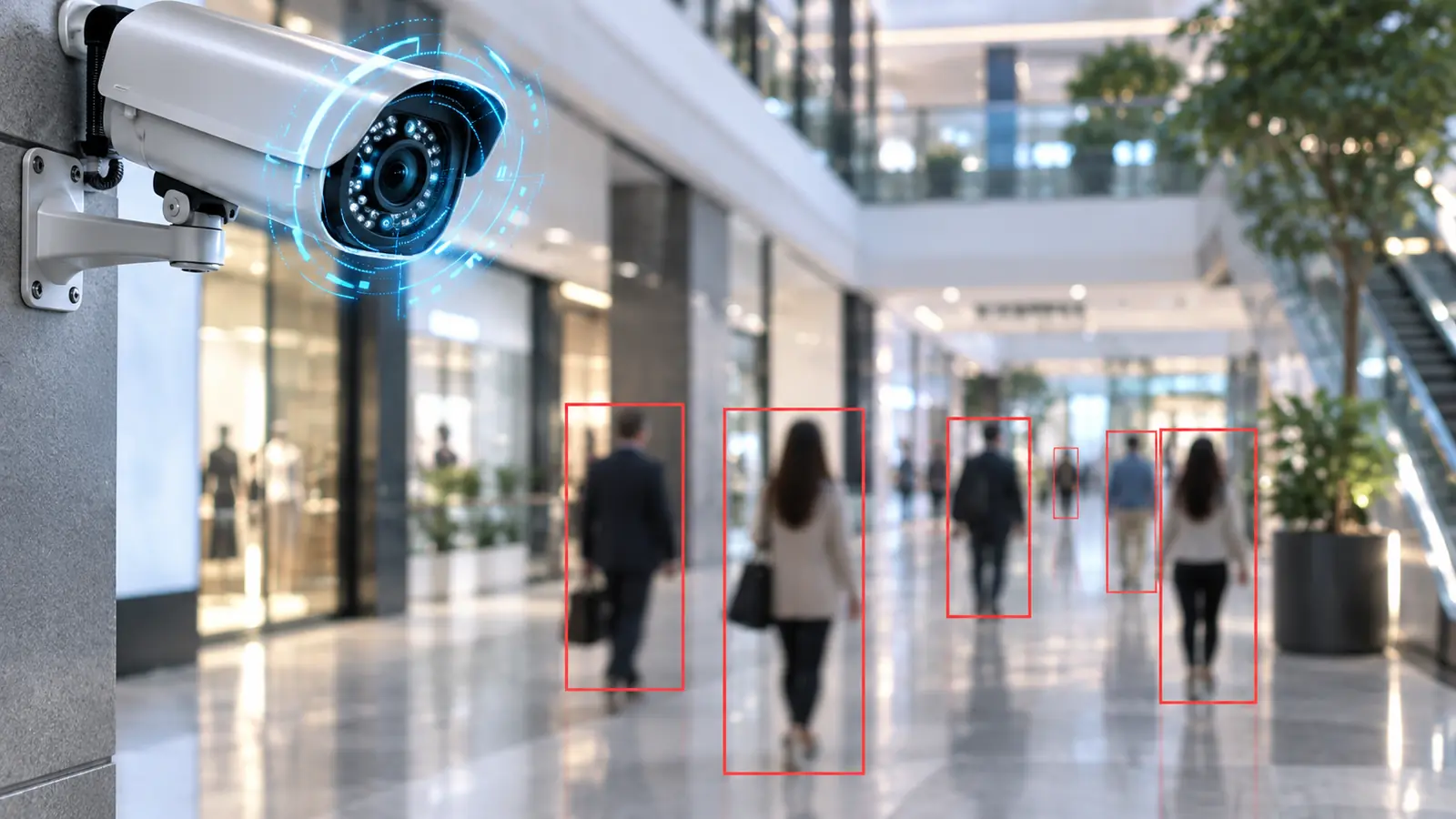
Video analytics can help operators narrow review and flag defined events, but useful results depend on the platform, camera view, target size, lighting, occlusion and rule configuration. Analytics begin with an operational question, not a promise of perfect detection.
Data Pro Communications evaluates scene suitability, configures supported rules and tests outcomes with the people who will review alerts or search recorded video.
FL License #EC13016138 for low-voltage systems work.
The camera angle, target size, lighting and likely occlusion are reviewed before an analytic rule is selected.
Zones, schedules and event filters are tied to the person who will review, search or act on the result.
Representative wanted and unwanted activity is tested, with thresholds and known scene limitations recorded.
Analytics can prioritize review when the platform and scene support the rule; they do not guarantee detection, identification or prevention.
PROJECT GUIDANCE
Video analytics can help operators narrow review and flag defined events, but useful results depend on the platform, camera view, target size, lighting, occlusion and rule configuration. Analytics begin with an operational question, not a promise of perfect detection. Data Pro Communications evaluates scene suitability, configures supported rules and tests outcomes with the people who will review alerts or search recorded video.
PLANNING RISKS
A target that is too small, angled or partially hidden may not support the intended classification or event rule.
Headlights, reflections, shadows and dawn or dusk transitions can increase unwanted events.
Shelving, landscaping, vehicles or crowds can hide the subject during the critical part of an event.
A large detection zone or sensitive threshold can produce more notifications than operators can use.
Not every camera, recorder or license supports the same analytic types or search features.
Without a defined test set, stakeholders may judge analytics against scenarios the scene was never designed to handle.
CAPABILITIES
Translate an operational need into a supported rule, target type, zone, schedule and response workflow.
Assess camera angle, target size, lighting, background motion and likely occlusion.
Set zones, lines, directions, schedules, dwell values and target filters supported by the platform.
Review unwanted events and adjust scene, sensitivity, thresholds or schedules without hiding needed activity.
Configure supported attribute or event search and show authorized users how to refine results.
Test representative activity and document what the rule detects, misses or cannot distinguish reliably.
PROPERTY APPLICATIONS
Flag supported person or vehicle events in a defined zone during closed hours.
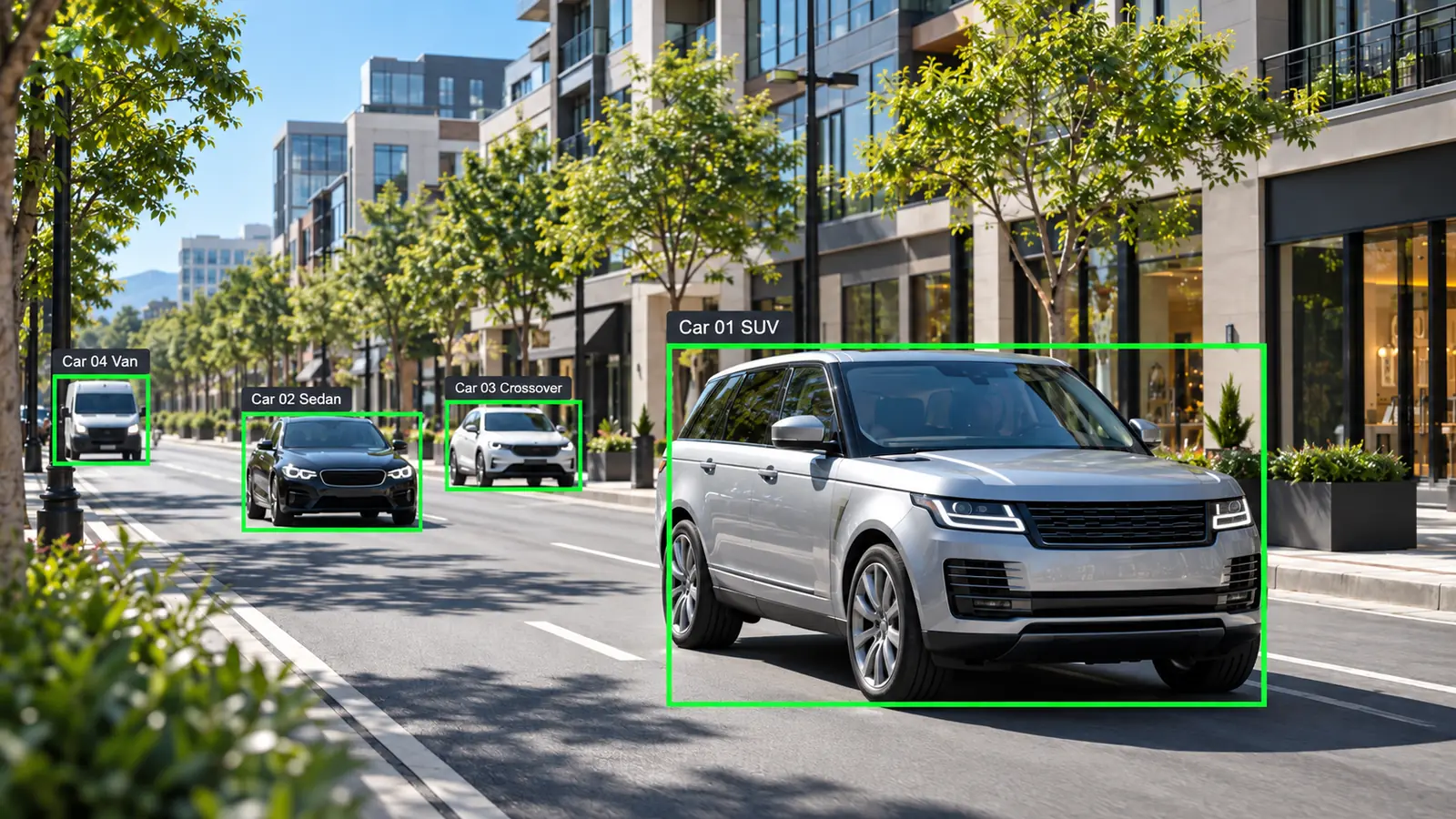
Review vehicles that remain in a service area beyond a practical threshold when the platform supports dwell rules.
Explore Loading-zone dwellUse directional line crossing for a corridor or exit where camera geometry is stable.
Narrow review to supported object classes or event types instead of scanning continuous footage.
Prioritize activity near a fence or exterior boundary while accounting for vegetation and lighting.
Use supported counting as a planning indicator only after validating the scene and acceptable error range.
TECHNICAL PLANNING
Confirm the subject occupies enough of the image at the rule location for the selected analytic.
Eliminate vibration, autofocus hunting and moving backgrounds that can degrade event consistency.
Test the rule across daylight, shadows, headlights and infrared transitions that occur at the property.
Align active periods with operations so normal daytime traffic does not overwhelm after-hours workflows.
Define who receives events, how they verify them and what happens when the system or network is unavailable.
Document zones, thresholds, exclusions, tested scenarios and known limitations for future support.
PROJECT GUIDANCE
An analytic event may originate in the camera, recorder or server and then feed search, notification or operator-review workflows. The selected platform must support the rule, metadata and user permissions, and each event path should be tested with representative activity rather than inferred from a feature list.
EAST ORLANDO CONTEXT
Along east Semoran and Curry Ford, service, retail and light-industrial properties may need work sequenced around deliveries, vehicles and exterior exposure. Technical decisions should follow each scene and pathway condition.
RELATED PATHS
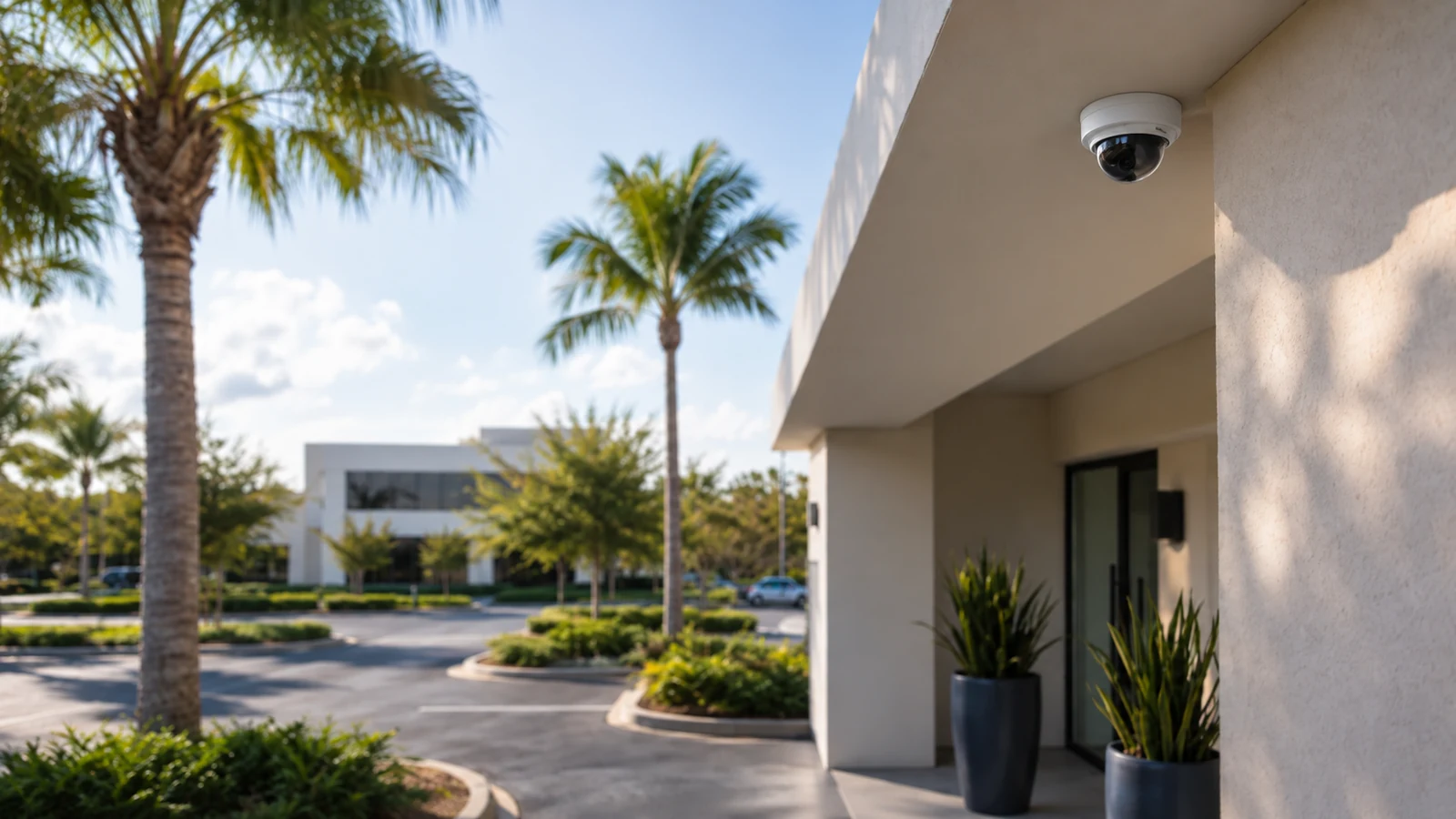
RELATED PATHS
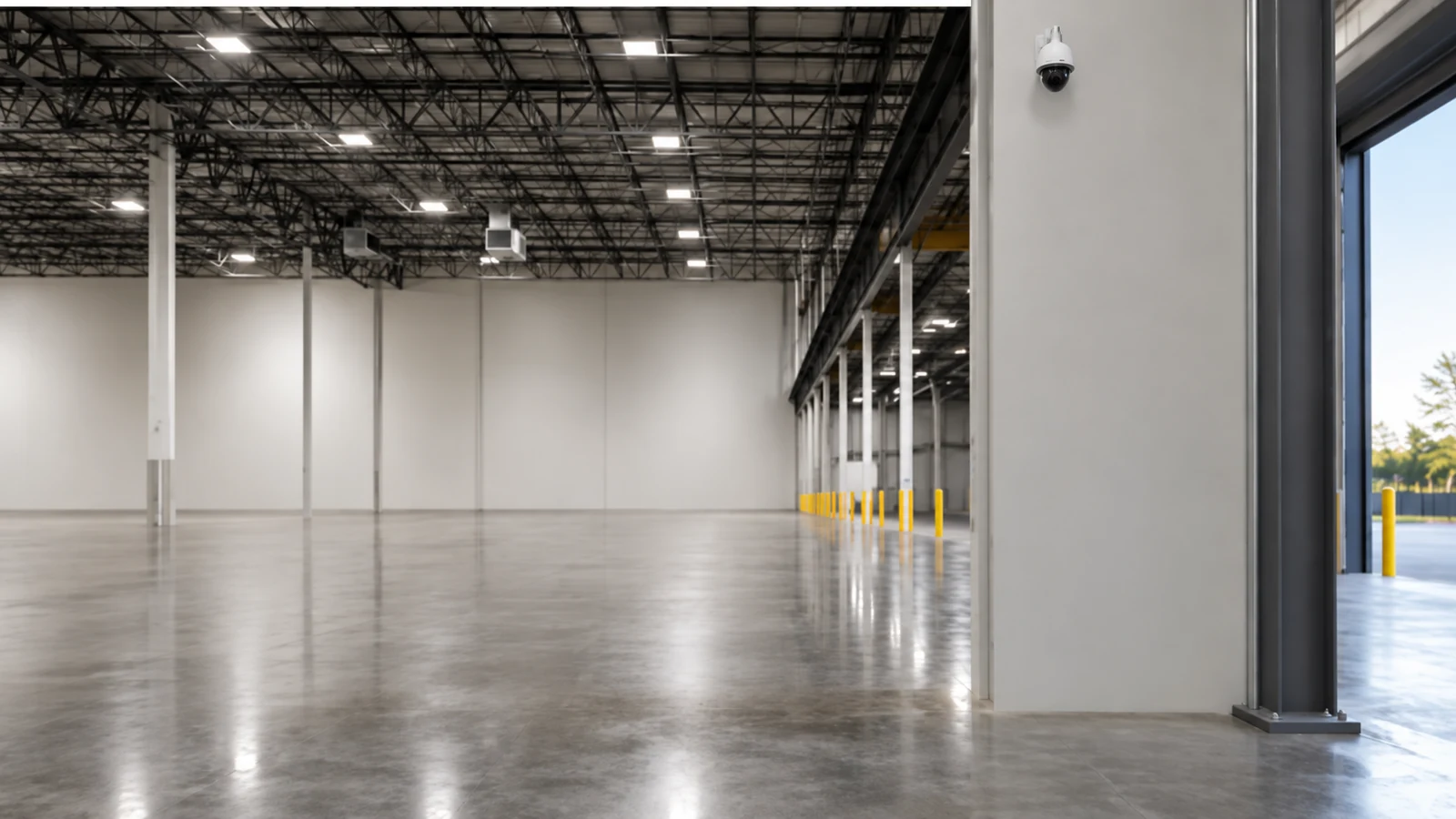
Defined zones and schedules can support review of after-hours person or vehicle events where the scene is suitable.
Explore Loading and Service Operations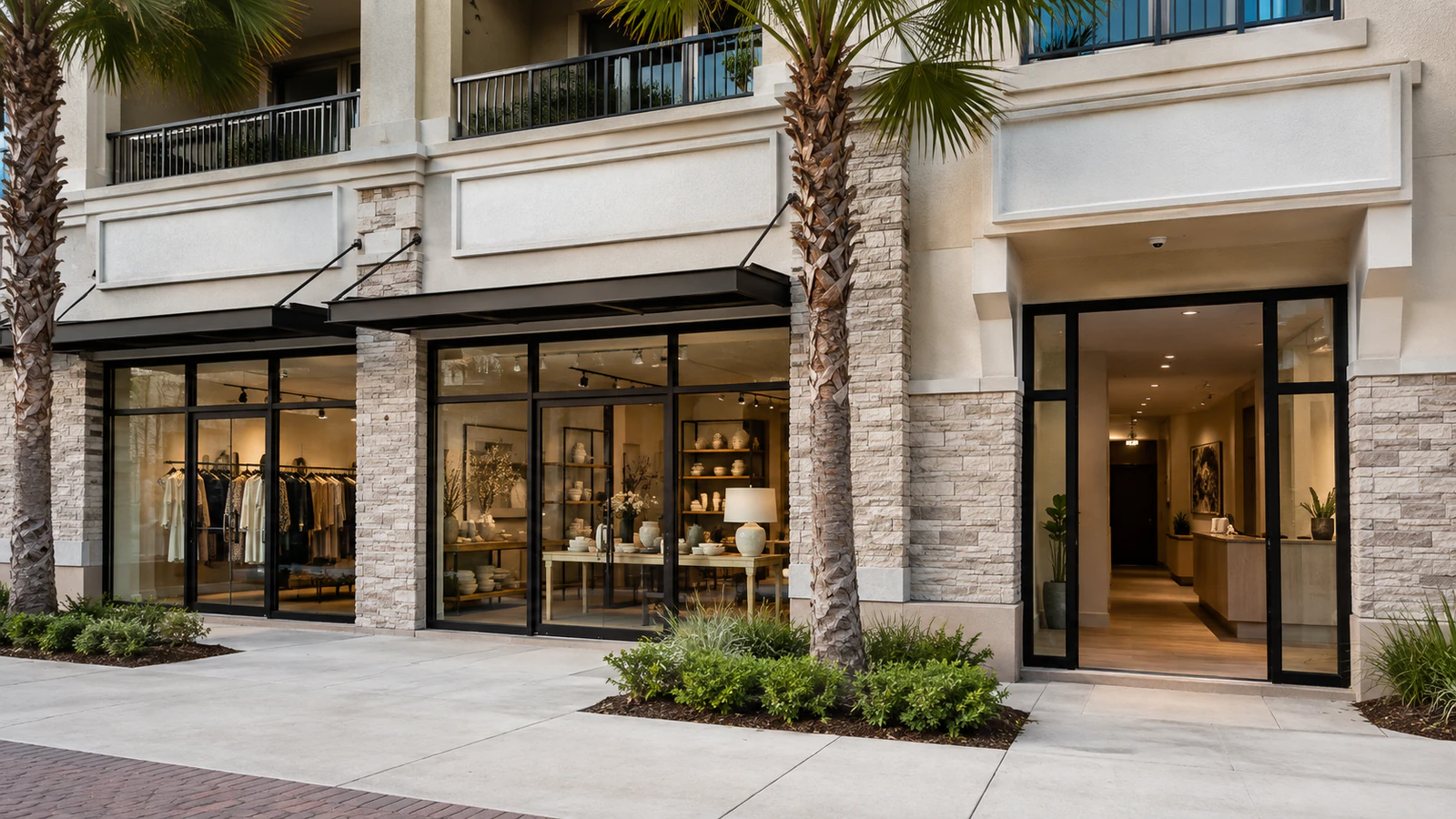
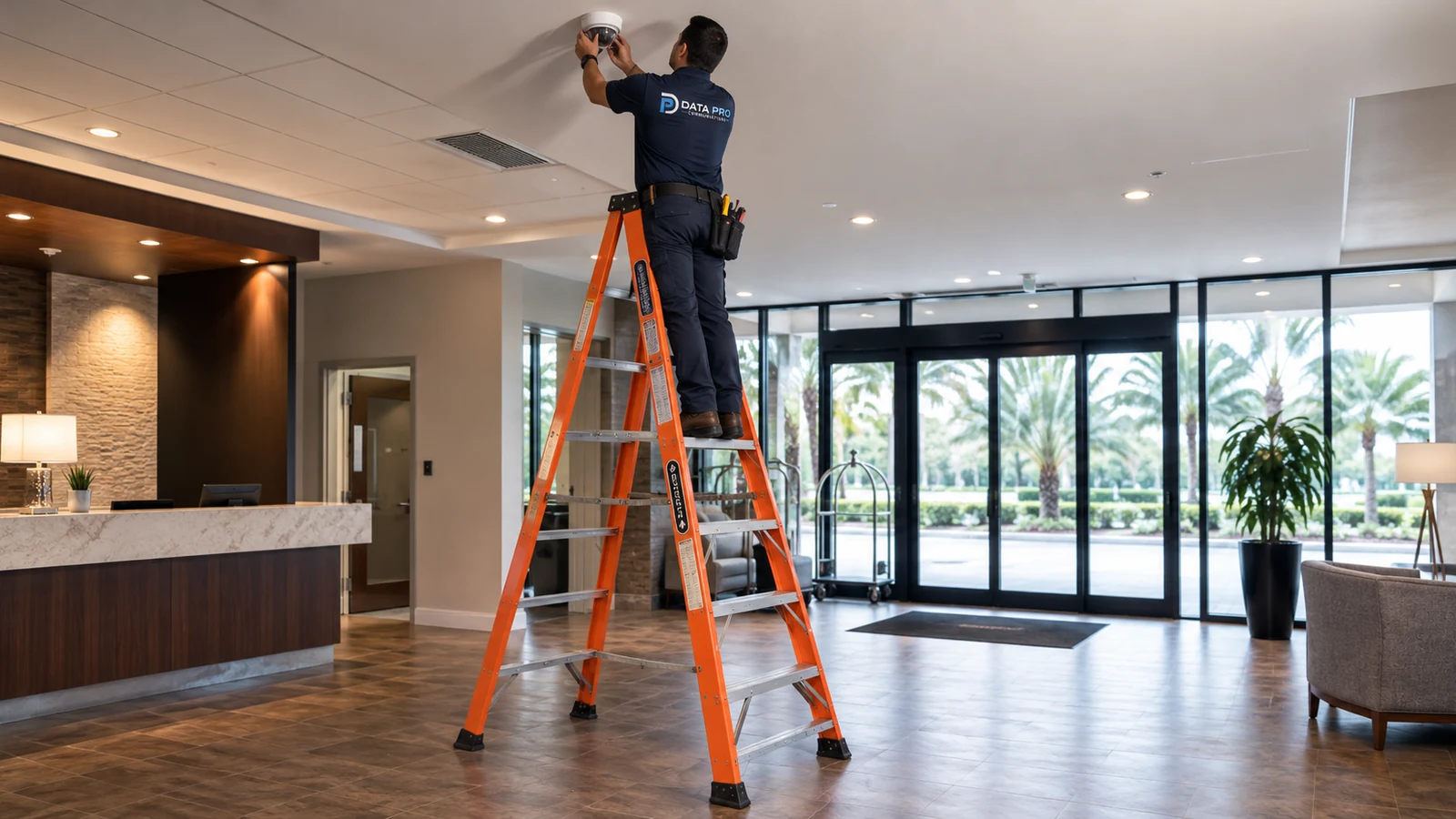
Supported search tools can narrow recorded review without promising that every event will be classified.
Explore Retail Operations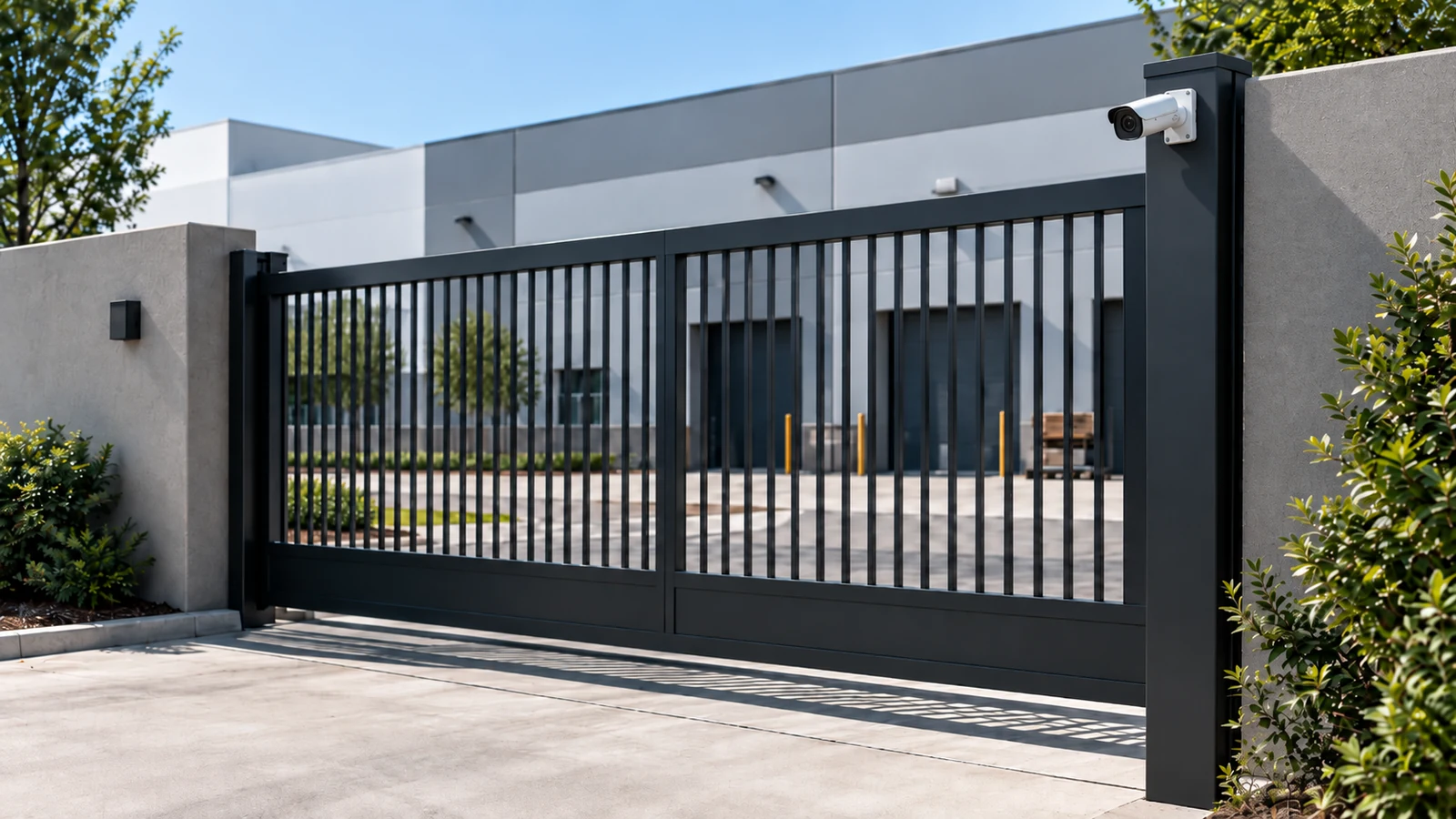
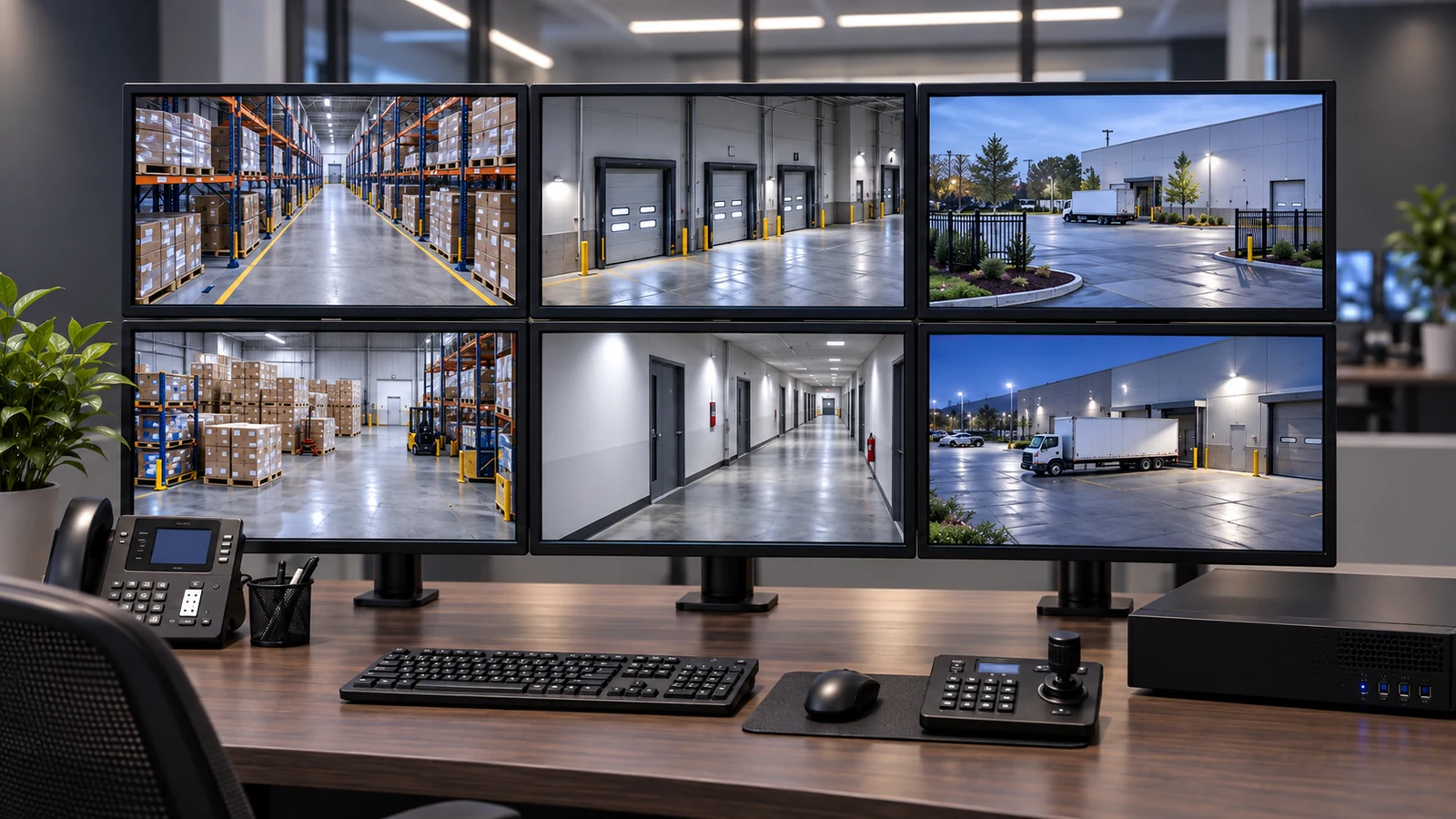
Stable views and controlled vegetation are important when line or intrusion-type rules are evaluated.
Explore Commercial PerimetersPROJECT PROCESS
Describe the subject, location, direction, schedule and operator action the rule should support.
Evaluate angle, target size, lighting, motion and occlusion before enabling the analytic.
Apply supported zones and thresholds, then reduce unwanted events through measured adjustments.
Run representative tests and confirm notification, search and review behavior with authorized users.
LICENSED SUPPORT
Data Pro Communications operates under FL License #EC13016138. Analytics recommendations are grounded in the scene and the supported platform capability. Camera angle, target size, lighting and occlusion are evaluated before rules are tuned, and validation records both useful event behavior and limitations operators should expect.
FAQ
No. Results vary with platform capability, camera view, lighting, target size, occlusion, motion and tuning. Analytics should support an operating workflow, not replace human judgment or other security measures.
No. Features can reside in the camera, recorder, server or cloud service, and compatibility, firmware, licenses and computing resources differ by platform.
A stable view, adequate target size, useful angle, controlled background motion and workable lighting improve the chance that supported rules will behave consistently.
Tune zones, directions, object filters, schedules, sensitivity and dwell thresholds; improve the scene when possible; and test changes against both wanted and unwanted activity.
Object or person classification is not the same as identifying an individual. Identity-oriented features require separate platform capabilities, legal review and suitable imagery.
It can flag supported target types crossing a defined line in a selected direction when the camera view provides a stable crossing point.
Supported search can filter recorded video by event, object class, zone, time or other platform attributes, reducing the amount of footage an operator must review.
They can. Moving vegetation, reflections, weather, insects, shadows and headlights may create motion or appearance changes that require scene adjustments or rule tuning.
No. Enable rules only where there is a defined operational use, suitable scene and person responsible for reviewing the result.
Record the rule purpose, active schedule, zone or line, filters, thresholds, notification path, representative tests and known scene limitations.
Start with the event operators need to review and the camera scene where it occurs. An analytics assessment can determine platform support, scene suitability and a realistic tuning plan.