Florida Licensed
FL License #EC13016138 for low-voltage systems work.

EXISTING-SYSTEM MODERNIZATION
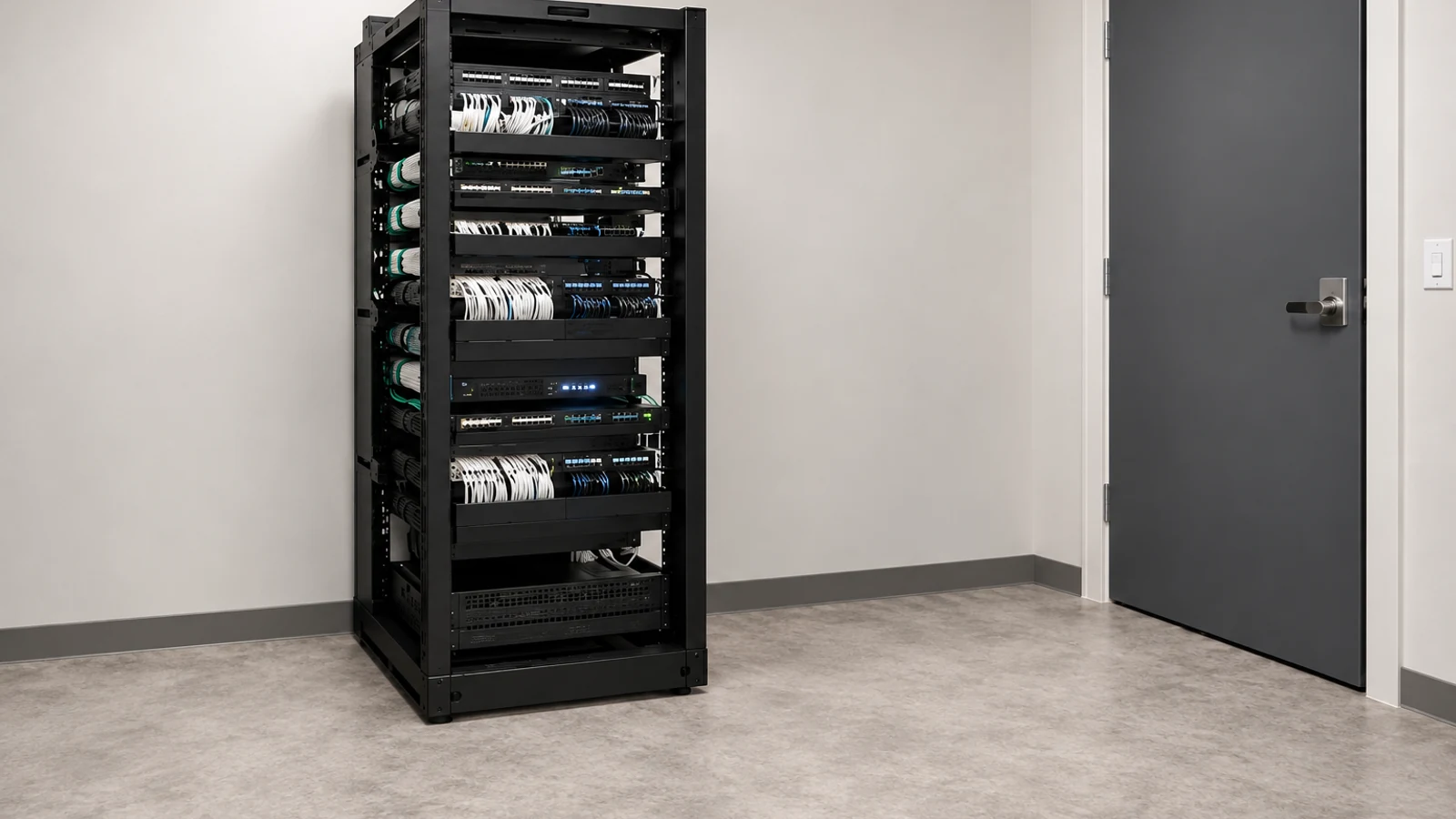
A camera upgrade should begin with an inventory, not a demolition plan. Some cameras, cable paths, power supplies, switches or recorders may remain useful; others may be unsupported or unable to meet the new performance target.
Data Pro Communications maps compatibility and lifecycle constraints, then develops a phased modernization plan that protects useful infrastructure and makes the impact on recording, storage and the network visible before cutover.
FL License #EC13016138 for low-voltage systems work.
The installed cameras, recorders, cabling, switches, licenses and support status are inventoried before the upgrade scope is set.
Existing infrastructure remains only when testing and platform support show it can meet the new requirement.
Each migration group identifies retained equipment, changed dependencies, acceptance results and deferred work.
The plan exposes storage, PoE, bandwidth and firmware constraints rather than assuming that new cameras solve every system issue.
PROJECT GUIDANCE
A camera upgrade should begin with an inventory, not a demolition plan. Some cameras, cable paths, power supplies, switches or recorders may remain useful; others may be unsupported or unable to meet the new performance target. Data Pro Communications maps compatibility and lifecycle constraints, then develops a phased modernization plan that protects useful infrastructure and makes the impact on recording, storage and the network visible before cutover.
PLANNING RISKS
A new camera may not be supported by the existing recorder, license level, power method or video format.
A working device can still create security and support risk when updates or replacement parts are no longer available.
Installed cable may fail testing, exceed distance limits or lack the performance needed for the new architecture.
Higher-resolution replacements can reduce retention even when the recorder accepts the cameras.
New IP streams can exceed PoE, switch or uplink capacity that was adequate for the old system.
Replacing multiple dependencies at once can create longer outages and make rollback difficult.
CAPABILITIES
Record models, channels, cable types, power, switches, storage, licenses, accounts and support status.
Map which retained and proposed components work together and under what limitations.
Test cabling, power and network paths before approving them for the replacement system.
Sequence cameras, recorders and network changes by operational priority and dependency.
Model PoE, bandwidth, channel licenses, server load and retention after proposed changes.
Identify retained, replaced and deferred components with cutover and rollback notes.
PROPERTY APPLICATIONS
Replace an unsupported DVR or NVR while retaining compatible cameras for a later phase.
Explore Recorder-first migrationUpgrade entrances or cash-handling scenes before lower-priority areas.
Explore Critical-view refreshMove selected coax cameras to IP as cable pathways and switch capacity become available.
Explore Analog-to-IP transitionExtend the system to a new tenant or warehouse area without forcing an immediate site-wide replacement.
Explore Building expansionAdd appropriate storage or revise recording profiles after higher-resolution cameras reduce retention.
Explore Storage correctionStandardize names, accounts and documentation when a property changes operators or support vendors.
Explore Management transitionTECHNICAL PLANNING
Capture current image quality, recording, faults and user workflows so the upgrade has measurable acceptance points.
Check firmware, licenses, replacement availability and platform lifecycle rather than evaluating only present operation.
Upgrade recorders, switches, cabling or power before cameras when those components would otherwise constrain the new devices.
Recalculate storage with proposed bitrates and recording modes before approving higher-resolution replacements.
Create small migration groups that keep critical views available and make fault isolation practical.
Save supported configuration, channel maps, network details and account ownership before changing equipment.
PROJECT GUIDANCE
Modernization often connects retained cameras or cabling to a new recorder, switch or management platform. Each old-to-new interface should be confirmed before cutover, and configuration or account dependencies should be transferred in the phase where the affected component changes.
EAST ORLANDO CONTEXT
Modernization projects near the Orlando Executive Airport area and Goldenrod may combine older coax, newer IP additions and occupied commercial spaces. A phased plan should document support status, retention impact and cutover windows.
RELATED PATHS
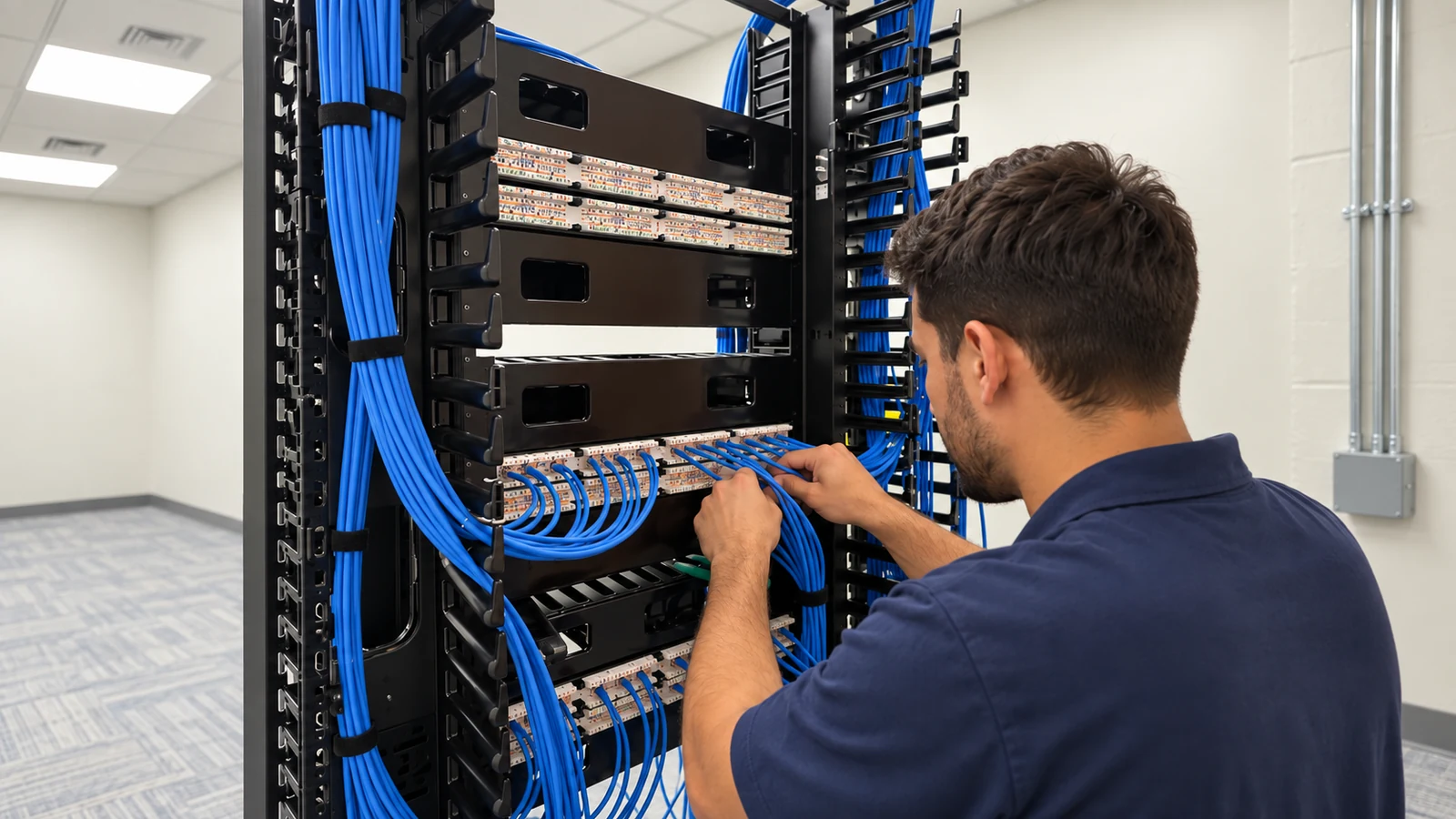
Relevant when legacy cable cannot support the selected replacement architecture.
View Structured Cabling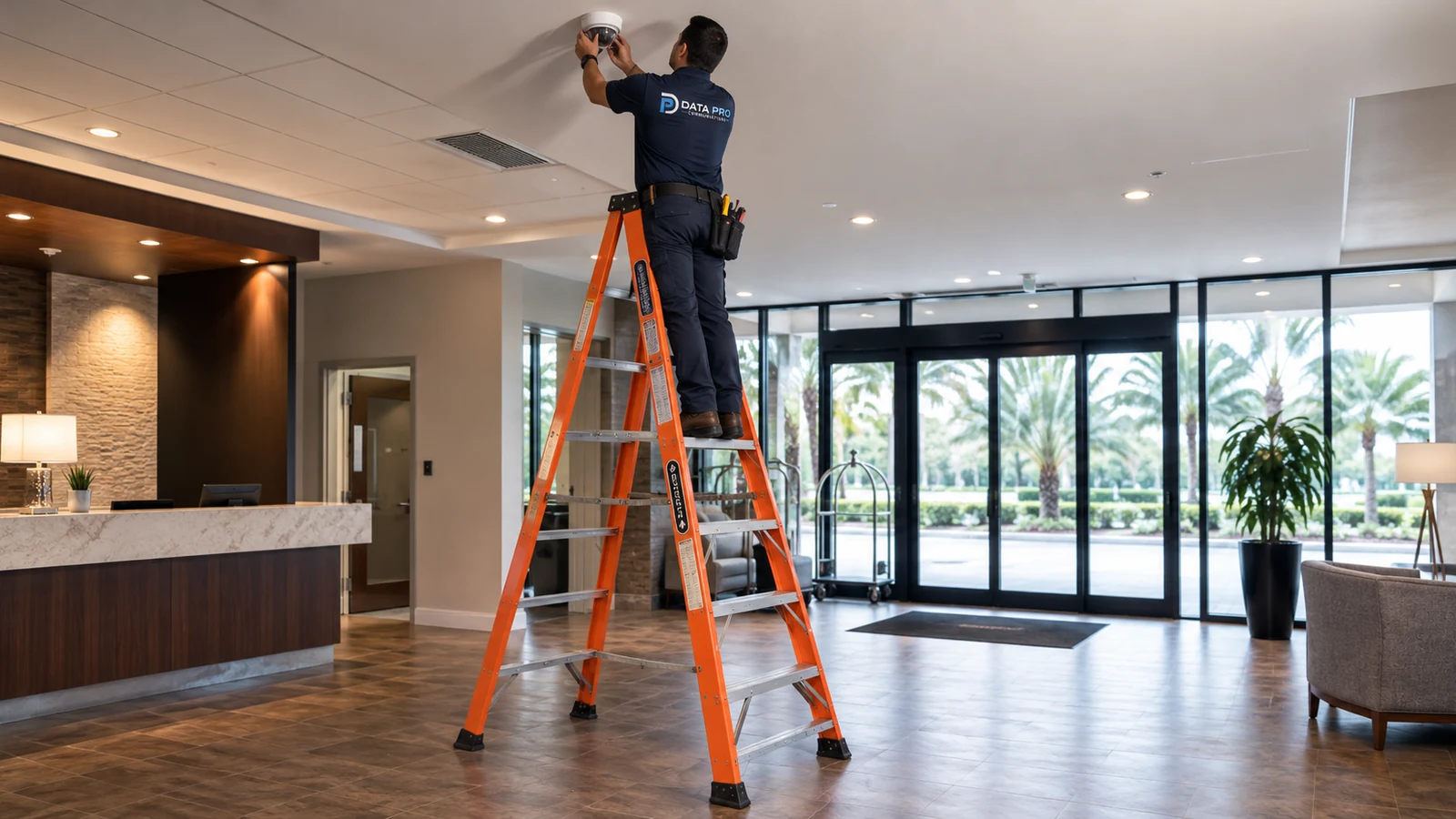
Supports staged analog, IP and hybrid migration choices.
View Commercial CCTV Installation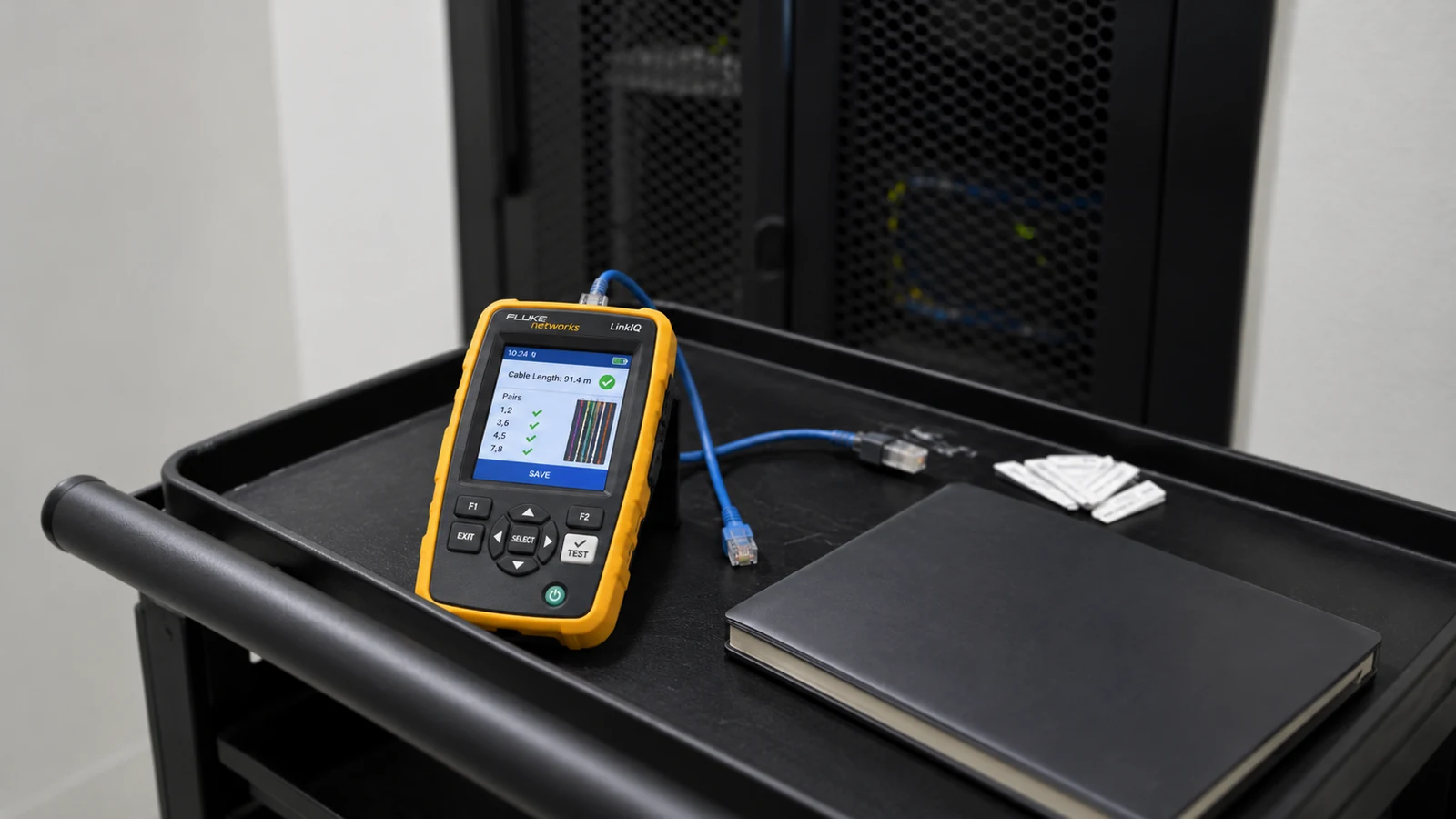
Separates confirmed faults from lifecycle improvements before the migration scope is set.
View Existing Camera TroubleshootingRELATED PATHS

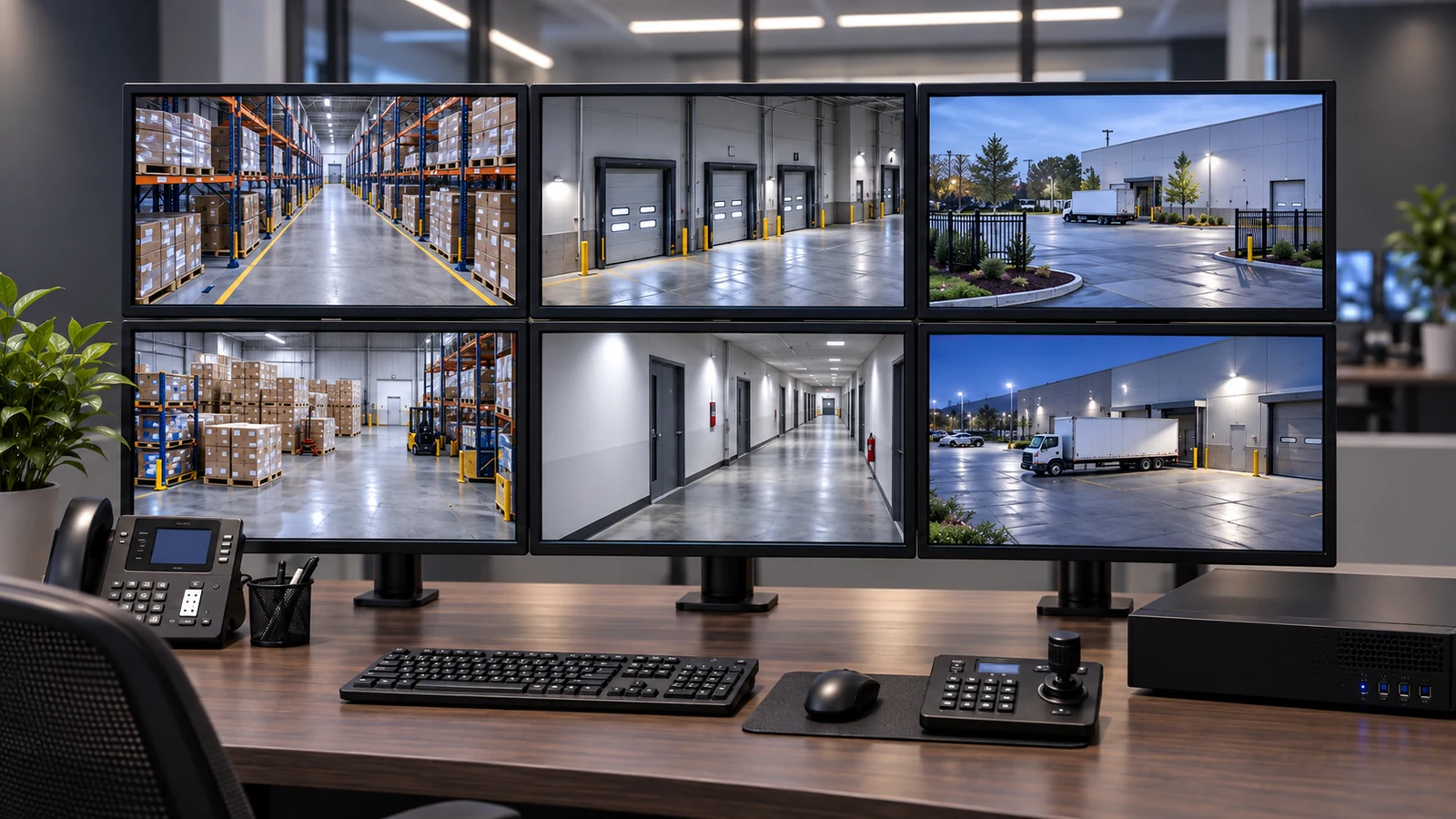
Mixed recorders, coax and category cable benefit from a compatibility inventory before modernization.
Explore Older Commercial Centers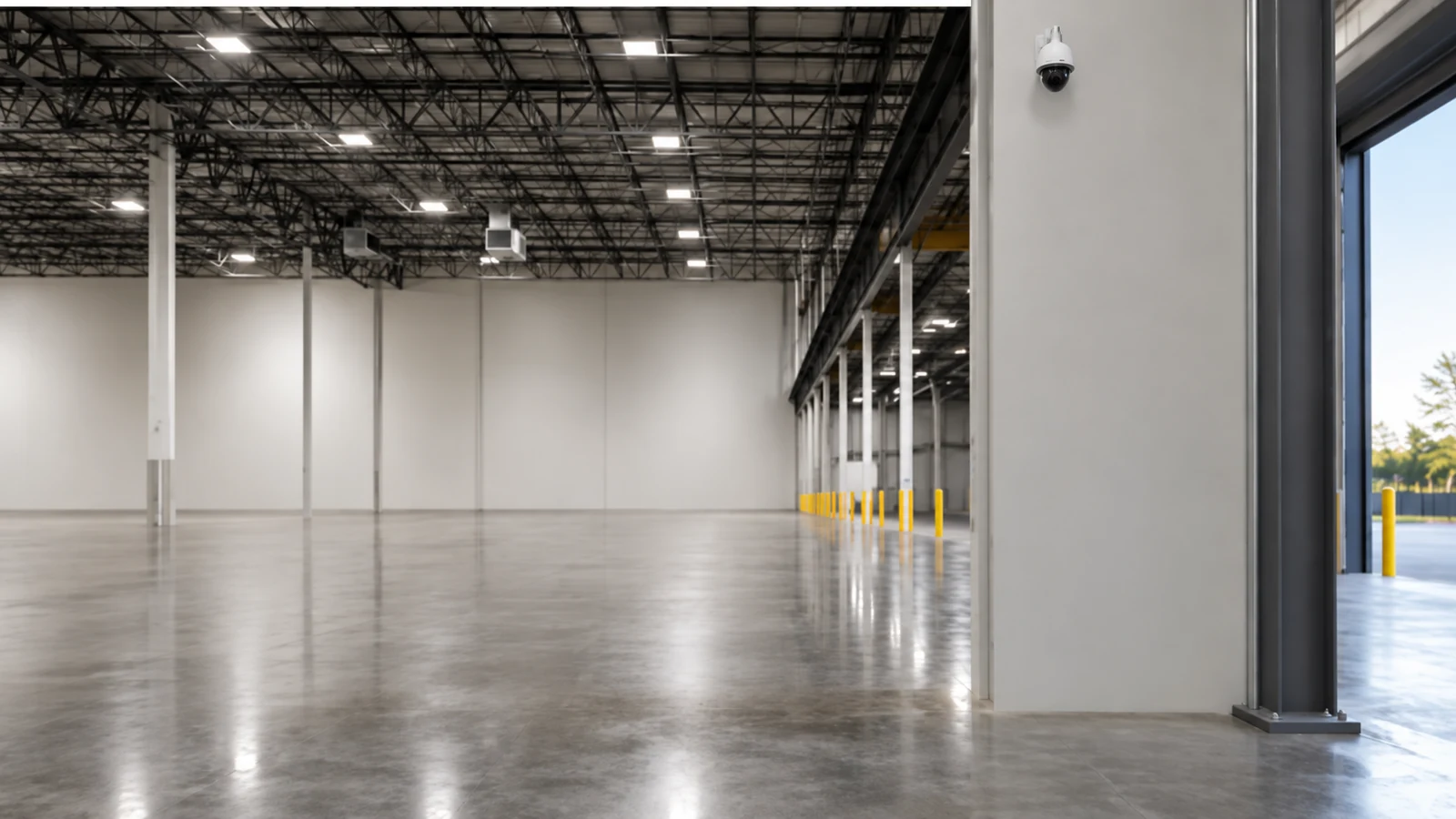
Camera additions may require switch, uplink and storage upgrades before device replacement.
Explore Growing Warehouses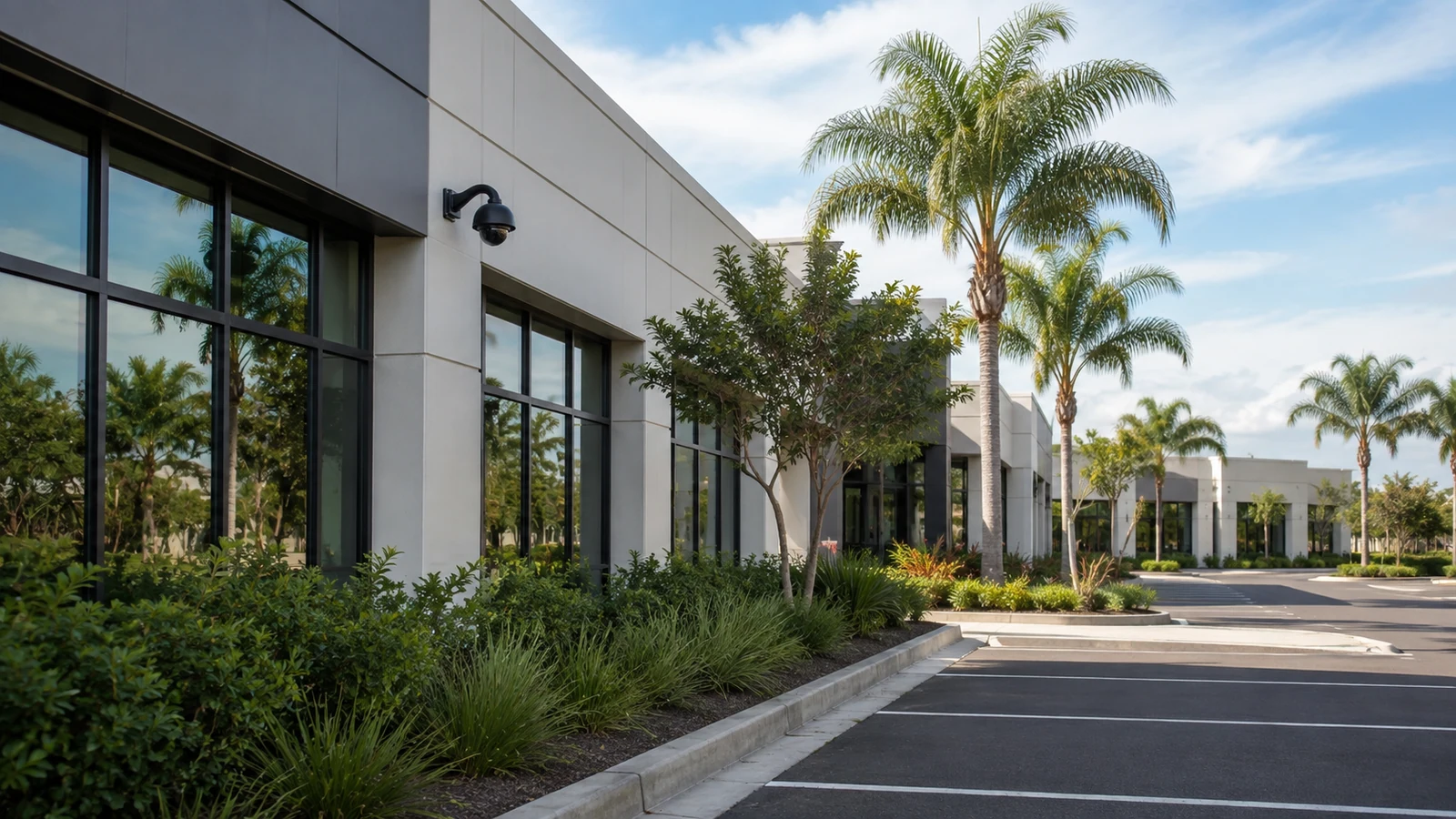
Phased standards can improve naming, accounts and support status without discarding every installed component.
Explore Managed Property PortfoliosPROJECT PROCESS
Document equipment, infrastructure, software, licenses, accounts, faults and support status.
Identify what can remain, what must change first and which limitations will continue.
Cut over approved camera or recorder groups while preserving critical coverage and rollback options.
Confirm image goals, recording, retention, playback, access and updated documentation.
LICENSED SUPPORT
Data Pro Communications operates under FL License #EC13016138. Modernization starts with an inventory of the cameras, recorders, cabling, switches, licenses and support conditions already in place. Components are retained when compatibility and testing justify reuse, while phased cutovers address confirmed capacity or lifecycle constraints.
FAQ
No. Serviceable and compatible cameras, cabling, switches, power or recording components may remain when testing and support status show they can meet the approved target.
Review image performance, compatibility, power, firmware support, condition, environmental rating and whether the device can satisfy the required scene.
It may be retained temporarily through a hybrid recorder or supported conversion approach, but condition, distance, bandwidth, power and long-term support should be evaluated.
They can. Higher bitrates increase storage use, so retention must be recalculated with the proposed stream settings and recording mode.
The dependency determines the order. An unsupported recorder, limited switch or inadequate storage may need attention before new cameras can deliver their intended capability.
Use small cutover groups, preconfigure supported equipment, schedule around operations, preserve rollback options and verify each group before continuing.
Possibly, after verifying cable category, length, termination, test performance, pathway condition and the PoE and bandwidth needs of the selected camera.
Channel, analytic, server or support licenses can limit additions or determine whether a platform can be transferred or expanded.
Not automatically. Recording profiles should reflect each scene, device capability, evidence need, bandwidth and retention goal.
Update device and channel inventories, camera names, cable and switch records, storage assumptions, user roles, retained components and deferred work.
Document what is installed and what outcome the property needs before committing to replacement. An upgrade assessment can separate reusable infrastructure from capacity or support constraints.