Florida Licensed
FL License #EC13016138 for low-voltage systems work.
MANAGED ENTRIES, AMENITIES, PARKING AND DELIVERIES
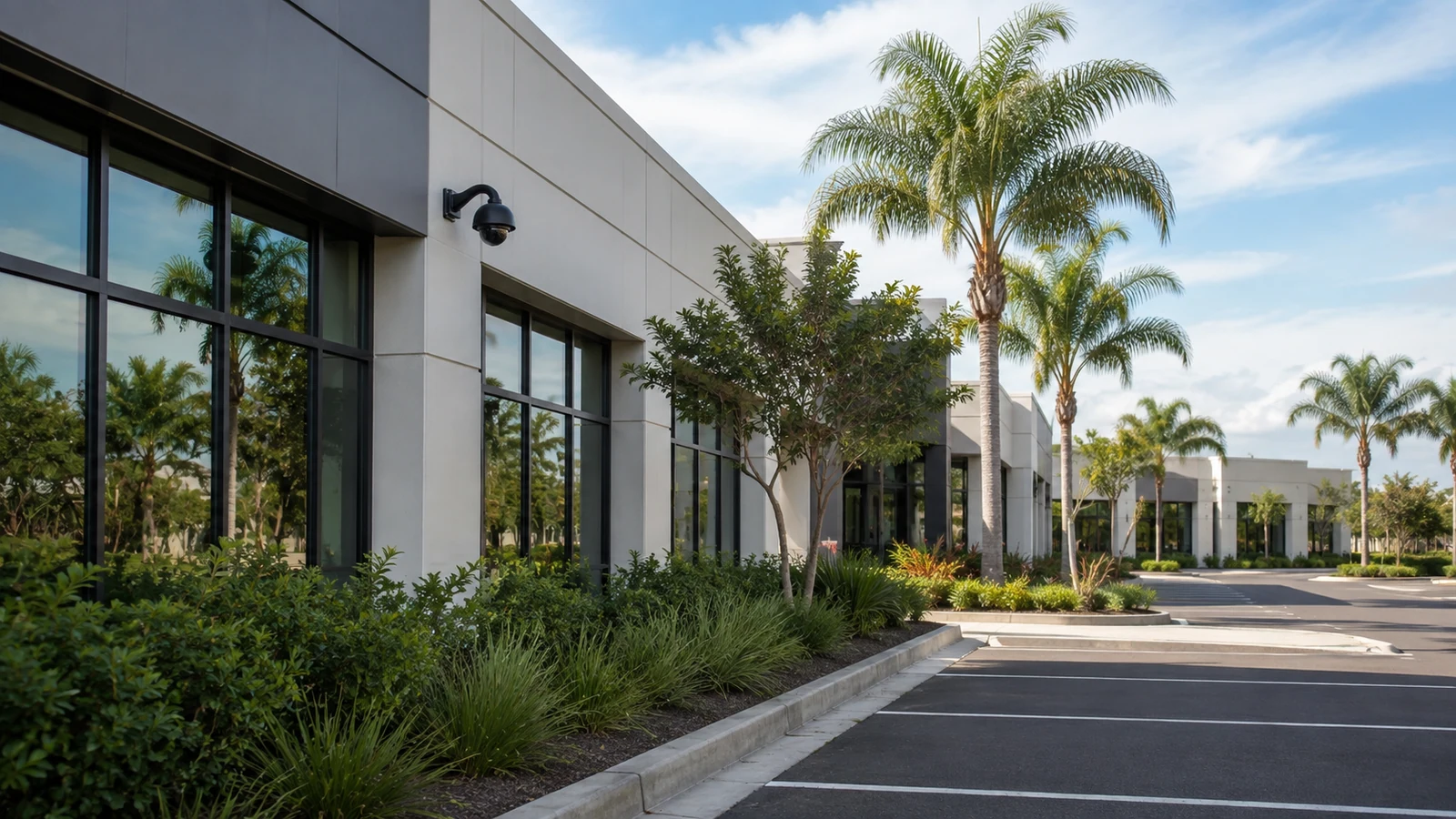
A managed community camera plan belongs in shared operational areas: vehicle and pedestrian entrances, parking, package and delivery routes, clubhouses, amenities and selected exterior transitions. It should not drift into private residences or spaces where residents reasonably expect privacy.
The long-term challenge is administrative as much as visual. Boards, managers, vendors and residents change, so account ownership, credential turnover, export authority and service documentation need an explicit home.
FL License #EC13016138 for low-voltage systems work.
The project begins with property-managed scenes and explicit private-area exclusions.
Administrative ownership survives changes in managers, boards and vendors.
Camera, intercom and access functions remain separately understandable.
Common-area views, roles, exports and service records are delivered together.
PROJECT GUIDANCE
Multifamily and HOA projects should connect shared-area scenes to the people responsible for gates, vendors, amenities, packages and incident review. A property survey also needs to identify clubhouse or gate connectivity, remote management boundaries and the process for granting or removing authorized users.
CAPABILITIES
Approve property-managed scenes while excluding private or unnecessary residential views.
Relate visitor or vehicle approach to intercom and access workflows without merging system roles.
Define delivery, pickup, clubhouse and shared-space transitions.
Plan circulation and selected access points around lighting, landscaping and parked vehicles.
Document administrators, user removal, recovery and evidence-release responsibility.
Verify supported viewing paths, permissions and network ownership for authorized management teams.
TECHNICAL PLANNING
Confirm each view remains within the approved common-area purpose.
Identify power, network, call routing and release interfaces at remote entrances.
Choose copper, fiber or supported wireless paths based on distance and capacity.
Define enrollment, removal, review and recovery processes for management roles.
Assign who approves footage export and how requests are documented.
Account for vegetation growth, seasonal lighting and parked-vehicle obstruction.
PROJECT GUIDANCE
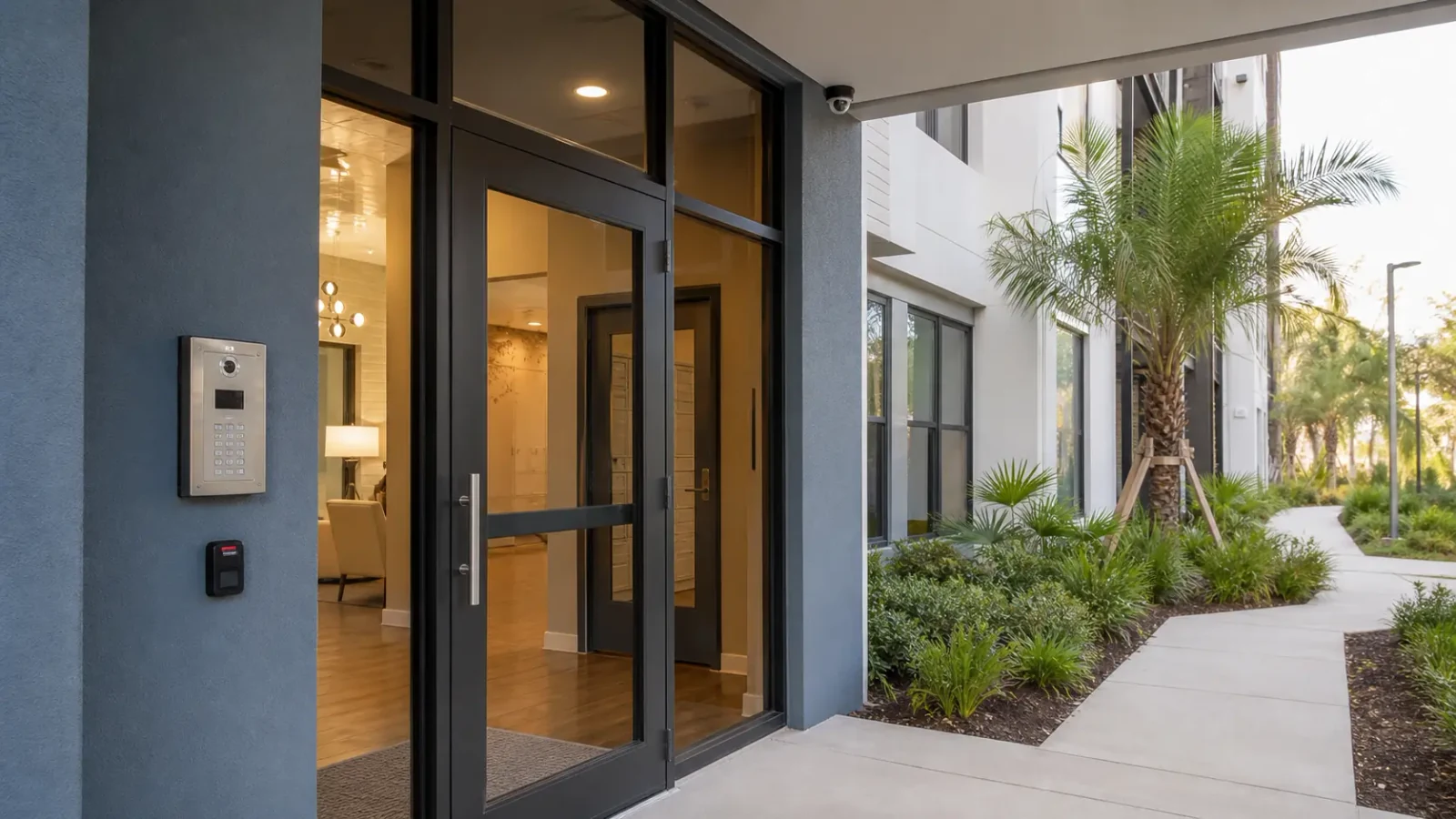
A community gate can combine an intercom call, an access decision and a camera view. Those functions should share time and context where supported without sharing unrestricted accounts or collapsing into one control.
EAST ORLANDO CONTEXT
Managed communities around Rio Pinar, Union Park, Waterford Lakes and Avalon Park can include long gate approaches, detached clubhouses and changing management or board roles. The site plan, common-area authority and account model matter more than attaching a residential label to the equipment.
RELATED PATHS
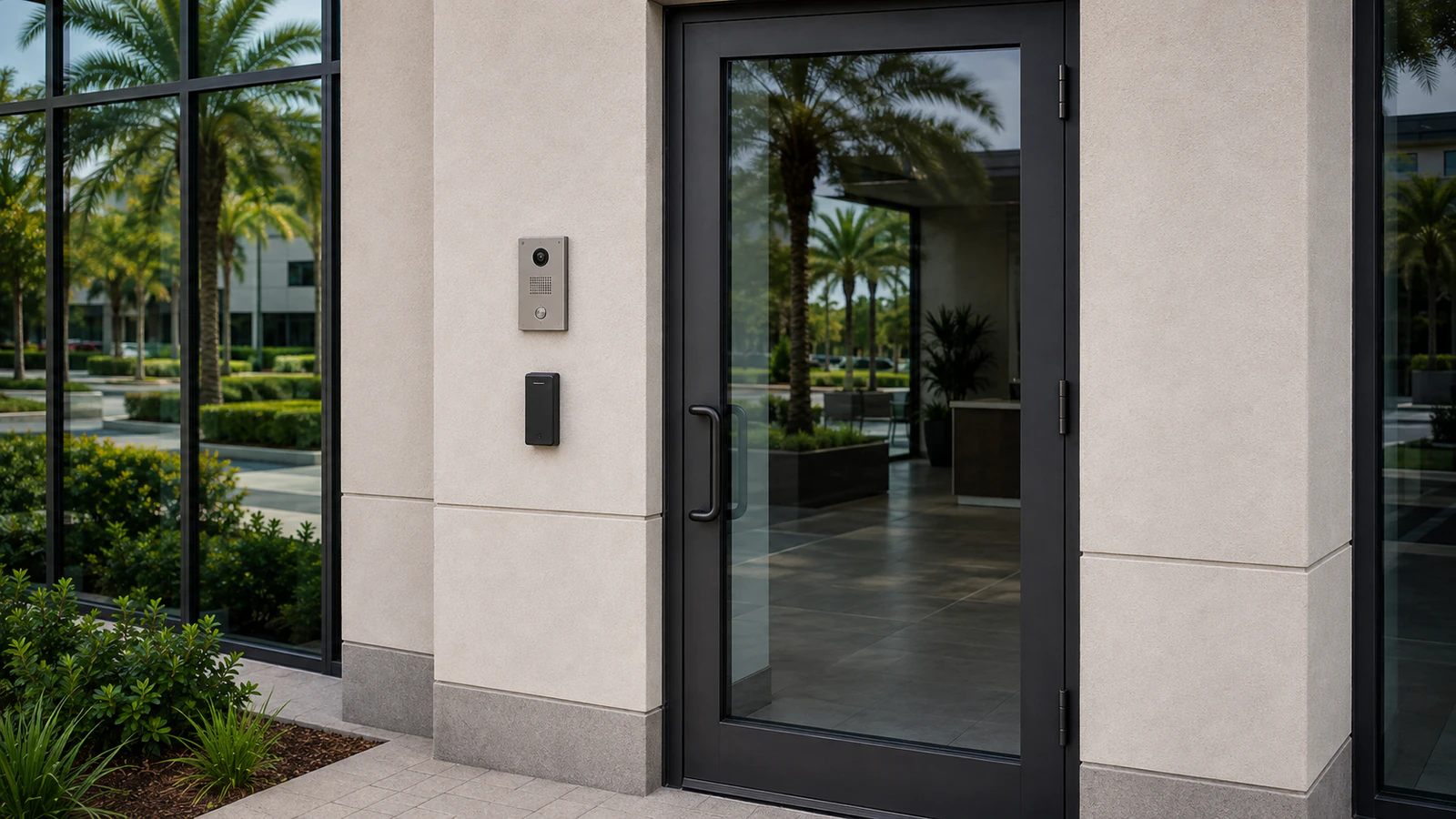
Visitor calls and authorized gate release complement common-area camera context.
View Intercom Entry Systems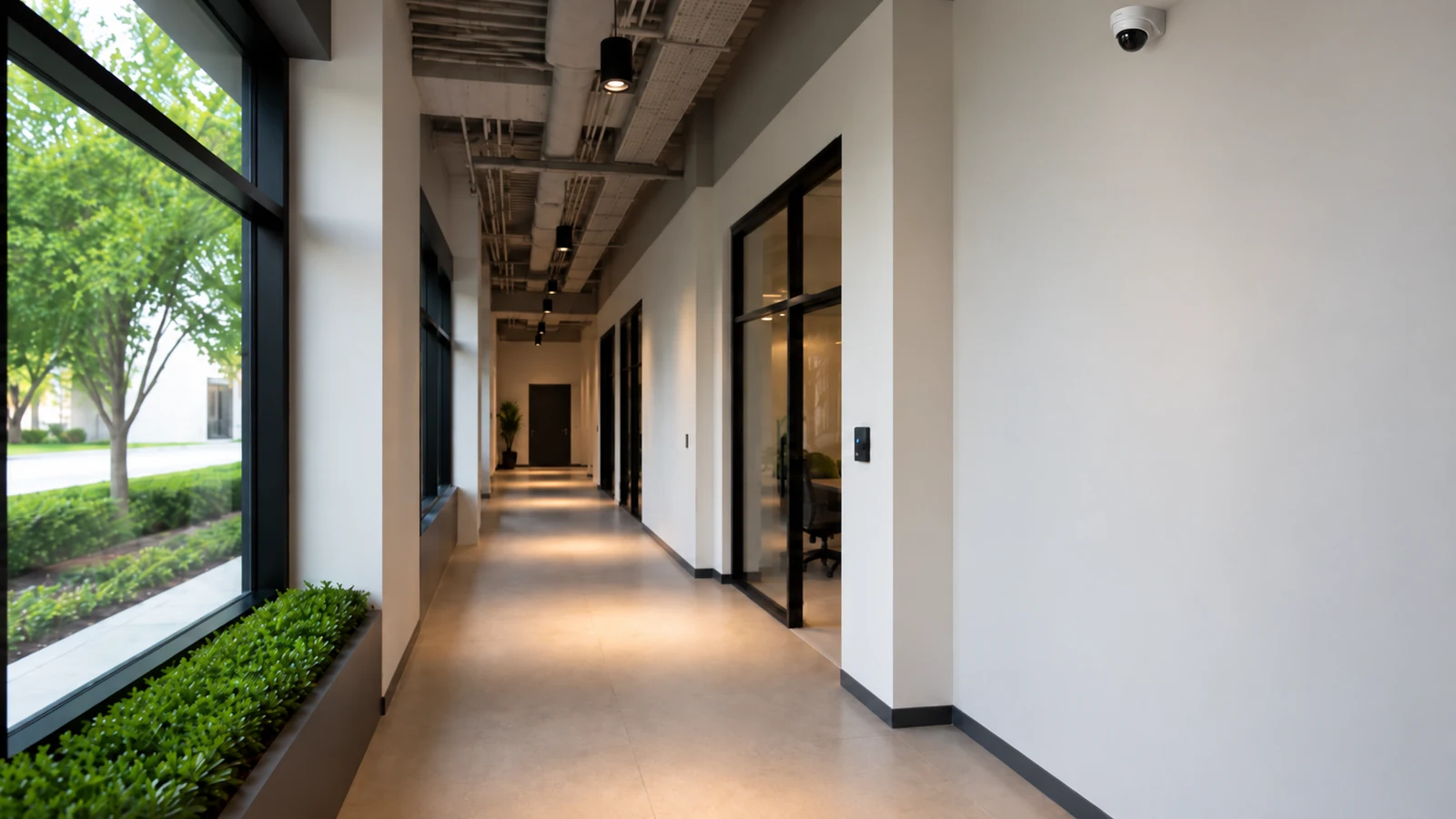
Credential lifecycle and door or gate logic support resident, staff and vendor entry.
View Access Control Systems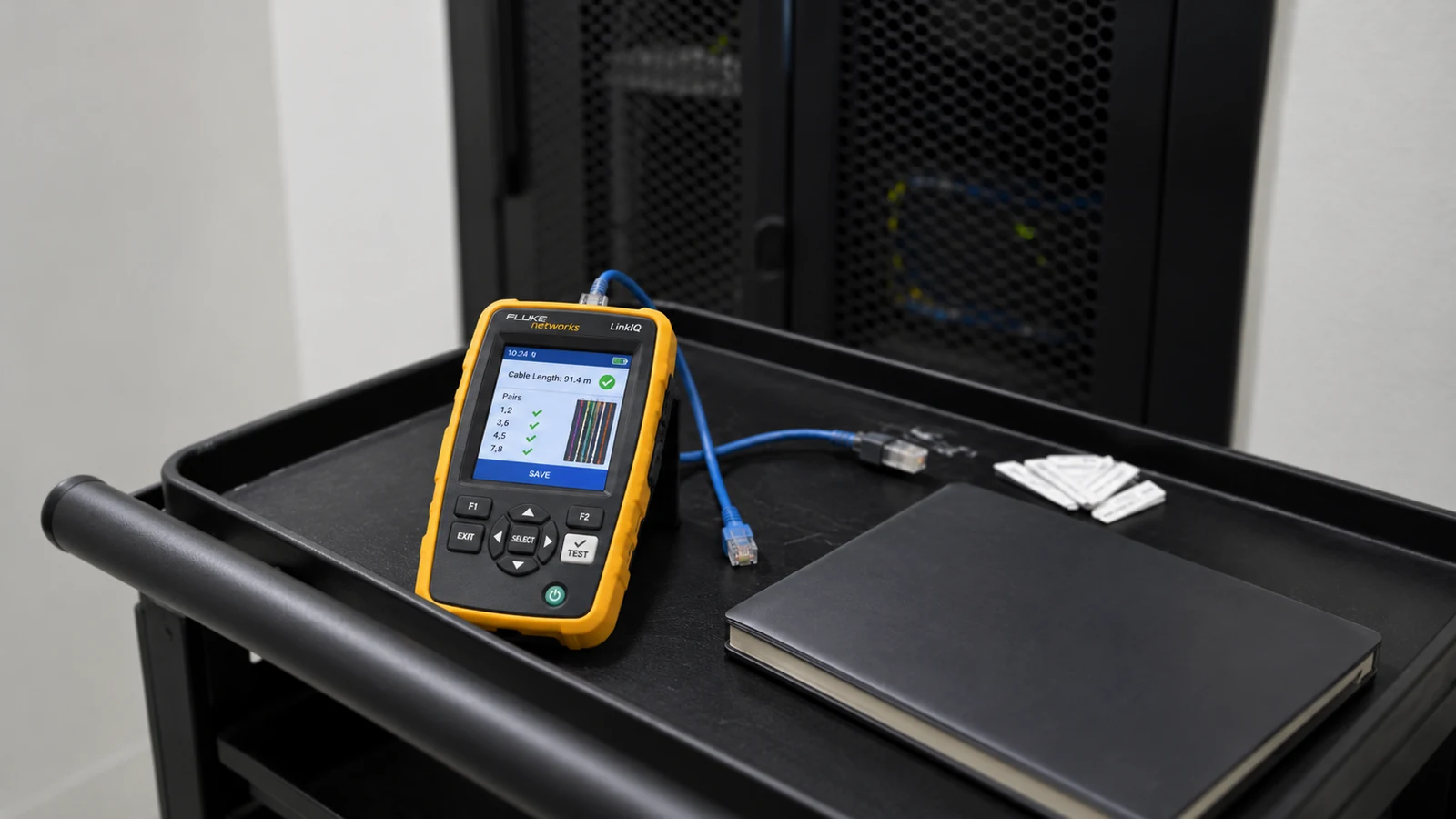
Recurring care preserves account, asset and fault history across managed common-area systems.
View Service & MaintenanceRELATED PATHS
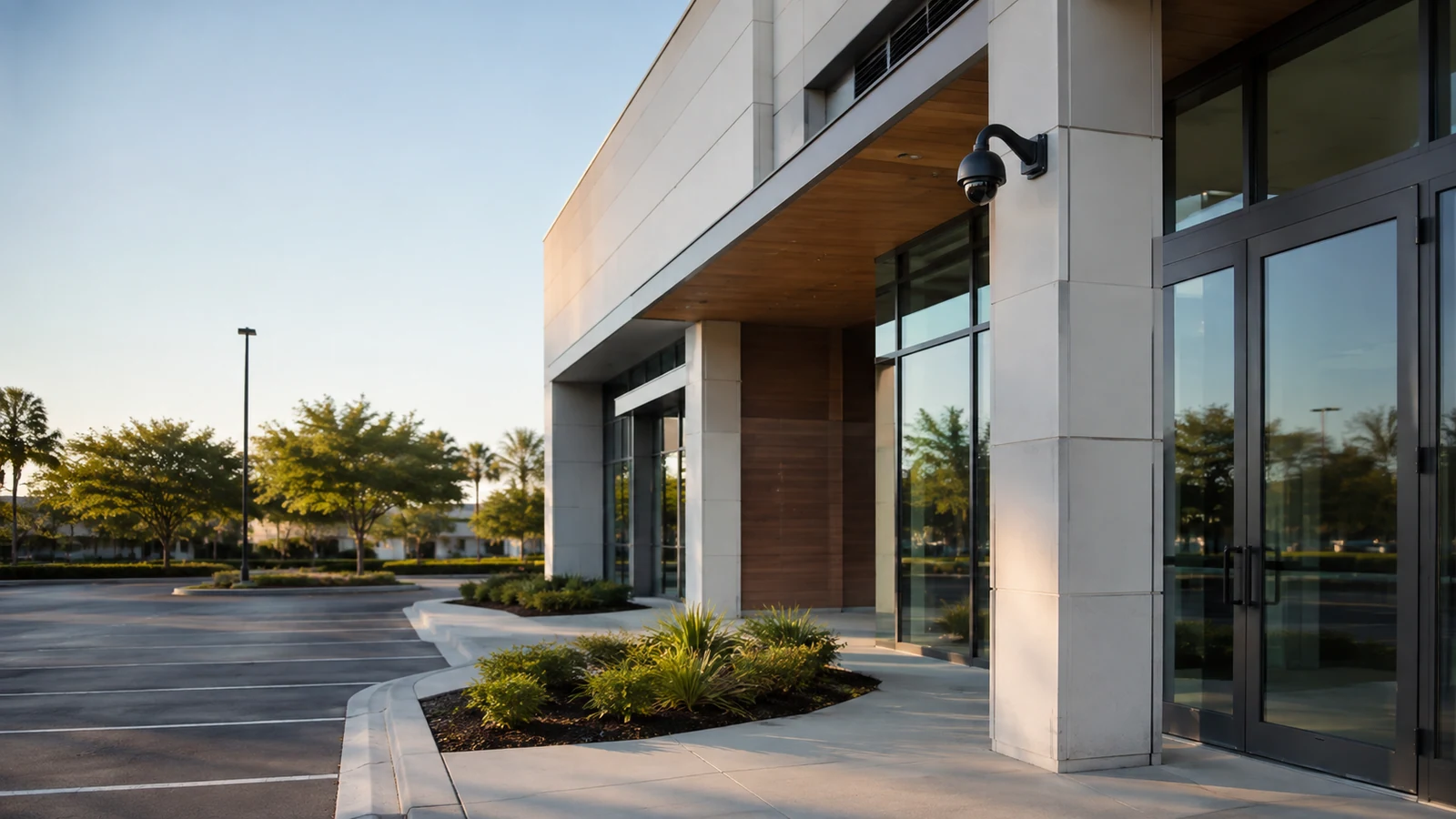
Management ownership may span several communities, but this page remains focused on common-area workflows.
Explore Property Managers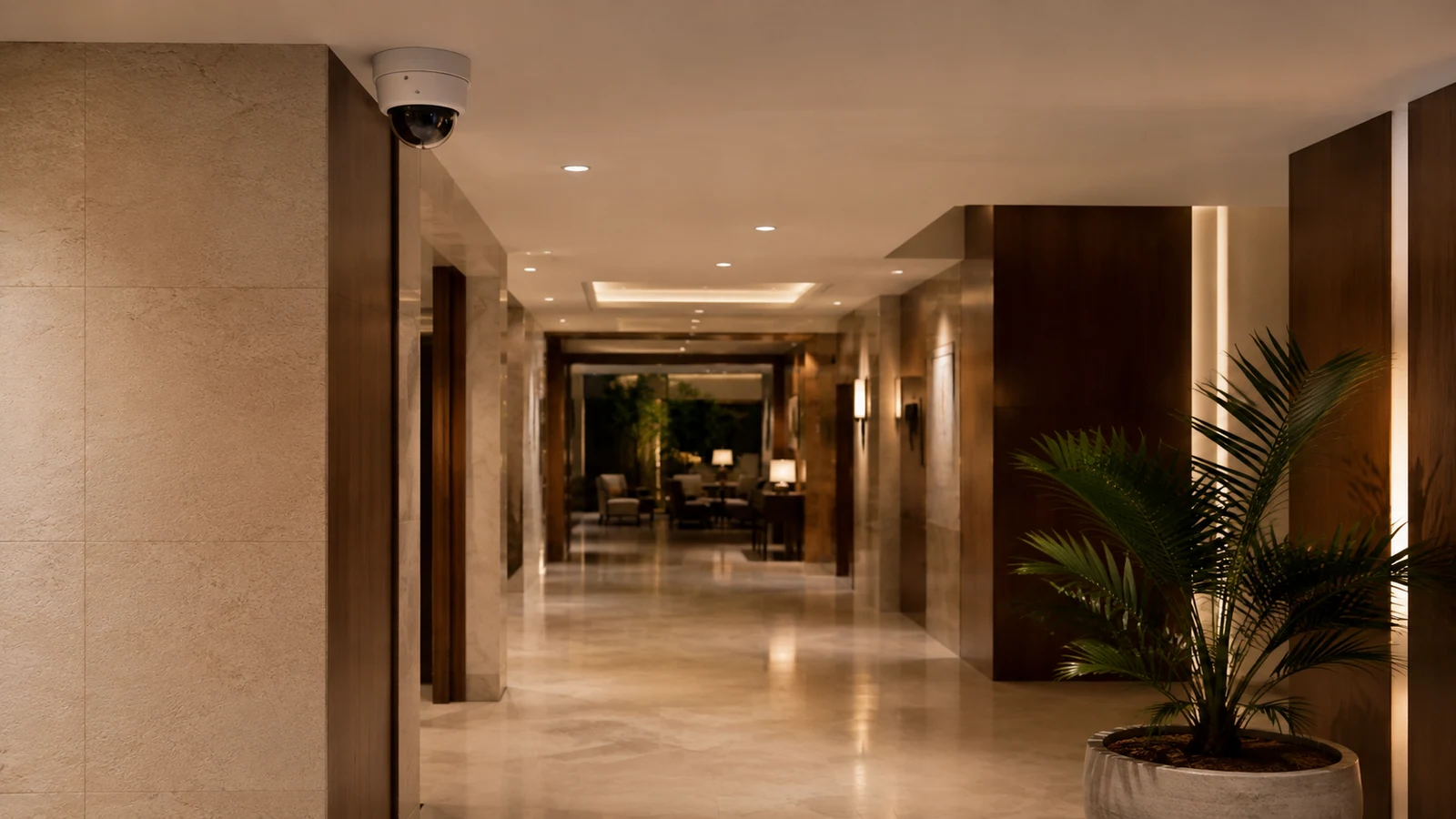
Both are occupied properties, while guest-service operations differ from resident and board administration.
Explore Hospitality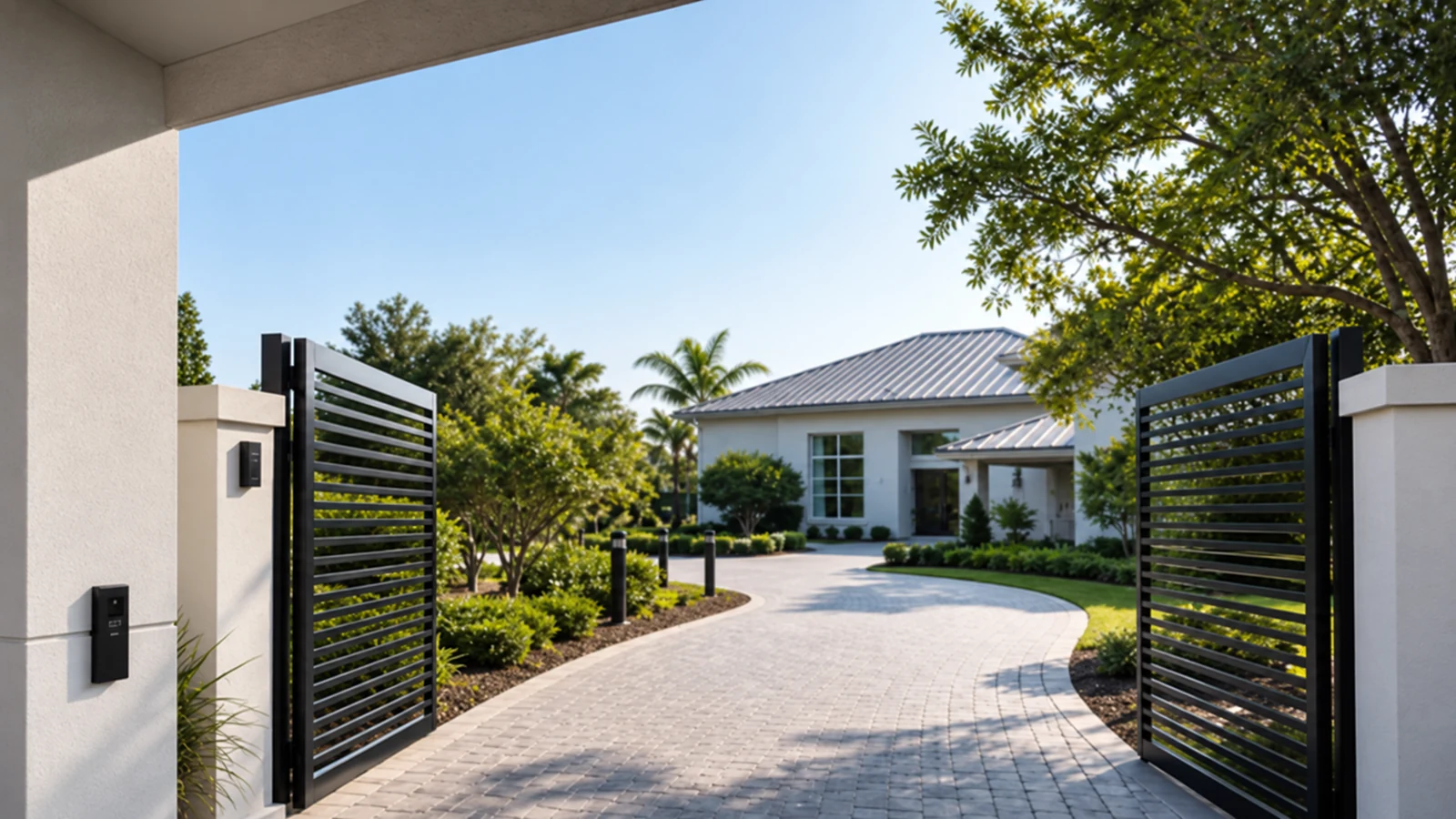
Larger individual properties differ from shared managed-community authority.
Explore Select Residential PropertiesPROJECT PROCESS
Review gates, parking, amenities, deliveries and prohibited private views.
Document accounts, network ownership, remote links and existing equipment.
Coordinate gates, clubhouses and parking areas with notice and controlled access.
Test views, exports and supported integrations, then document administrators and service records.
LICENSED SUPPORT
Data Pro Communications operates under FL License #EC13016138. Managed-community projects define common-area authority, private-area exclusions, account ownership and supported gate or entry boundaries before turnover.
FAQ
Property-managed entrances, gates, parking, package areas, clubhouses, amenities and selected exterior transitions may be appropriate when the purpose and authority are defined.
Approve camera angle, masking options where supported and the exact scene before acceptance. Avoid dwelling interiors and unnecessary views of windows, patios or balconies.
The authorized property-management or board role should own administrative recovery and user changes, with routine viewing separated from system administration.
They may share network or mounting context, but camera viewing, visitor communication and controlled release remain distinct functions that should be tested separately.
Transfer primary account ownership, recovery methods, camera maps, export procedures, vendor contacts, service history and outstanding system issues.
Focus on entry, placement and pickup transitions while avoiding excessive coverage of unrelated resident activity.
Only if the owner authorizes it and the platform supports limited roles. Access should follow property policy rather than distributing a shared administrator login.
Distance and capacity may require fiber, a local switch, supported wireless connectivity, surge planning and an enclosure with documented ownership.
Authorized administrators should use a defined removal process and periodically review active users, schedules and shared codes.
Provide accepted common-area views, camera and door labels, account roles, export verification, gate or intercom boundaries, network records and retained-equipment notes.
Describe the managed common areas, gates, amenities, account ownership and resident or vendor workflows that the project must support.