Florida Licensed
FL License #EC13016138 for low-voltage systems work.

DISPLAYS, AUDIO, CONFERENCING AND CONTROL
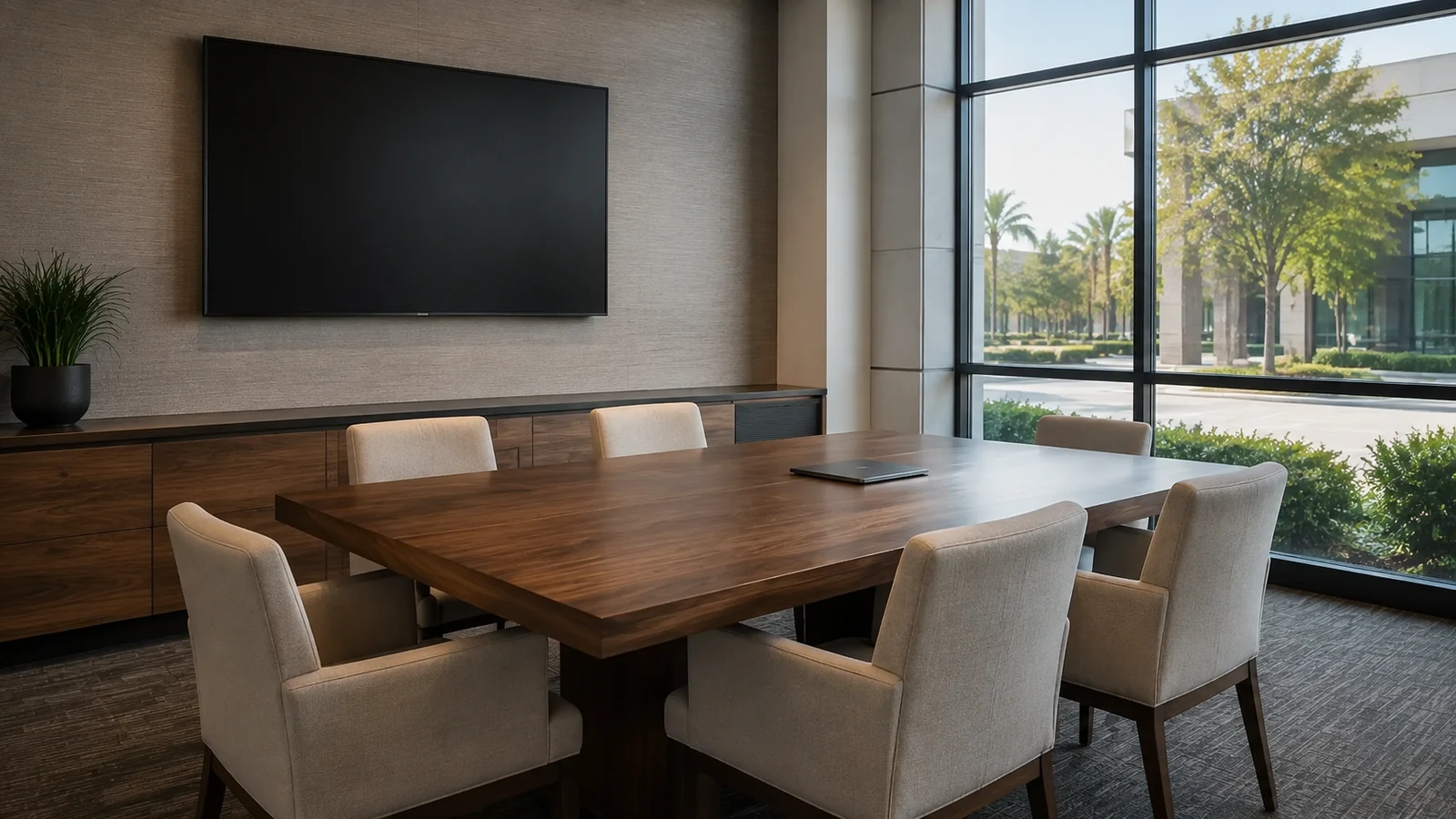
A commercial AV system should make the room easier to use. Display size, viewing distance, speech pickup, loudspeaker coverage, source selection and control all follow the meeting, training or presentation workflow.
Data Pro Communications integrates supported displays, audio, microphones, conferencing interfaces, signal transport and room controls without treating screens as an extension of generic network administration.
FL License #EC13016138 for low-voltage systems work.
Display, audio, source and control decisions follow how people actually meet, train or present.
Microphone and loudspeaker placement is evaluated for the seating and acoustic conditions.
Sources, transport and displays are matched for distance, format and supported control.
A real presentation and conferencing sequence is completed before turnover.
PROJECT GUIDANCE
AV planning begins with who uses the room, where they sit, what they need to show or hear, and how a session begins. Equipment is selected only after the display, audio, source, transport and control requirements are connected to that workflow.
PLANNING RISKS
A screen can be technically functional but too small, too bright or poorly positioned for the farthest viewer.
Microphone placement and room acoustics can leave remote participants hearing only part of the table.
Sources, extenders, displays and conferencing equipment may not share compatible resolution, transport or content-protection behavior.
Users lose time when room controls do not match the way laptops, resident PCs and conferencing platforms are actually used.
High-resolution video and USB extension have different distance and pathway requirements.
Speaker placement, gain structure and reflective surfaces can reduce intelligibility or create instability.
CAPABILITIES
Translate meeting, training, presentation and collaboration workflows into system functions.
Plan display size, mounting, viewing distance, inputs and source switching for the room.
Select and place supported speakers and microphones for intelligible local and remote participation.
Choose suitable copper, fiber or network-based transport for the required resolution, distance and control.
Connect room audio and video with supported conferencing endpoints and user devices.
Present essential room functions through a clear, supportable interface without unnecessary complexity.
PROPERTY APPLICATIONS
Support local presentation and remote meetings with predictable source, camera, microphone and speaker behavior.
Provide readable visuals and even speech coverage for an instructor and distributed audience.
Deliver scheduled informational content with an accessible service and source path.
Keep small-room conferencing simple enough for frequent, short meetings.
Coordinate presentation, speech reinforcement and remote participation for changing users.
Show dashboards or camera views while keeping AV control separate from security-system administration.
TECHNICAL PLANNING
Relate content type, text size, seating distance and display position before selecting screen dimensions.
Trace talker-to-microphone and loudspeaker-to-listener coverage, including reflective or noisy surfaces.
List laptop, resident PC, signage, conferencing and other sources with the required resolution and connection method.
Match cable, extender, fiber or network transport to bandwidth, distance, latency and pathway conditions.
Define which functions appear on the user interface and which settings remain restricted to support staff.
Test a real meeting, presentation, content share and audio call instead of checking devices one at a time.
PROJECT GUIDANCE
Some AV systems use the network for conferencing, control, monitoring or signal transport, while others rely on dedicated extenders and point-to-point paths. The design should identify which AV functions depend on switching or internet services and preserve a usable room workflow when a source or service is unavailable.
EAST ORLANDO CONTEXT
Professional offices near Baldwin Park and East Colonial may prioritize dependable conferencing, while training rooms, hospitality spaces and managed meeting areas around Waterford Lakes or Lake Nona can involve larger audiences and more varied sources. Room use should guide the AV design, not the neighborhood label.
RELATED PATHS
RELATED PATHS
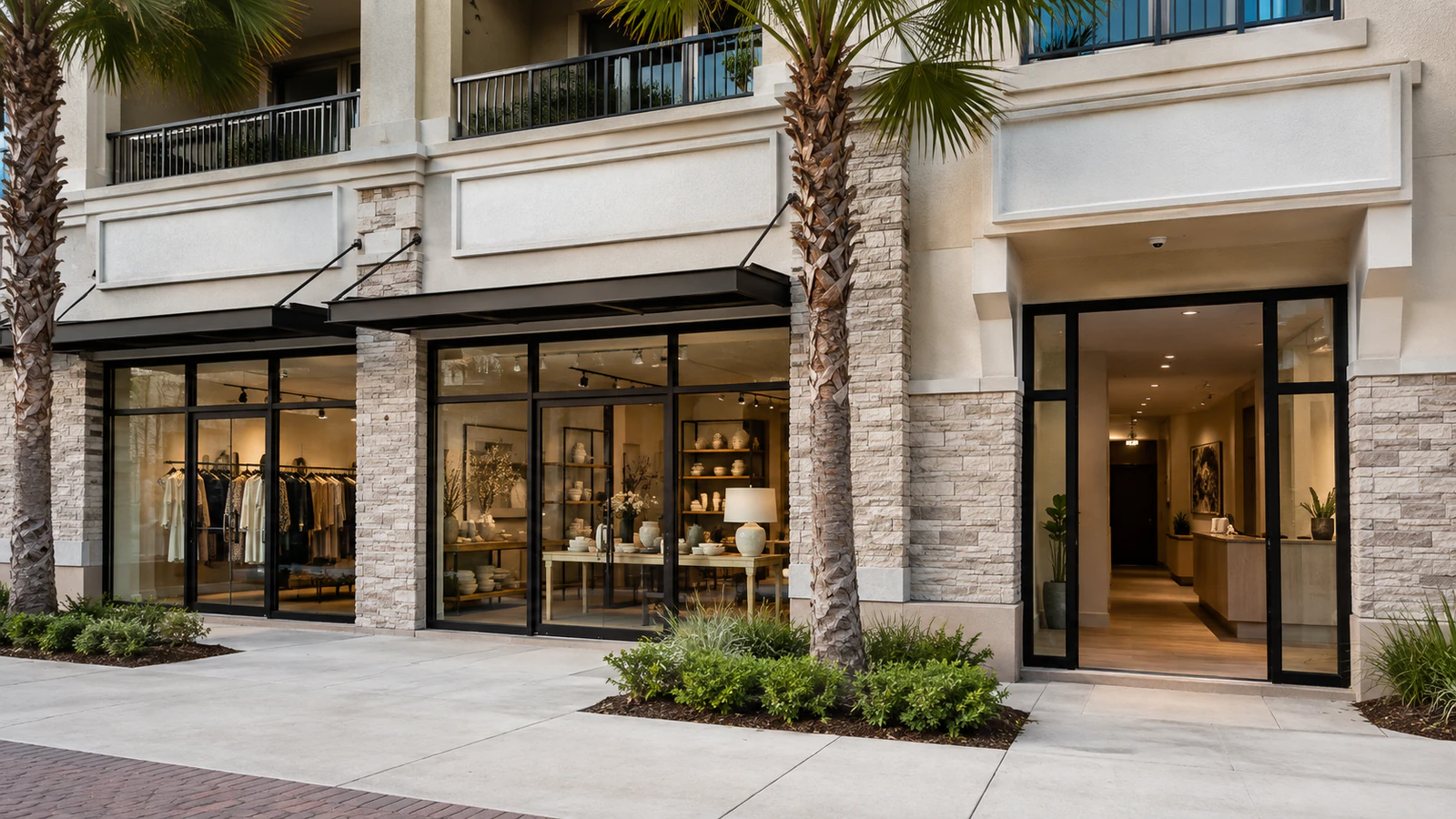
Conference workflows need readable displays, intelligible speech and simple source control.
Explore Professional OfficesLarger audiences require planned viewing and audio coverage.
Explore Training and Community Rooms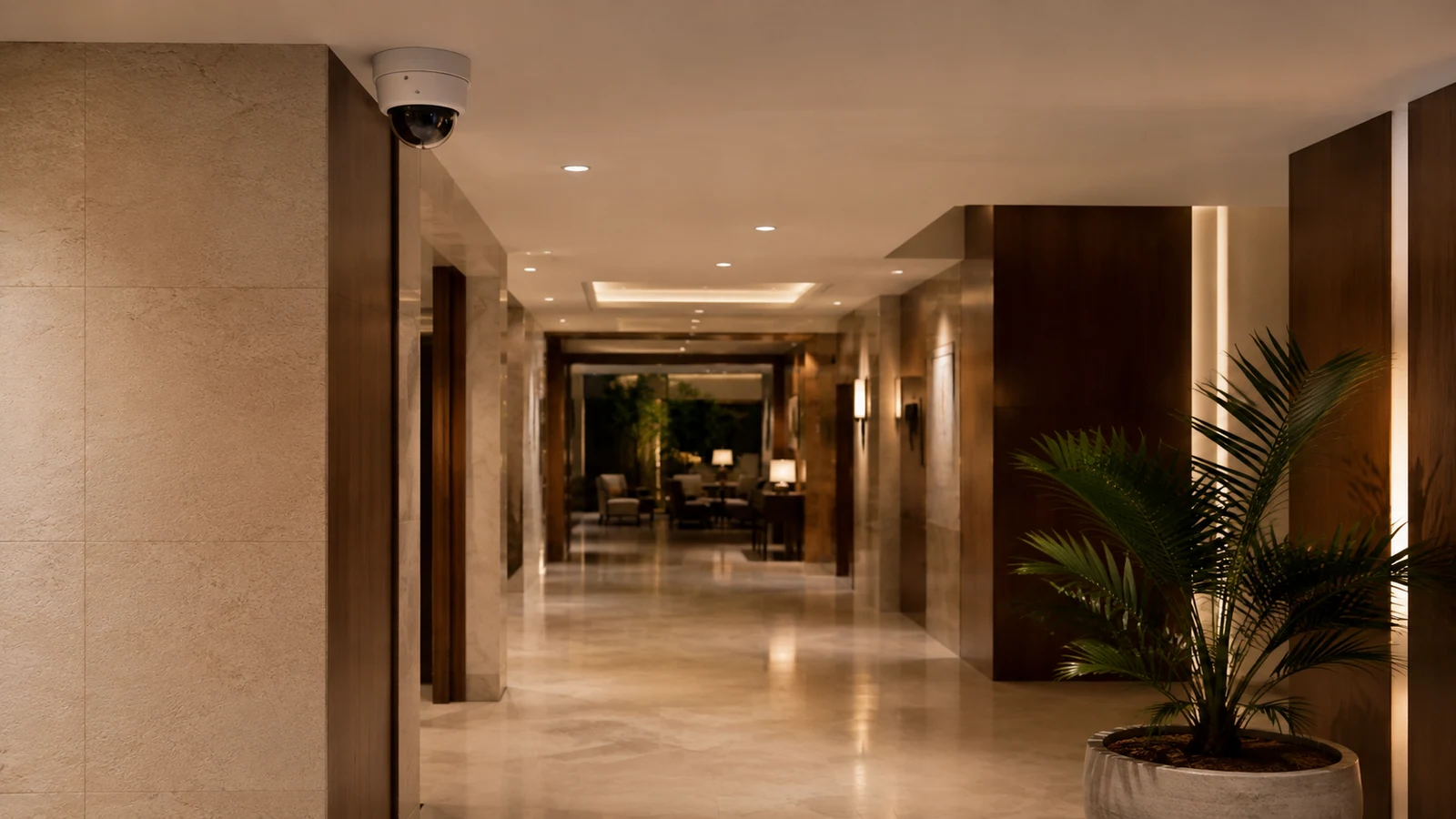
Changing users benefit from consistent room-start and support procedures.
Explore Hospitality and Managed SpacesPROJECT PROCESS
Identify users, seating, content, call platforms, sources and the steps needed to begin a session.
Set display, audio, microphone, transport and control requirements for the actual room.
Mount, connect and configure supported equipment while preserving service access and cable management.
Complete representative local and remote sessions, then document controls, sources and support boundaries.
LICENSED SUPPORT
Data Pro Communications operates under FL License #EC13016138. Commercial AV acceptance is based on the room workflow: users can select the intended source, see the content, hear and be heard, and operate the supported controls as documented.
FAQ
Display size depends on the farthest viewer, room layout and the smallest content that must remain readable. A video image and a spreadsheet require different viewing geometry.
Microphone pickup pattern, placement, room noise, gain, echo cancellation and seating position can all affect speech capture.
Some transport systems combine those signals, but capability depends on the selected standard, equipment, distance, bandwidth and required return channels.
The failing path may involve cable or extender bandwidth, resolution negotiation, content protection, adapters, source settings or input configuration.
Some conferencing, control, monitoring or AV-over-IP functions do. The required services, VLAN, bandwidth and administrative ownership should be defined only for the selected platform.
Expose the functions people need most often, such as display power, source selection, volume and call controls. Avoid placing service settings in the everyday interface.
Reuse depends on condition, mounting, signal compatibility, resolution, audio load, control method and whether the equipment fits the current room workflow.
Run the actual source changes, presentation, audio playback, microphone pickup, remote call and room-control sequences users will perform.
Coordinate power, signal transport, control, service access, wall construction and mounting location before the display and furniture positions are finalized.
This scope is for supported commercial meeting, training, display and distributed-audio systems. Specialized broadcast, performance or studio work requires a separately verified capability and design.
Describe the room, users, content, call platforms and source changes that matter. An AV review can translate that workflow into display, audio, transport and control functions.