Florida Licensed
Data Pro Communications operates under FL License #EC13016138 for low-voltage systems work.

UNIVERSITY-AREA COMMERCIAL CAMERA PLANNING
Commercial camera service in the UCF area is intended for nearby businesses and managed properties, not university work. Frequent tenant or administrator changes make common-area boundaries, stable accounts and documented system ownership central to the plan.
Near UCF, turnover can happen in tenants, residents, staff or administrators. Stable naming, credential ownership and common-area permissions keep the camera system manageable after the original project contacts change.
Data Pro Communications operates under FL License #EC13016138 for low-voltage systems work.
Service is intended for nearby commercial and managed properties and does not claim work for or affiliation with UCF.
Common-area cameras are planned with explicit administrator, tenant and property-management responsibilities.
Camera names, recovery methods and user roles are documented so staff changes do not erase system knowledge.
Coverage stays centered on approved shared or commercial areas rather than extending into private residential or tenant space.
PROJECT GUIDANCE
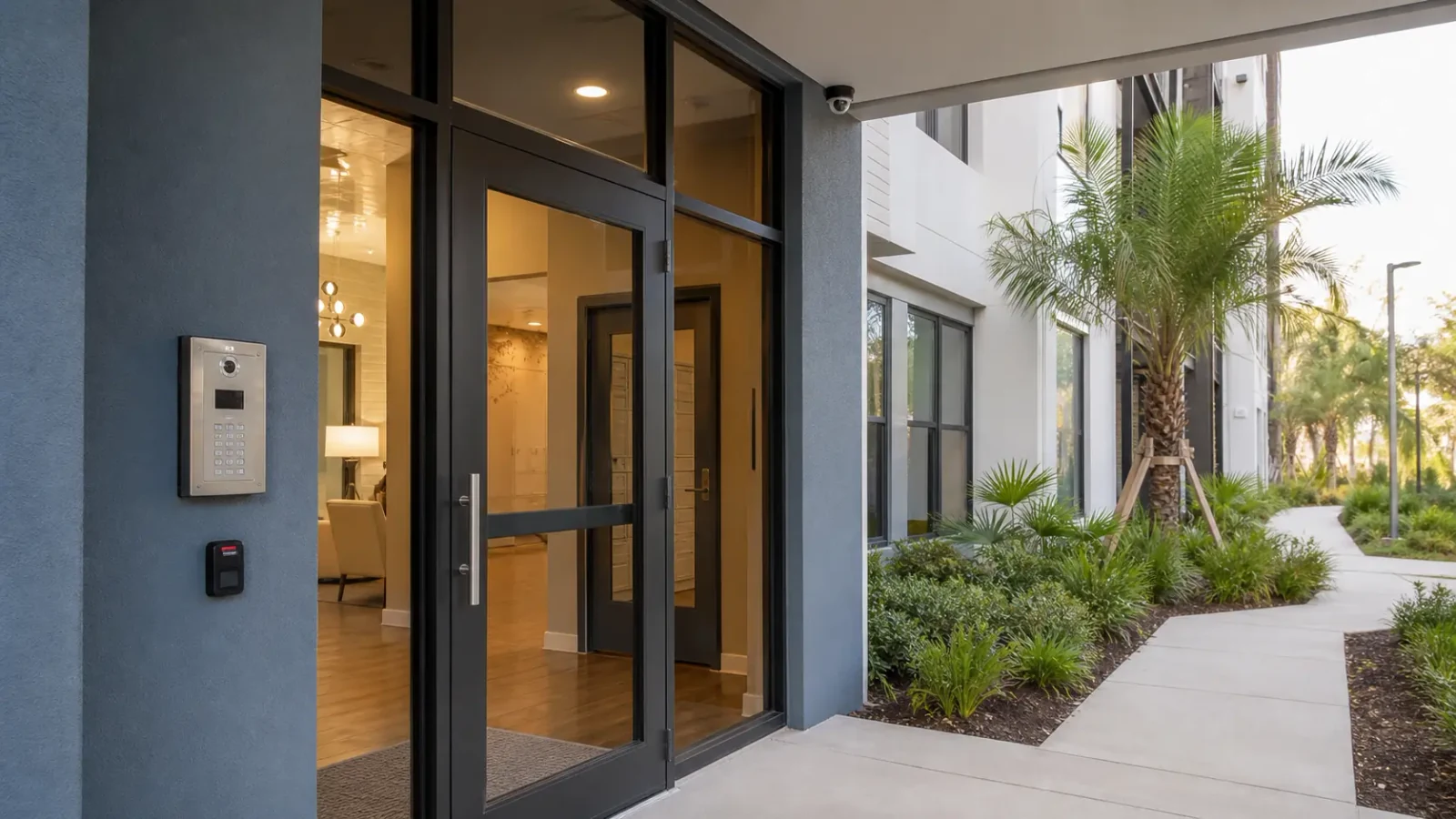
Camera planning across the UCF / University area begins with the property’s operating pattern, not a location label. The survey follows entrances, exterior approaches, recording needs and existing infrastructure so each scene has a defined purpose. Commercial properties near UCF can include offices, retail, service businesses and managed multifamily common areas with frequent changes in tenants, staff or administrators. Camera planning should make account ownership, parking and shared-space coverage explicit while avoiding any implication that the project is affiliated with or located on university property.
CAPABILITIES
Set primary ownership to a recoverable property or business account and give individuals role-based access beneath it.
Assign viewing rights according to the camera’s area and owner instead of giving every user the same recorder-wide access.
Document which switch, uplink or telecom room serves each area so troubleshooting does not begin with guesswork.
Use names tied to entrances, lots or common areas that remain understandable after staff turnover.
Check the actual field of view against the approved common-area purpose and trim unnecessary private-space coverage.
Leave account ownership, camera naming and key infrastructure dependencies in a concise property record.
TECHNICAL PLANNING
Use a property-controlled recovery method and document who may add or remove users after the project.
Keep access rights and camera groupings aligned with actual ownership, even if the network transport is shared.
Review the serving switch and uplink for each remote group rather than assuming the recorder-side connection represents the whole path.
Device and recorder labels should describe stable property locations, not temporary employee names.
Check shared-area scenes for unnecessary views into residences, private offices or other spaces outside the defined objective.
Record administrator ownership, important network dependencies and the basic device map in a form the next manager can use immediately.
PROJECT GUIDANCE
UCF-area managed properties can contain tenant networks, common-area cameras and access-control systems with different owners. The camera project should coordinate only the required network or event connections and preserve separate permissions so one tenant, manager or technician does not inherit broader access by accident.
EAST ORLANDO CONTEXT
The UCF area is a landmark-based geographic context for nearby commercial and managed properties. Service there does not imply campus affiliation or university projects; planning focuses on shared-space administration, parking and account turnover common to managed environments nearby.
RELATED PATHS
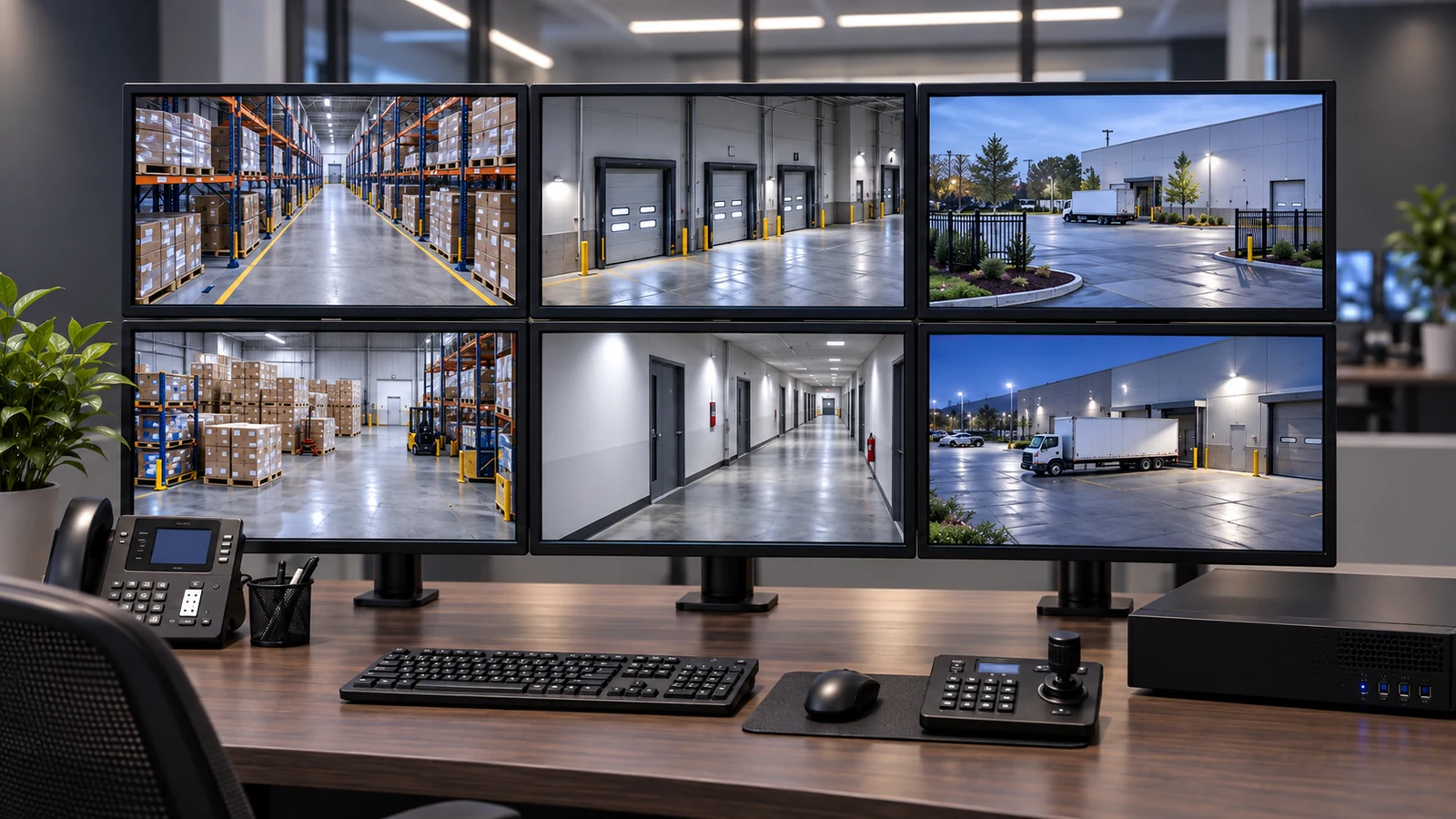
Frequent staff or manager changes make account ownership and export permissions especially important.
View NVR & Remote Viewing
Managed common-area systems benefit from documented service history that survives personnel turnover.
View Service & Maintenance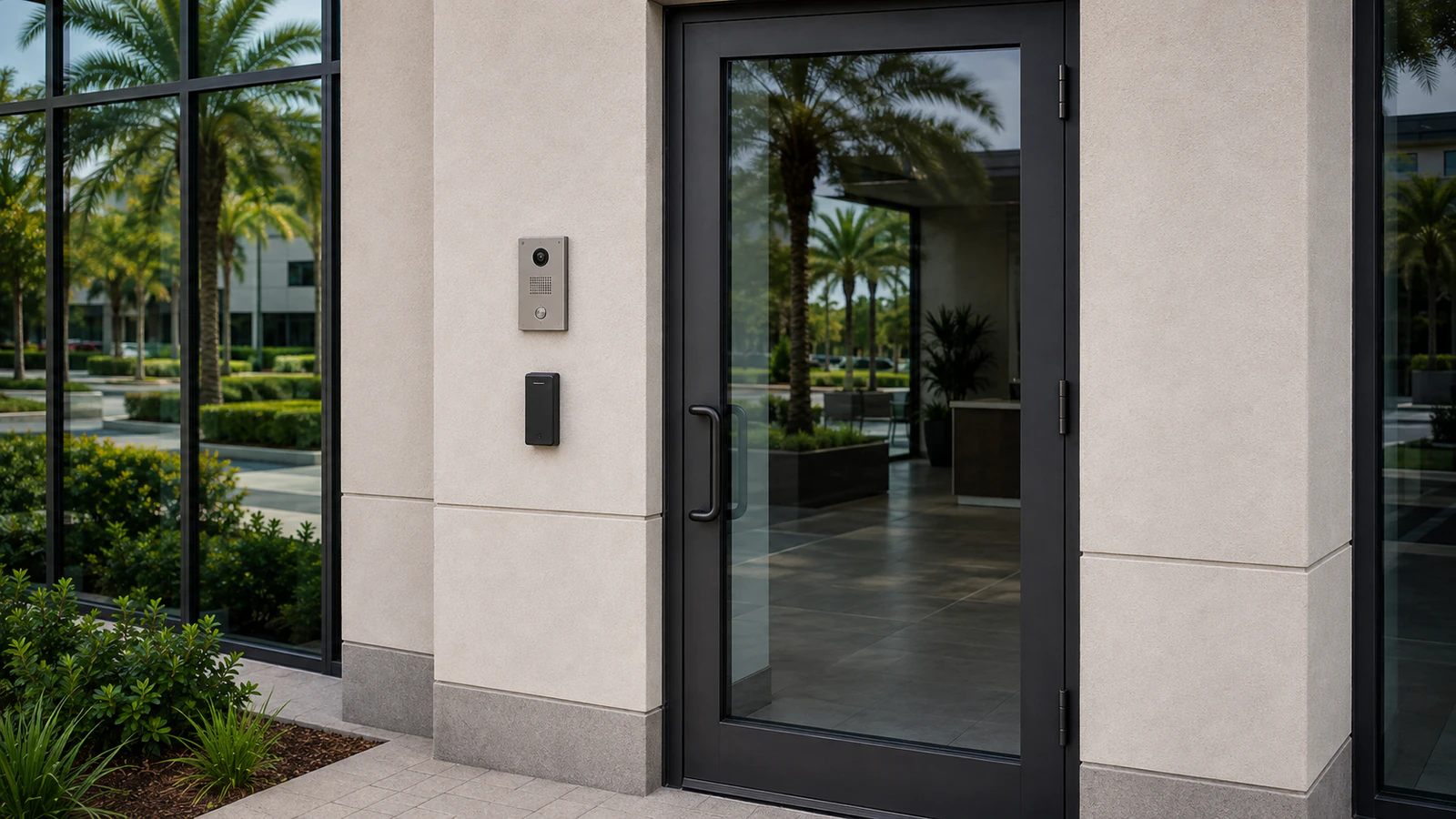
Shared entries may need credential administration separate from camera viewing rights.
View Access Control SystemsRELATED PATHS
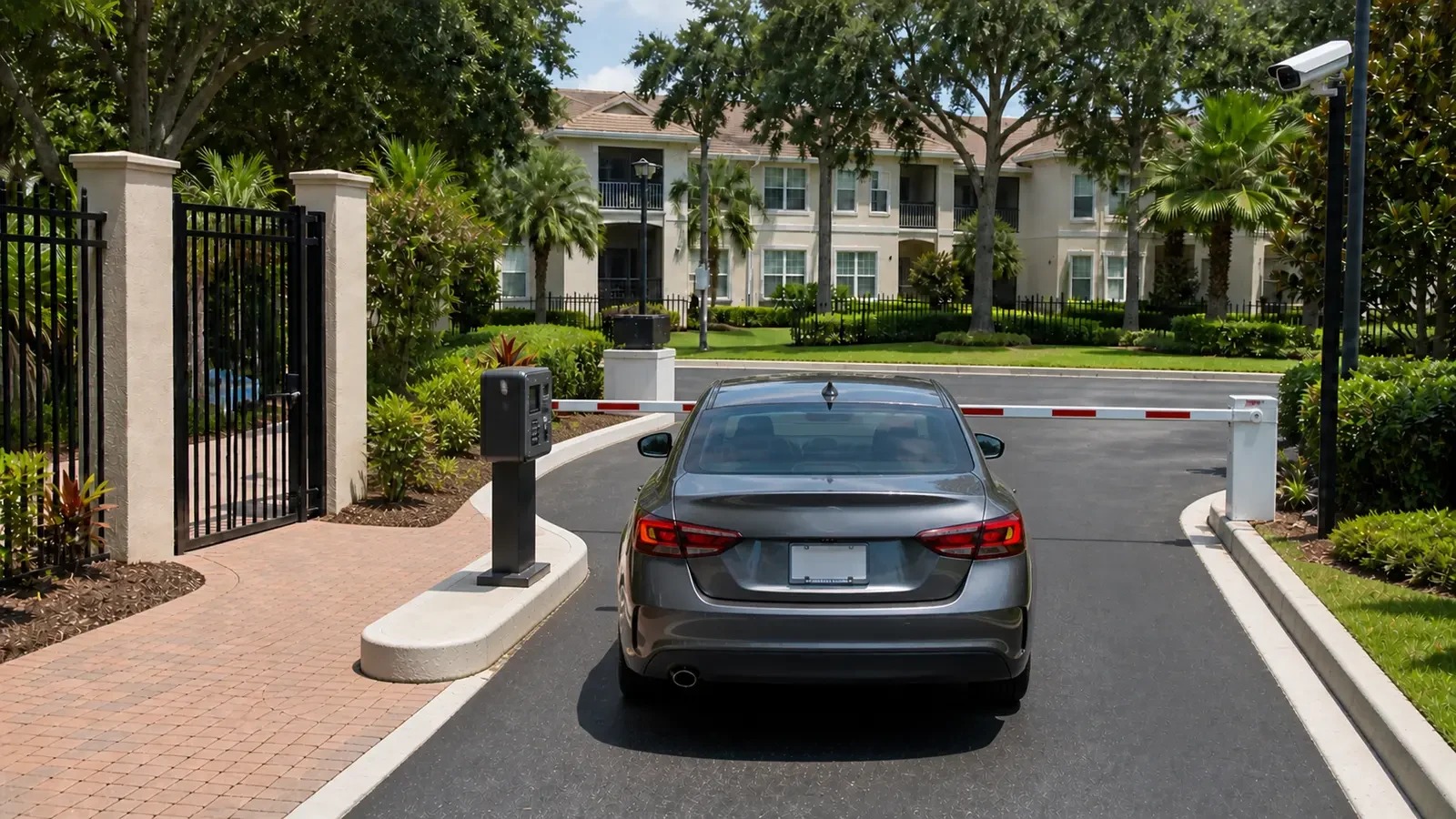
Waterford Lakes differs through its customer-facing commercial pattern, where parking, service or delivery activity, tenant administration and existing-system expansion intersect.
Explore Waterford Lakes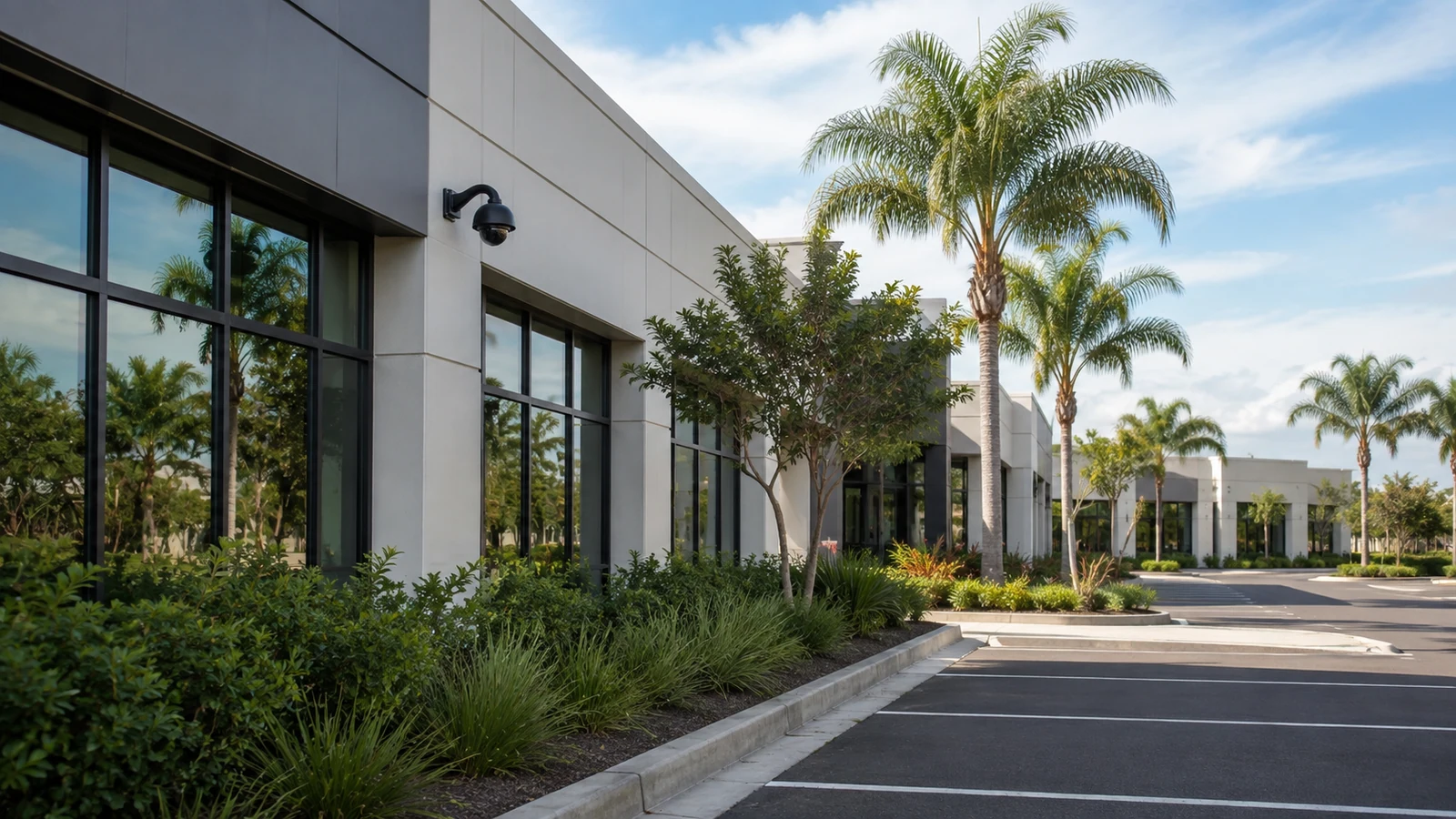
When turnover and shared-space administration are not the main concern, East Colonial offers an SR 50 comparison centered on storefront activity, vehicle approaches and deliveries.
Explore East Colonial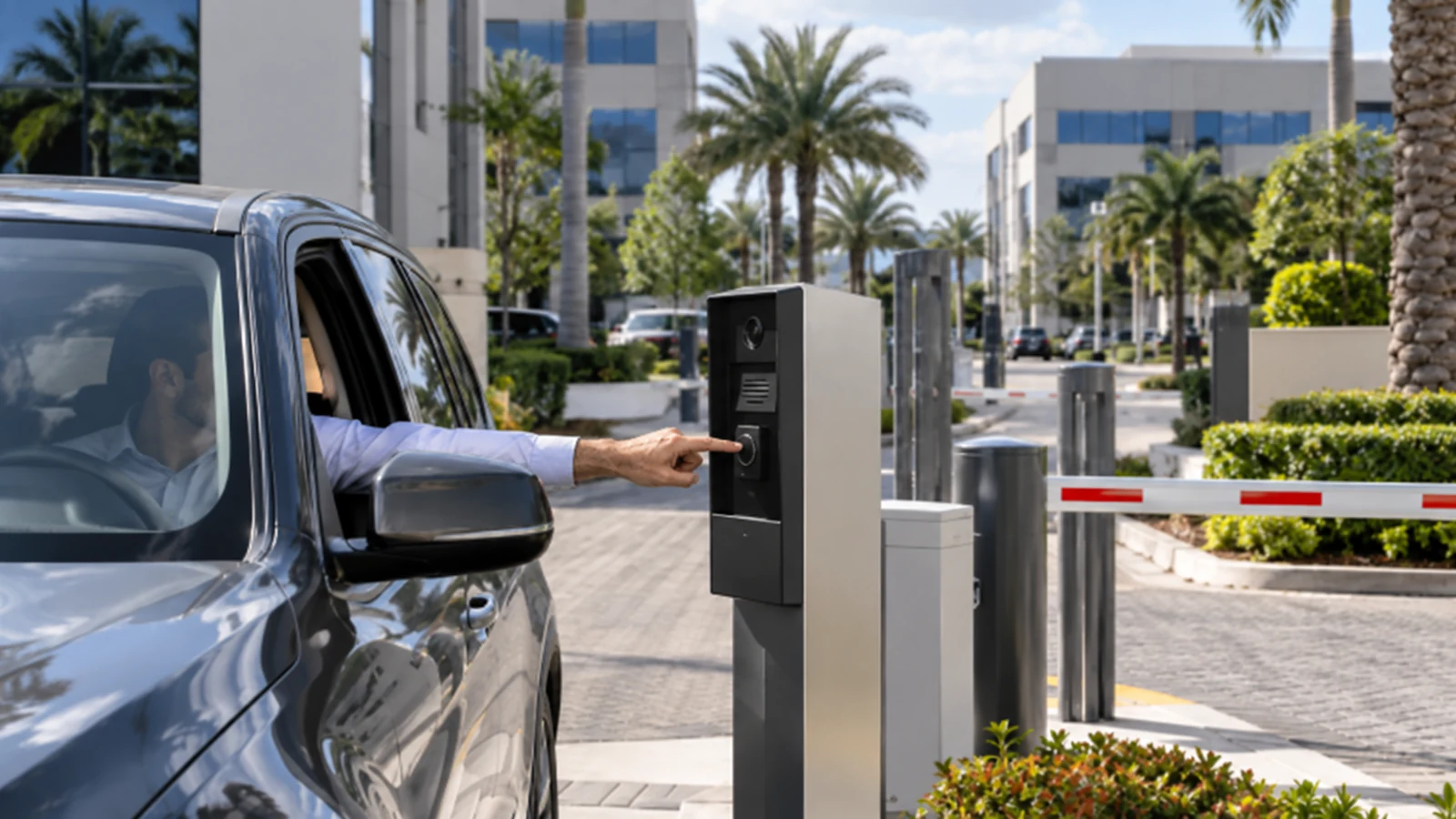
The Union Park context becomes relevant when a neighborhood commercial or service setting, exterior-perimeter emphasis, a mix of older and newer systems, and occupied retrofit work describe the site more accurately.
Explore Union ParkPROJECT PROCESS
Separate tenant, commercial and common-area responsibilities before discussing hardware changes.
Trace the recorder, switches and user roles so technical and administrative dependencies are visible in one plan.
Place and aim cameras for the approved shared or commercial objective and verify views before closeout.
Test playback and export, then confirm recovery methods, user roles and documentation with property management.
LICENSED SUPPORT
Data Pro Communications operates under FL License #EC13016138. UCF-area scopes document which property areas and system accounts are included, who owns the administrator role and what network dependencies are required for the camera system.
FAQ
Use property-owned or role-based administration with documented recovery methods. Avoid leaving the system dependent on one former employee’s credentials.
Yes, for nearby commercial and managed properties. Service in the UCF area does not imply university affiliation or campus projects.
Focus on legitimately managed common spaces such as shared entrances, parking or amenities, with clear privacy boundaries and property-manager approval.
Yes. Common-area cameras can remain property-managed while tenant-controlled systems use separate accounts and responsibilities.
Stable names tied to physical locations help new managers find footage and service the system without relying on the memory of prior staff.
Available PoE, port capacity, uplink load, network segmentation and the ownership of that switch should be confirmed before connection.
Plan access to shared spaces, ceilings and equipment rooms with the property manager and avoid work practices that unnecessarily block normal circulation.
Their access should be removed or reassigned, while the property retains administrator control and recovery information.
They can share some infrastructure, but the coverage purposes, privacy boundaries and account owners differ. The site survey should keep those workflows separate.
A current camera list, recorder or VMS access method, account ownership, retention expectations and recent service history create a practical starting point.
Identify the UCF-area commercial or managed property, common areas, parking concerns and current account ownership so the review can address turnover and shared-space administration.