Florida Licensed
FL License #EC13016138 for low-voltage systems work.

PROPERTY-SPECIFIC CAMERA AND INFRASTRUCTURE GUIDE
A storefront, distribution center, managed community and industrial yard do not create the same camera decisions. Operating hours, movement patterns, privacy boundaries, mounting conditions and system ownership change what must be surveyed and documented.
Use this guide to find the property page that matches the environment. Each route keeps cameras and recorded video at the center while identifying the access, network, cabling or backbone conditions that shape a workable project.
FL License #EC13016138 for low-voltage systems work.
The operating environment determines which child page owns the next question.
Video purpose remains primary while infrastructure appears only where it changes feasibility.
Guest, resident, patient, tenant, logistics and industrial workflows are not treated as interchangeable.
Each summary leads to a property-specific survey rather than repeating child-page detail.
PROJECT GUIDANCE
Retail and offices revolve around public and staff circulation; logistics facilities follow dock, yard and vehicle movement; managed communities depend on shared-area administration; hospitality separates guest and service operations; healthcare offices require privacy-aware placement; property managers need portfolio control; industrial sites add environmental and access constraints; select residential work is reserved for larger professionally scoped properties.
PLANNING RISKS
Two properties in the same category can have different operating hours, management structures and evidence needs.
Playback, export and account recovery fail when user authority is left undefined.
A reception desk, loading lane, gate and service yard require different distances, lighting and review goals.
Cable reach, PoE, uplinks, fiber and recording capacity can change the feasible coverage plan.
Work windows and safe access vary between public businesses, resident communities and active industrial sites.
Standard camera counts cannot replace a survey of events, routes, mounting and retention priorities.
CAPABILITIES

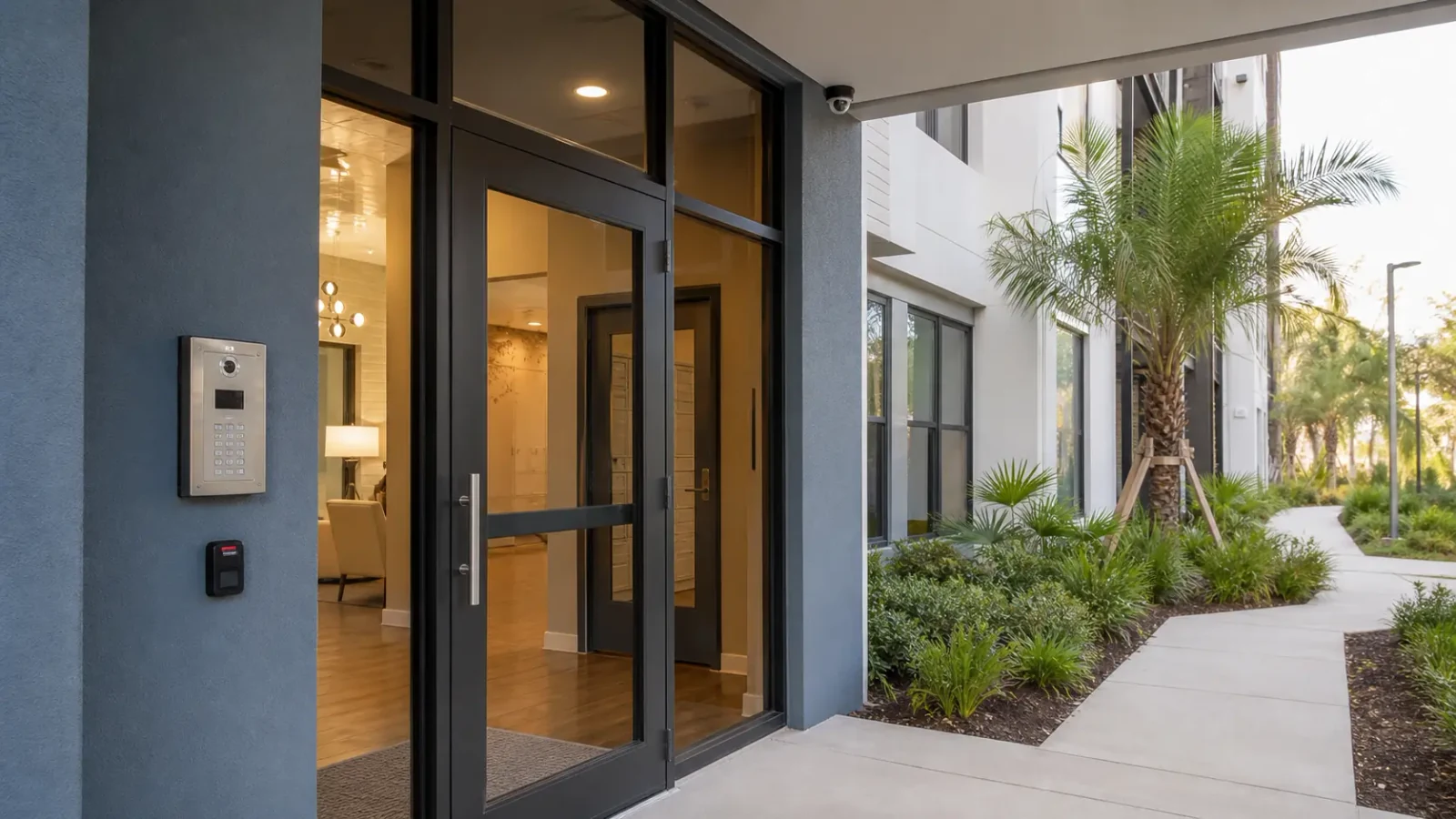
Public entries, transaction context, office circulation, stock areas and authorized footage access.
View Retail & Offices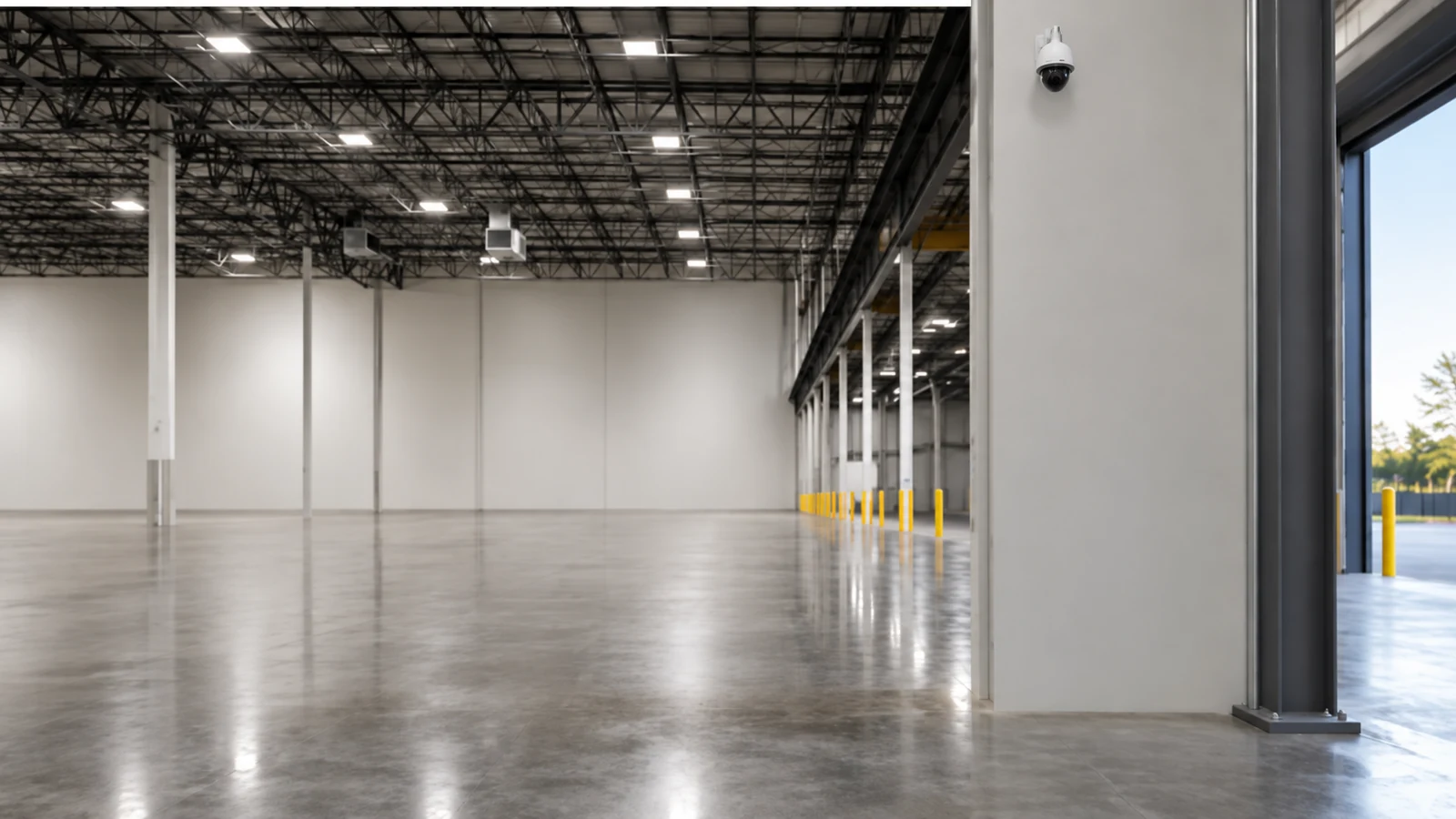
Docks, staging, yards, high-bay views, vehicle movement and long-distance infrastructure.
View Warehouses & Logistics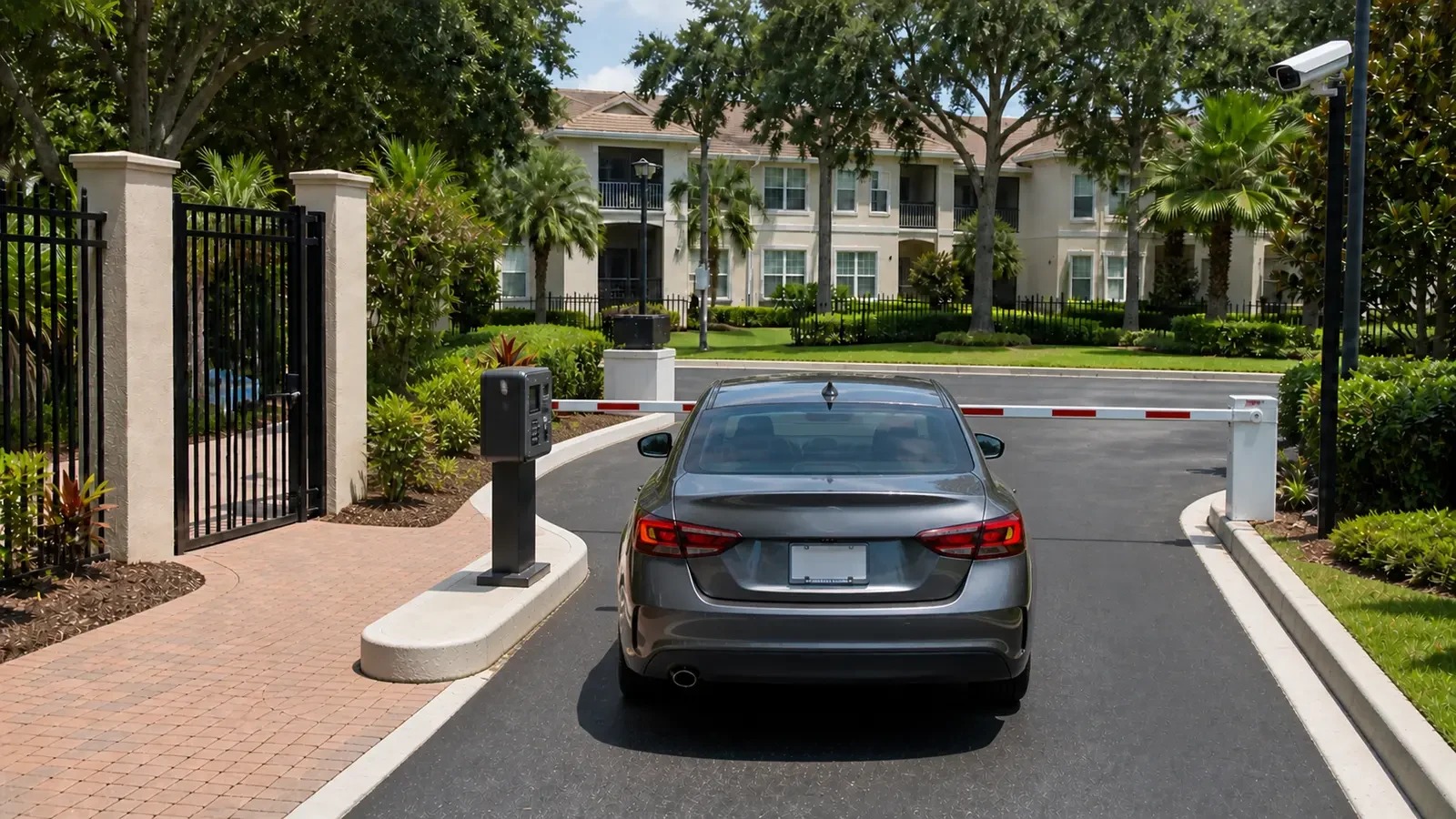
Managed gates, parking, amenities, deliveries and common-area account administration.
View Multi-Family / HOA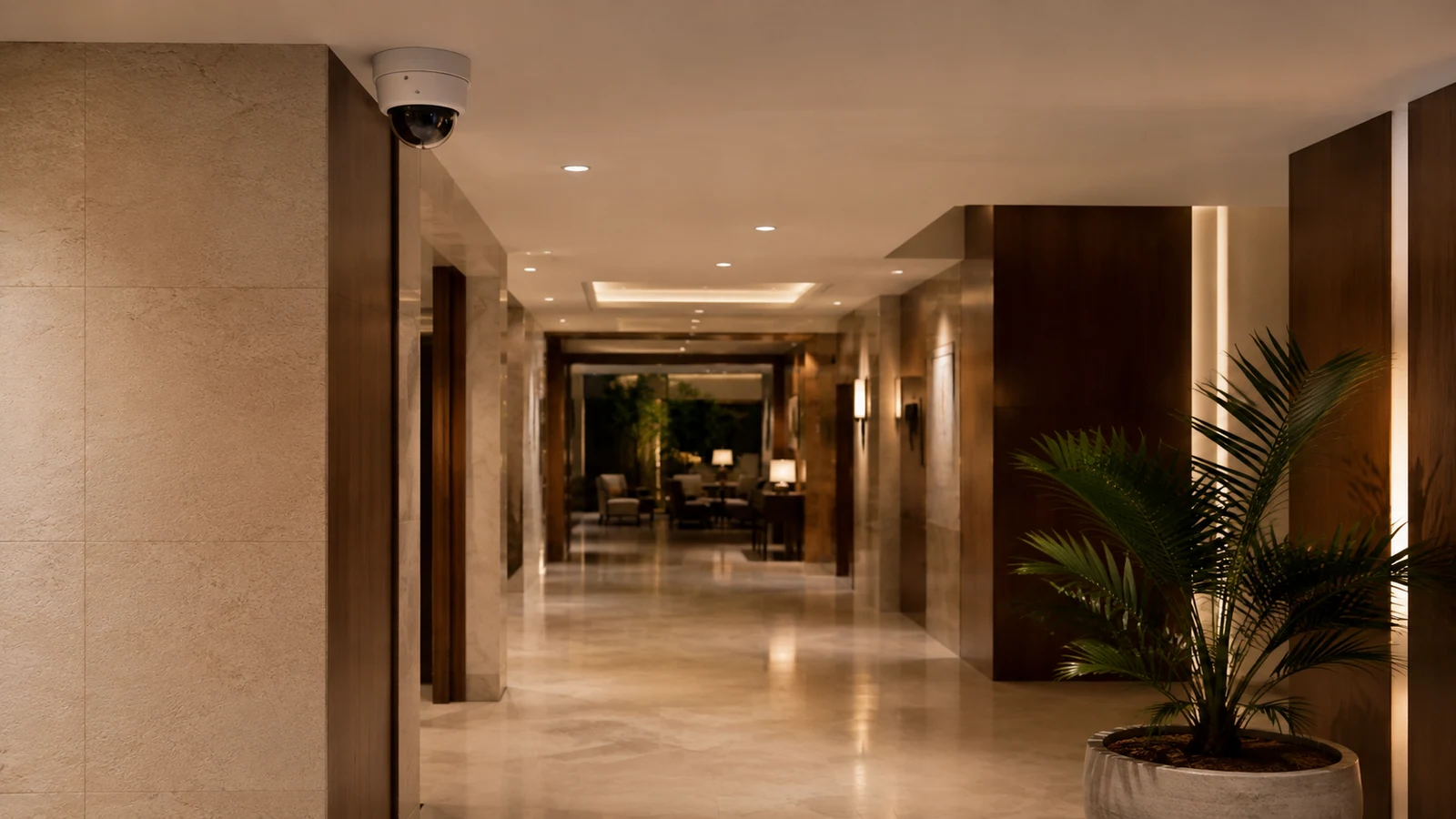
Guest arrival, front desk, service access, back-of-house activity and continuous operations.
View Hospitality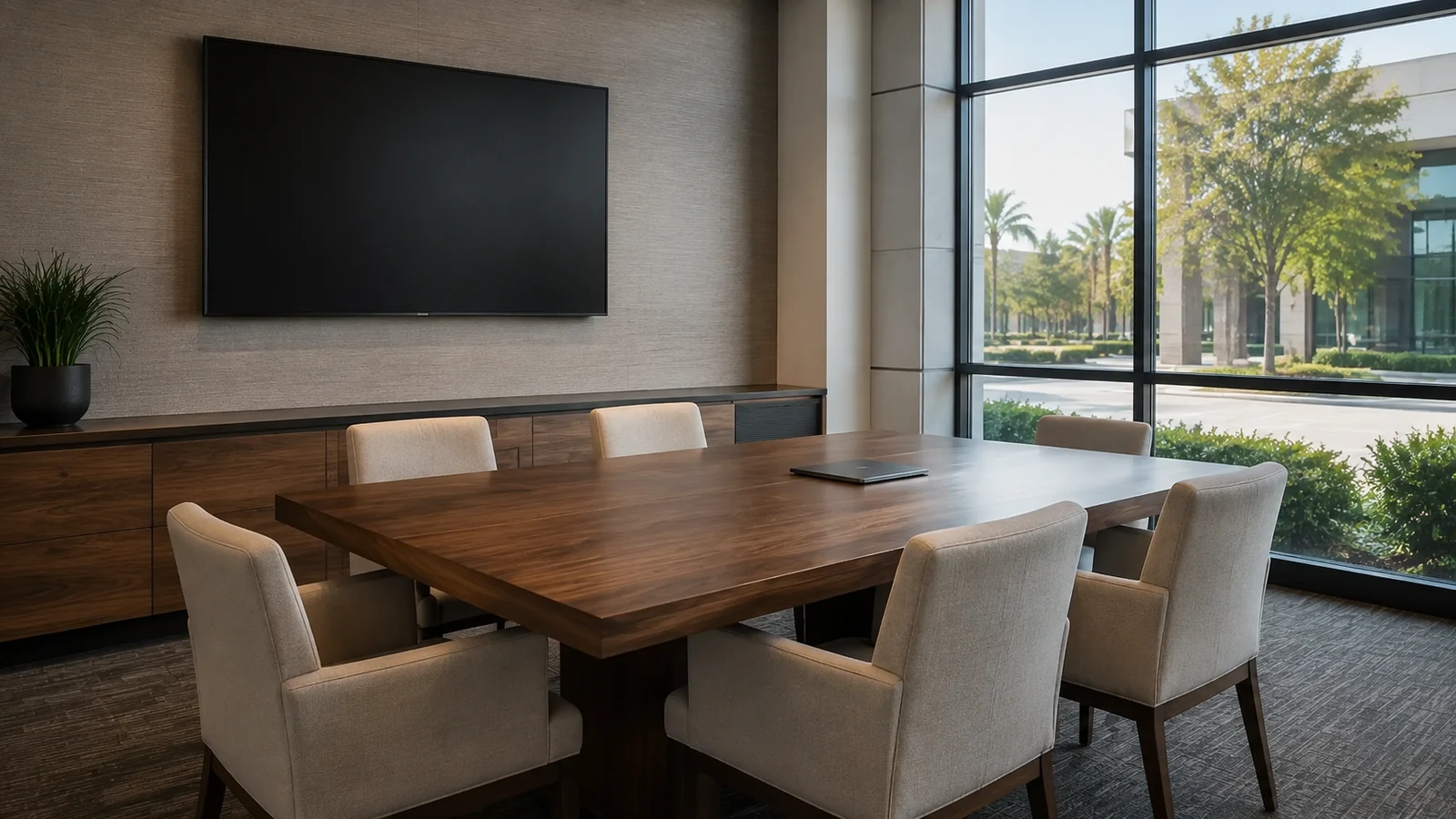
Public and staff zones, privacy-sensitive boundaries and controlled review permissions.
View Healthcare & Professional Offices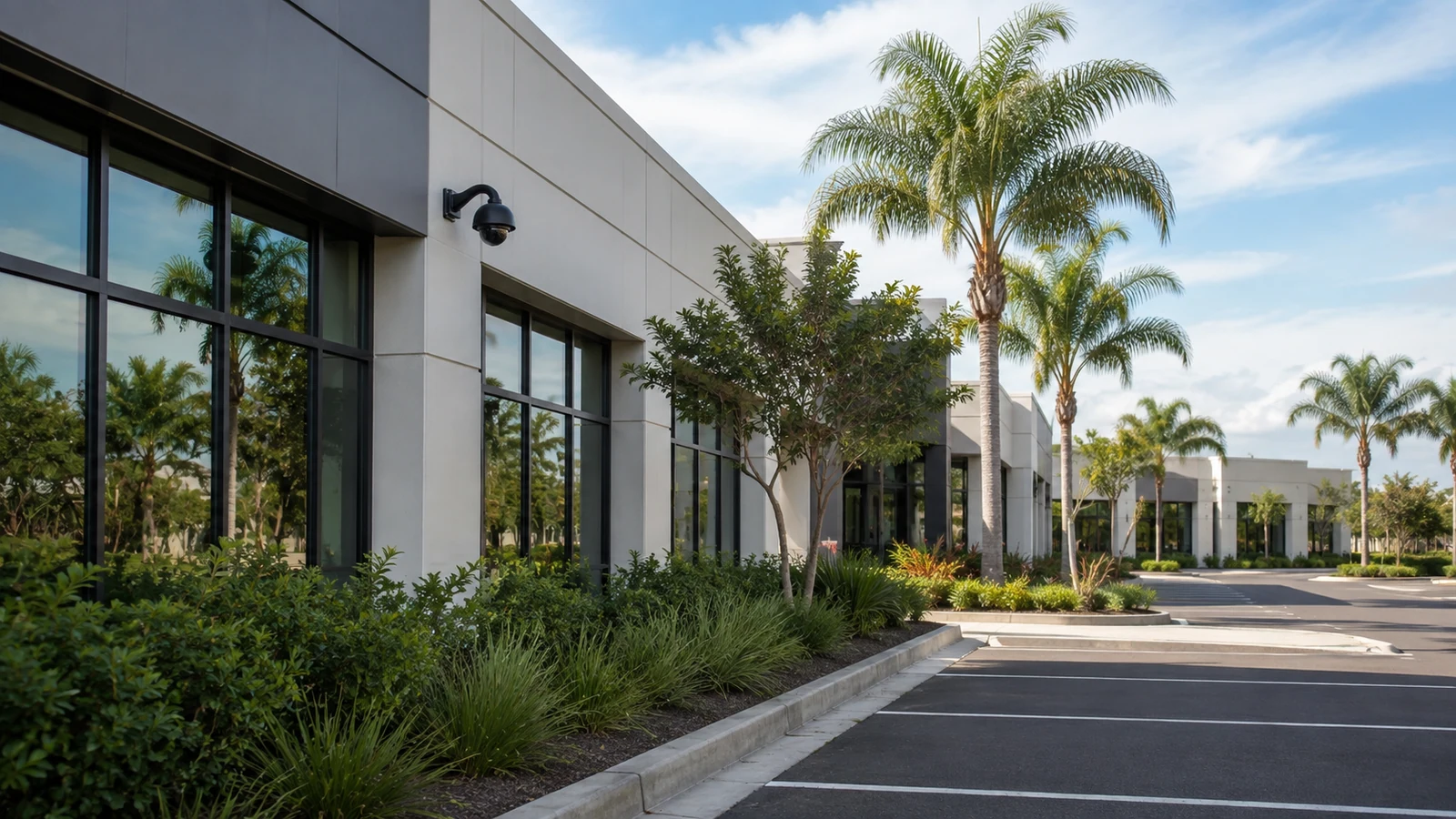
Portfolio standards, credentials, service history, documentation and multi-property ownership.
View Property Managers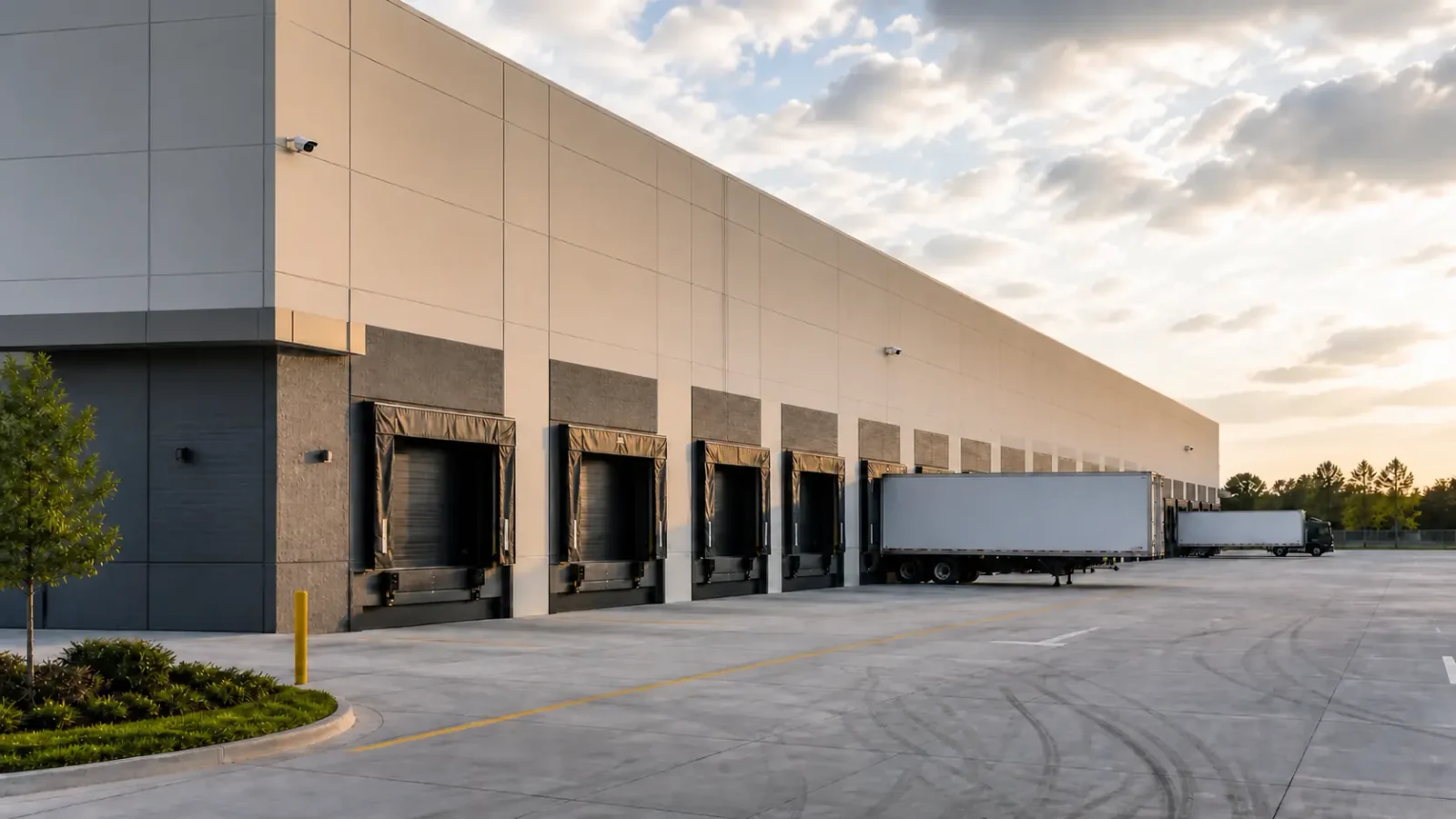
Operational yards, exposed environments, restricted zones and difficult service access.
View Industrial Properties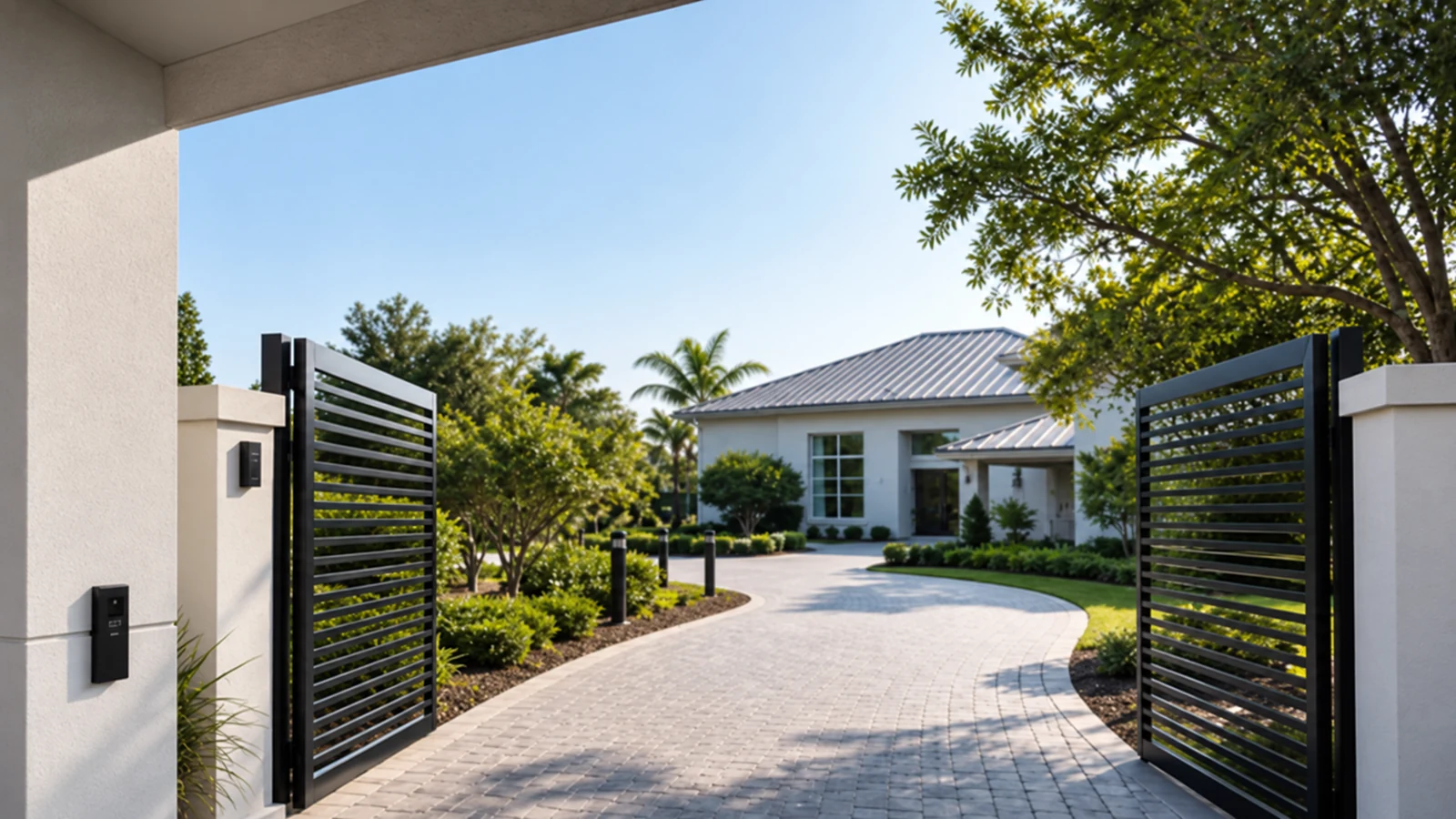
Larger properties, gates, detached structures and professionally managed recording or integration.
View Select Residential PropertiesPROPERTY APPLICATIONS
Begin with the transition from public arrival to staff-controlled or inventory areas.
Explore Customer-facing spaceTrace how cars, trucks or service vehicles approach, queue, load and leave.
Explore Vehicle-centered operationDefine which common areas are in scope and who administers users, footage and vendors.
Explore Shared managed propertySeparate public experience from service activity and schedule work without disrupting occupancy.
Explore Continuous guest operationApprove camera purposes and placements before planning pathways or user roles.
Explore Privacy-sensitive officeAccount for weather, dust, vibration, distance and the equipment needed for future service.
Explore Harsh or extended siteTECHNICAL PLANNING
Name the event and the person responsible for reviewing it.
Mark entries, desks, docks, gates, corridors and service transitions.
Separate public, staff, resident, guest and operational permissions.
Document ceiling height, lifts, occupied rooms, exterior exposure and allowed work windows.
Identify telecom rooms, copper reach, PoE, uplinks, fiber and recorder location.
Assign accounts, retention decisions, exports, service records and credential recovery.
PROJECT GUIDANCE
The property workflow shows where cameras operate; service and solution pages define how the camera, recorder, access, network, cabling and fiber work is delivered. The hub routes those decisions without combining every discipline into one scope.
EAST ORLANDO CONTEXT
East Orlando combines established commercial corridors near Goldenrod and East Colonial with managed properties toward Waterford Lakes, UCF-area offices, airport-adjacent commercial sites and newer southeast Orlando development. The useful local distinction is the way each property operates, not a repeated neighborhood list.
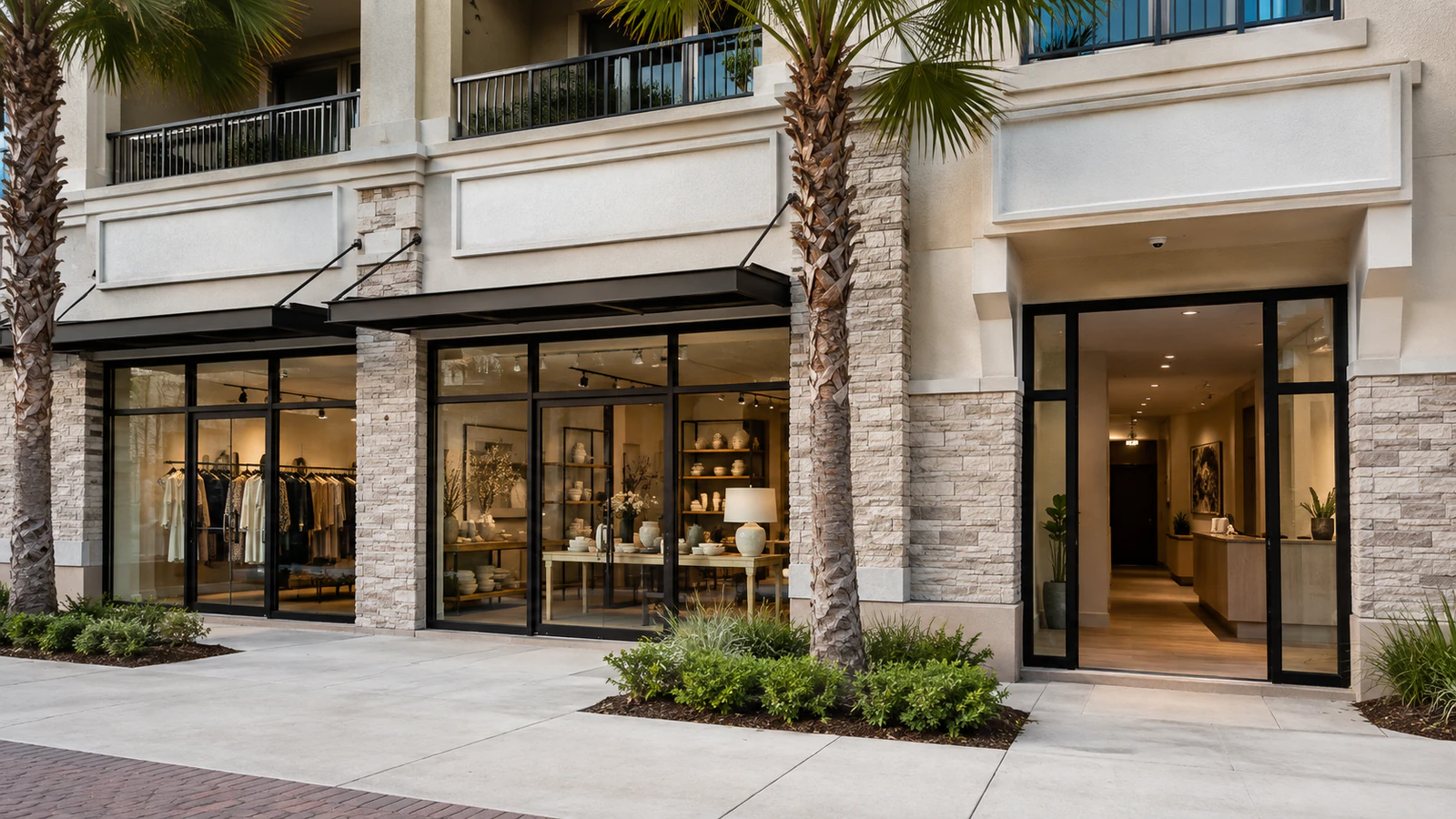
RELATED PATHS
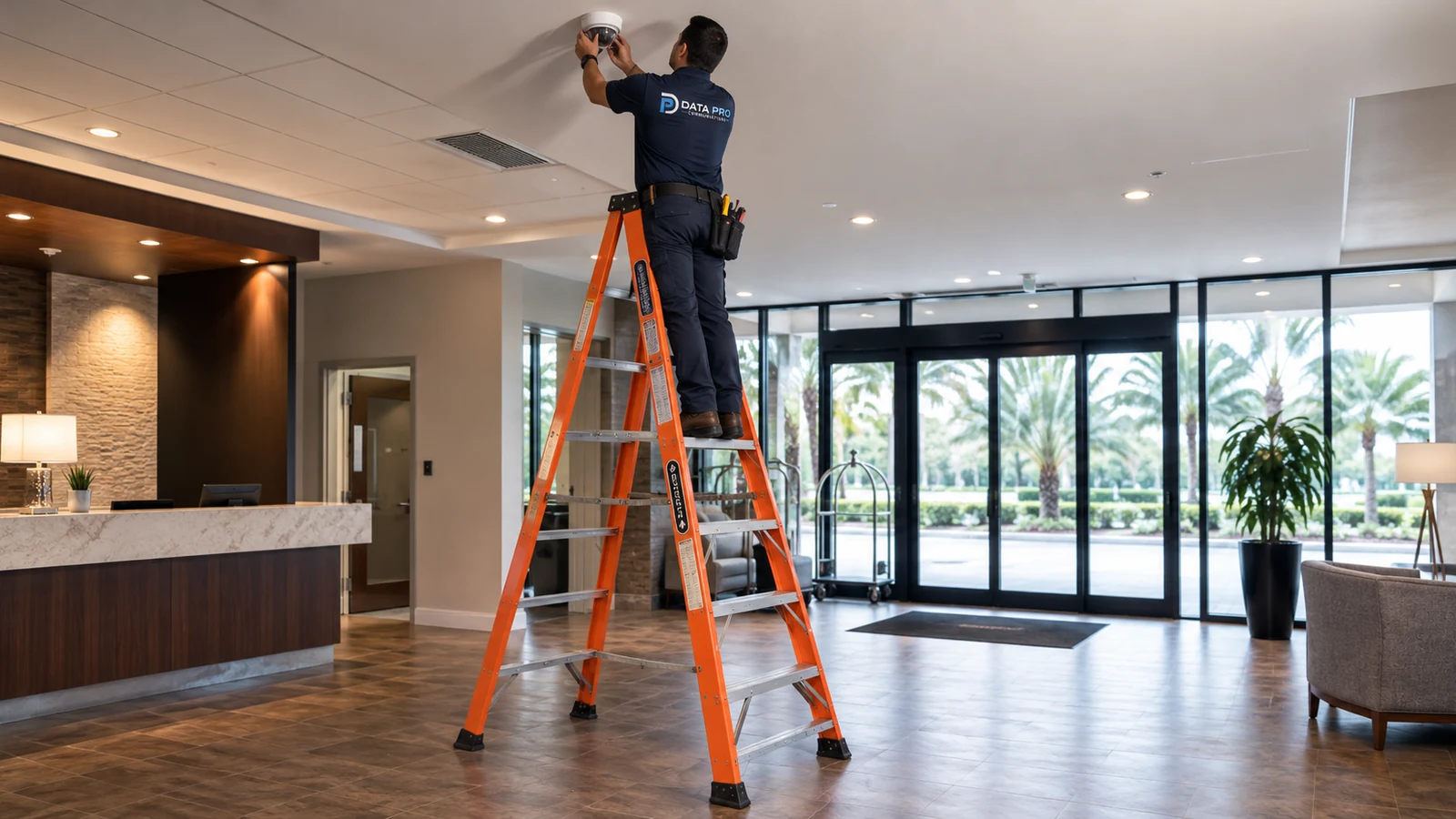
Compare installation, recording, analytics, upgrade and diagnostic paths after the property environment is identified.
View Camera Services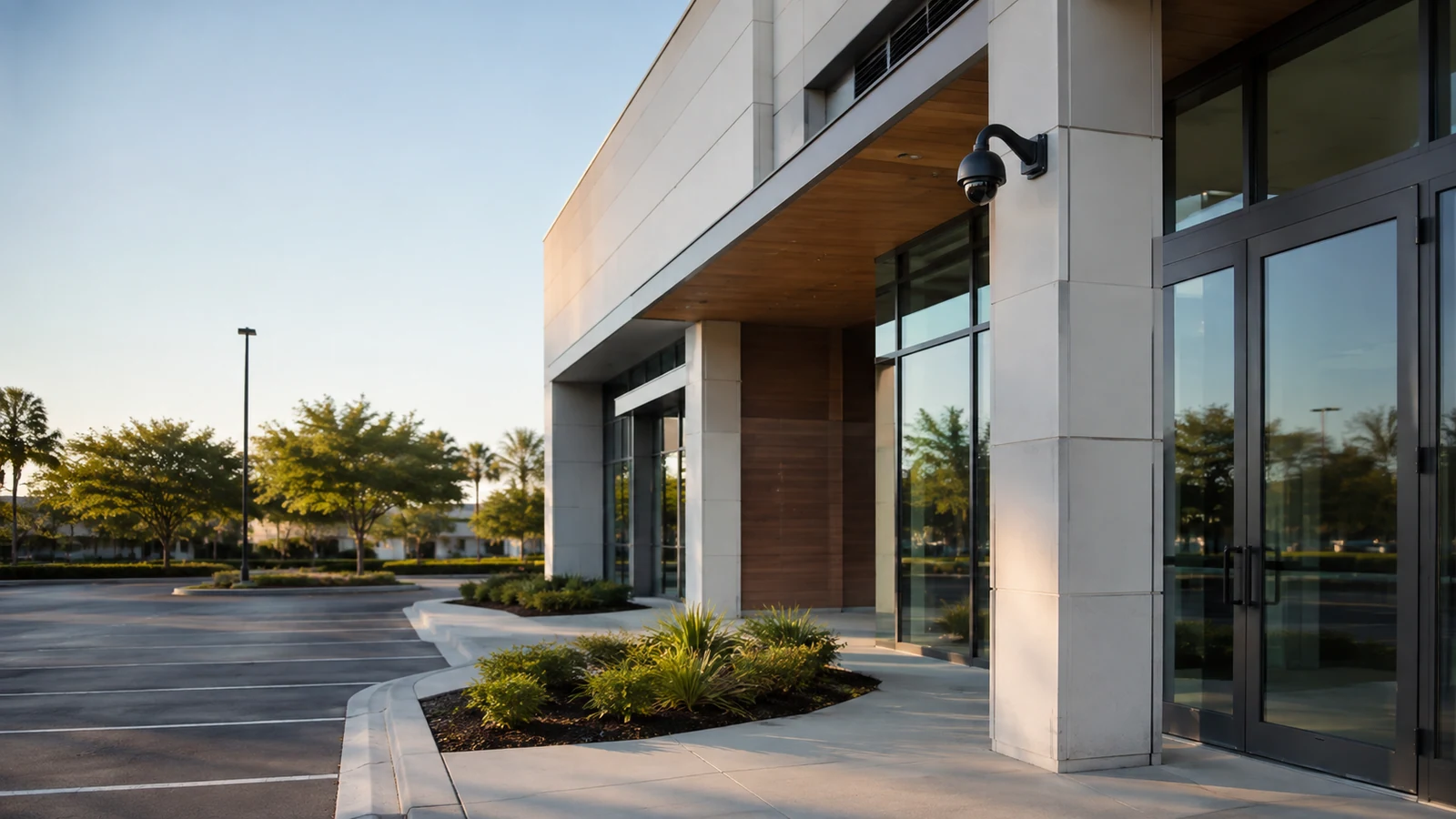
Review cabling, network, access, intercom, service and fiber dependencies that support camera projects.
View Solutions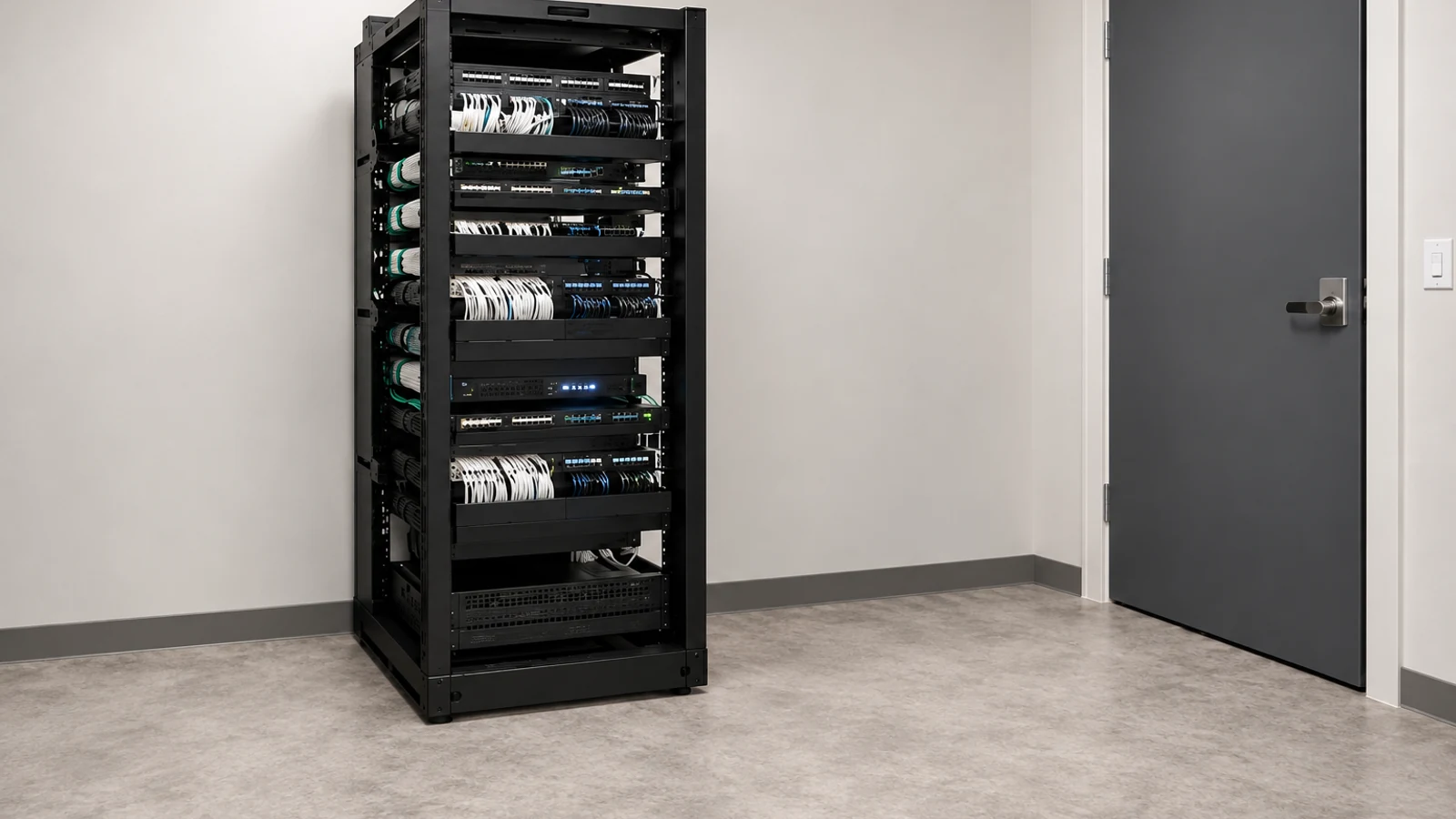
Move to an installation survey when the property needs new coverage and commissioned recording.
View Security Cameras InstallationRELATED PATHS
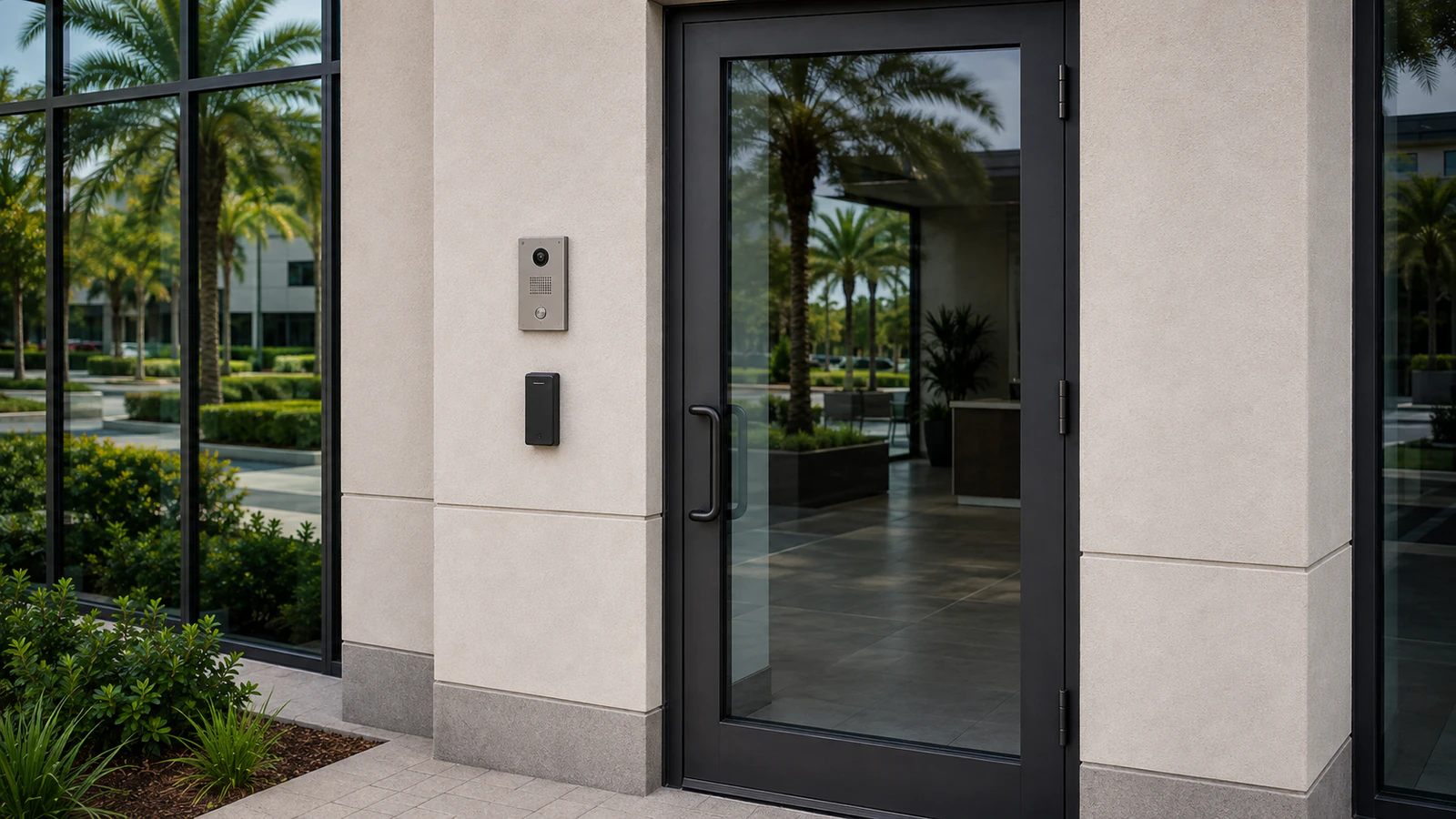
Retail, office, hospitality and professional environments organize cameras around public and staff workflows.
Explore Operating Businesses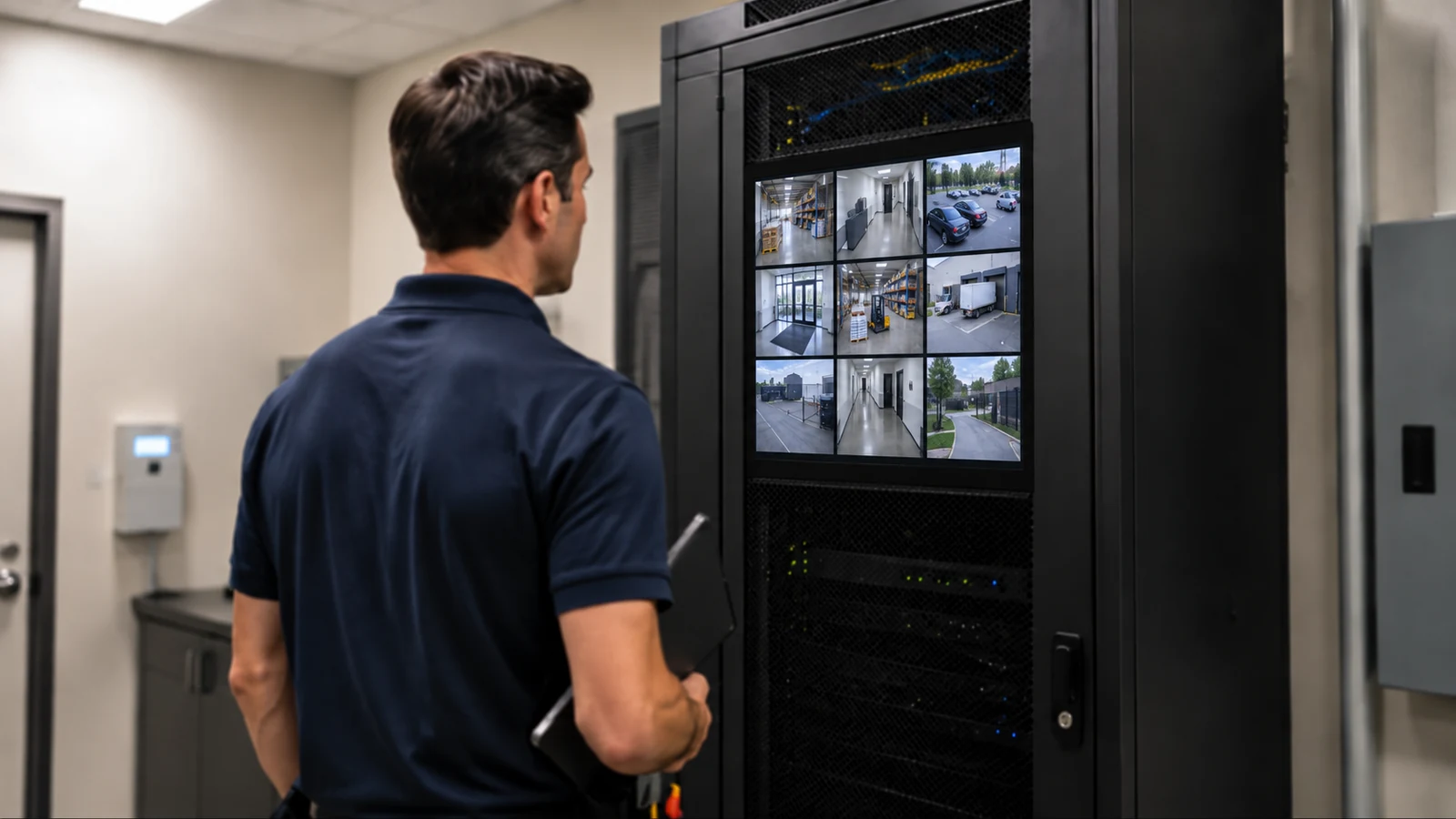
Communities and portfolios add account, vendor and common-area administration.
Explore Managed Properties
Logistics and industrial properties add vehicle, distance, environment and service-access constraints.
Explore Operational SitesPROJECT PROCESS
Describe the property, users, activity patterns and decision owner.
Match the environment to the page that owns its primary workflow.
Connect scenes and recording goals to pathways, network, access and service constraints.
Provide existing-system and property details so the survey begins with relevant questions.
LICENSED SUPPORT
Data Pro Communications operates under FL License #EC13016138. The East Orlando / Goldenrod team helps property owners choose the industry route that matches how the site operates before a camera or infrastructure scope is defined.
FAQ
Choose the operating model behind the immediate project. A retail ground floor may start with Retail & Offices, while shared residential amenities belong with Multi-Family / HOA.
Industry pages explain where and how systems operate. Service pages explain the technical work, such as installation, IP video, recording, upgrades or diagnostics.
Yes. A managed portfolio or mixed-use site can involve several environments, but the project brief should identify the area and workflow being addressed first.
Share a floor or site plan, operating hours, entries, restricted areas, lighting changes, existing equipment, telecom rooms, user roles and the events staff need to review.
No. Camera count follows the number of distinct scenes, viewing purpose, distance, obstructions and infrastructure available at the property.
The customer defines authorized areas and review roles. Camera purposes and boundaries should be approved before mounting or recording decisions are finalized.
Fiber may be needed between buildings, distant telecom rooms, gates or remote site areas when copper reach or aggregate uplink capacity is insufficient.
Potentially. Condition, compatibility, support status, image purpose, cable performance and recorder or network capacity determine whether reuse is practical.
Authorized customer administrators should own primary accounts, recovery methods and user changes rather than depending on shared or installer-only credentials.
Review the property-specific concerns, then request a site survey with the current system, operating constraints and desired camera or access outcomes.
Describe the property type, operating pattern and camera decision. The next conversation can then start with the industry route that owns the workflow.