Licensed Florida Contractor
FL License #EC13016138 identifies the contracting license presented by Data Pro Communications.

INTEGRATED SECURITY FUNDAMENTALS
A security system is not one device category. Cameras describe events, access control decides whether credentials may open doors, intercoms support visitor communication, and network and power infrastructure carry the information that ties those functions together.
FL License #EC13016138 identifies the contracting license presented by Data Pro Communications.
Provides live and recorded scene evidence, subject to viewpoint, lighting, retention and user permissions.
Separate accounts, licenses and maintenance may remain.
Change records, backups, firmware and escalation contacts.
PROJECT GUIDANCE
Design the system as coordinated layers with separate failure modes. Video can confirm a forced door but cannot lock it; access control can record a credential but may not show who used it; an intercom can authorize a visitor but depends on a defined release and audit workflow.
CAPABILITIES
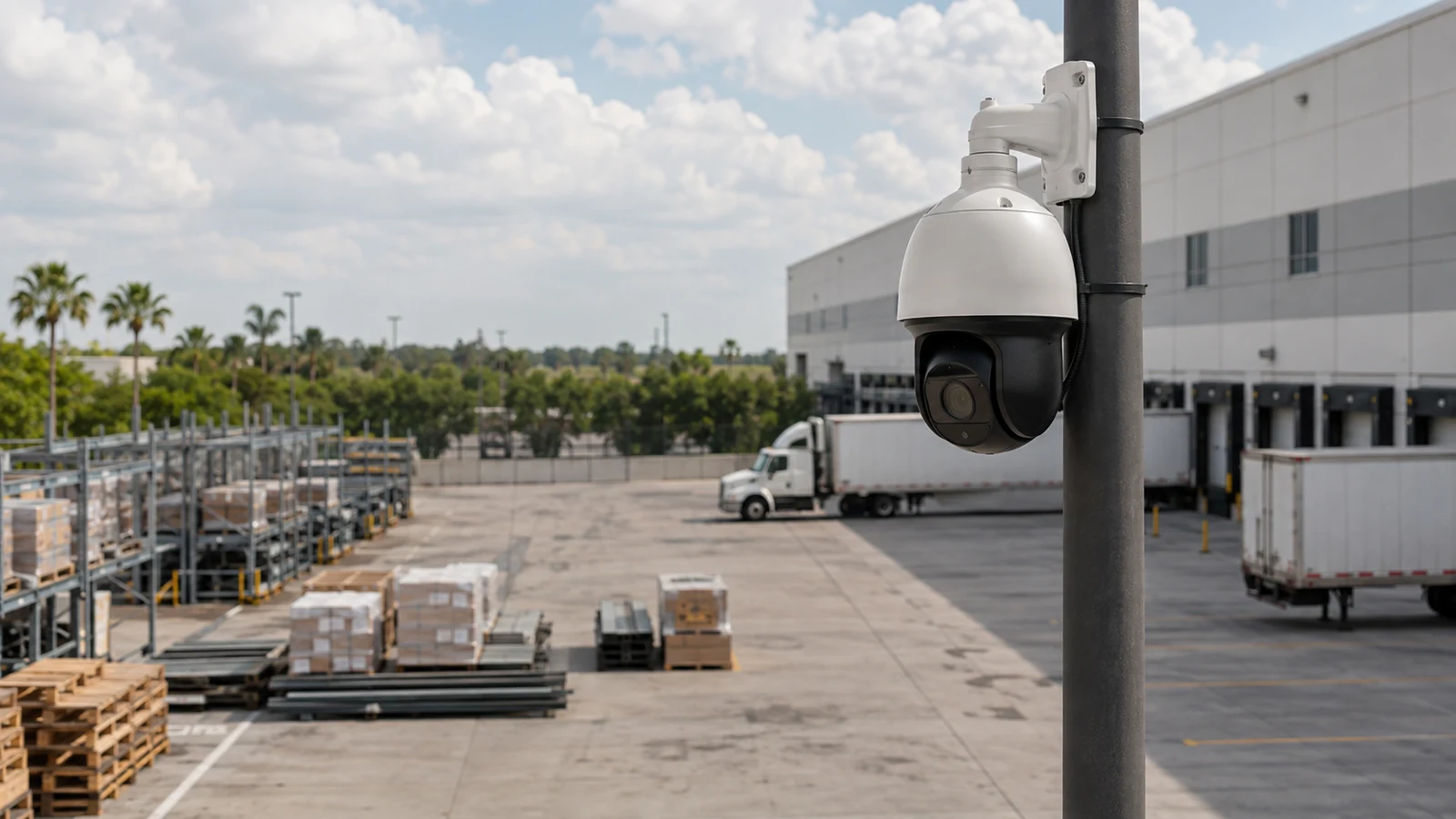
Provides live and recorded scene evidence, subject to viewpoint, lighting, retention and user permissions.
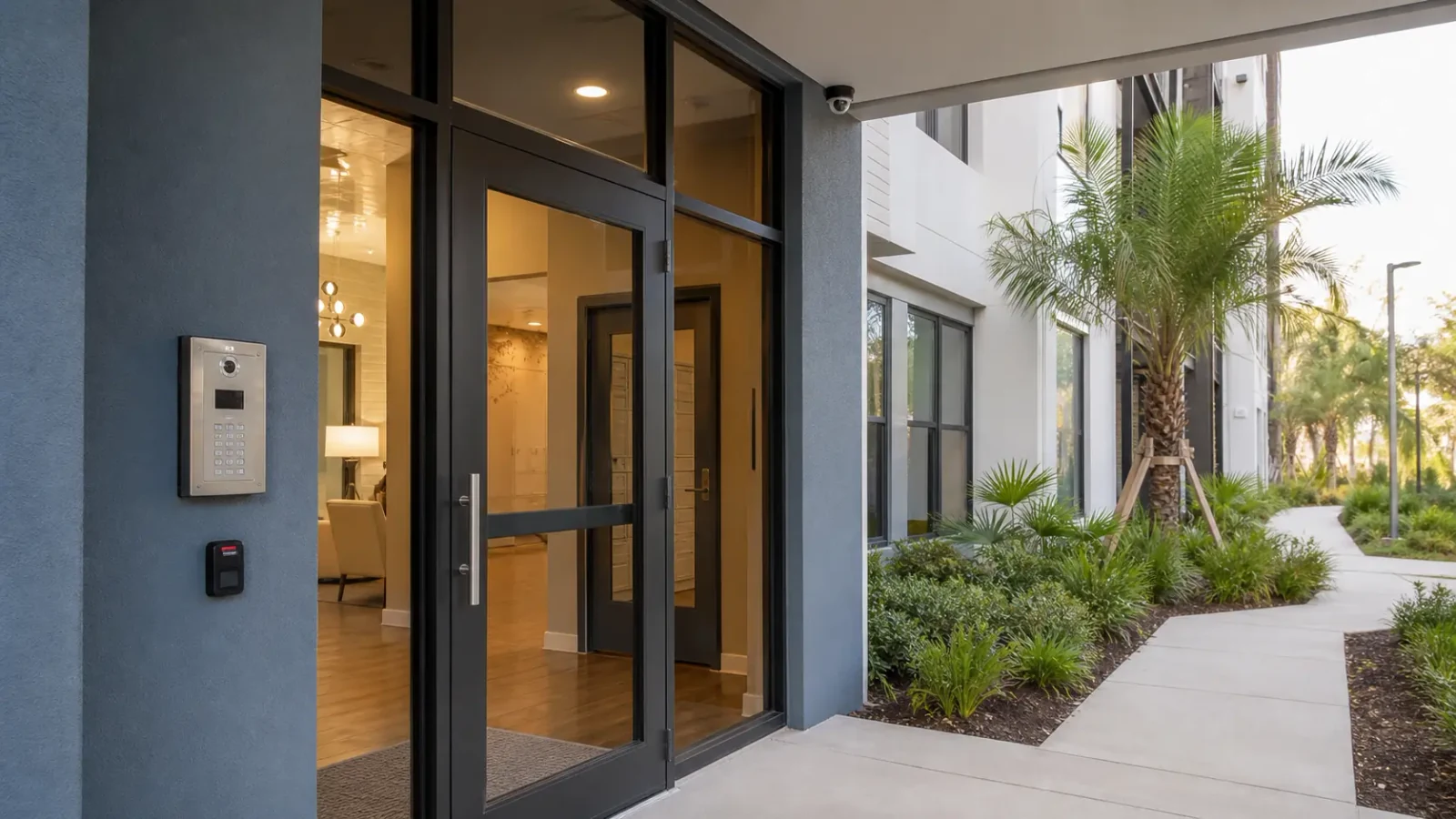
Manages credentials, schedules, door status and event logs while relying on appropriate locking and life-safety interfaces.
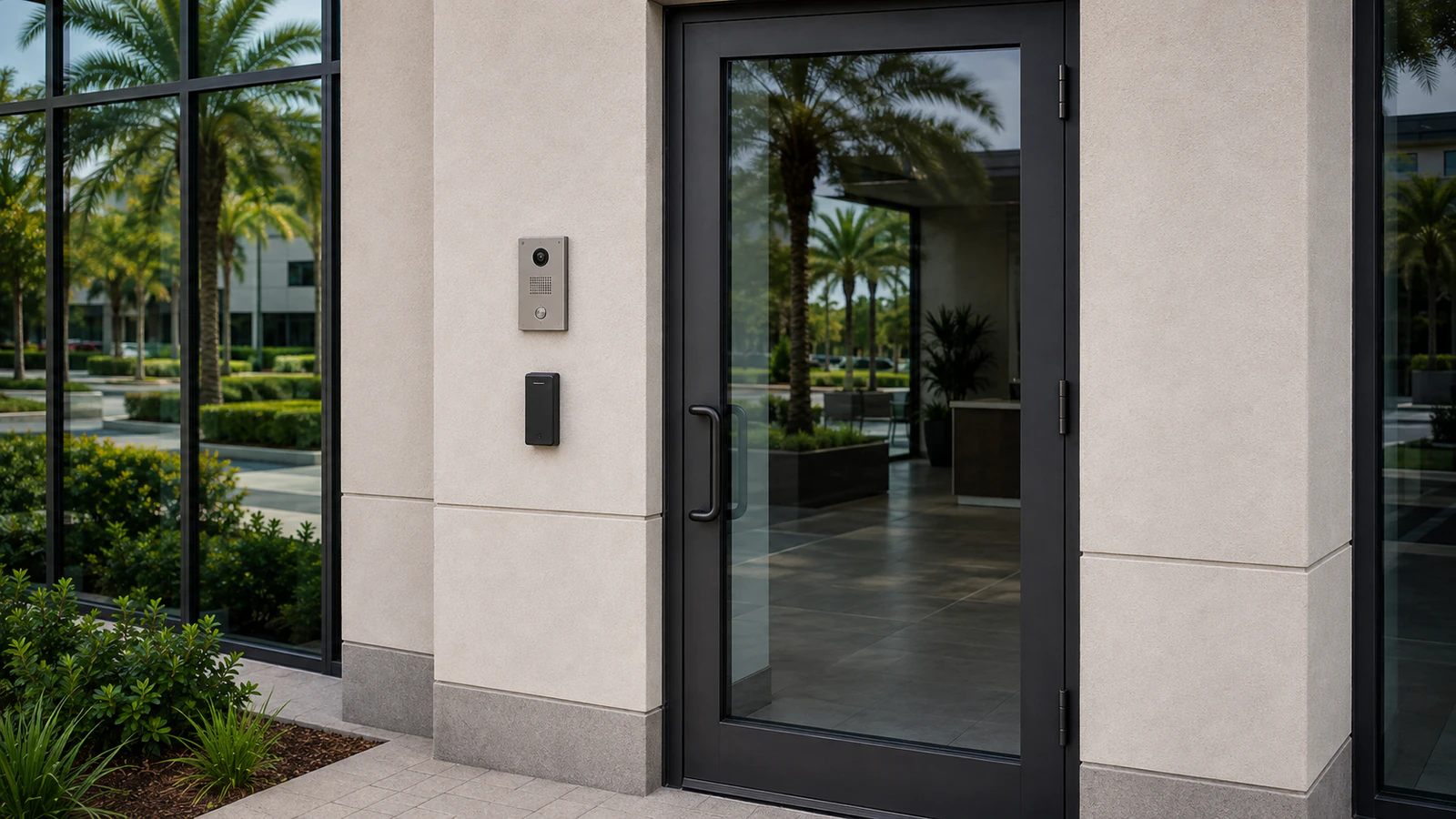
Connects visitors with authorized responders and may support controlled release through approved integration.
Provide transport, PoE, segmentation, uplinks and physical routes for connected devices.
Stores video and logs with reliable time so operators can reconstruct incidents across systems.
Controls accounts, updates, credential lifecycle, backups, health checks and service documentation.
EAST ORLANDO CONTEXT
East Orlando properties with video, controlled doors and visitor communication benefit from common location names and synchronized timestamps. Those operating disciplines make separate platform records easier to correlate during an incident.
PROPERTY APPLICATIONS
Access control records the credential, video shows the doorway, and the event timeline lets an administrator compare both records.
The intercom reaches a staffed destination, the responder confirms the visitor, and the release event is handled under property policy.
Local recording and door behavior are reviewed separately because camera transport and access decisions may respond differently to lost connectivity.
PROJECT PROCESS
Matching door, camera and location names speeds investigation.
Event correlation is unreliable when systems disagree on time.
Confirm what doors, cameras, intercoms and remote users experience during power, network or server outages.
PLANNING RISKS
Separate accounts, licenses and maintenance may remain.
It informs response but does not provide physical access control.
A valid credential event does not by itself prove who presented it.
PLANNING RISKS
Mismatched naming, time and ownership make investigation harder.
Devices may fail in different orders during an outage.
Shared access weakens accountability and complicates staff changes.
TECHNICAL PLANNING
Named administrators, operators and credential owners.
Synchronized clocks, location names and retention.
UPS, PoE, network paths and server health.
Change records, backups, firmware and escalation contacts.
PROJECT GUIDANCE
RELATED PATHS
PROJECT PROCESS
Provides live and recorded scene evidence, subject to viewpoint, lighting, retention and user permissions.
Manages credentials, schedules, door status and event logs while relying on appropriate locking and life-safety interfaces.
Named administrators, operators and credential owners.
Confirm what doors, cameras, intercoms and remote users experience during power, network or server outages.
FAQ
Common parts include video surveillance, access control, intercom, intrusion or alarm interfaces, network infrastructure, recording and administration.
Cameras provide visual evidence, while access control manages credential decisions and door events.
It lets a visitor communicate with an authorized responder and may support a controlled door release under defined policy.
IP cameras, controllers and intercoms depend on cabling, switching, PoE, addressing, segmentation and reliable uplinks.
Matching timestamps allow operators to compare video, door events and communication records accurately.
Some platforms unify selected functions, but supported features, permissions and maintenance boundaries vary.
Behavior differs by device and design; local recording, cached door rules and intercom functions must be tested individually.
Named customer-authorized personnel should own accounts, recovery methods, role assignments and vendor access decisions.
Testing frequency should reflect risk and policy, with periodic checks of recording, doors, intercom paths, alerts, backups and exports.
Maintain device and location lists, network information, account ownership, licensing, configurations, backups, warranties and change records.
Integrated security works when each layer performs its own job and shares enough context for people to respond. Clear ownership, synchronized records and tested failure behavior are as important as the devices on the wall.