Florida Licensed
FL License #EC13016138 for low-voltage systems work.

LAYER-BY-LAYER CAMERA DIAGNOSTICS
A failed image does not automatically mean a failed camera. Power, connectors, cable, switching, addressing, credentials, recorder services, storage and configuration can create the same visible symptom.
Data Pro Communications reproduces the issue when possible, isolates one layer at a time and tests the correction before recommending replacement. The result is a documented finding, not a sales assumption.
FL License #EC13016138 for low-voltage systems work.
Diagnostics begin with the actual symptom, timing and affected workflow instead of a replacement assumption.
Camera, power, cable, switching, addressing, recorder, storage and account layers are isolated with controlled tests.
The original operating scenario is repeated after the repair or configuration change, and the result is recorded.
Equipment replacement is recommended only when testing identifies the device or lifecycle constraint as the cause.
PROJECT GUIDANCE
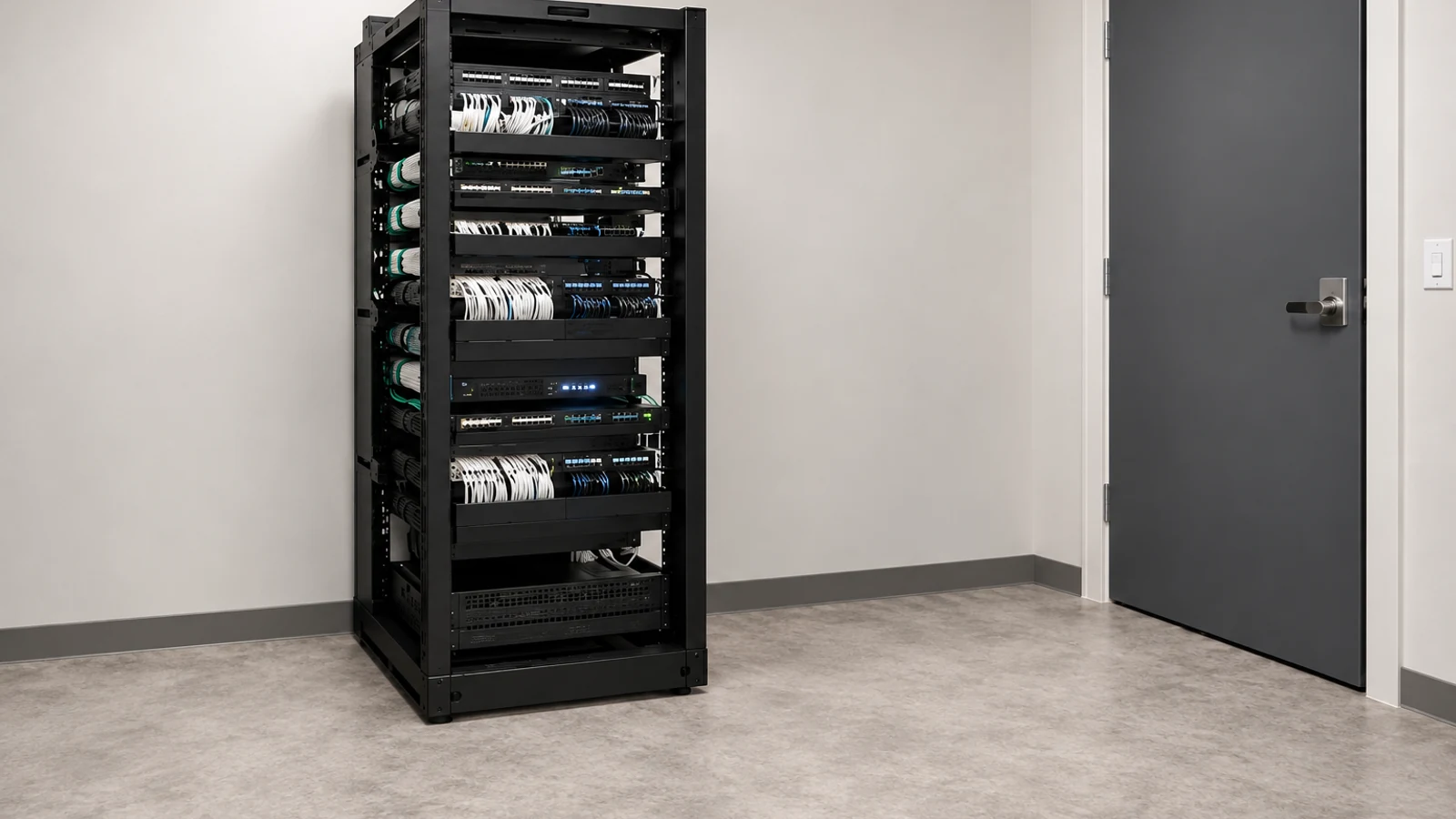
A failed image does not automatically mean a failed camera. Power, connectors, cable, switching, addressing, credentials, recorder services, storage and configuration can create the same visible symptom. Data Pro Communications reproduces the issue when possible, isolates one layer at a time and tests the correction before recommending replacement. The result is a documented finding, not a sales assumption.
PLANNING RISKS
Heat, moisture, marginal power, damaged connectors or link negotiation can make a fault disappear during a brief visit.
Replacing a camera will not correct a failed PoE port, address conflict or recorder configuration.
Lost administrative access can block testing, exports, updates and supported recovery.
Live video can remain available while storage, schedules or recorder services stop retaining footage.
Local viewing can work while DNS, gateway, account or supported remote-access services fail.
Changing several components before retesting destroys evidence about the original cause.
CAPABILITIES
Record when, where and how the fault appears, including whether it affects live view, recording, export or remote access.
Check camera boot behavior, voltage or PoE negotiation, current draw where appropriate and known-good substitutions.
Test terminations, continuity or certification as applicable, link errors and alternate ports or paths.
Verify switch status, VLAN path, IP configuration, conflicts, gateway and time services.
Inspect channel status, credentials, recording schedules, storage health, capacity and service logs supported by the platform.
Return the system to the original operating scenario and confirm the symptom is resolved without creating another fault.
PROPERTY APPLICATIONS
Separate device failure from lost PoE, damaged cable, disabled switch port, address conflict or recorder credentials.
Explore Offline cameraCorrelate link errors, temperature, moisture, power load and traffic conditions with dropouts.
Explore Intermittent streamCheck time, schedule, motion/event settings, storage health, capacity and recorder services while live video remains available.
Explore Recording gapCompare local access with account, internet, gateway, DNS, application and supported connection-service behavior.
Explore Remote-view failureReview illumination, exposure, reflections, focus, dome condition and scene geometry before changing resolution.
Explore Poor night imageTest permissions, time range, storage availability, export format, destination media and required player.
Explore Failed evidence exportTECHNICAL PLANNING
Use a known-good port, cable segment, power source or camera to move the fault boundary without replacing several items.
Record timestamps and operating conditions for intermittent faults so logs and link status can be correlated.
Check class, per-port status, total switch budget and voltage behavior rather than assuming an illuminated link proves stable power.
Confirm IP, mask, gateway, VLAN, duplicate-address status and camera-to-recorder reachability.
Review drive health, available capacity, recording database state and the exact channels or periods affected.
Make one controlled correction, reproduce the original workflow and document the result before proceeding.
PROJECT GUIDANCE
A camera symptom can cross several connected systems: power feeds the device, cabling and switching carry the stream, the recorder authenticates and stores it, and user accounts expose playback or remote view. Diagnostics should test those boundaries in sequence so one failing layer is not mistaken for several unrelated faults.
EAST ORLANDO CONTEXT
Troubleshooting across Union Park, Rio Pinar and the UCF corridor should begin with the reported symptom and system layer. Property age, exterior exposure and shared network ownership can change which tests are most useful.
RELATED PATHS
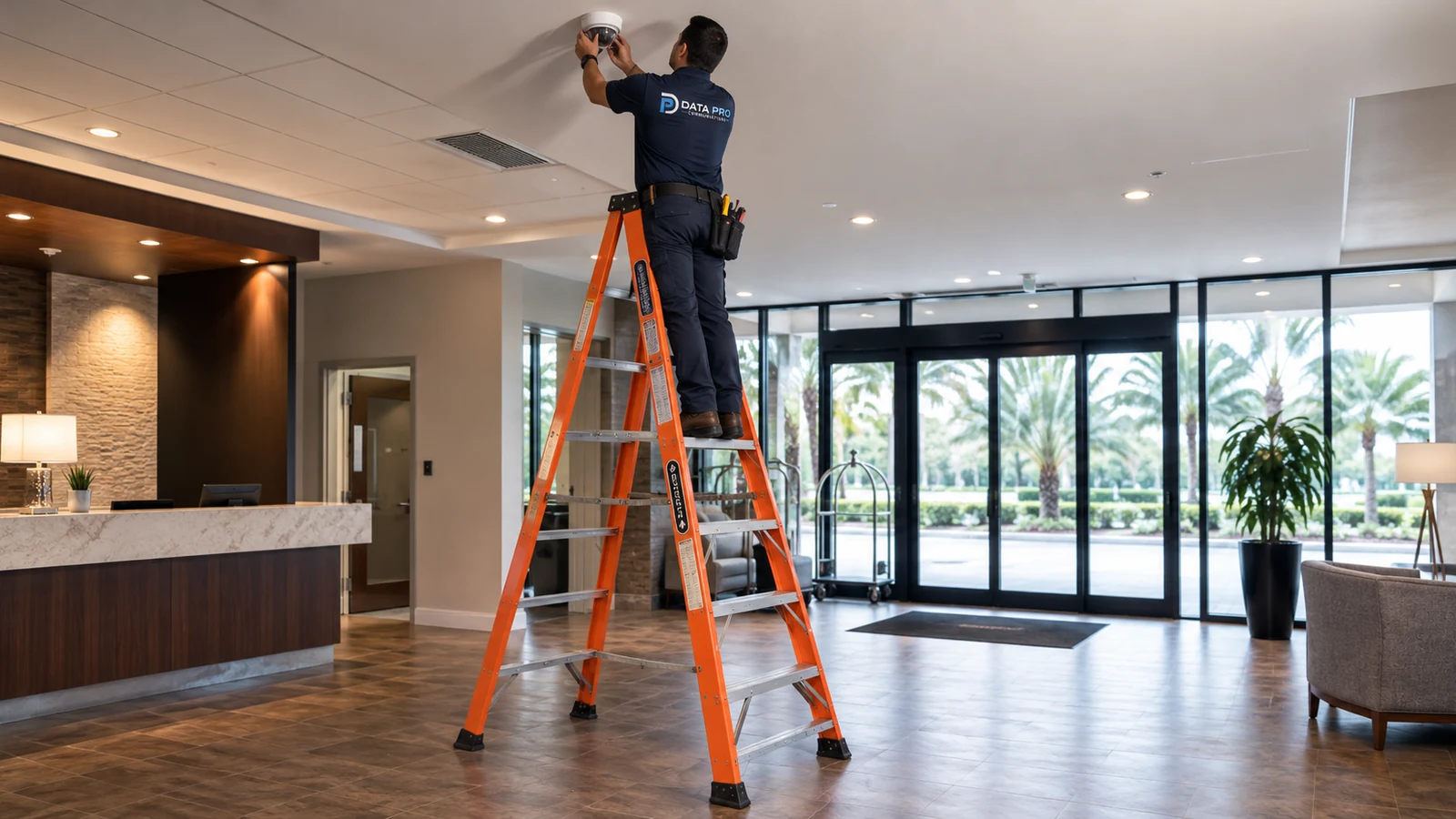
Relevant when an isolated fault becomes recurring preventive or lifecycle work.
View Service & Maintenance
Applies after diagnostics show an unsupported or capacity-limited component needs modernization.
View Camera System Upgrades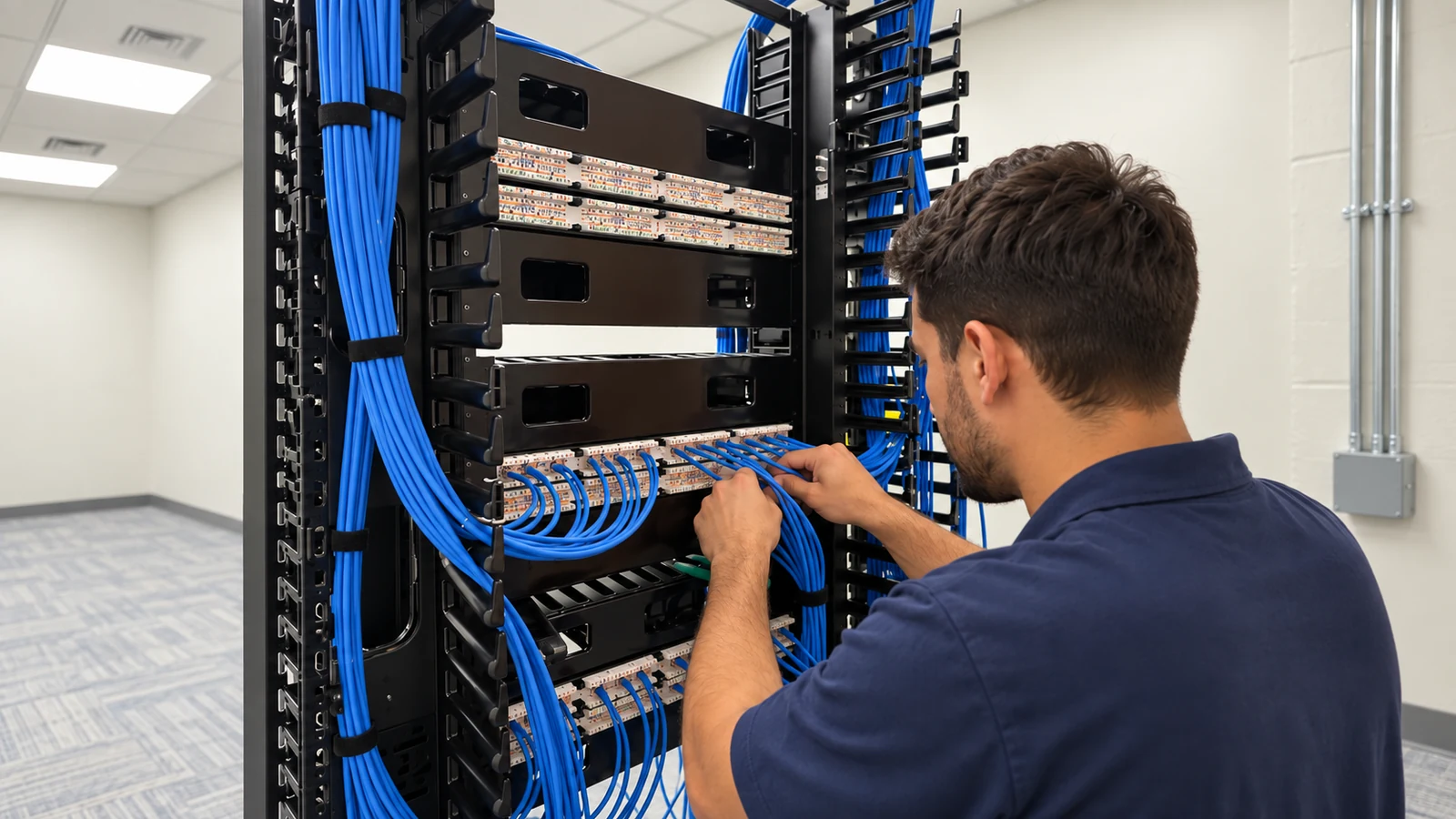
Relevant when the confirmed fault lies in switching, uplinks, VLANs or network services.
View Network SolutionsRELATED PATHS
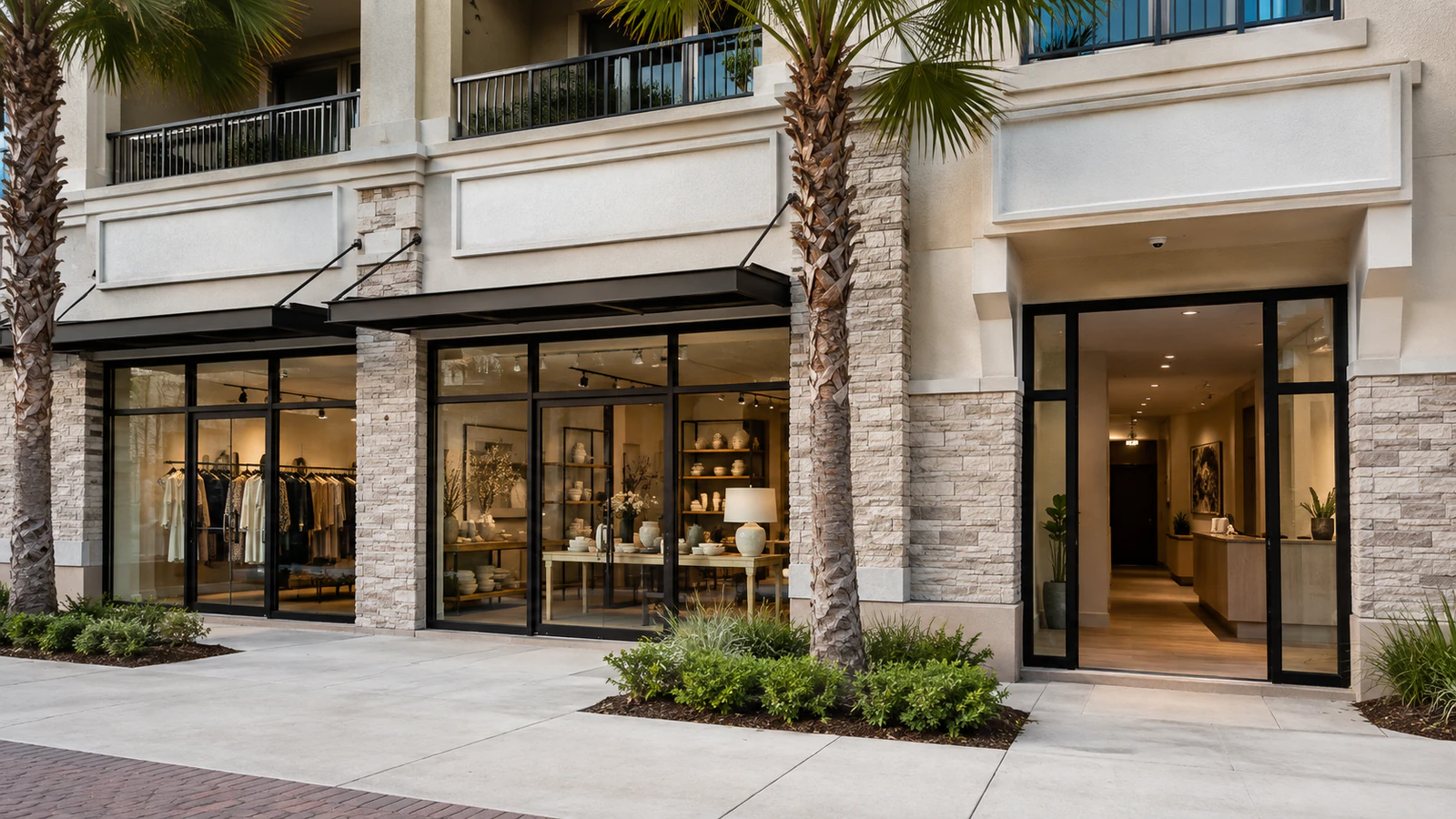
Intermittent cameras and recording gaps should be isolated around operating hours before replacement.
Explore Retail and Customer-Facing Sites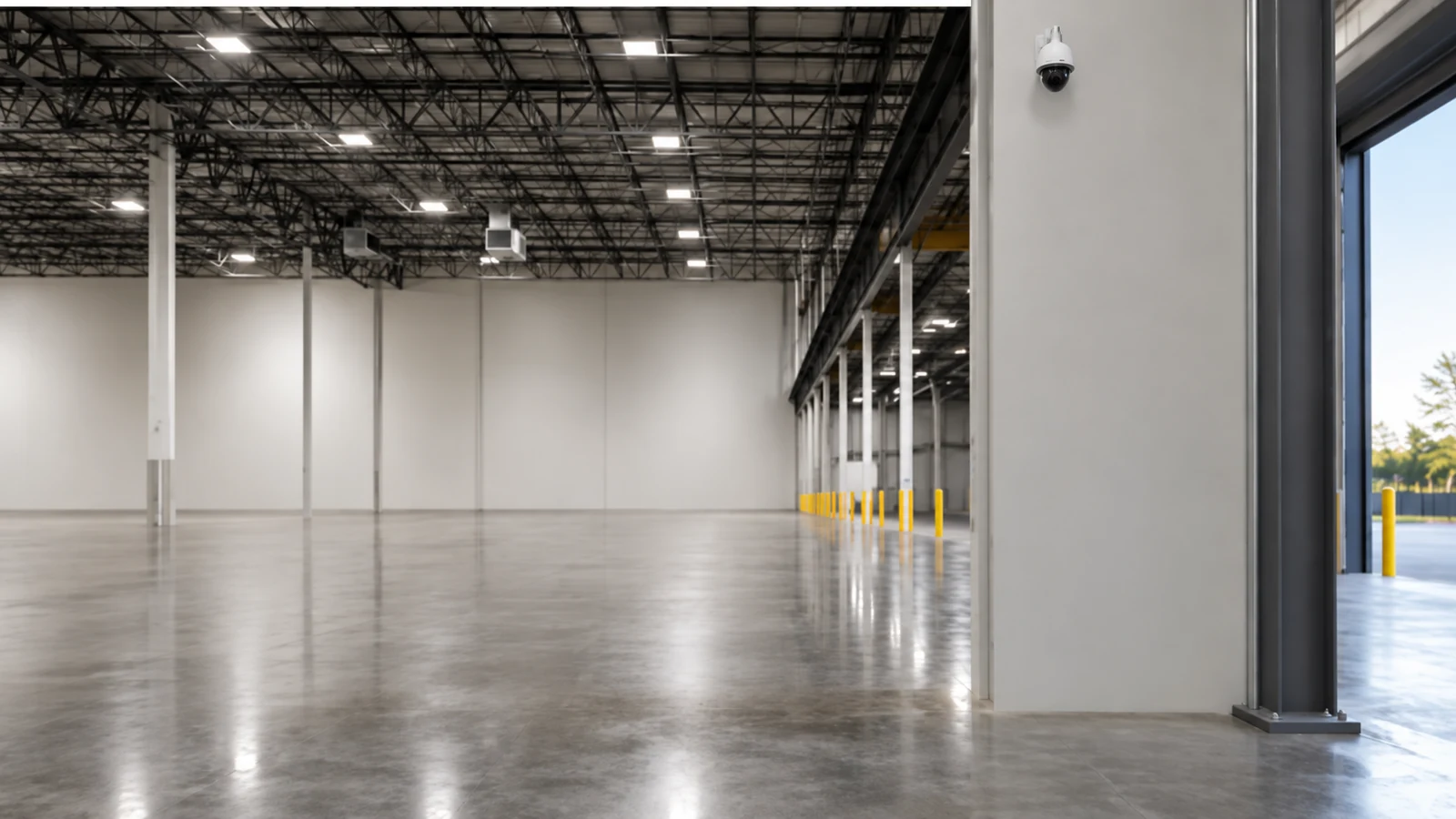
Long cable paths, exterior exposure and switch loads can produce faults that resemble camera failure.
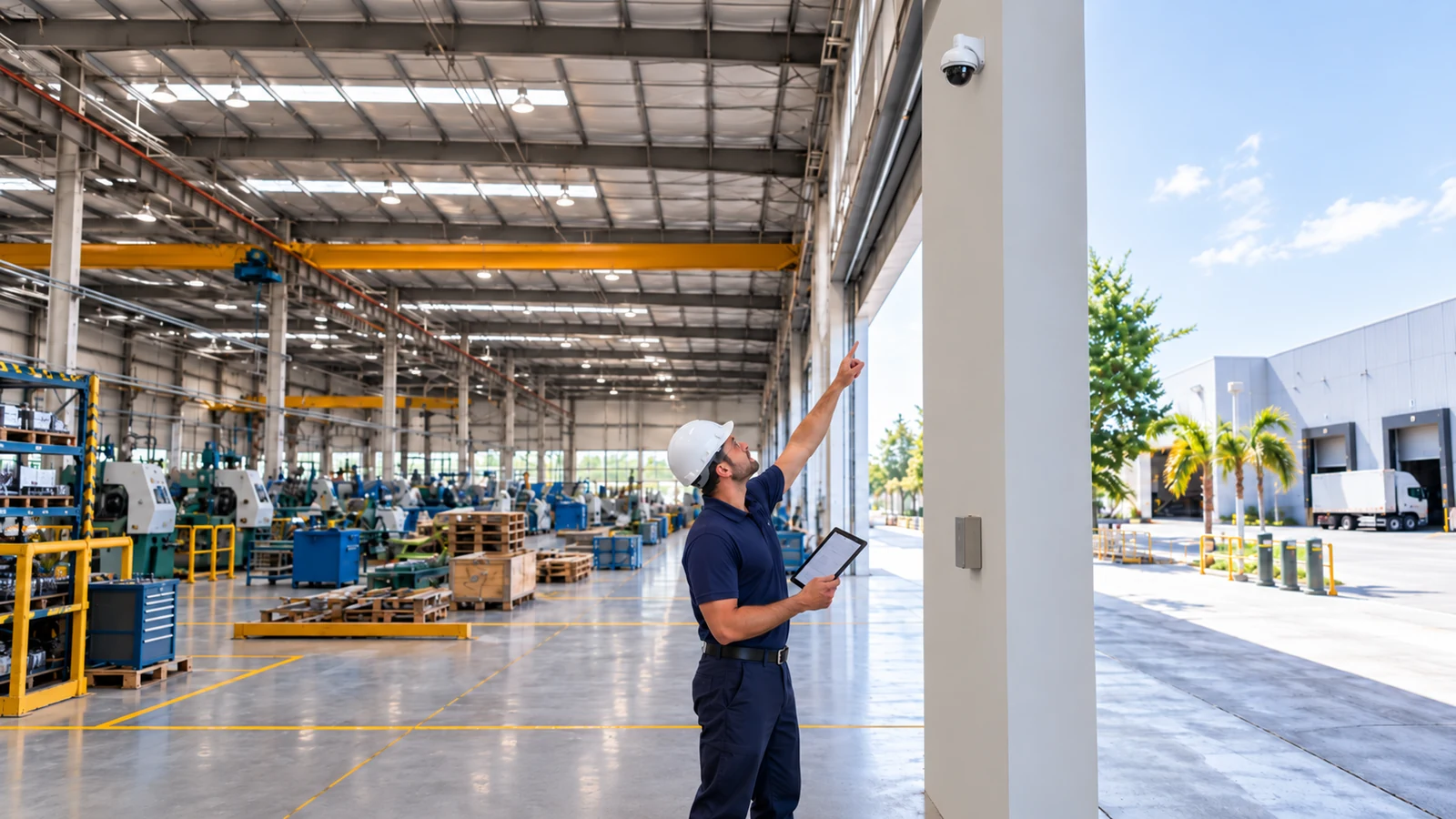
Explore Warehouses and Service Yards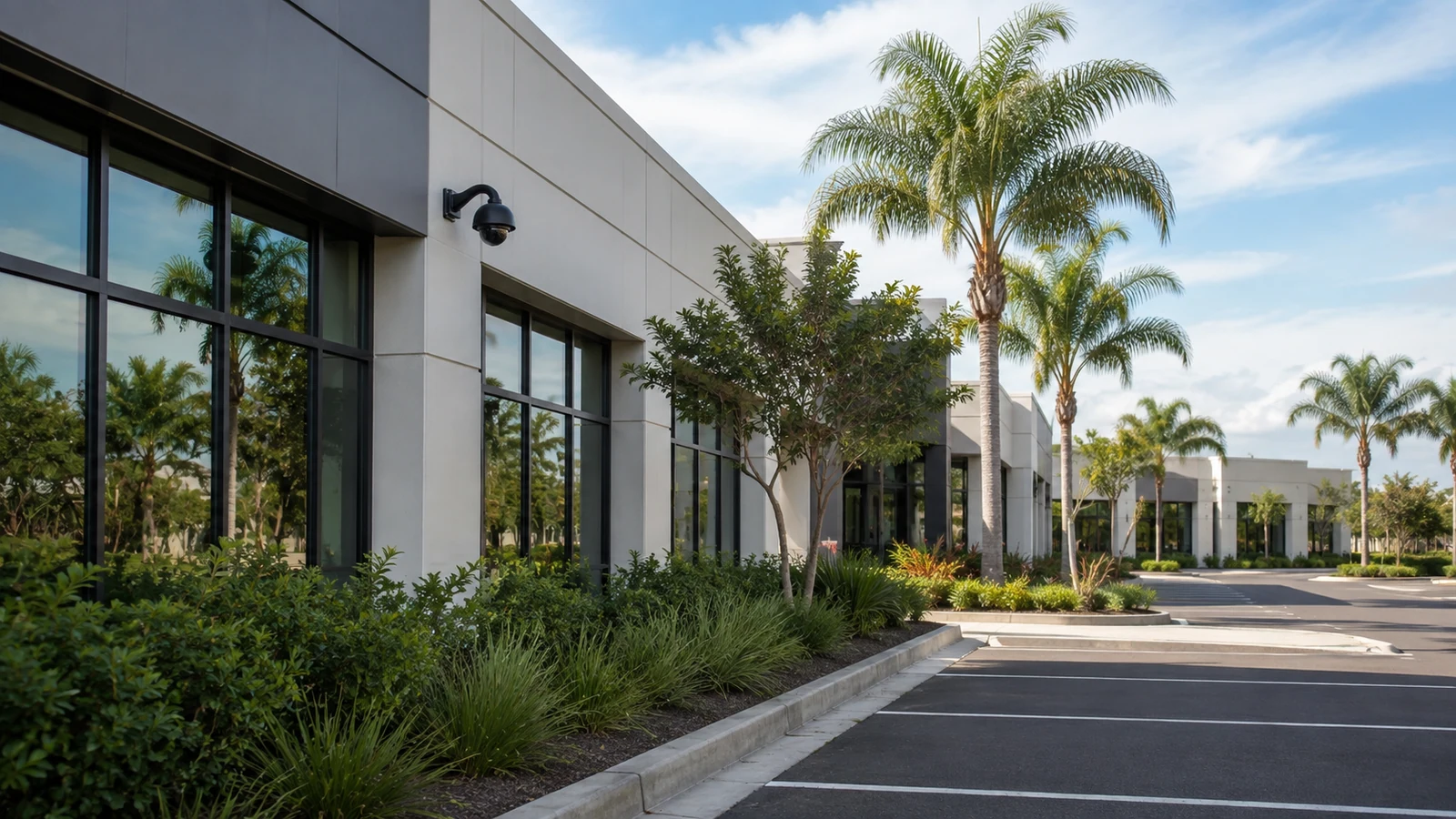
Credential, export and remote-view problems often require account and recorder testing as much as device testing.
Explore Professional and Managed PropertiesPROJECT PROCESS
Determine whether the failure concerns live image, recording, playback, export, remote access or intermittent behavior.
Test device, power, cable, switch, addressing, recorder, storage and credentials in a logical order.
Repair, reconfigure or replace the confirmed fault source without changing unrelated components.
Repeat the original operating scenario and record the finding, correction, remaining limitations and recommended follow-up.
LICENSED SUPPORT
Data Pro Communications operates under FL License #EC13016138. A troubleshooting visit earns confidence by reproducing the symptom and moving through device, power, cable, network, recorder, storage and account layers in a controlled order. Replacement or upgrade work is separated from the diagnostic finding unless the verified cause warrants it.
FAQ
Possible causes include failed power or PoE, damaged connectors or cable, a disabled switch port, address conflict, lost credentials, incompatible settings, recorder channel issues or a failed camera.
Intermittent faults can follow temperature, moisture, cable movement, marginal power, switch load, link errors, bandwidth or software behavior. Timing and conditions should be recorded.
Yes. The stream may reach a client while the recorder has a schedule, storage, credential, license or service problem.
The local video path can be healthy while internet service, gateway, DNS, account permissions, app version, certificates, firewall policy or the supported remote service has a problem.
No. Test power, cable, network reachability, credentials and recorder behavior before replacement unless physical damage clearly establishes the failure.
Review the switch port, negotiated power, total PoE budget and link errors, then use controlled known-good ports or injectors where appropriate to isolate the source.
Wrong time zone, daylight-saving settings, unavailable NTP, recorder-camera disagreement or unsynchronized clocks can create inconsistent time.
Actual bitrate, continuous recording, added cameras, reduced usable storage, drive faults or changed settings may consume capacity faster than planned.
Recovery depends on the platform, ownership records and supported manufacturer or administrator process. Resetting without current configuration records can create additional disruption.
It should describe the symptom, tests performed, isolated cause, correction, retest result, unresolved limitations and any separate maintenance or upgrade recommendation.
Record the symptom, affected cameras, timing and any recent changes. A diagnostic visit can isolate the failing layer and verify a correction before broader replacement is considered.