Florida Licensed
Data Pro Communications operates under FL License #EC13016138 for low-voltage systems work.

PROFESSIONALLY MANAGED COMMERCIAL CAMERA SYSTEMS
Lake Nona camera planning can involve professionally managed offices, mixed-use properties, parking and multi-building systems. The service scope stays broader than healthcare and focuses on the ownership and infrastructure relationships that make distributed systems manageable.
Lake Nona projects may span several systems or buildings under professional management. Establishing network, access and recorder ownership before installation creates a handoff that works across teams and property types.
Data Pro Communications operates under FL License #EC13016138 for low-voltage systems work.
Lake Nona service covers professional offices, managed properties and mixed commercial environments rather than healthcare alone.
The survey identifies who controls building networks, fiber, recording and access systems before connections are proposed.
Camera naming, time settings and user roles are planned so distributed sites remain understandable across teams.
Closeout records the camera workflow plus the infrastructure responsibilities needed to maintain it later.
PROJECT GUIDANCE
The Lake Nona area has its own mix of commercial property conditions. Camera coverage should be tied to actual movement, review needs and system ownership before mounting or cabling decisions are finalized. Professionally managed properties in the Lake Nona area may combine offices, mixed-use commercial space, parking and multiple buildings or system owners. Camera planning should establish who controls access, switching, recording and credentials before field work begins; healthcare-related properties may be part of the local mix, but the scope remains broader than healthcare and makes no claim of work for a specific development.
PLANNING RISKS
A camera project can stall when property management, IT and individual occupants each control different parts of the network or recording environment.
Building-to-building video depends on uplinks and backbone infrastructure that may be outside the direct camera scope but critical to operation.
Distributed cameras are harder to search and correlate when clocks, location names or recorder conventions differ across systems.
Property staff, IT and occupants may need different viewing or administrative rights; one shared login does not scale safely.
Storage planning has to consider aggregate streams and where recording actually occurs rather than treating every camera as a local device.
Door events and video can be useful together, but account ownership and integration boundaries should be defined before platforms are connected.
CAPABILITIES
Create a responsibility map for cameras, switches, fiber, recorders and access-control components before the technical design is finalized.
Use consistent location labels and synchronized time across distributed recording so incidents can be reviewed across buildings.
Confirm uplink capacity, fiber paths and serving switches for camera groups that cross building boundaries.
Separate routine viewing, evidence export, user administration and network administration among the appropriate teams.
Estimate storage at the recorder or VMS location where streams terminate and account for all camera groups using that resource.
Document whether video is merely correlated with door events or whether a supported integration is included, and keep unrelated permissions separate.
TECHNICAL PLANNING
Identify who owns each inter-building link and whether the camera project is permitted to use or modify that transport.
Apply one naming convention and reliable time source across distributed cameras so searches and exports line up correctly.
Design user roles around property, facilities and IT responsibilities instead of distributing a common administrator account.
Aggregate camera streams at their recording destination and model retention using the settings that will actually run in production.
Specify which door events, video links or shared network dependencies are included and which system remains independently administered.
Provide a concise dependency map showing camera groups, serving infrastructure, recorder locations and account ownership for future maintenance.
PROJECT GUIDANCE
Lake Nona camera projects can involve property management, IT, building networks, fiber and access-control platforms that are owned by different teams. Integration should begin with an ownership map, then connect only the systems and data paths required by the approved camera workflow.
EAST ORLANDO CONTEXT
Lake Nona projects may include healthcare-related properties, offices, mixed-use commercial sites and other professionally managed environments. Service does not imply work for any specific development, campus or client.
RELATED PATHS
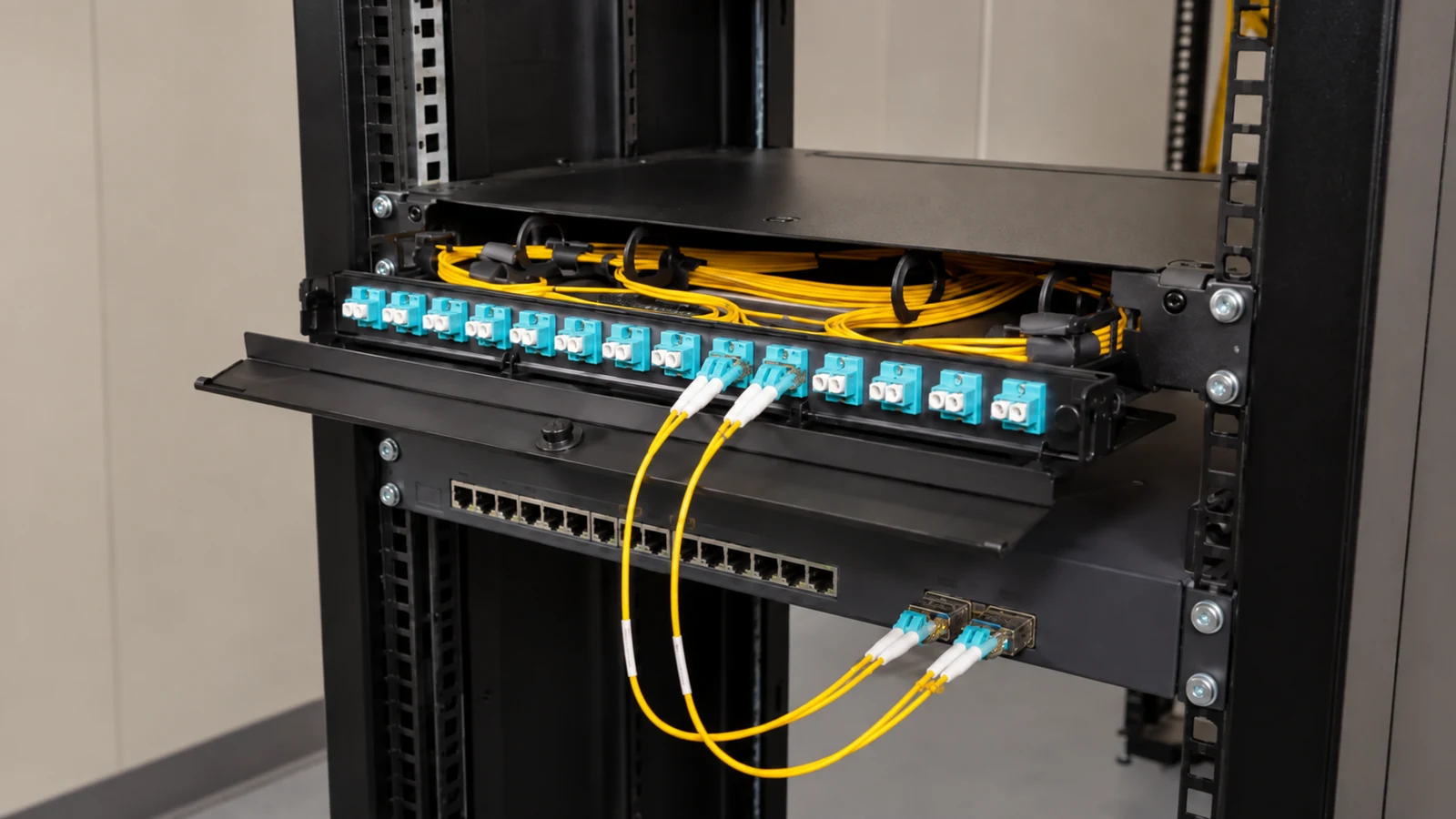
Multi-building managed properties may require documented optical backbone links between telecom spaces.
View Fiber Optic Services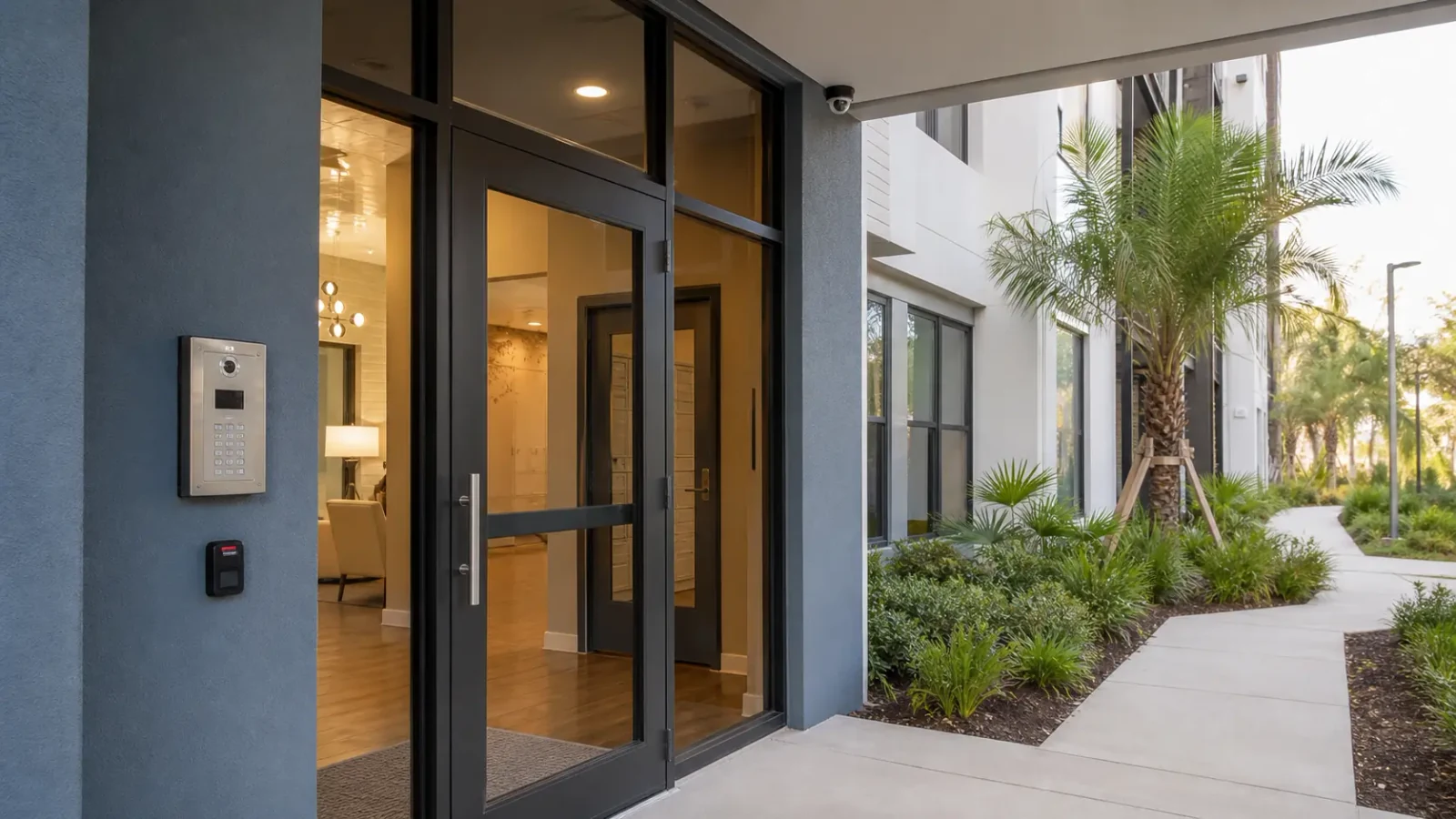
Professionally managed sites can align camera context with controlled openings while keeping permissions distinct.
View Access Control Systems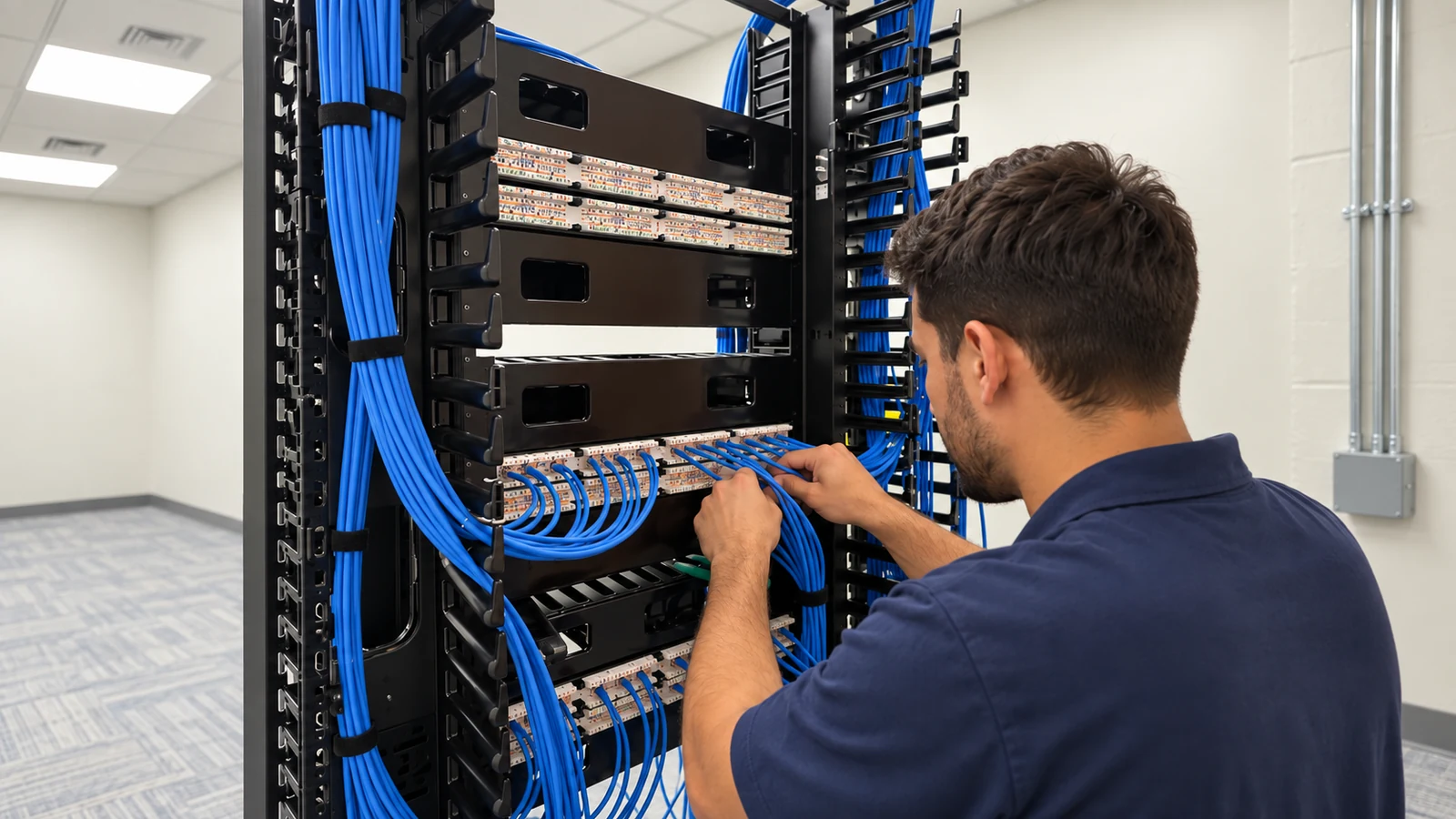
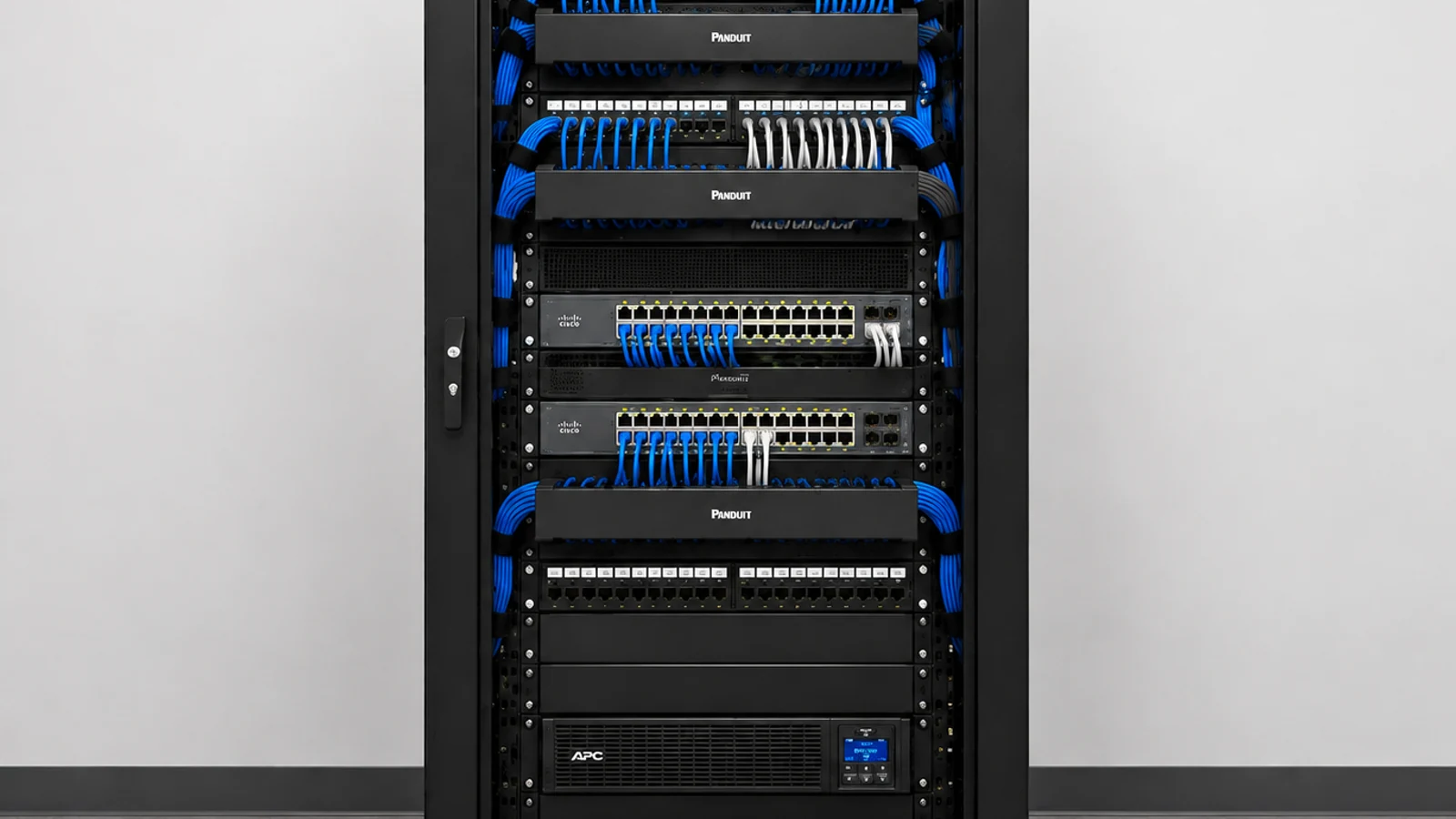
Distributed IP cameras depend on clear switching, PoE, uplink and network-ownership boundaries.
View Network SolutionsRELATED PATHS
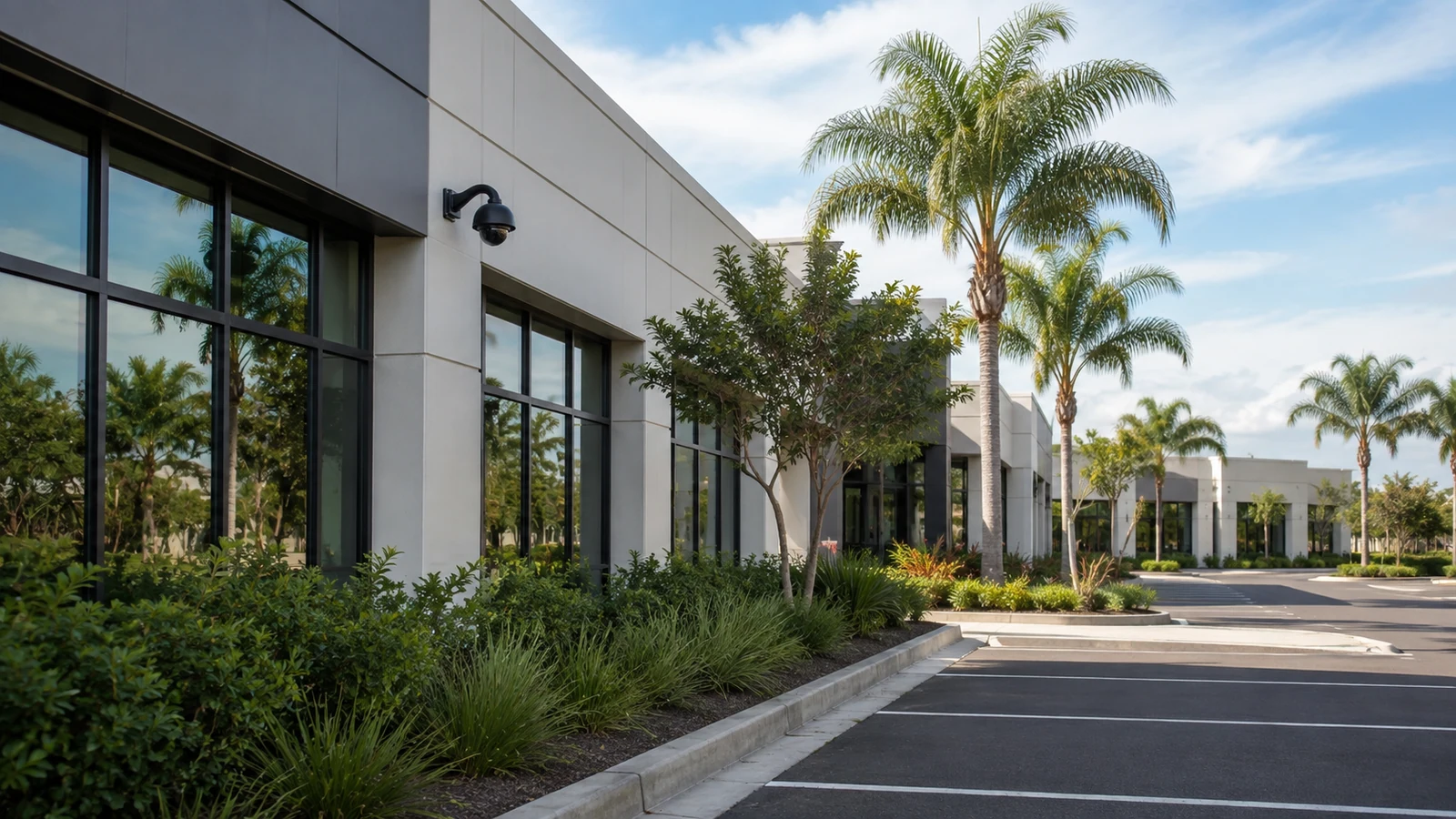
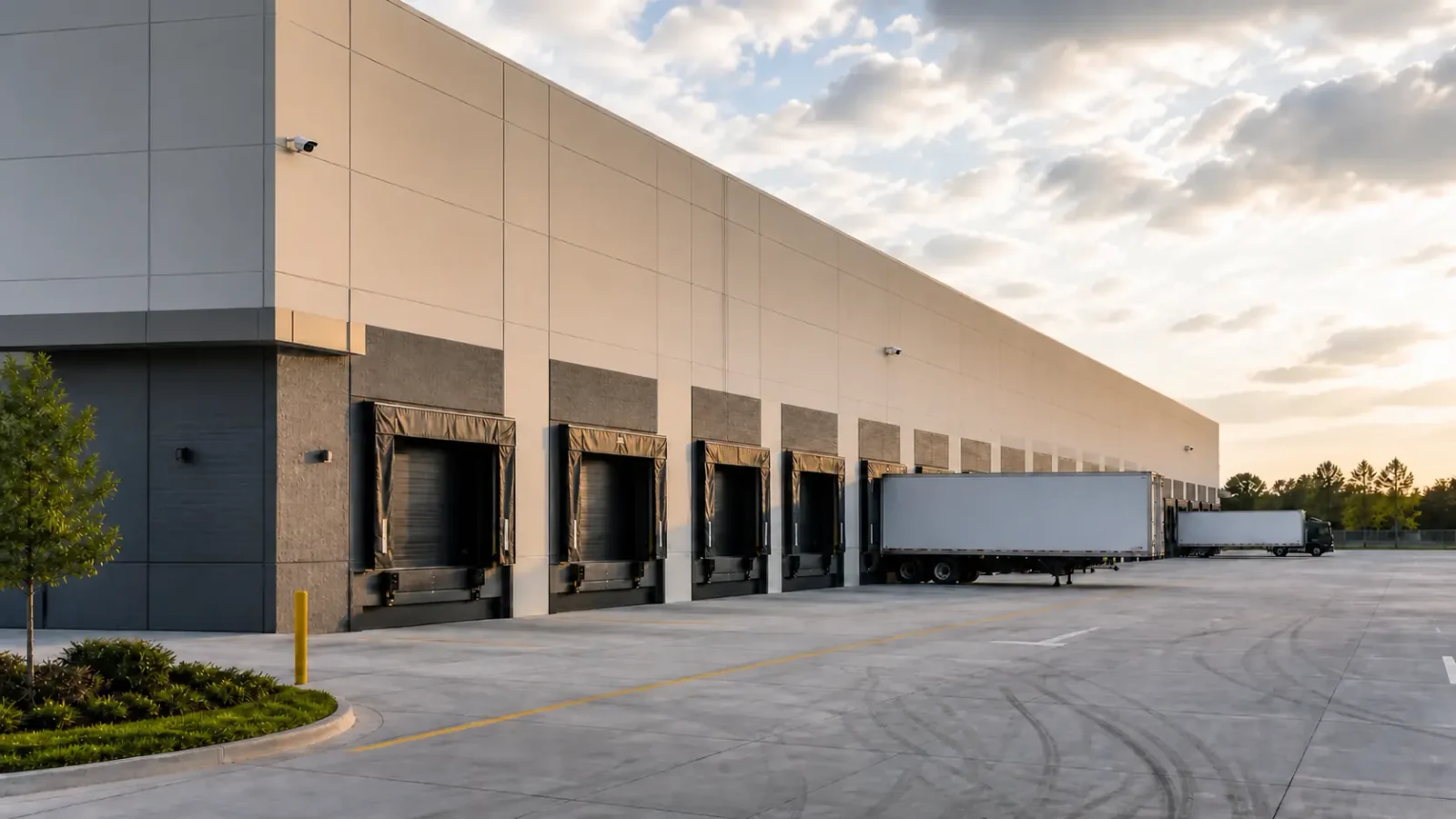
Airport / Lee Vista is a useful comparison when a property has long hours, heavy vehicle movement, employee or service access, and logistics infrastructure. That context does not represent airport-authority work.
Explore Airport / Lee Vista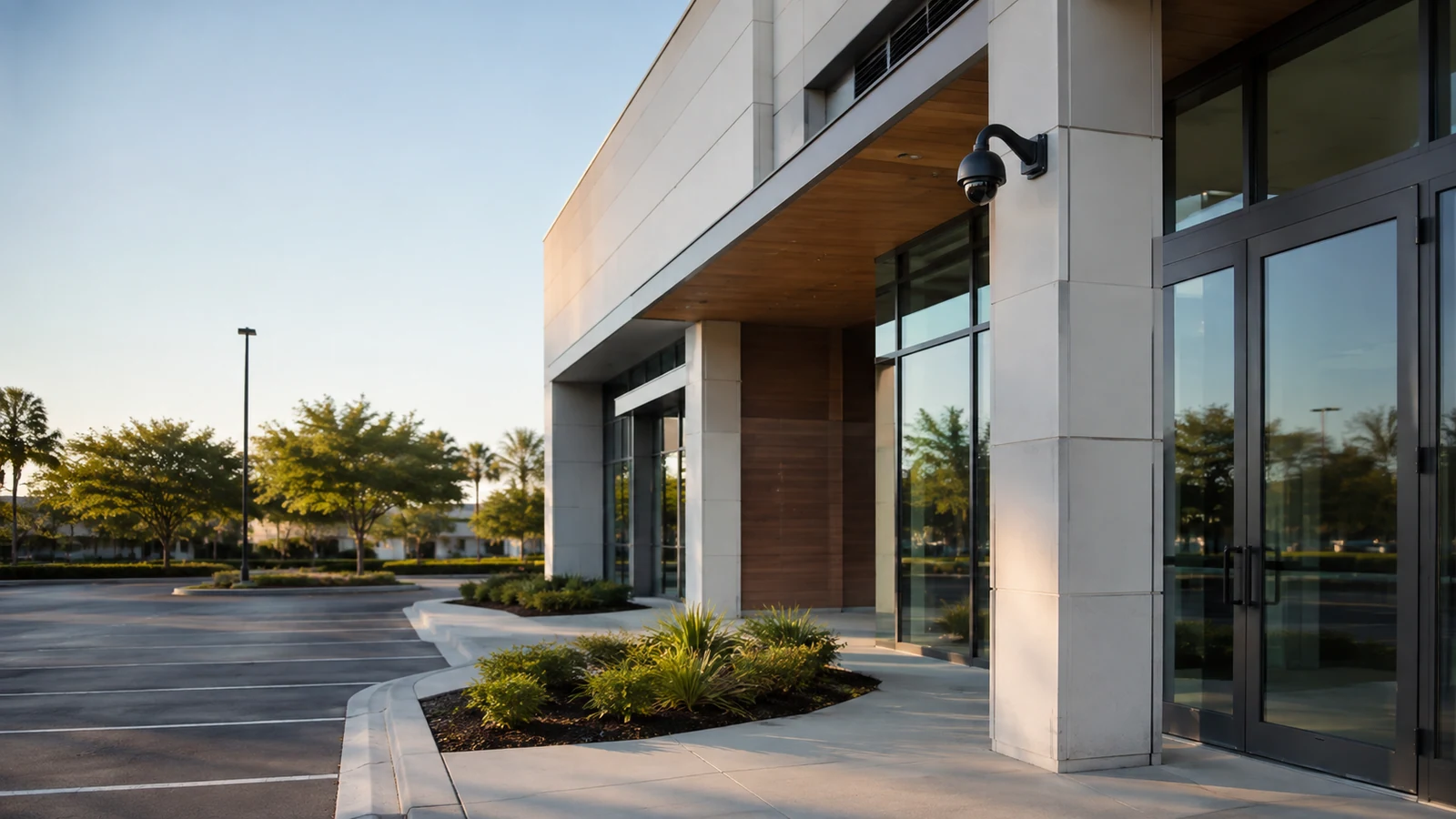
Waterford Lakes differs from Lake Nona’s multi-system management model through its customer-facing commercial pattern, parking, service or delivery activity, and tenant administration.
Explore Waterford Lakes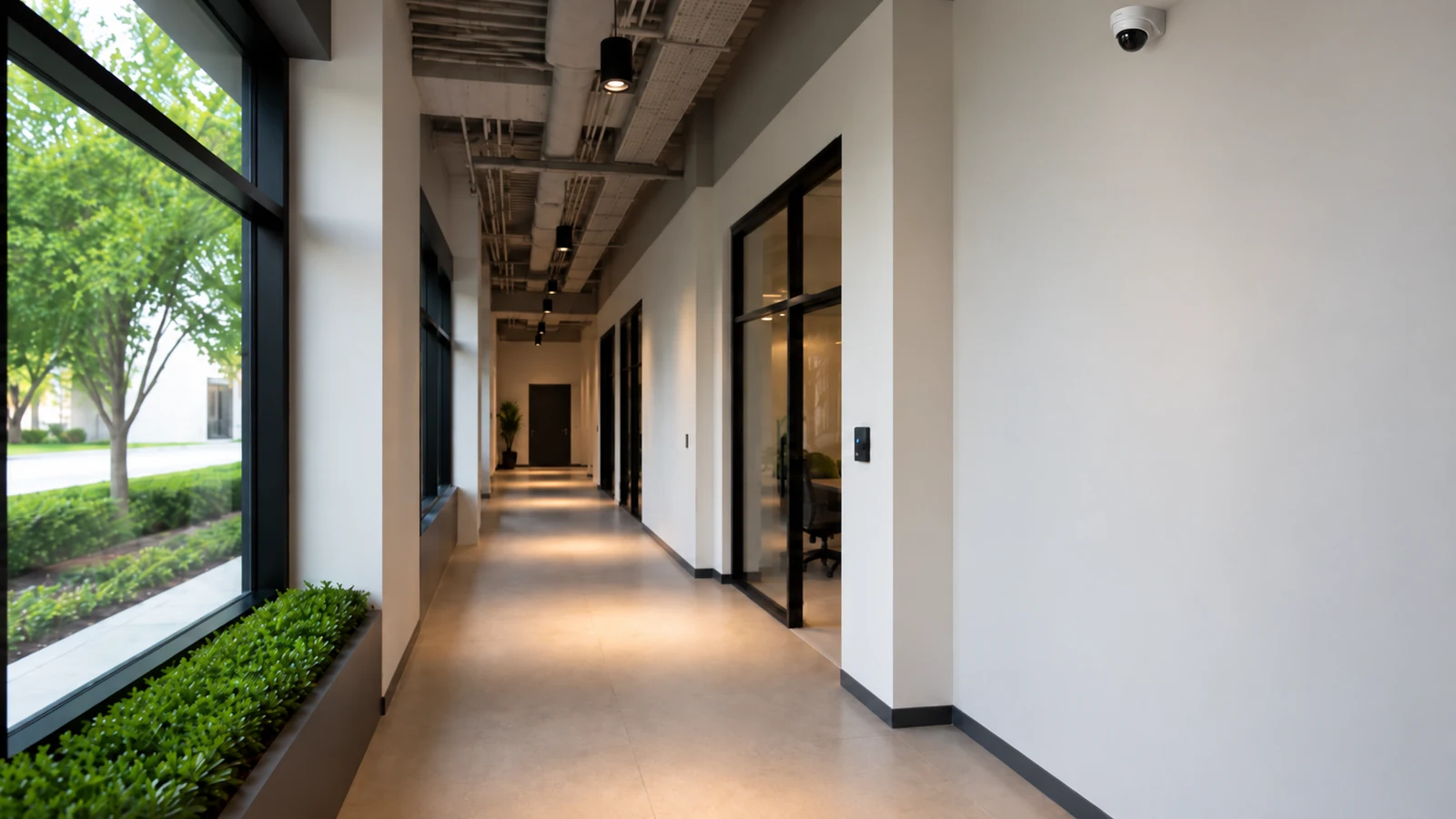
A site characterized by a broad east-side Orlando context spanning mixed commercial and managed properties, without implying a specific municipal boundary, belongs more naturally with the East Orlando local route.
Explore East OrlandoPROJECT PROCESS
List buildings, shared areas, camera groups and the property or IT owner for each supporting system.
Confirm how each camera group reaches its recorder and whether network or fiber capacity supports the intended streams.
Set viewing and administration permissions and document any approved relationship with access control.
Check synchronized playback, export and account recovery from the authorized workflows and deliver a cross-building dependency record.
LICENSED SUPPORT
Data Pro Communications operates under FL License #EC13016138. Lake Nona scopes record the commercial property boundaries, the camera system responsibilities and the network, fiber or access-control dependencies assigned to each participating team.
FAQ
No. It covers a broader professionally managed commercial mix that can include offices, mixed-use properties, parking and multi-building environments.
Identify telecom rooms, uplink/fiber paths, network owners, recording architecture and who is responsible for each building or system segment.
Yes, and separation is often useful. Integration can share event context while each system keeps clear ownership and permissions.
Use role-based permissions where the platform supports them, giving each manager only the buildings, cameras and export rights they need.
Review fiber when distance, available pathways or uplink capacity make a copper-only design unsuitable between buildings or telecom spaces.
Systems can pass between facility, IT, security and property teams. Clear names, accounts, diagrams and service records prevent each transition from becoming a rediscovery project.
Possibly. Channel support, storage, bitrate, network load and software/firmware support determine whether the recorder can accept the expansion.
Service can include healthcare-related properties, offices, mixed-use sites and other professionally managed commercial environments. The scope is based on the actual property and management model.
Verify connectivity, PoE where applicable, time consistency, recording continuity and the failure points that property IT will own after handoff.
The designated property and technical stakeholders should receive the records needed for their responsibilities, including camera inventory, access ownership and documented network or fiber dependencies.
Describe the Lake Nona commercial property, buildings, telecom locations and system owners so camera, access, network and fiber dependencies can be reviewed without assuming a healthcare-only scope.