Florida Licensed
FL License #EC13016138 for low-voltage systems work.

PUBLIC ARRIVAL, STAFF ACCESS AND PRIVACY-AWARE COVERAGE
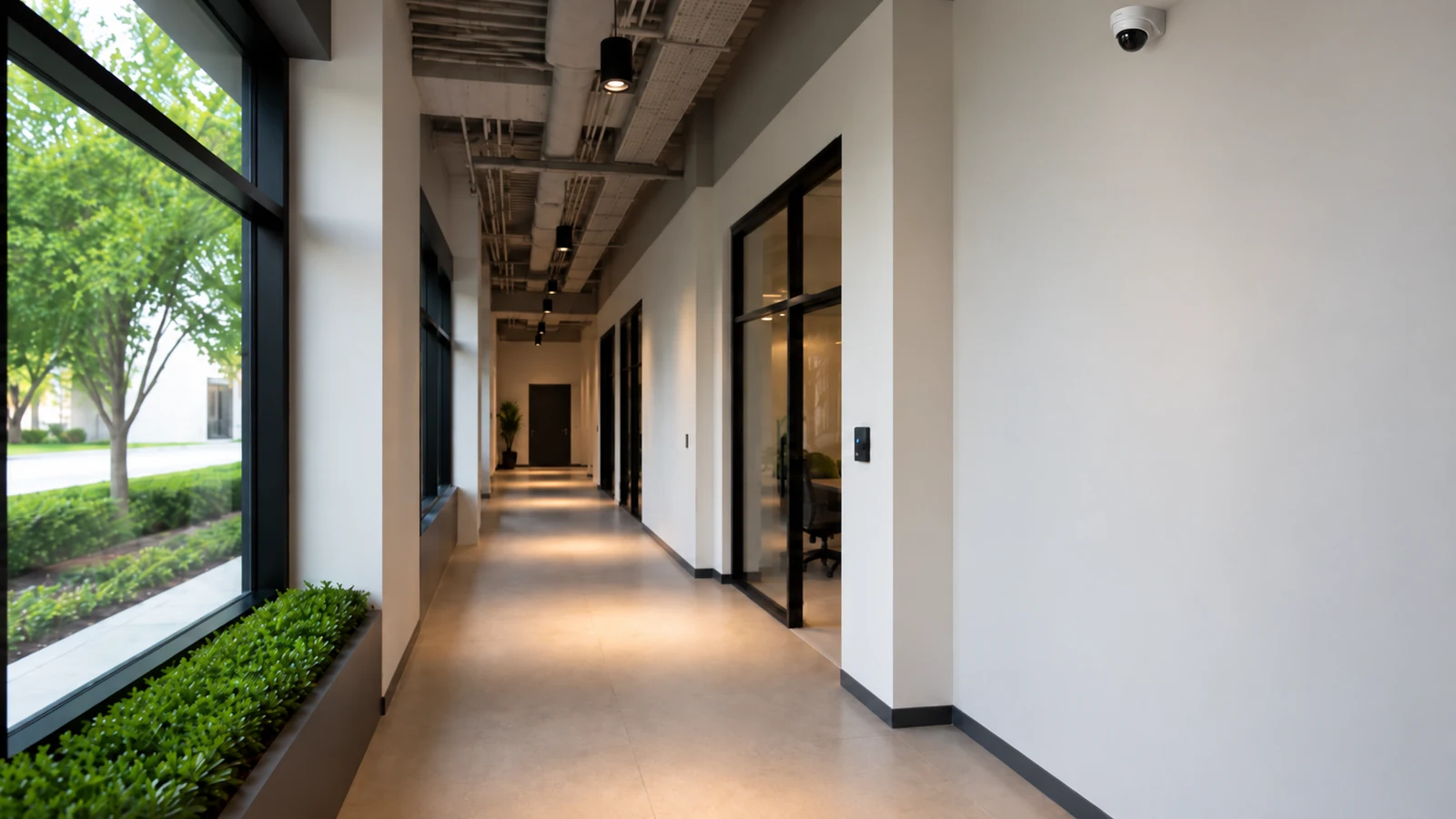
Healthcare and professional offices need a clear boundary between public arrival, reception, waiting, staff-only circulation, storage and parking. Camera planning should begin with approved security purposes and avoid treatment rooms, consultation spaces or other privacy-sensitive areas.
Occupied work also requires controlled scheduling, discreet pathways and named footage roles. The project should support operational review without making legal or healthcare-compliance promises that the camera system cannot establish.
FL License #EC13016138 for low-voltage systems work.
Camera purposes and exclusions are resolved before pathway or equipment decisions.
Public and staff views avoid treatment, consultation and other private areas.
Work follows authorized rooms, escorts and appointment-sensitive windows.
Viewing, export and recovery remain limited to customer-authorized users.
PROJECT GUIDANCE
A site survey should identify public entrances, reception and waiting transitions, staff doors, approved storage or asset zones, service access and parking. Each view needs an owner and a reason, while network separation, recorder access and installation windows are coordinated with facility and IT representatives.
PLANNING RISKS
A useful public-area view can accidentally include treatment, consultation or document-handling spaces.
Waiting layouts and check-in queues change throughout the day and can obstruct entrance context.
Drilling, ceiling access and outages may be restricted by appointments and occupied rooms.
Camera switching and administration must follow customer IT boundaries without assuming access to healthcare systems.
Too many viewers or shared credentials make sensitive incident review harder to control.
Vendors and deliveries may use entrances far from reception or the main telecom room.
CAPABILITIES
Define public, staff, storage, service and parking scenes while recording explicit exclusions.
Plan arrival and circulation views without aiming into private care or consultation areas.
Relate selected door approaches to credential and schedule workflows where supported.
Coordinate cable routes, ceiling access and mounting around appointments and controlled rooms.
Document switches, PoE, segmentation, recorder paths and administrative ownership.
Limit live, playback, export and administrator rights to named customer roles.
PROPERTY APPLICATIONS
Review the public entrance and reception approach without recording private conversation areas.
Provide exterior and vestibule context for scheduled access to the office.
Monitor the entrance to a designated supply or records zone rather than the contents of private work.
Follow access through an approved service entrance and common corridor.
Connect selected lot movement to the correct public or staff entrance.
Reassess privacy boundaries and pathways before walls, reception desks or waiting layouts change.
TECHNICAL PLANNING
Mark treatment, consultation, restroom and other private spaces outside the camera plan.
Review partitions, glazing, seating and queue positions at actual operating times.
Define which rooms technicians may enter and who escorts or approves access.
Assign camera VLANs, switching and remote paths within customer IT policy.
Identify who may view, export and administer the system and how recovery is controlled.
Plan camera and recorder changes around appointment schedules and approved outages.
PROJECT GUIDANCE
Camera views can add context to staff-door events, while customer IT retains control of switching and segmentation. No camera integration should imply access to clinical systems or private-area authorization.
EAST ORLANDO CONTEXT
Healthcare and professional-office growth toward Lake Nona, Waterford Lakes and the UCF area includes clinics and office suites with different landlords, IT arrangements and operating schedules. References to these areas describe service context only and do not imply a healthcare client, campus affiliation or compliance status.

RELATED PATHS
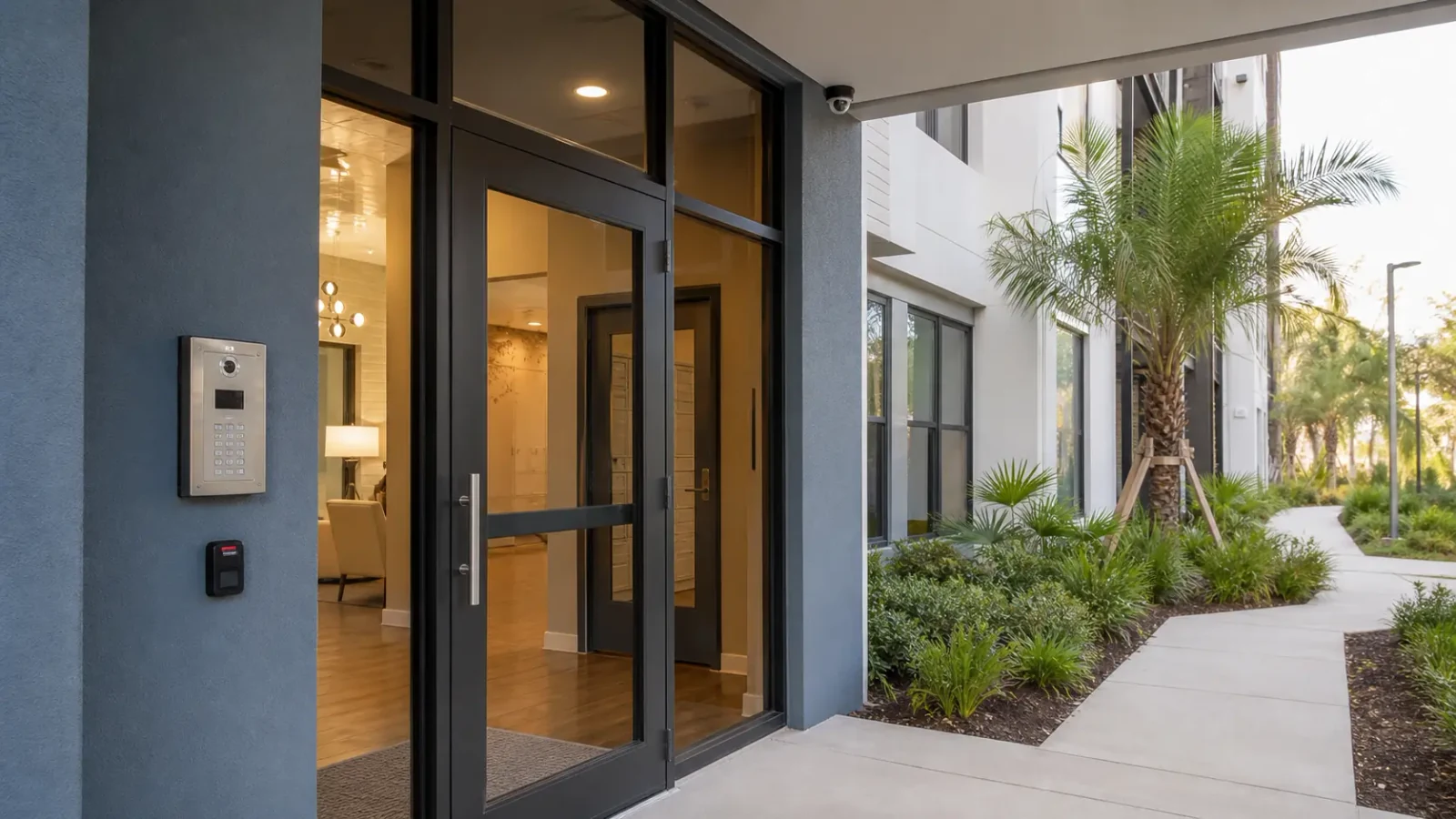
Staff-only openings and scheduled credentials complement approved public-area camera coverage.
View Access Control Systems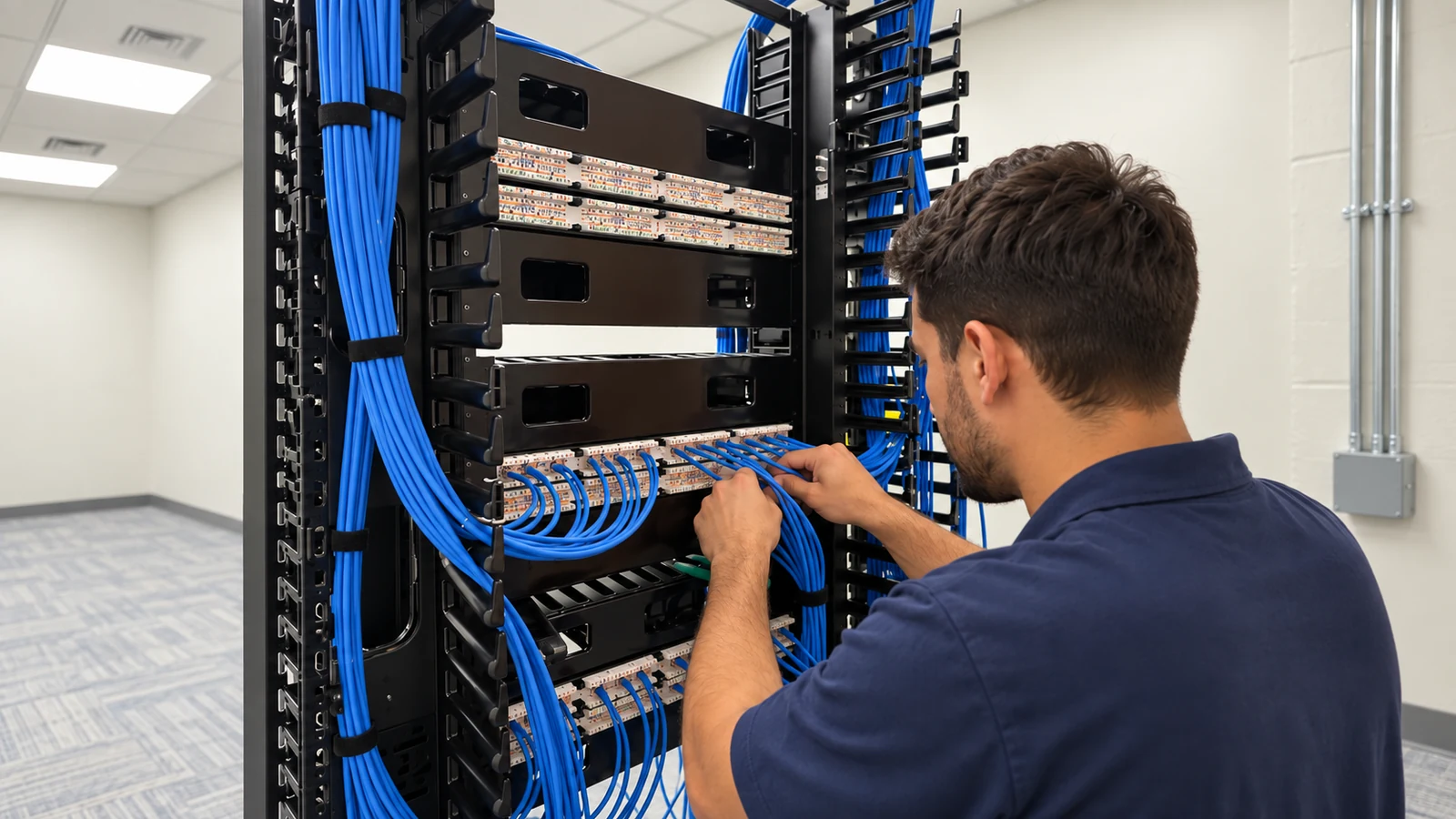
Security switching, segmentation and administrative ownership must fit facility IT boundaries.
View Network Solutions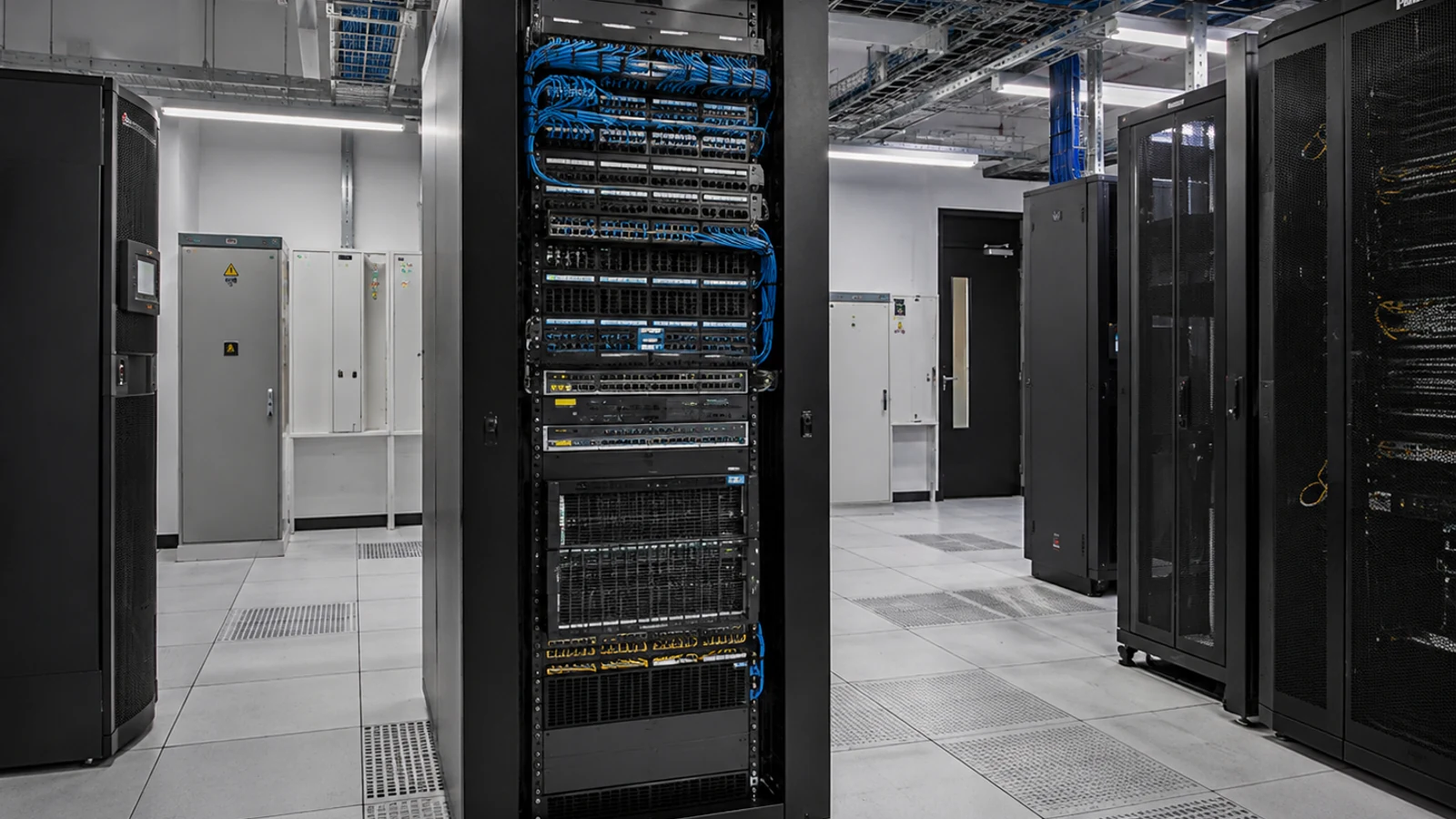
Occupied clinics and offices require discreet, labeled pathways to approved endpoints.
View Cabling ServicesRELATED PATHS
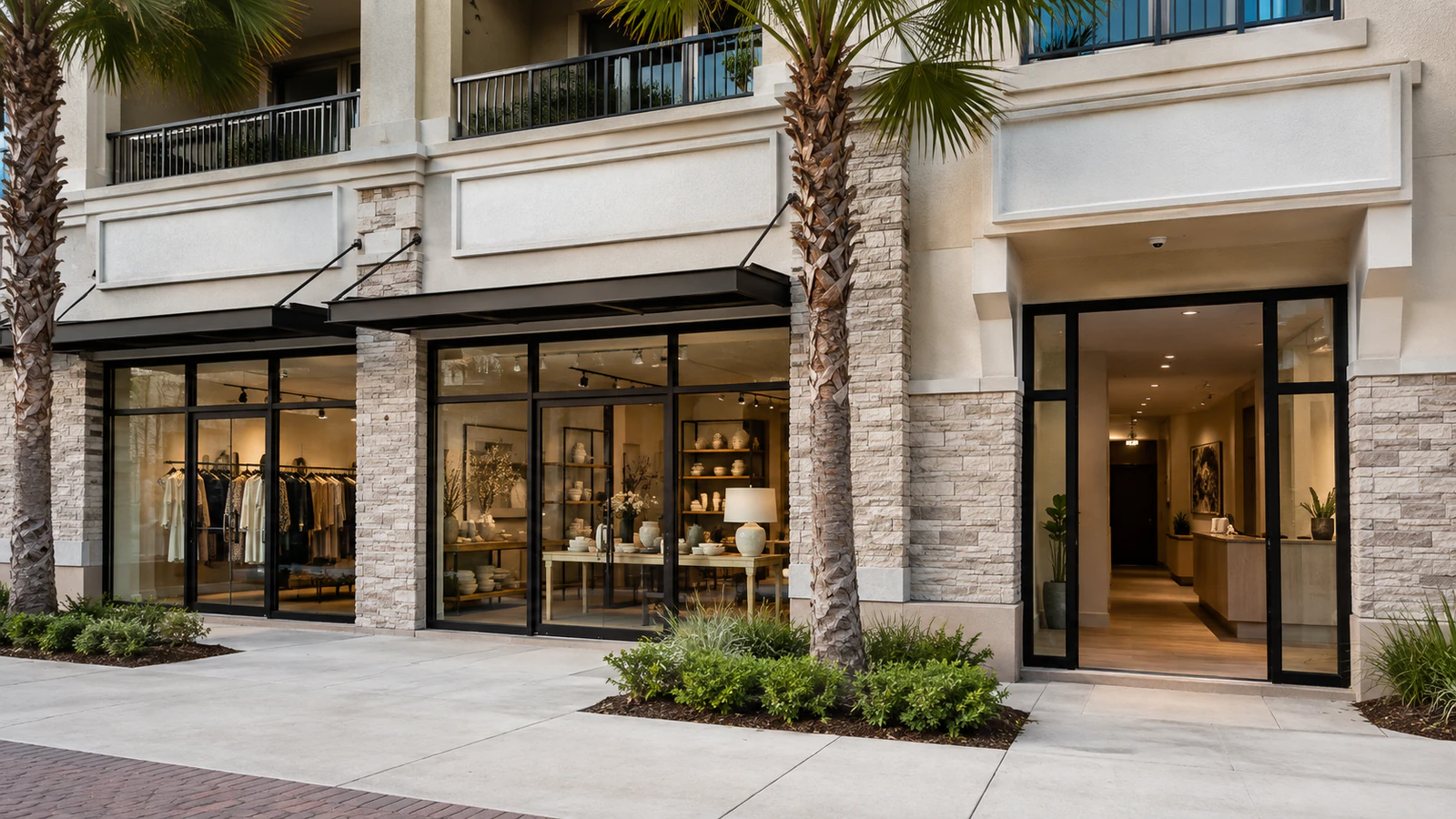
Professional offices share reception and parking contexts, while healthcare areas require stronger privacy boundaries.
Explore Retail & Offices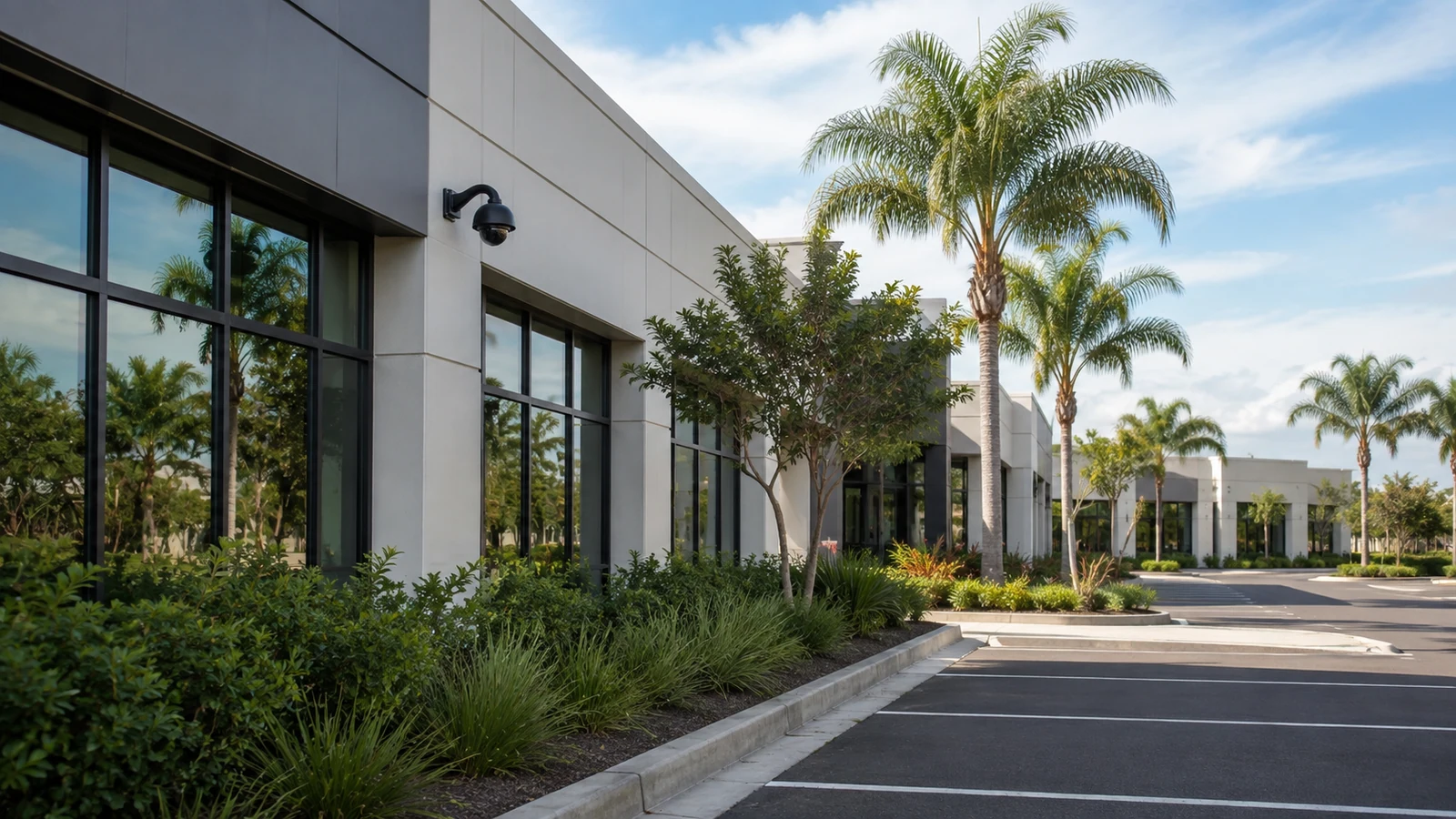
Portfolio ownership may govern accounts and service history across several suites or facilities.
Explore Property Managers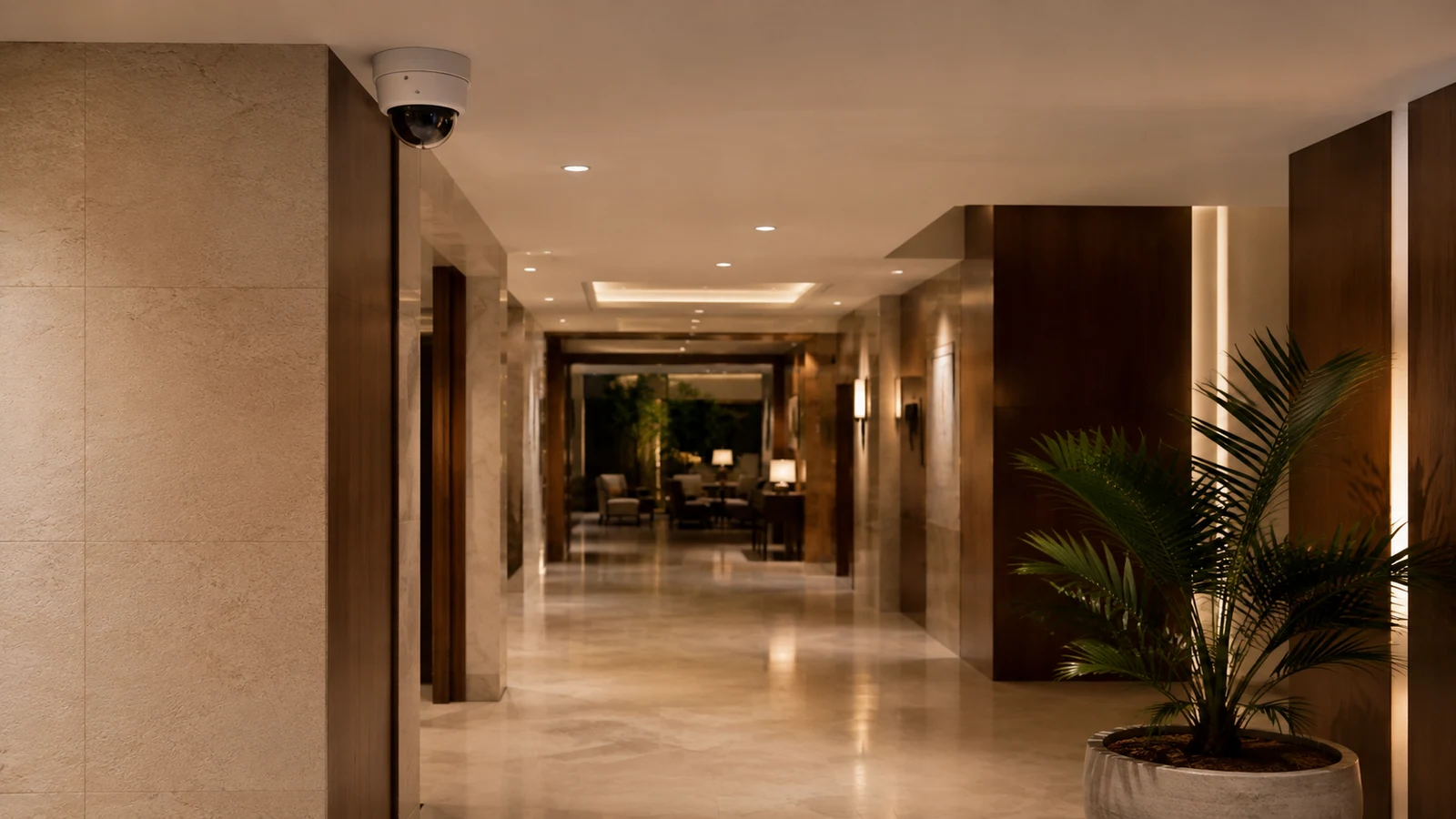
Both coordinate occupied work, but guest and clinical operations create different access limits.
Explore HospitalityPROJECT PROCESS
Walk entrances, reception, waiting, staff access, service areas and parking with facility leadership.
Document excluded spaces, user roles, network ownership and allowed work windows.
Coordinate pathways and mounting around appointments and authorized room access.
Verify accepted scenes, recording and exports, then deliver roles and recovery to named representatives.
LICENSED SUPPORT
Data Pro Communications operates under FL License #EC13016138. Professional-facility work documents approved public and staff scenes, private-area exclusions, IT ownership and authorized evidence roles without making compliance guarantees.
FAQ
Those spaces are generally privacy-sensitive and are not assumed to be in scope. Final placement requires property policy and appropriate legal or professional review.
It can support the approved arrival or circulation purpose while avoiding unnecessary views of forms, screens, treatment access or private conversations.
No. A camera system does not establish HIPAA compliance. The customer and qualified advisers determine policies, placement, access and handling requirements.
Schedule ceiling access, drilling, lift use and outages around the clinical calendar, and divide work by area with authorized escorts where required.
Named customer roles should receive export permission based on policy, while platform administration and account recovery remain more restricted.
That is a customer IT decision. Camera switching, segmentation, firewall paths and administration should be explicitly assigned without assuming access to clinical systems.
Mark excluded rooms and view boundaries on the plan, confirm camera framing during acceptance and record any supported privacy masking separately.
Reuse depends on scene suitability, condition, cable performance, platform support, recorder capacity, credentials and whether current placement respects approved boundaries.
Review approach lighting, door position, credential workflow, vestibule layout and the authorized relationship between camera and access events.
Include approved scenes and exclusions, camera names, account roles, recording and export tests, network ownership, work-area constraints and retained-equipment status.
List approved public and staff areas, private-area exclusions, IT ownership and available work windows so the survey respects the professional environment.