Florida Licensed
FL License #EC13016138 for low-voltage systems work.

RECORDING, RETENTION, PLAYBACK AND ACCESS
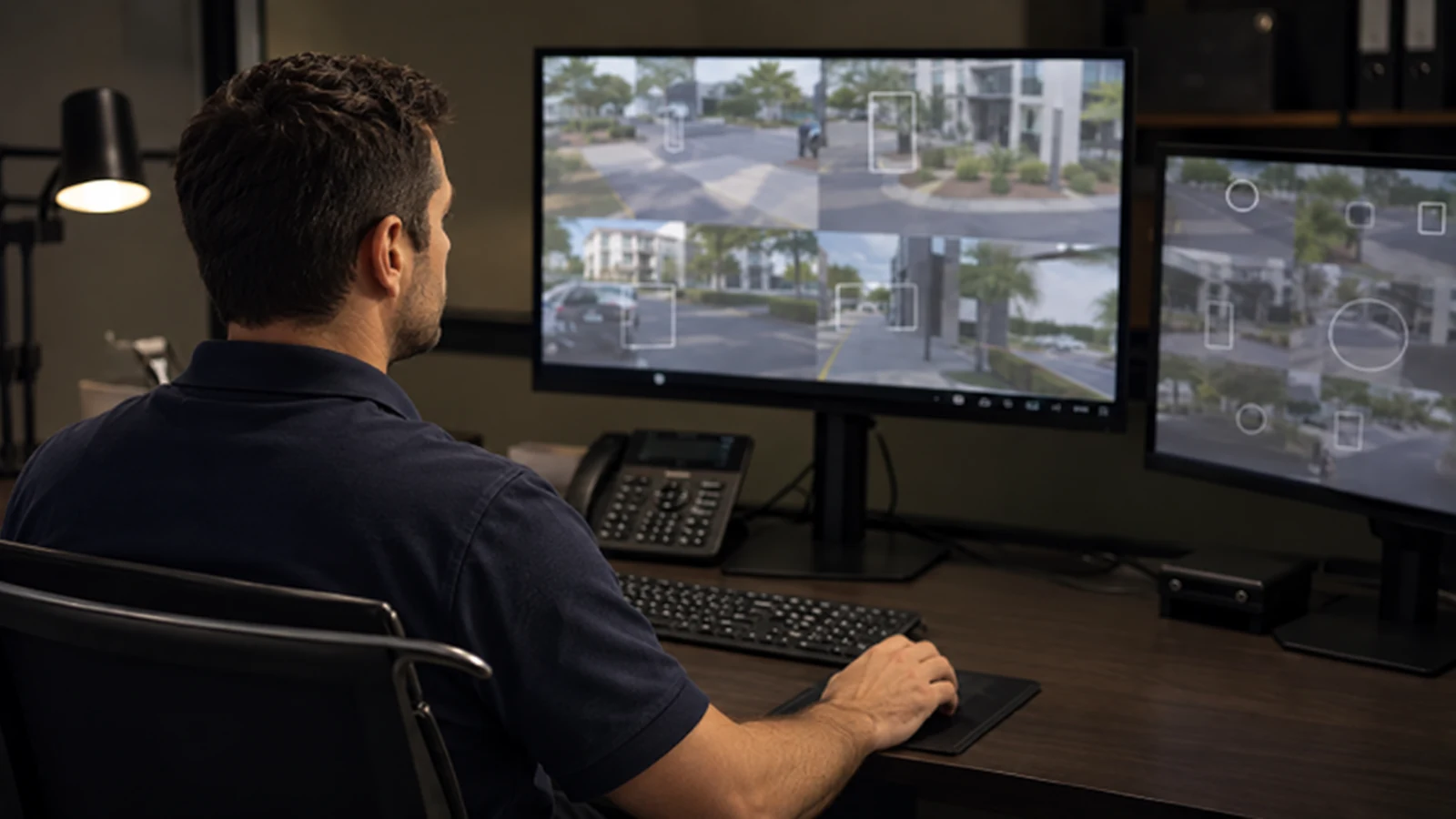
A recorder must do more than display live cameras. It must retain the intended footage, survive routine drive and network events, support playback and export, and give each authorized user an appropriate access path.
Data Pro Communications calculates storage from actual recording assumptions, configures supported NVR or VMS workflows and transfers account ownership and recovery information to the customer.
FL License #EC13016138 for low-voltage systems work.
Usable storage is calculated from camera count, bitrate, recording mode, schedule and protection overhead.
Named roles separate live view, playback, export and administration while recovery remains under customer control.
Representative footage is located, played and exported on the intended review workstation before acceptance.
Remote viewing uses a supported access method and maintained accounts without implying that every network permits the same configuration.
PROJECT GUIDANCE
A recorder must do more than display live cameras. It must retain the intended footage, survive routine drive and network events, support playback and export, and give each authorized user an appropriate access path. Data Pro Communications calculates storage from actual recording assumptions, configures supported NVR or VMS workflows and transfers account ownership and recovery information to the customer.
PLANNING RISKS
Advertised drive capacity is not the same as usable recording capacity after formatting, protection and platform overhead.
Higher resolution, frame rate, scene motion or codec changes can shorten retention.
A failed or degraded disk can create recording gaps or reduce protected capacity without obvious live-view symptoms.
One account for every user removes accountability and makes revocation difficult.
Directly exposing recorder services or leaving default credentials increases avoidable risk.
Footage may exist but be difficult to locate, export or play when an incident occurs.
CAPABILITIES
Model usable capacity from camera count, bitrate, recording mode, schedule and protection method.
Apply resolution, frame rate, codec, event or continuous mode and pre/post-event settings by scene need.
Locate representative events, export them and verify playback on the intended review workstation.
Check drive state, recording status, time synchronization and alert capabilities supported by the platform.
Create roles for live view, playback, export and administration using individual accounts.
Implement the supported secure access method and document customer-controlled credentials and recovery.
PROPERTY APPLICATIONS
Give authorized managers playback and export access without full administrative rights.
Explore Retail loss reviewBalance continuous dock recording with event-based interior streams and available storage.
Explore Warehouse retention planningSeparate management, board or vendor permissions and document who can export footage.
Explore Managed community accessOrganize site names and user roles so staff can reach only the locations they manage.
Explore Multi-site operatorUse synchronized time, clear camera names and tested export to shorten evidence retrieval.
Explore Professional office incidentMaintain recording during shift changes and ensure designated staff understand search and export steps.
Explore Hospitality operationsTECHNICAL PLANNING
Calculate with formatted capacity, RAID or protection overhead, platform reserve and the actual recording policy.
Show how bitrate, frame rate, motion activity and additional cameras change the estimated days retained.
Use reliable time sources and check camera/recorder time zones so playback and export timestamps align.
Define who creates, changes and disables users, and where recovery information is held.
Use vendor-supported secure connectivity, maintained software and least-privilege accounts rather than open inbound ports where avoidable.
Test search, clipping, export format, player requirements and transfer method before the first urgent request.
PROJECT GUIDANCE
The recorder receives camera streams, writes them to managed storage and presents them to authorized local or remote users. Camera credentials, network reachability, time services, account roles and the supported remote-access method must remain aligned so live view, playback and export work as one controlled chain.
EAST ORLANDO CONTEXT
Recorder and access reviews for Baldwin Park and East Colonial businesses should account for shared managers, staff turnover and the practical need to retrieve footage without distributing administrator credentials.
RELATED PATHS
Supplies the network streams, bandwidth and permissions that the recording platform consumes.
View IP Video Surveillance
Relevant when storage, drives, recorder support or remote-access methods require modernization.
View Camera System Upgrades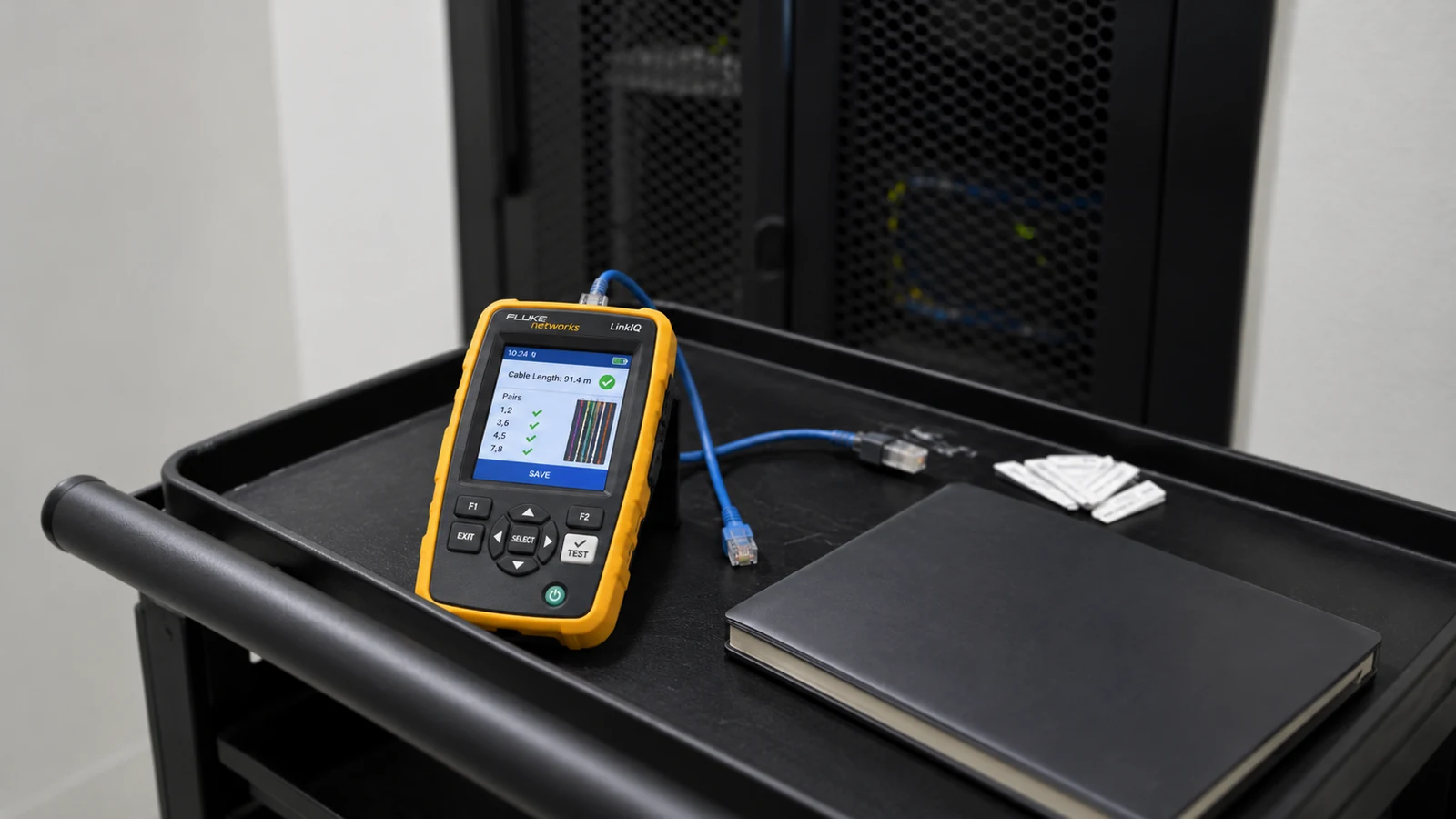
Isolates recording gaps, failed drives, credential problems and remote-view faults.
View Existing Camera TroubleshootingRELATED PATHS
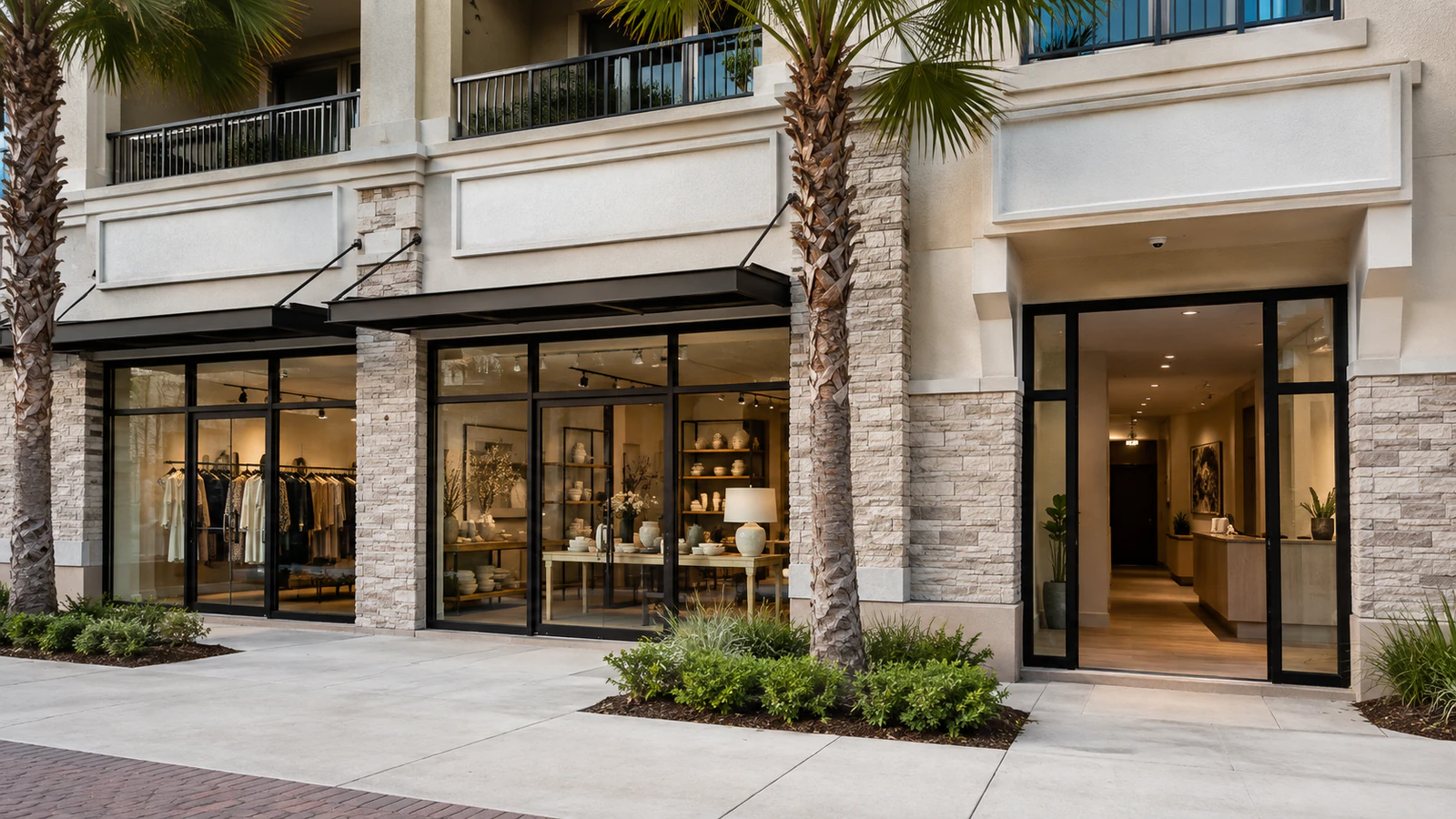
Named managers can receive playback and export rights without recorder administration.
Explore Retail Management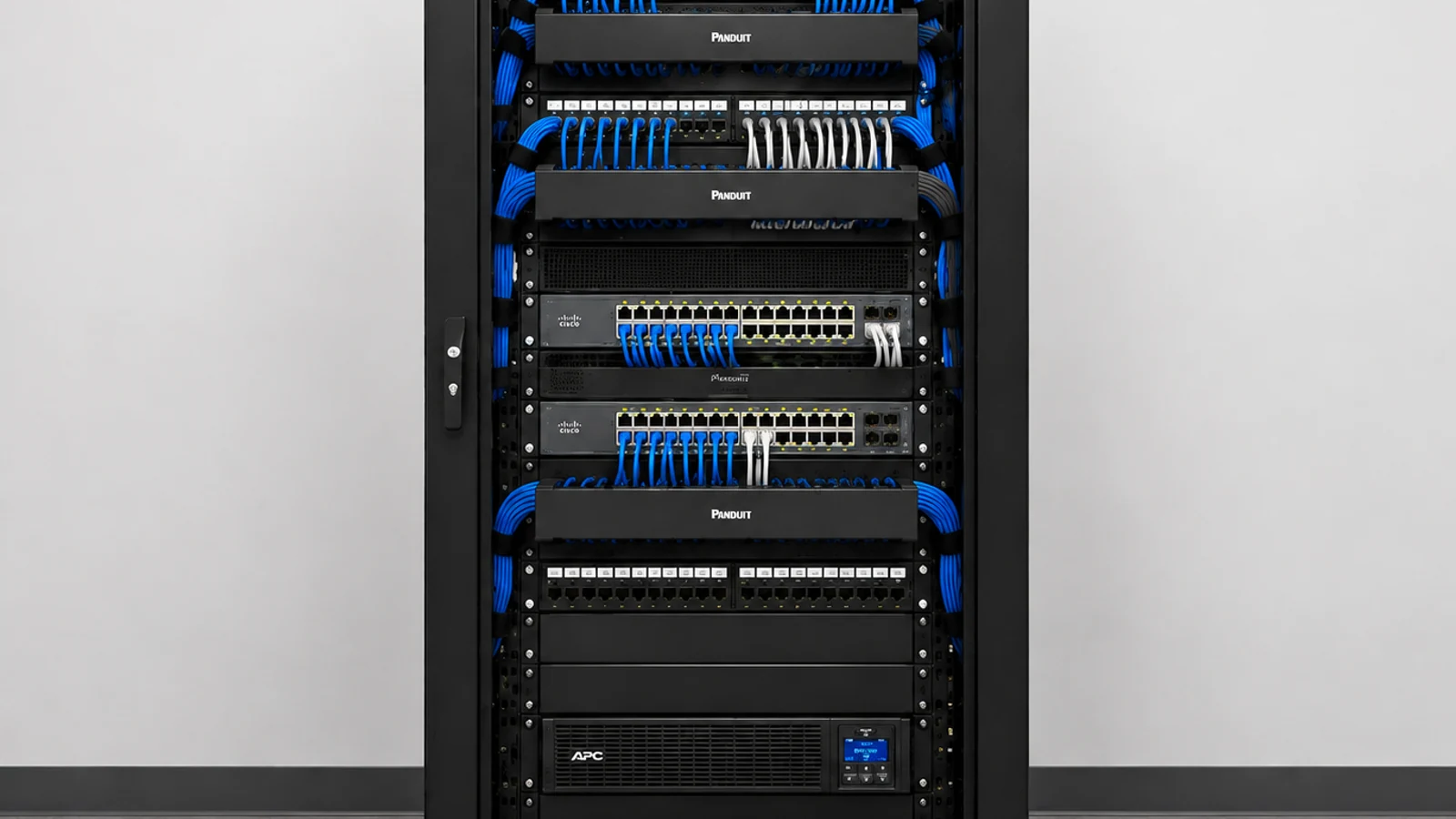
Account ownership and evidence-release responsibilities should be documented for common-area systems.
Explore Managed Communities
Clear camera names, synchronized time and tested exports help authorized staff retrieve footage across shifts.
Explore Hospitality and Multi-Shift SitesPROJECT PROCESS
Inventory streams and define resolution, bitrate, schedule, event behavior and retention objective.
Select usable capacity and recording profiles within the supported NVR or VMS limits.
Create named accounts for live view, playback, export and administration.
Test representative playback, exported evidence, remote access and credential recovery with authorized users.
LICENSED SUPPORT
Data Pro Communications operates under FL License #EC13016138. Recorder trust is demonstrated when authorized users can find, play and export the footage the storage plan was designed to retain. Capacity assumptions, recording profiles, permissions, remote-access methods and account ownership are established as part of the NVR handoff.
FAQ
Retention depends on usable storage, camera count, bitrate, resolution, frame rate, codec, recording schedule, scene activity and protection overhead. It should be calculated from the configured streams.
No. Formatting, platform reserve and RAID or other protection can reduce the capacity available for video.
The choice depends on evidence needs, scene activity, analytic reliability and retention goals. Some properties use different modes for different cameras.
Possible causes include drive faults, storage exhaustion, lost streams, network interruptions, schedule errors, event-detection settings, time problems or recorder service failures.
Many maintained platforms provide supported secure connection methods. The appropriate method depends on the product and customer IT policy; direct exposure should be avoided when a safer supported path exists.
No. Users should receive only the live-view, playback, export or administrative permissions required for their roles.
An authorized user locates the time range and camera, exports in a supported format, includes a player if required and verifies the copy on a separate workstation.
The result depends on the storage configuration. The system may lose capacity, protection or recordings, so health monitoring and a documented replacement process are important.
The issue may involve internet service, DNS, gateway settings, the supported connection service, account permissions, application versions, certificates or firewall policy.
An authorized customer representative should control administrative recovery methods, supported device ownership and current user records, stored according to the organization’s security practices.
Bring camera stream settings, current storage, retention goals and user-access needs to the recorder review. The next step can then address capacity, playback, export and secure access as one workflow.