Florida Licensed
FL License #EC13016138 for low-voltage systems work.

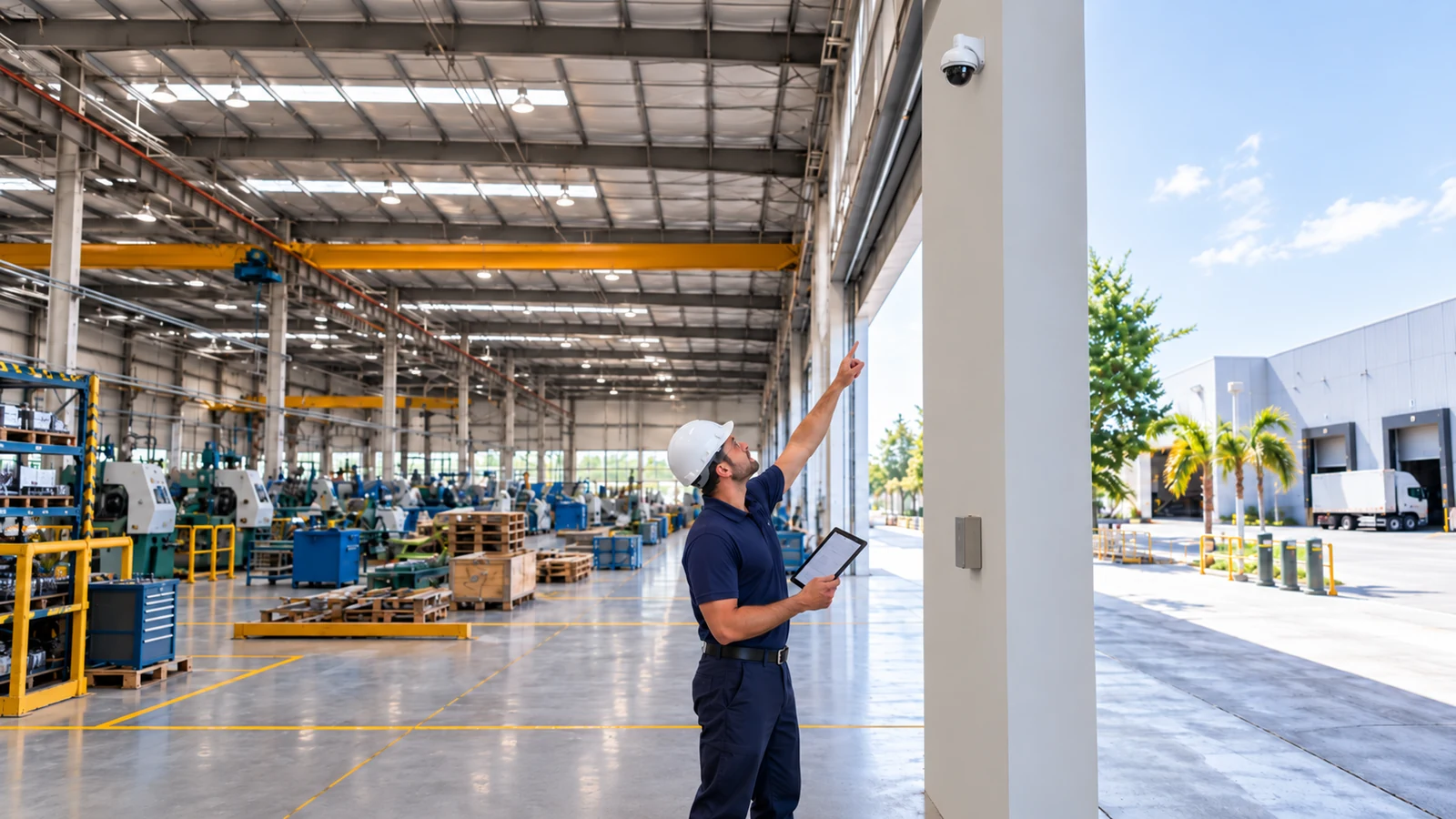
NETWORK-NATIVE VIDEO SURVEILLANCE
IP surveillance turns every camera into a network endpoint. Image goals remain primary, but switch capacity, PoE, uplinks, addressing, segmentation and recorder bandwidth determine whether the video platform will remain stable as it grows.
Data Pro Communications coordinates camera scenes with the customer’s network standards, recording platform and access model so the finished system is supportable rather than a collection of unmanaged devices.
FL License #EC13016138 for low-voltage systems work.
Camera endpoints are matched to available ports, per-device power and total switch budget.
Stream profiles are modeled where video crosses edge switches, building links and recorder interfaces.
Camera names, addresses, switch ports, VLAN paths and permitted management routes are documented for support.
Scalability is verified against NVR or VMS licenses, ingest limits, storage and user permissions rather than assumed from open ports.
PROJECT GUIDANCE
IP surveillance turns every camera into a network endpoint. Image goals remain primary, but switch capacity, PoE, uplinks, addressing, segmentation and recorder bandwidth determine whether the video platform will remain stable as it grows. Data Pro Communications coordinates camera scenes with the customer’s network standards, recording platform and access model so the finished system is supportable rather than a collection of unmanaged devices.
PLANNING RISKS
A switch can have open ports while lacking enough total power for the connected cameras.
Multiple high-bitrate streams can overwhelm an uplink even when edge ports negotiate at full speed.
Unsegmented cameras can increase broadcast noise and expand the number of devices that can reach management interfaces.
Undocumented static addresses or DHCP changes can make cameras intermittently unreachable.
NVR or VMS throughput, licensing and decoding resources may cap expansion before storage is full.
Shared administrator accounts weaken accountability and make credential recovery difficult.
CAPABILITIES
Calculate per-device draw, total power, port count and environmental requirements for camera switches.
Estimate stream bitrates and aggregate traffic across edge links, uplinks and recorder interfaces.
Coordinate VLANs, routing and allowed management paths with the customer’s IT policy.
Assign documented addresses, switch ports and camera names that remain understandable during support.
Validate model support, licenses, ingest limits, recording profiles and user roles.
Test representative streams, fail/recovery behavior, playback, export and remote management boundaries.
PROPERTY APPLICATIONS
Add a camera wing without overloading the existing access switch or recorder interface.
Explore UCF-area office expansionSeparate video traffic from point-of-sale and guest networks while preserving authorized viewing.
Explore Waterford Lakes retail siteUse edge switching and uplink calculations for dense camera groups around docks and aisles.
Explore Warehouse distribution floorExtend video between buildings over fiber and document the Layer 2 or routed boundary.
Explore Multi-building propertyApply least-privilege live-view and playback roles for managers and administrators.
Explore Professional office suiteStandardize camera names, addressing and health checks across several East Orlando properties.
Explore Managed portfolioTECHNICAL PLANNING
Use expected resolution, frame rate, codec, scene activity and secondary streams to estimate realistic traffic.
Size switches for worst-case device draw and preserve reasonable headroom rather than relying on average consumption.
Map which streams cross each uplink on their way to recorders, viewing stations and remote users.
Define where camera, recorder and client traffic are permitted to communicate, including DNS, time and update dependencies.
Record static assignments or reservations and establish who controls network changes that can affect cameras.
Compare planned camera additions with remaining ports, power, bandwidth, licenses, storage and server resources.
PROJECT GUIDANCE
IP cameras, recorders and viewing clients need explicitly permitted paths across the customer network. VLANs, routing, DNS, time synchronization and identity services should be coordinated with IT ownership, then tested without opening broader management access than the video workflow requires.
EAST ORLANDO CONTEXT
Azalea Park, Union Park and Rio Pinar properties include varied building ages and retrofit conditions. A useful survey distinguishes serviceable installed infrastructure from undocumented assumptions before equipment is selected.
RELATED PATHS
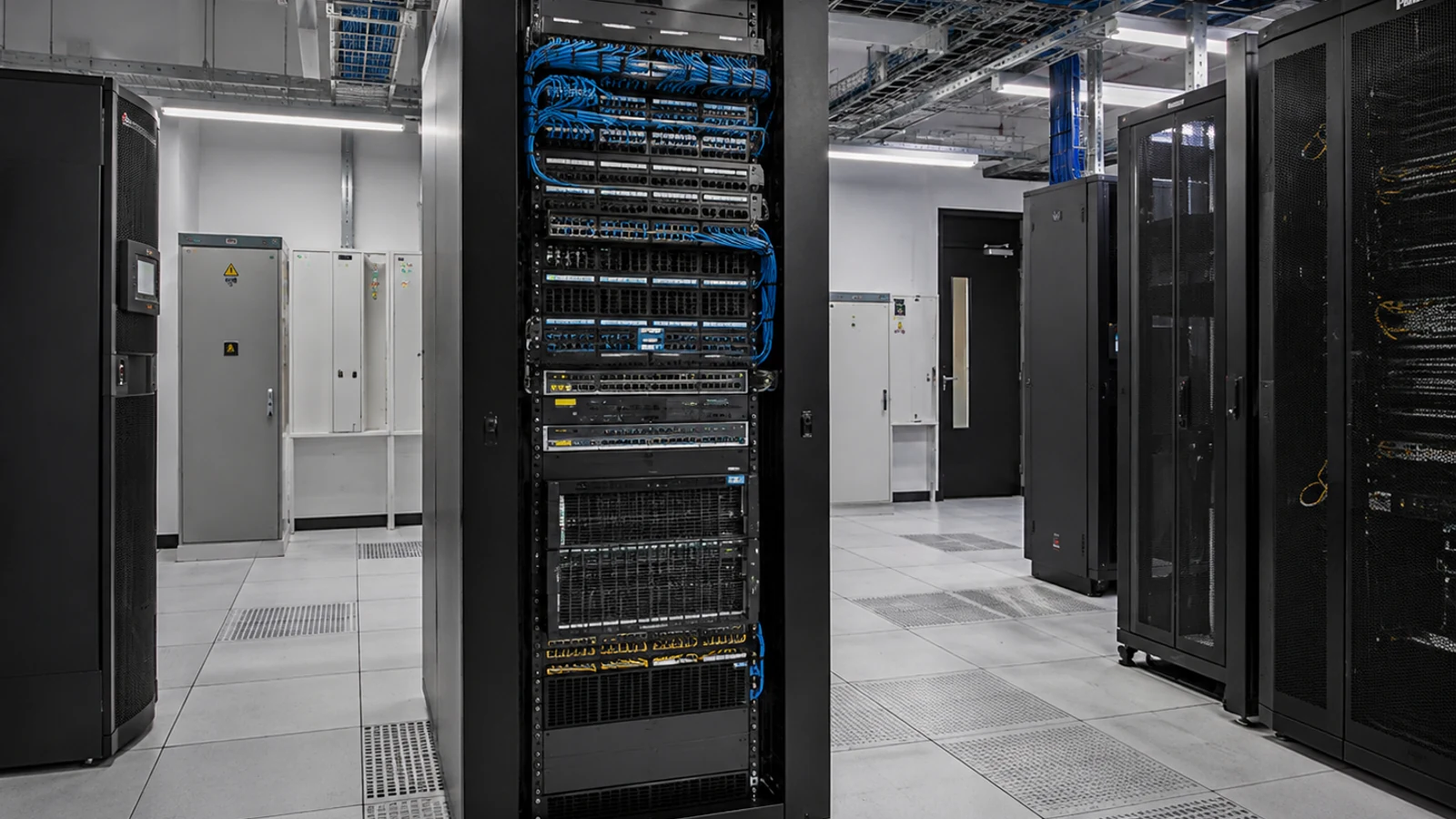
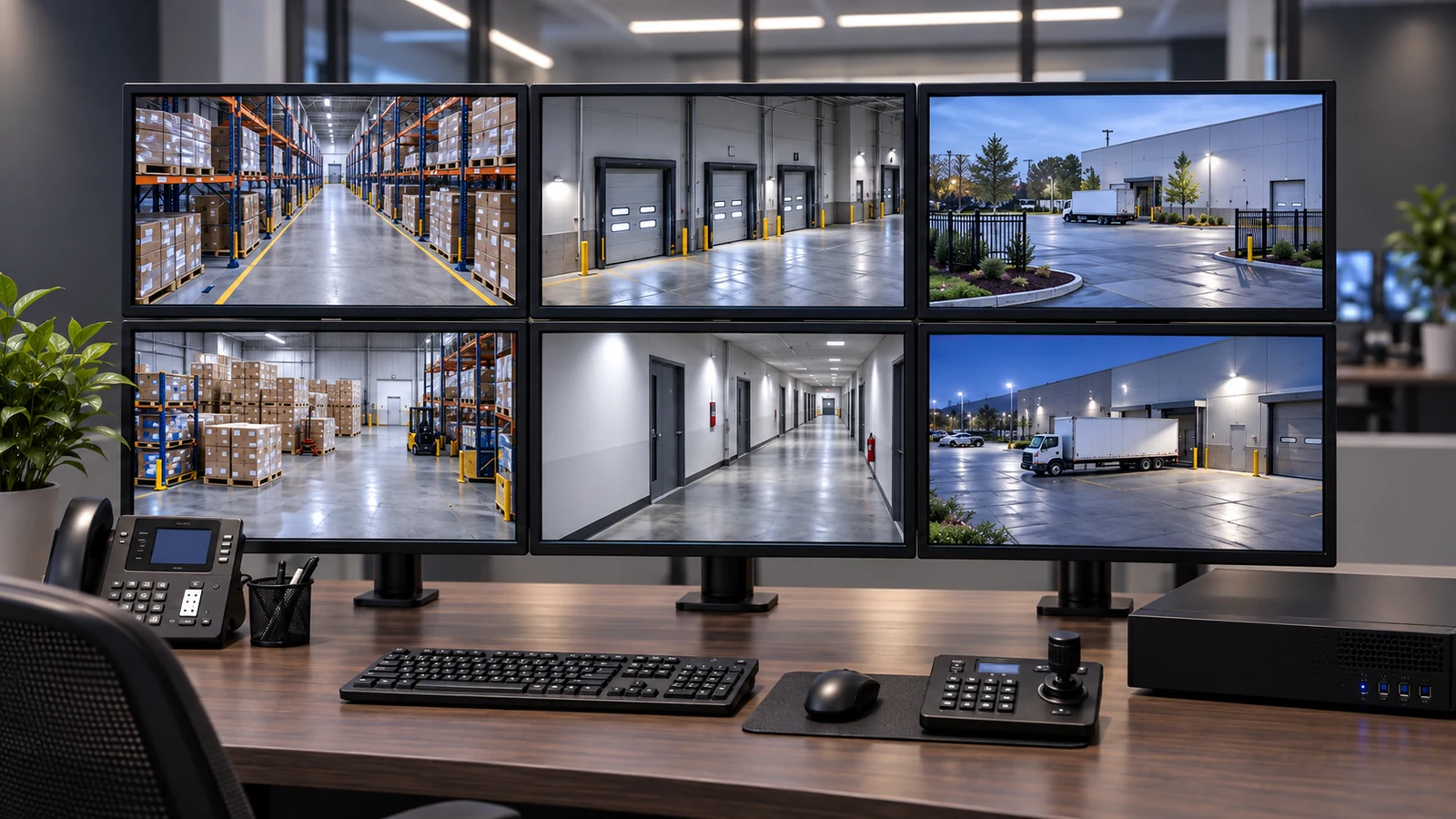
RELATED PATHS
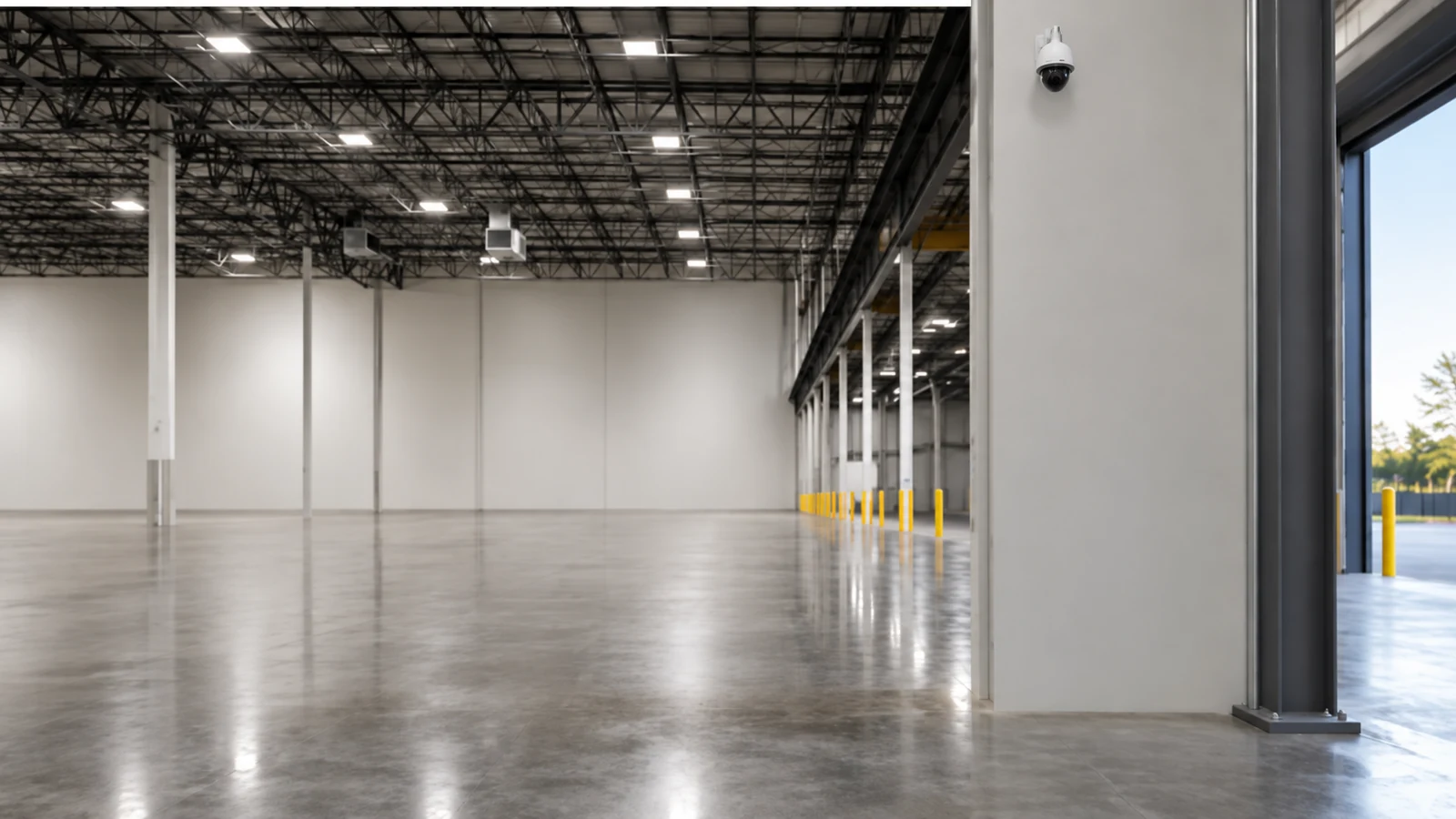
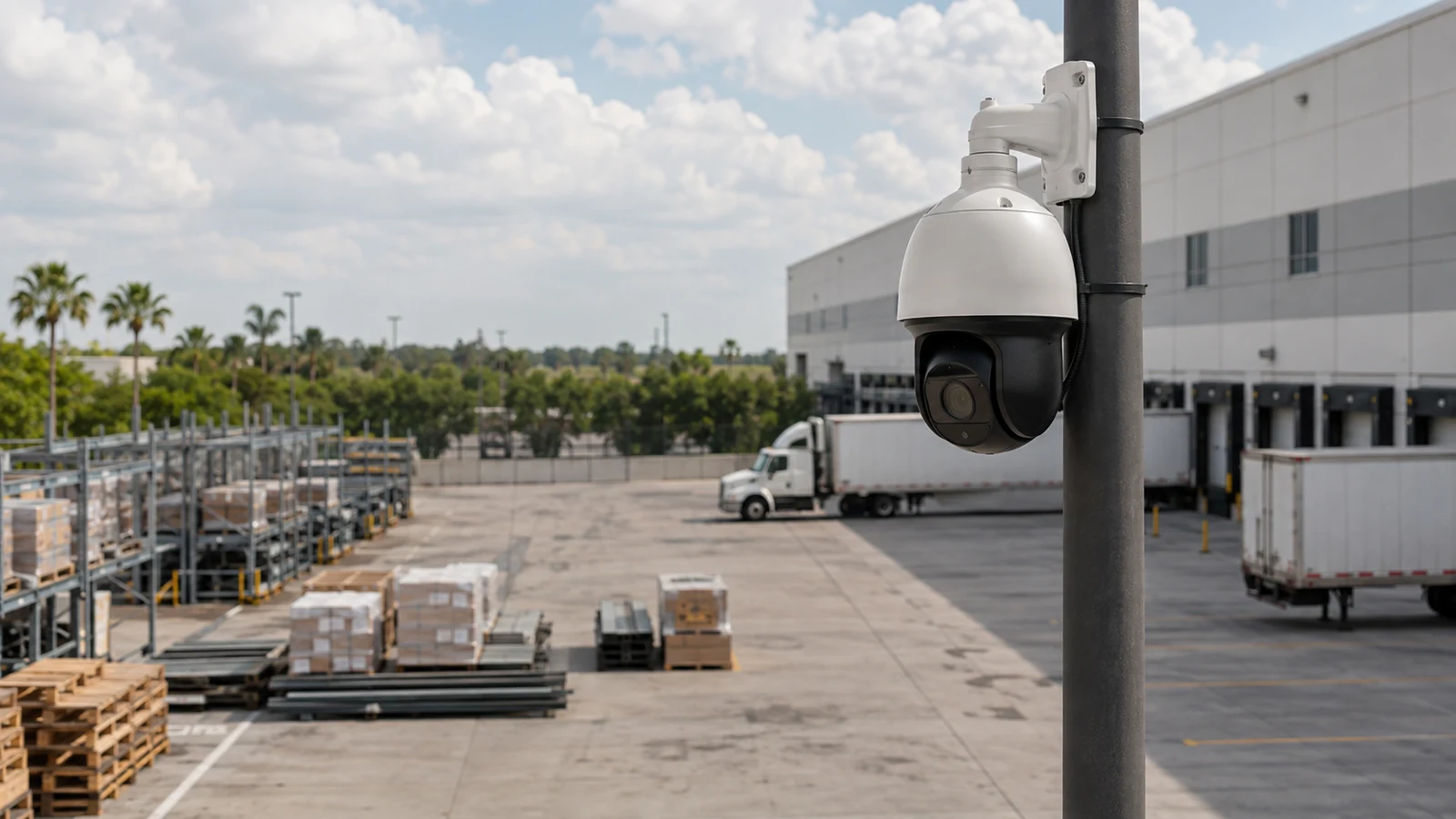
Dense camera groups at docks and aisles require modeled PoE, uplinks and recorder traffic.
Explore Warehouses and Distribution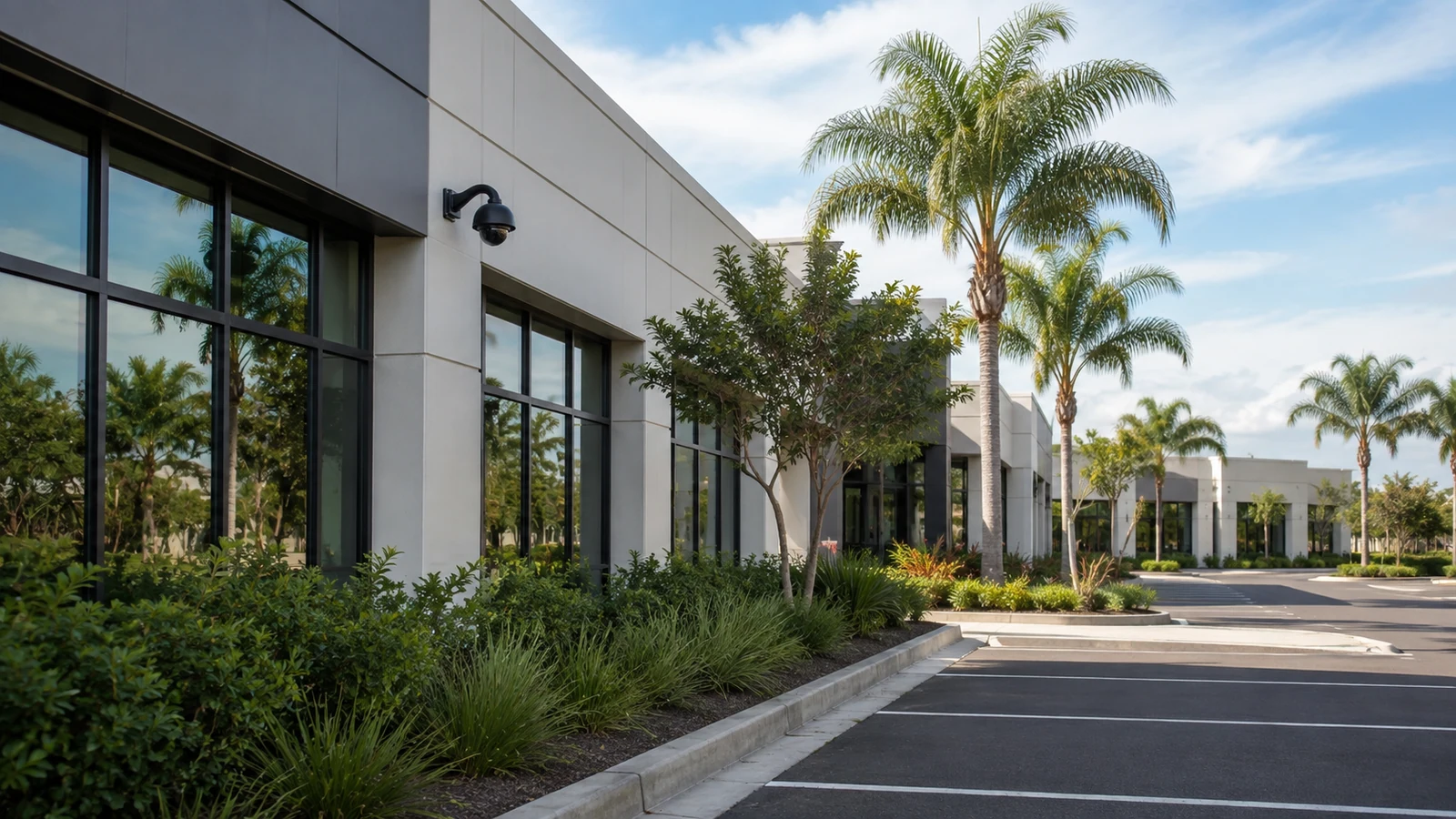
Fiber links and documented network boundaries support camera traffic between buildings.
Explore Multi-Building Commercial Sites
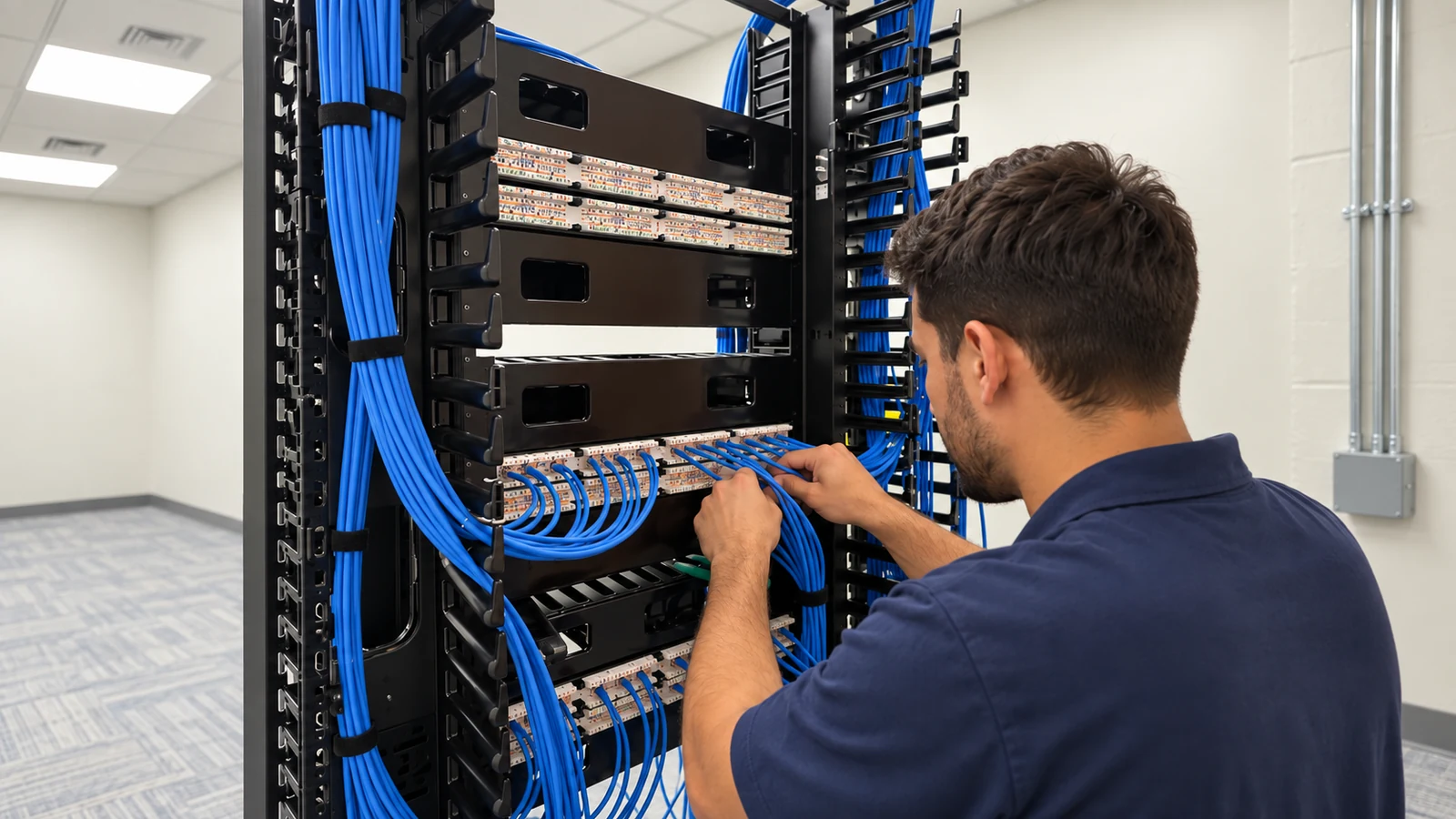
Standard addresses, names and least-privilege roles make network video easier to support across sites.
Explore Managed Office PortfoliosPROJECT PROCESS
Count cameras, define stream profiles and map traffic to recorders and viewing clients.
Check switching, PoE, uplinks, addressing, segmentation and required services.
Configure supported cameras, recording profiles, names and permissions on the NVR or VMS.
Verify stream stability, playback, export, user roles and recovery after expected network events.
LICENSED SUPPORT
Data Pro Communications operates under FL License #EC13016138. An IP video scope assigns responsibility for the network path as carefully as it selects cameras. PoE capacity, switching, uplinks, segmentation and recorder connectivity are documented so property and IT teams know which resources carry, power and manage each stream.
FAQ
Usage depends on resolution, frame rate, codec, scene activity and configured bitrate. Each stream should be modeled, then aggregated by the links it crosses.
It is the total power a switch can deliver to connected devices. The design must satisfy both each port’s limit and the switch’s overall power capacity.
Segmentation is often appropriate for commercial systems, but the exact VLAN, routing and access policy should follow the customer’s network standards and required camera-to-recorder paths.
They need stable, documented addressing. That may be achieved with static assignments or controlled DHCP reservations, depending on the network policy.
Yes, if switching, PoE, uplinks, addressing, segmentation and support ownership can handle the added endpoints and traffic without affecting critical business services.
Model support, channel licenses, incoming bitrate, decoding, storage, server resources and network interfaces can all impose limits.
The camera stream may be reachable while the recorder lacks credentials, license, compatible settings, storage availability or stable ingest capacity.
Use the platform’s supported secure method, named accounts, least-privilege roles, maintained software and customer-controlled recovery. Direct exposure of camera interfaces should be avoided.
Yes. Fiber is useful for long distances, building-to-building links, high aggregate traffic or electrically challenging paths, with appropriate switches or media interfaces.
Camera addresses, names, switch ports, VLANs, uplinks, PoE loads, recorder interfaces, required network services and account ownership should be documented.
Review the camera count, network topology, PoE resources, uplinks and recording platform together. An IP video survey can turn those dependencies into a scalable design.