Licensed Florida Contractor
FL License #EC13016138 identifies the contracting license presented by Data Pro Communications.

IMAGE DETAIL AND STORAGE GUIDE
Megapixels describe how many pixels a camera can produce, but not how many land on the subject that matters. A wide scene can spread a high pixel count so thinly that a face or plate remains too small, while a narrower view from a lower-resolution camera may show more usable detail.
FL License #EC13016138 identifies the contracting license presented by Data Pro Communications.
Each additional foot in the frame divides available pixels across more area and reduces target detail.
Exposure and illumination must support moving subjects.
Retention days, codec, activity and recorder support.
PROJECT GUIDANCE
Select resolution after defining scene width, target distance and the detail task. Then verify lens choice, lighting, compression, frame rate, bitrate, storage and recorder support. The useful question is not “How many megapixels?” but “How much reliable detail reaches the target under operating conditions?”
CAPABILITIES
Each additional foot in the frame divides available pixels across more area and reduces target detail.
Optical framing determines where sensor pixels are concentrated; digital zoom after recording cannot recreate missing detail.
Subjects become smaller with distance, and steep or oblique angles can hide facial or plate features.
Noise, blur and poor exposure can erase detail even when the file contains many pixels.
Aggressive compression may soften textures or create artifacts during movement, while higher bitrates increase network and storage demand.
The recorder must accept the stream, and export or monitor settings must preserve the detail expected by operators.
EAST ORLANDO CONTEXT
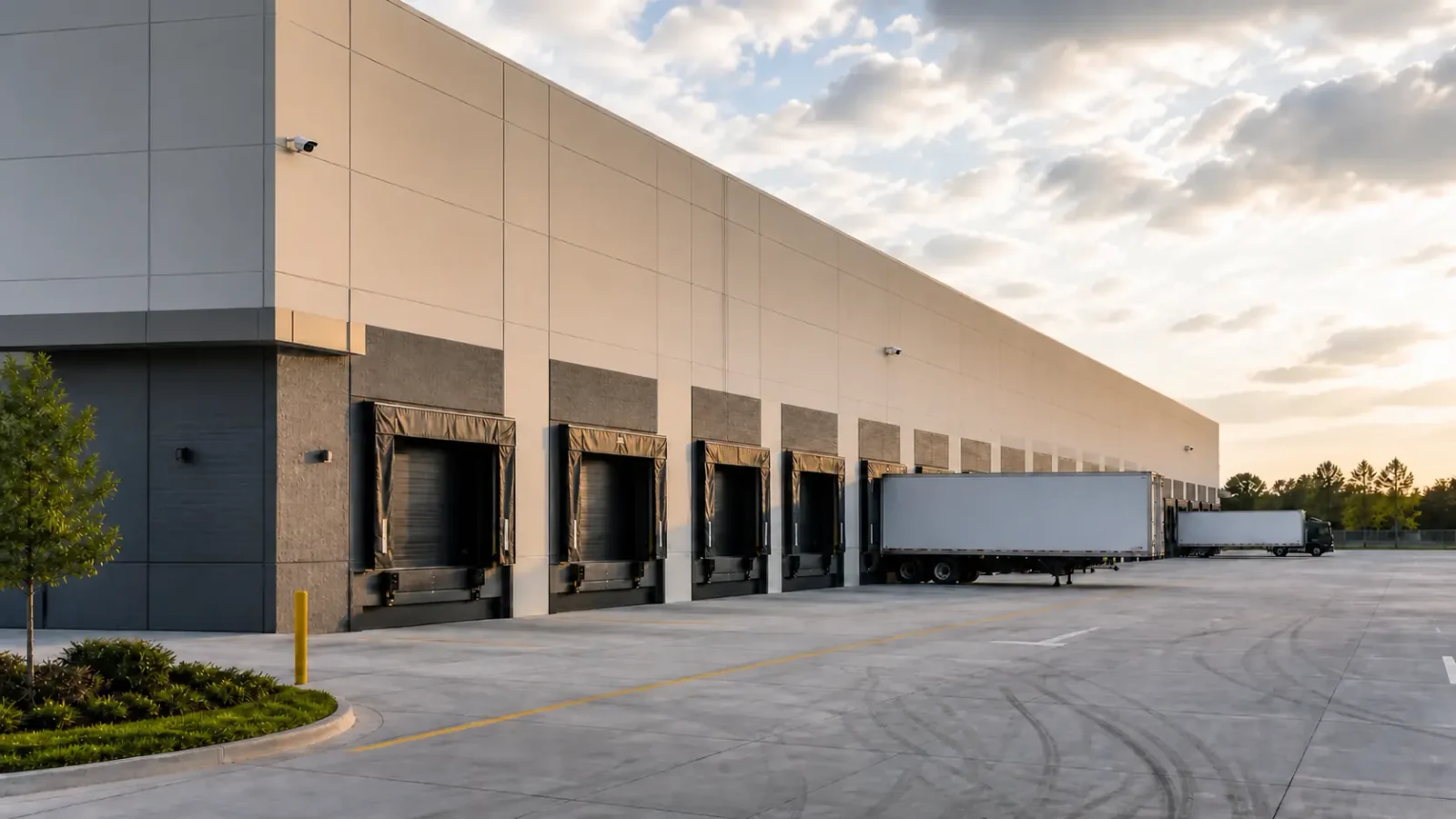
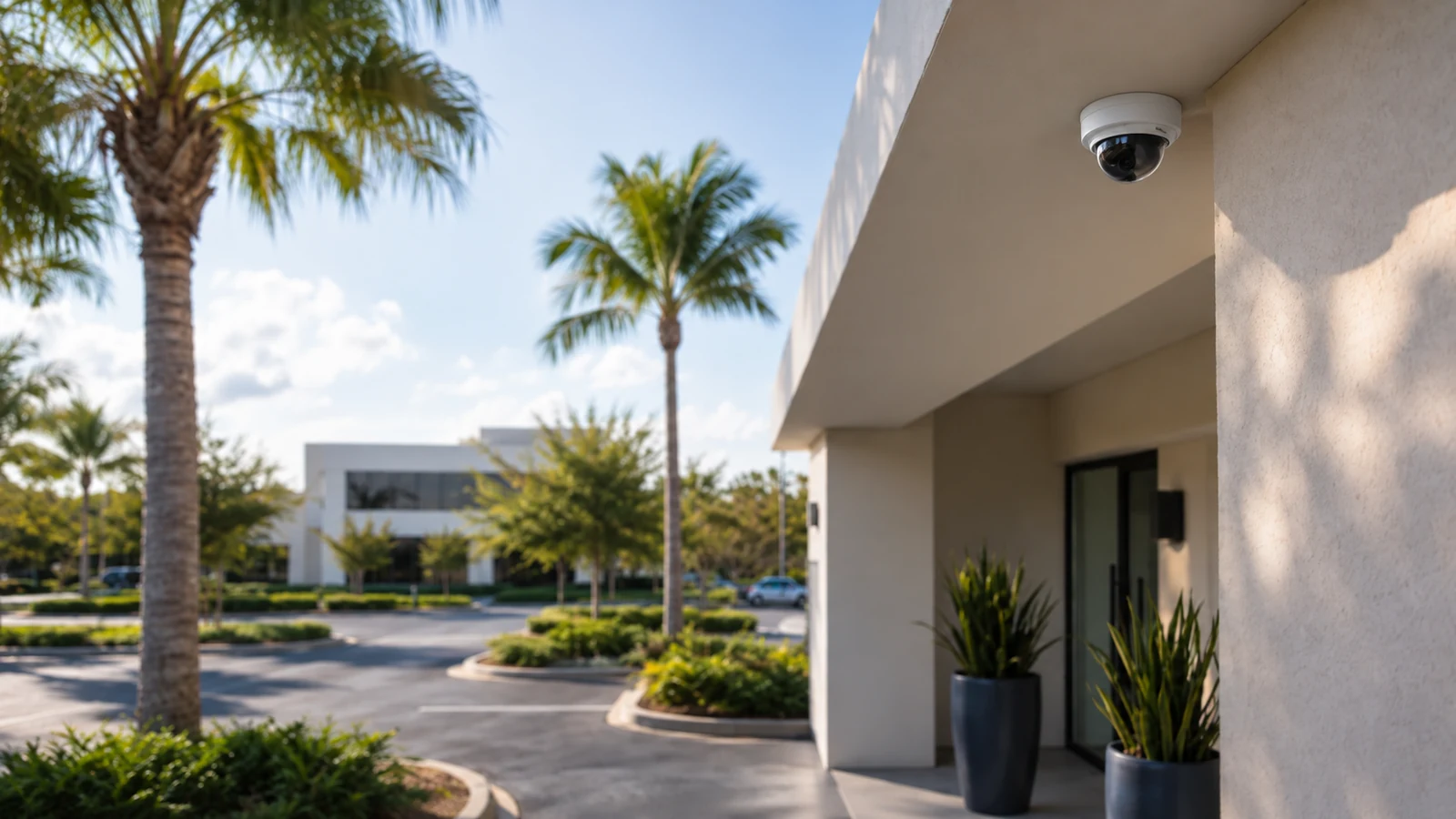
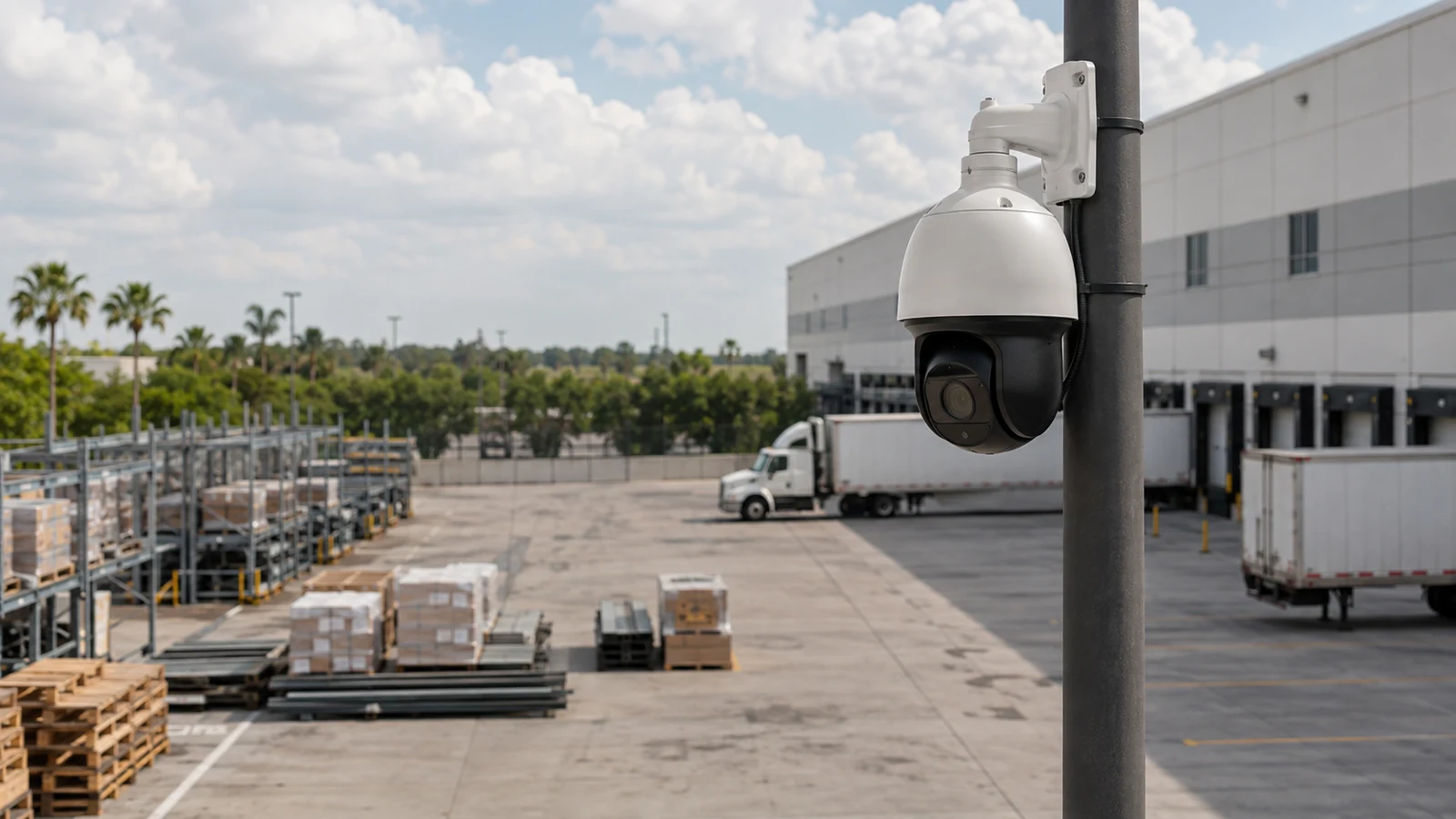
An East Orlando warehouse overview and a professional-office entrance should not inherit the same resolution setting. Their scene widths, target sizes, lighting and evidence tasks place different demands on bitrate and retention.
PROJECT GUIDANCE
Each additional foot in the frame divides available pixels across more area and reduces target detail.
Optical framing determines where sensor pixels are concentrated; digital zoom after recording cannot recreate missing detail.
Subjects become smaller with distance, and steep or oblique angles can hide facial or plate features.
Noise, blur and poor exposure can erase detail even when the file contains many pixels.
Aggressive compression may soften textures or create artifacts during movement, while higher bitrates increase network and storage demand.
The recorder must accept the stream, and export or monitor settings must preserve the detail expected by operators.
PROPERTY APPLICATIONS
A tighter entrance frame can devote more pixels to faces than a single camera covering the entire lobby.
Moderate detail across a broad floor may be appropriate when the objective is movement and event context rather than identification.
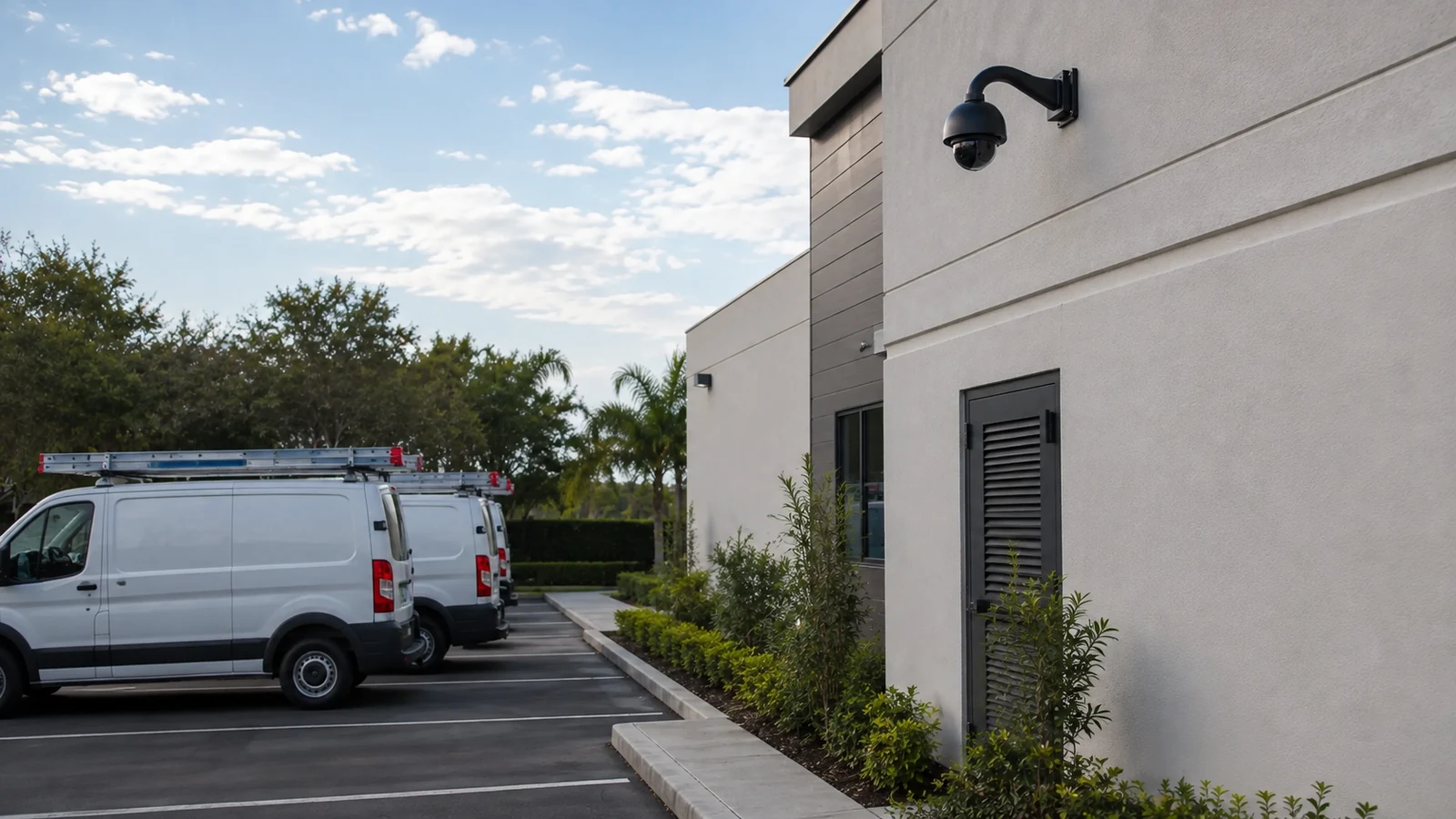
A dedicated narrow view is more useful for plate characters than increasing resolution on a wide parking-lot overview.
PROJECT PROCESS
Use scene width and expected subject size, then validate with recorded samples.
Include motion level, frame rate, codec, retention and channel count.
Confirm that downloaded evidence preserves the needed detail on the systems investigators will use.
PLANNING RISKS
Exposure and illumination must support moving subjects.
Scene activity and compression behavior change actual consumption.
Software may clarify existing information but cannot recover characters or faces that were never resolved.
PLANNING RISKS
This can waste storage and bandwidth without improving the intended task.
A small live tile can look sharp while the target contains too few pixels.
Some platforms reduce frame rate or do not support full resolution on every channel.
TECHNICAL PLANNING
Required width, distance and target detail.
Exposure, glare, low-light noise and motion.
Per-camera bitrate and uplink capacity.
Retention days, codec, activity and recorder support.
PROJECT GUIDANCE
RELATED PATHS
PROJECT PROCESS
Each additional foot in the frame divides available pixels across more area and reduces target detail.
Optical framing determines where sensor pixels are concentrated; digital zoom after recording cannot recreate missing detail.
Required width, distance and target detail.
Confirm that downloaded evidence preserves the needed detail on the systems investigators will use.
FAQ
No. Identification also depends on scene width, target distance, lens, angle, lighting, exposure, compression and motion.
It describes how much of the image resolution is concentrated on the person, plate or object that must be examined.
The available pixels are distributed across a larger scene, leaving fewer pixels on each face, label or vehicle.
The lens controls field of view, which determines how sensor pixels are allocated across the scene.
It can enlarge existing pixels but cannot create detail that the camera did not capture.
Long exposure or insufficient light can blur moving subjects, reducing usable detail despite the pixel count.
Higher-resolution streams often require more bitrate, though codec, frame rate, scene activity and quality settings also matter.
No. Entrances, overviews, cash points and corridors can have different detail objectives and therefore different settings.
Only if its channel, codec, throughput, licensing and display limits support the selected streams.
Review recorded samples of the target under relevant lighting and motion, then test playback and export at the intended workstation.
Resolution is one variable in a complete image budget. Match pixels to the target, protect them with suitable light and exposure, and make sure the network and recorder can retain the result at the required quality.