Florida Licensed
Data Pro Communications operates under FL License #EC13016138 for low-voltage systems work.

NEIGHBORHOOD COMMERCIAL AND SERVICE-SITE COVERAGE
Union Park service and neighborhood commercial properties often need the survey to start outside the front door. Side access, rear work areas and perimeter cabling can reveal whether the problem is camera hardware or another layer of the existing system.
Union Park exterior coverage can expose faults in cable, power or recorder channels that look like camera failures. Testing those layers first keeps the recommendation tied to the actual fault and the property perimeter.
Data Pro Communications operates under FL License #EC13016138 for low-voltage systems work.
The survey follows side yards, rear access and exterior approaches before assuming the front entrance is the primary camera problem.
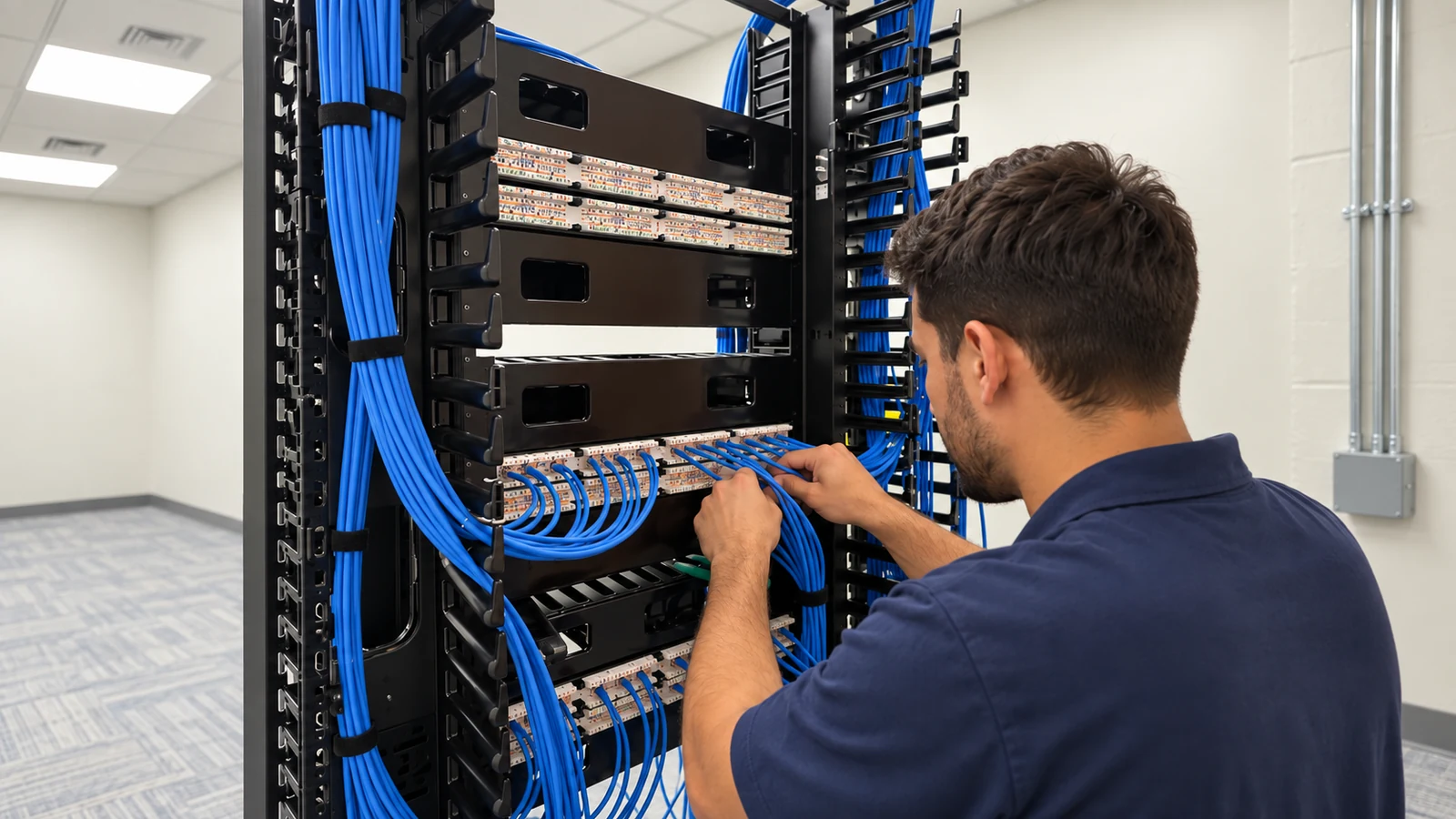
Exterior terminations, cable distance, PoE or power, recorder channels and network links are checked as separate failure points.
A failed outside view does not automatically mean the camera itself needs replacement.
Older and newer components are labeled so later service can distinguish retained infrastructure from the current upgrade.
PROJECT GUIDANCE
In Union Park, useful camera coverage begins with how the property is occupied, where exterior approaches are blocked and what infrastructure serves the system. A perimeter-first survey is more useful than applying a generic installation checklist. Union Park commercial and service properties can place as much importance on exterior approaches, side yards and rear access as on the front entrance. Retrofit surveys therefore trace the perimeter first, then work inward to the recorder, switching and cabling so a failed outside view is not automatically blamed on the camera itself.
PLANNING RISKS
Moisture, corrosion or loose outdoor connections can create intermittent faults that look like camera failures from the recorder.
Voltage, PoE and network issues can appear only at the far end of a run, especially after extensions or undocumented changes.
Older channels may accept some replacement cameras and not others, making compatibility testing necessary before a field swap.
Exterior scenes can lose useful detail where lighting changes sharply away from the front of the property.
Years of camera additions can leave unclear cable routes and labels, slowing both upgrades and fault isolation.
A tight camera on a gate or door may miss the direction a person or vehicle came from, limiting the value of the recording.
CAPABILITIES
Check device, termination, cable, power or PoE, switching and recorder status before choosing a replacement.
Review the actual perimeter movement path so camera positions show context around service areas and side yards.
Confirm supported formats and stable recording before assigning a new camera to an older recorder.
Correct damaged outdoor segments or terminations without discarding serviceable runs elsewhere in the system.
Review exterior views under normal after-hours lighting instead of accepting daytime framing as final.
Match camera names, cable identifiers and recorder channels so future diagnostics begin with a reliable map.
PROPERTY APPLICATIONS
A rear camera can show the service door plus the approach used by vendors or staff, giving more context than a doorway-only view.
Dedicated perimeter views can cover movement along property edges that a front camera cannot see.
A parking camera can prioritize arrival direction and lane movement instead of only showing parked vehicles.
A retrofit can standardize names and replace only incompatible or unreliable devices while preserving useful equipment.
Testing can determine whether weathered connectors, PoE, cable or the camera is responsible before replacement work is approved.
After-hours validation can reveal exposure or lighting problems that are invisible during a daytime service visit.
TECHNICAL PLANNING
Inspect weather seals, connector condition and mounting orientation where water or exposure can affect the field connection.
Verify the complete cable distance and the power or PoE available at the device instead of assuming the recorder-side reading represents the endpoint.
Check the specific replacement format, resolution and channel limits of retained recording hardware.
When new IP cameras are added, confirm PoE and uplink capacity without forcing unrelated analog channels into the same transition.
Evaluate the available illumination and camera exposure where the property becomes darker away from the main entrance.
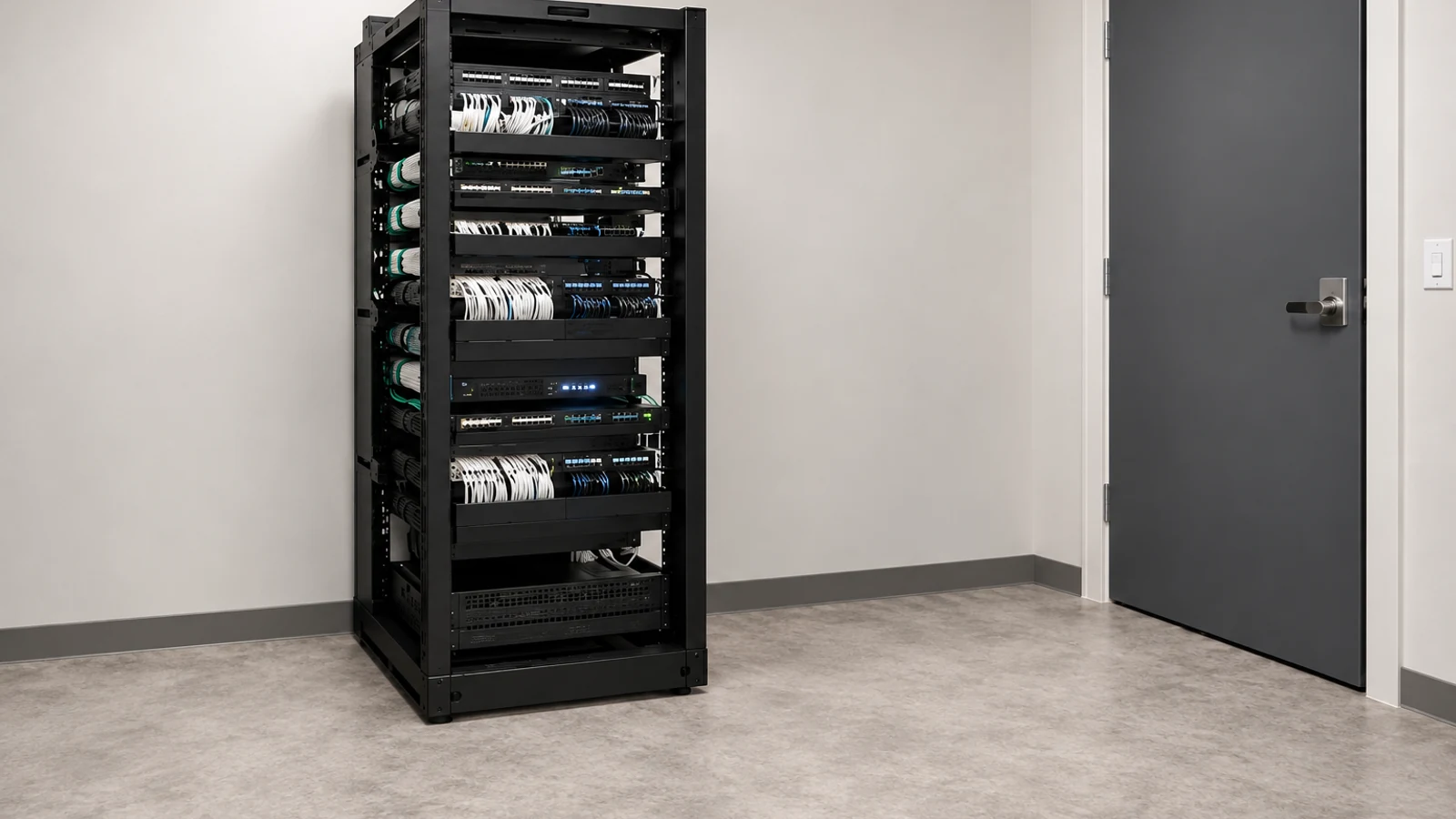
Document the physical route and recorder assignment for retained and new devices so later faults can be isolated efficiently.
PROJECT GUIDANCE
Union Park exterior cameras may depend on PoE switching or recording equipment located far from the field device. Keeping those layers distinct in the scope makes it easier to tell whether a recurring perimeter issue belongs to cabling, active network infrastructure, recorder compatibility or the camera itself.
EAST ORLANDO CONTEXT
At Union Park commercial properties, side yards, rear service areas and exterior approaches can carry more of the camera objective than the front entrance. A perimeter-first diagnostic and retrofit model helps isolate those conditions before equipment is recommended.
RELATED PATHS
Outdoor and mixed-generation faults should be isolated before a camera is condemned.
View Existing Camera Troubleshooting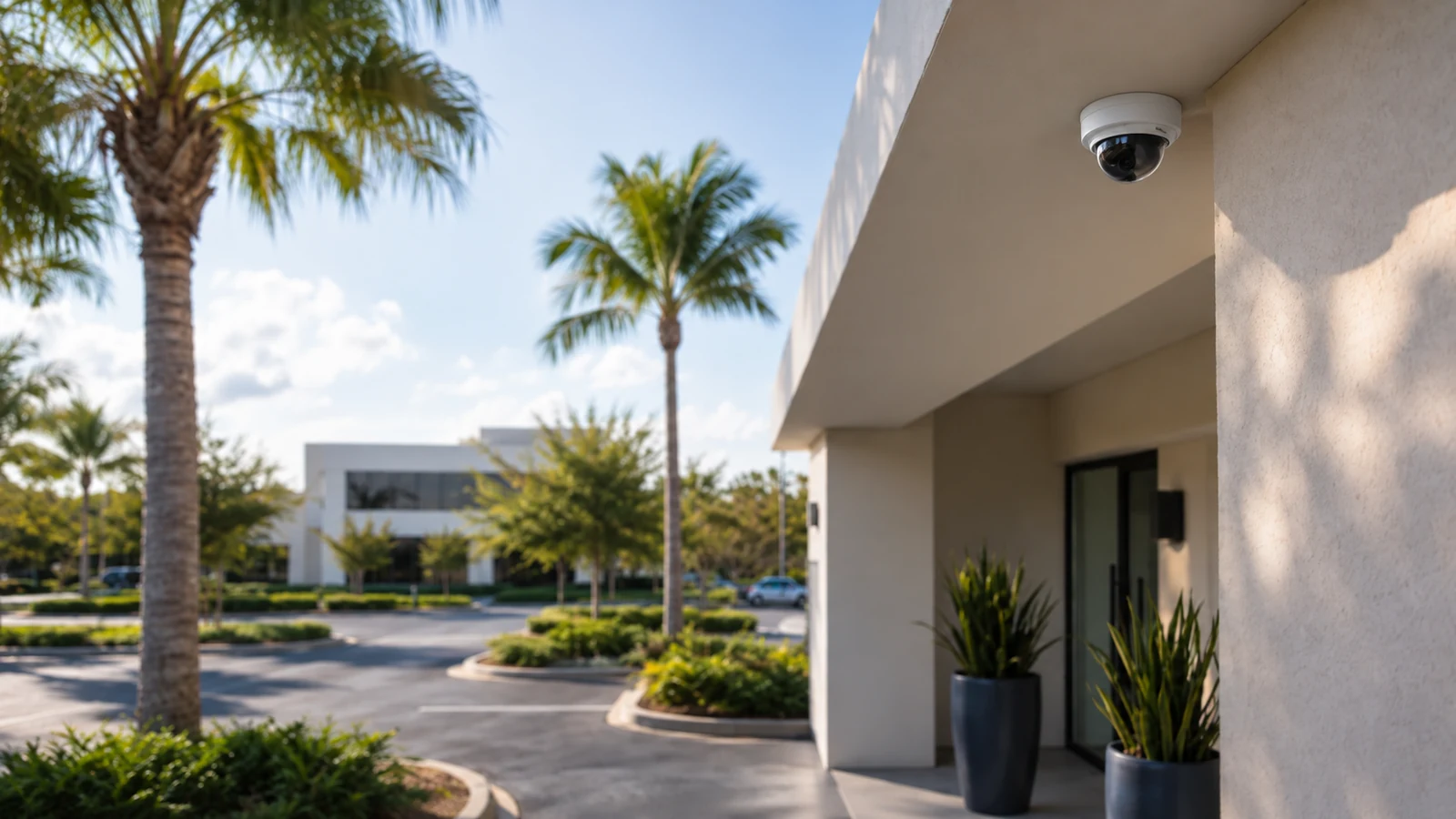
Union Park properties can modernize selected devices while retaining compatible recorder or cabling assets.
View Camera System Upgrades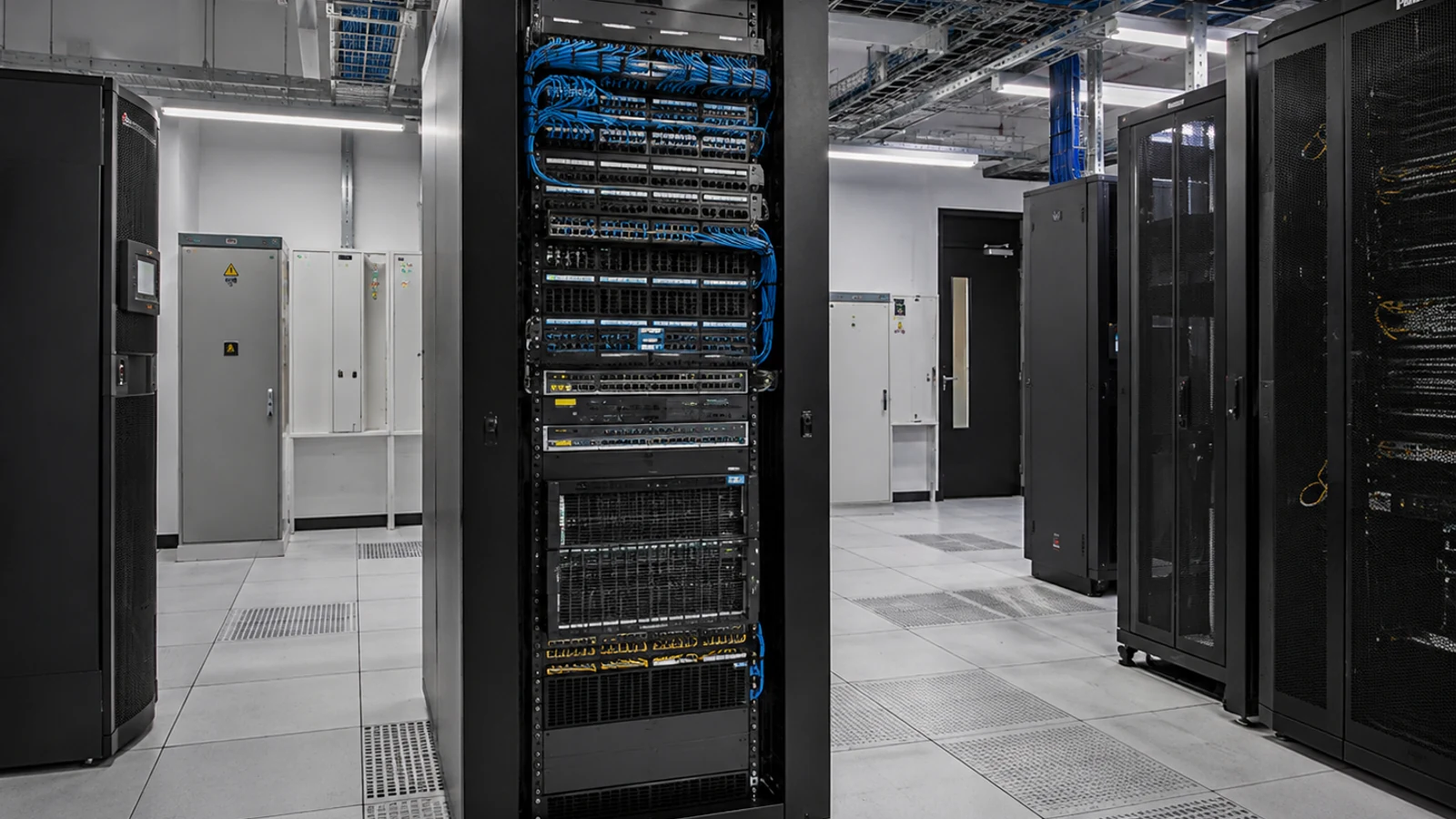
Exterior and service-area additions may expose poor labels or damaged older runs that need correction.
View Cabling ServicesRELATED PATHS
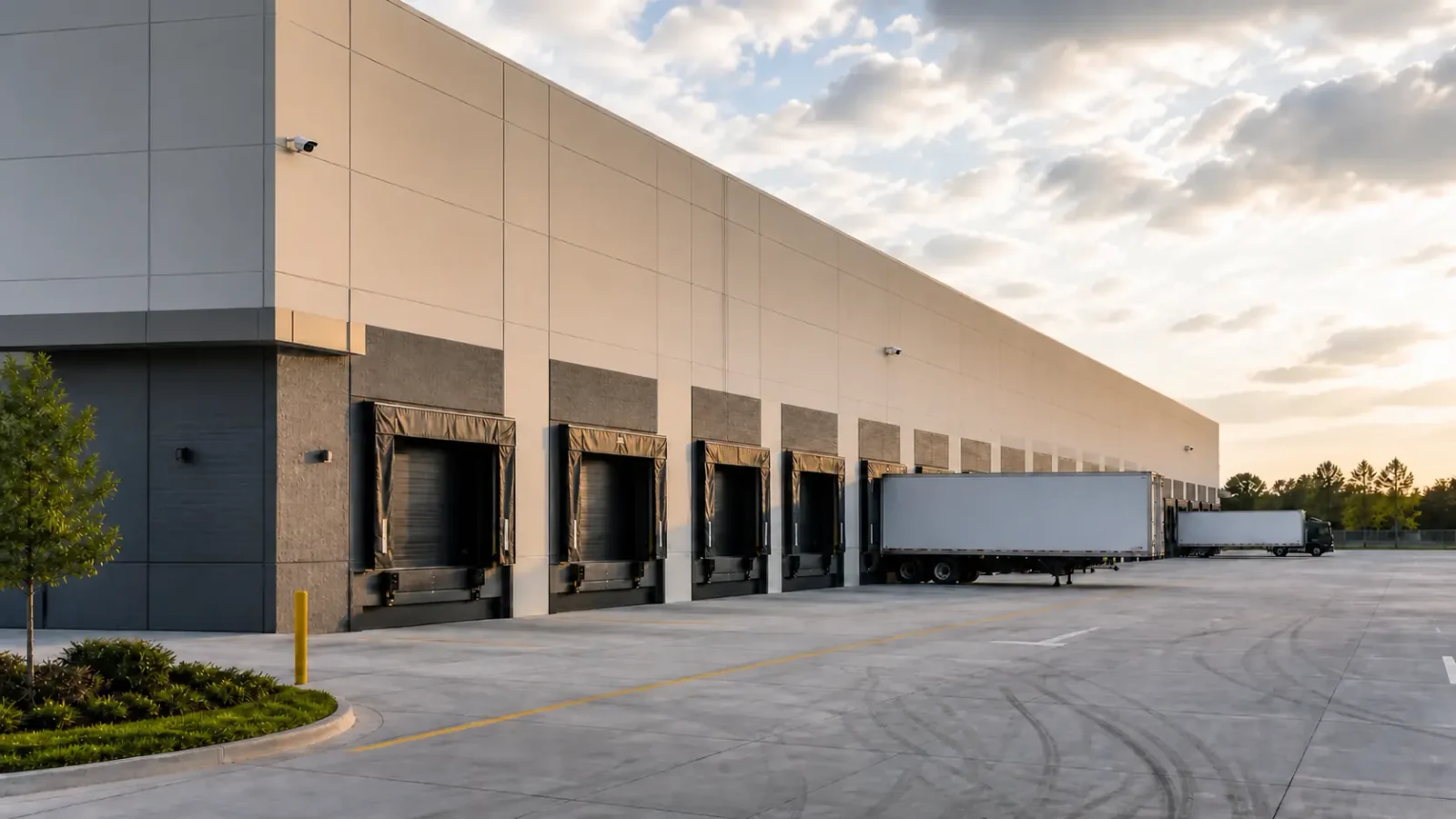
Azalea Park is a better comparison when the project is a smaller-property retrofit shaped by selective reuse, modest telecom space and exterior or parking visibility.
Explore Azalea Park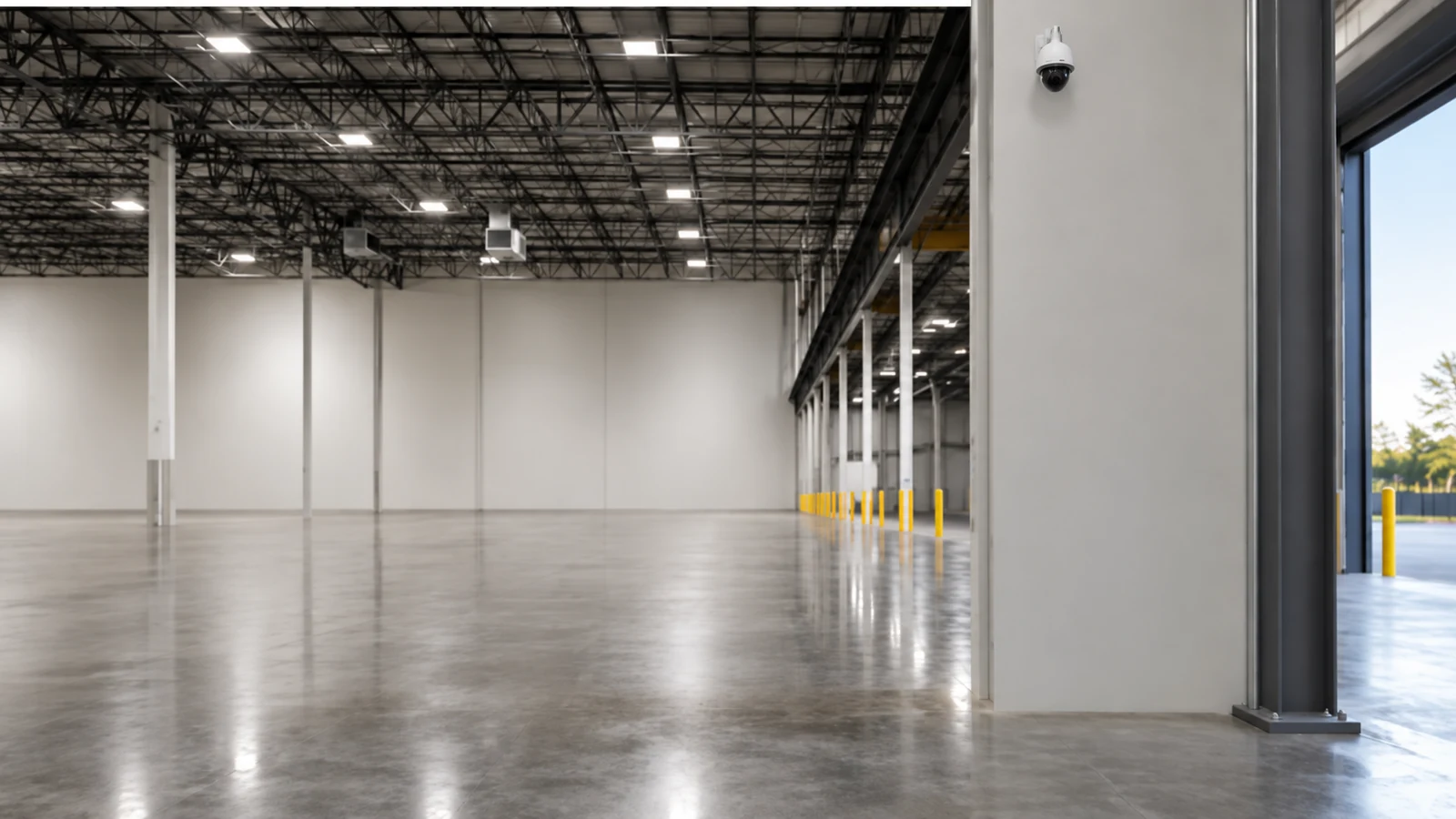
Rio Pinar differs from Union Park perimeter work because professional and service properties there often emphasize administrator access, entry and parking relationships, and measured upgrades.
Explore Rio Pinar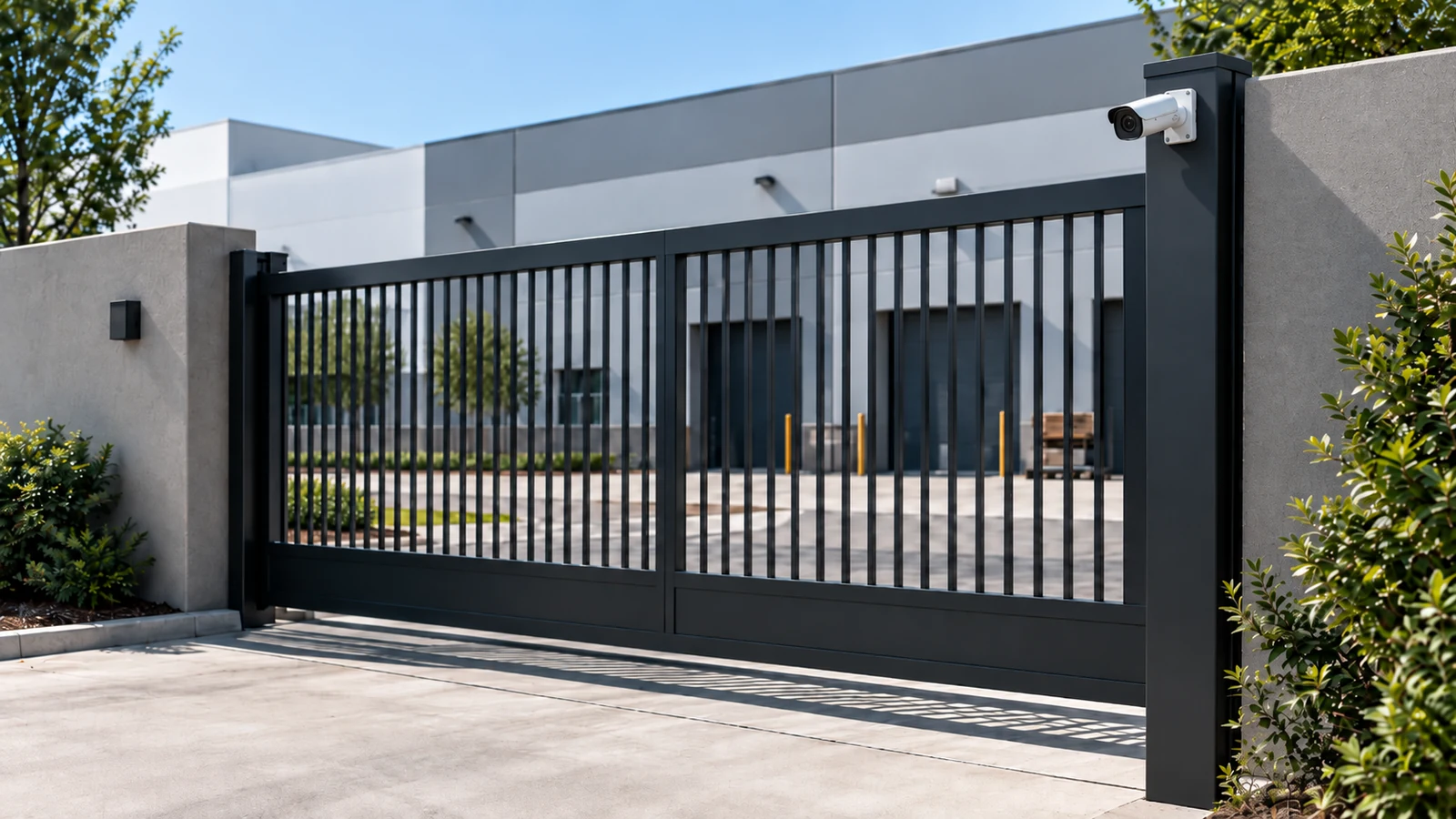
A neighboring property that reflects a university-area commercial context with high tenant or user turnover, managed common areas, and clear non-affiliation boundaries should use the UCF Area context instead.
Explore UCF AreaPROJECT PROCESS
Start at the affected scene and note whether the issue is constant, intermittent, daytime-only or after-hours.
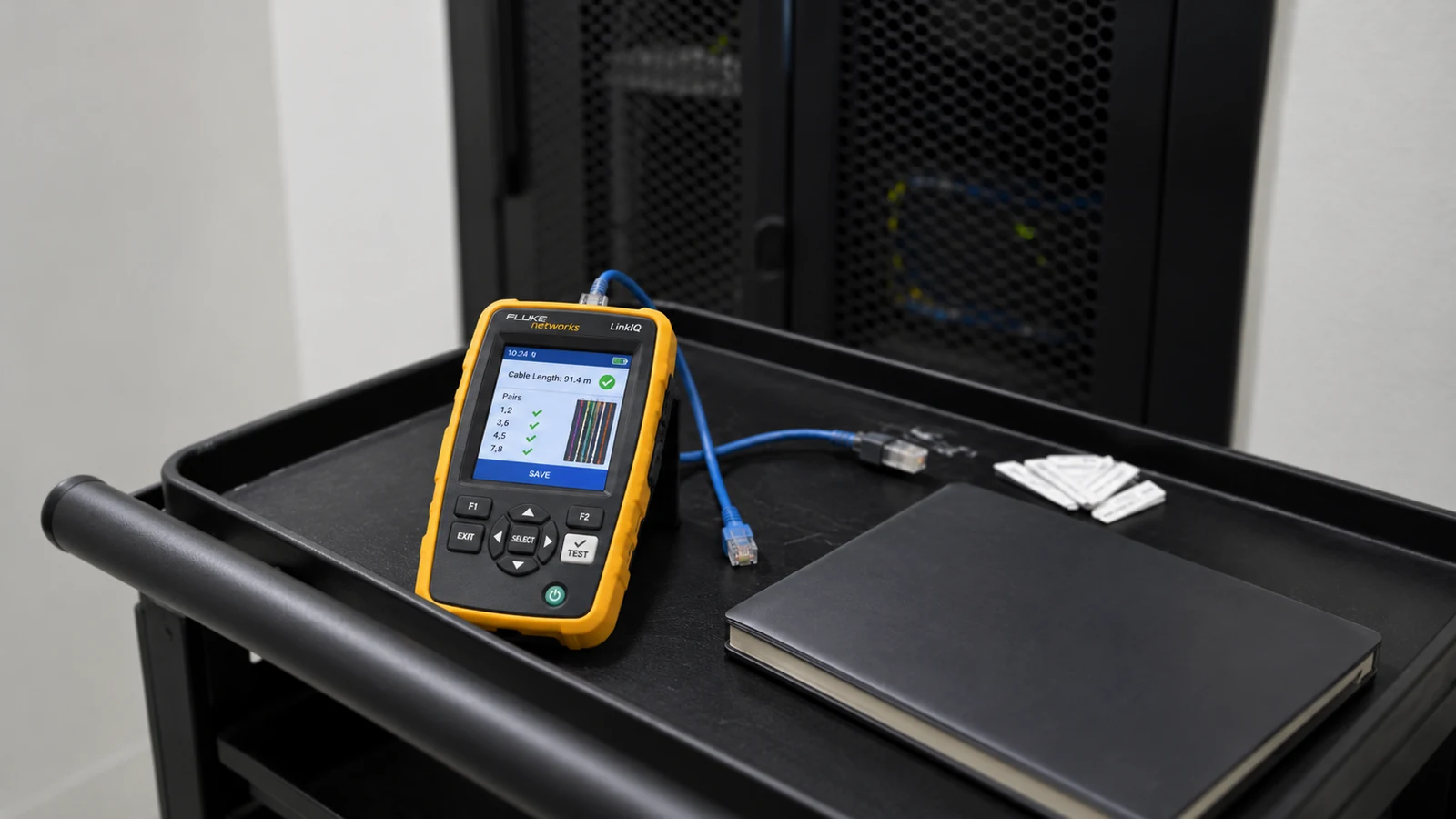
Test connection, cable, power or PoE, switching and recorder layers until the fault is isolated.
Repair or replace only the component that testing shows is responsible, then restore the recorded view.
Confirm stable live and recorded operation and update names or cable records that were unclear during diagnosis.
LICENSED SUPPORT
Data Pro Communications operates under FL License #EC13016138. Union Park service records identify the tested fault path, any retained components and the specific correction or modernization work included in the project.
FAQ
Check the field device, exterior termination, cable path and power/network connection for moisture or intermittent faults before replacing the camera.
They may sit outside the front-door scene and have different lighting, vehicle activity and staff use, so the survey should treat them as a separate operating zone.
Sometimes. Recorder channel support, resolution, codec and connection type determine whether a mixed-generation system is practical.
Outdoor exposure and long pathways can create intermittent faults that disappear during a quick indoor test. The failed condition should be reproduced where possible.
No. Correct the isolated fault first when practical. A broader upgrade can be proposed separately if the system also has support or compatibility issues.
Review the recorded scene after dark with the normal property lighting and typical vehicle positions, not only the live daytime image.
Yes when the recorder supports the selected replacements and has adequate channels, storage and network capability.
Accurate field and head-end labels reduce service time and prevent the wrong cable, port or camera from being changed during future work.
Recheck live video, recording, playback and the condition that originally caused the failure, especially if the issue was intermittent.
When the existing run is damaged, exposed incorrectly, cannot be identified, or does not support the selected camera/network design reliably.
Describe the Union Park perimeter or exterior symptom, affected devices and existing recorder/cabling so diagnostics can distinguish a field fault from an upgrade need.