Florida Licensed
Data Pro Communications operates under FL License #EC13016138 for low-voltage systems work.
PROFESSIONAL AND SERVICE PROPERTY CAMERA PLANNING
Rio Pinar camera planning fits professional, service and managed properties where entry, parking and system administration need to line up. Clear ownership of playback, export and remote access prevents a straightforward site from becoming difficult to operate later.
Rio Pinar projects often become easier once the administrator and review workflow are identified. Entry and parking scenes can then be matched to retention, export and remote-view responsibilities without adding unnecessary complexity.
Data Pro Communications operates under FL License #EC13016138 for low-voltage systems work.
The survey identifies who is responsible for playback, export and system administration before credentials are changed.
Camera placement is planned around how people and vehicles reach the property, not as unrelated isolated views.
Lost or unknown administrator credentials are treated as a project dependency before replacement or configuration work begins.
The customer receives a clear record of who owns the accounts and network access needed for remote review.
PROJECT GUIDANCE
Professional and service properties in the Rio Pinar area often need a straightforward relationship between entry coverage, parking context and the person responsible for system administration. When existing cameras are being retained, documenting recorder access and network ownership can be as important as changing the field equipment.
PLANNING RISKS
A recorder can be operational yet difficult to maintain when the current owner cannot recover the administrator account.
Added cameras or changed stream settings can shorten stored history without an obvious warning to the user.
Internet and router changes can affect remote access even when local recording remains healthy.
An older cable or connector can make a new camera look unreliable unless the field path is checked during replacement.
Separate cameras may record useful images but still fail to show how a vehicle or visitor moved through the property.
Users who can watch live video may not know how to find, export or verify recorded evidence when it is actually needed.
CAPABILITIES
Resolve credentials through supported methods and place the system under a recoverable customer-owned administrator model.
Measure or calculate stored history after camera or bitrate changes so the expected review window remains realistic.
Identify which router, firewall or internet dependency belongs to the customer network and which settings belong to the camera system.
Check the run and termination before declaring an old camera failed or installing a new one on the same path.
Position views so a reviewer can follow the movement that matters between arrival, parking and the building entrance.
Complete a real search and export with the authorized user so the handoff covers the workflow, not just the hardware.
PROPERTY APPLICATIONS
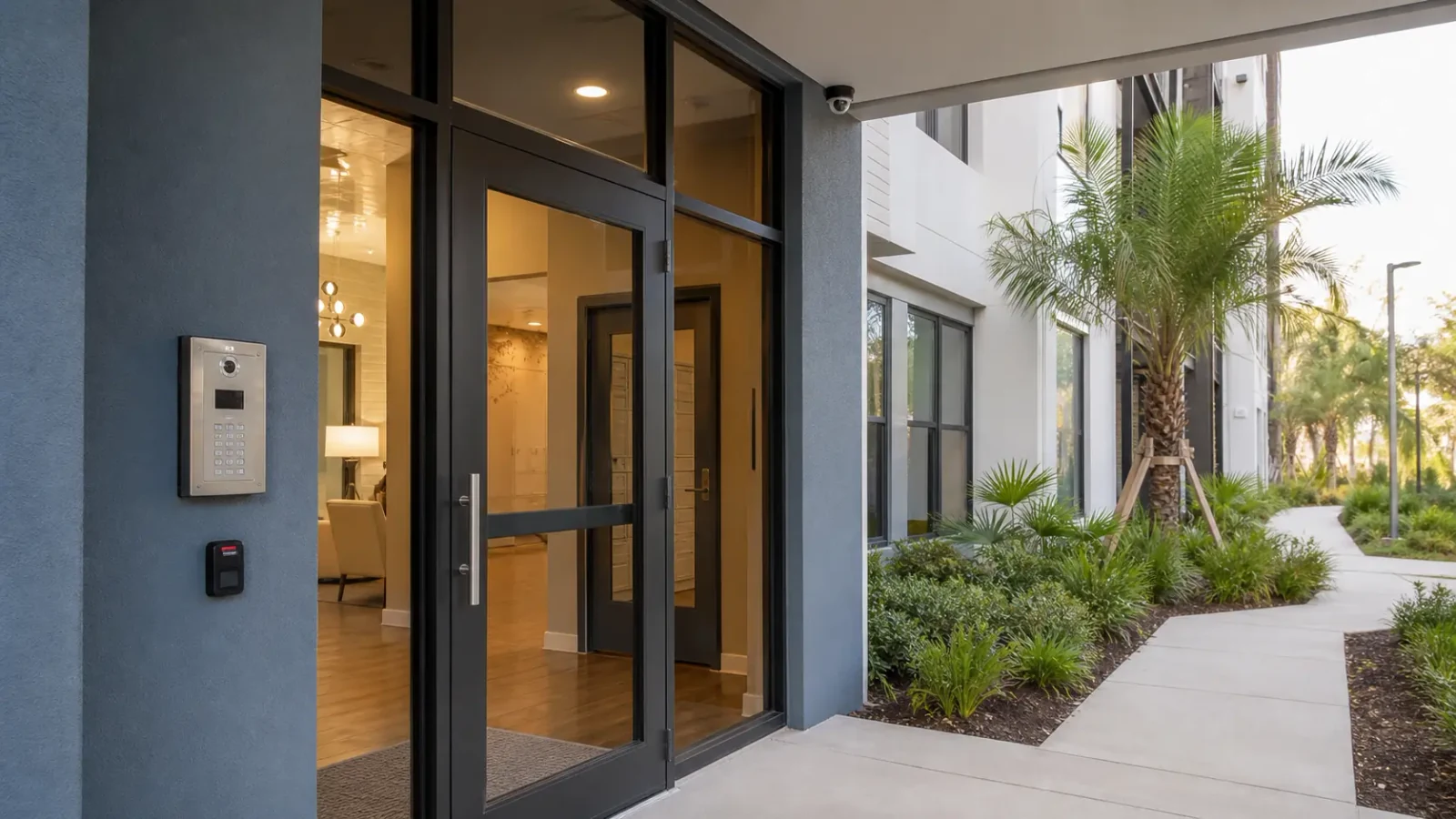
Entry coverage can show public approach and arrival without extending into private offices that do not serve the stated purpose.
Exterior views can connect vehicle arrival to the customer or service entrance when that sequence is important to the business.
A dedicated vendor or service-door camera can support after-the-fact review without mixing that workflow with the main lobby.
A change in office or property responsibility can trigger a controlled transfer of user roles and recovery information.
A business can confirm whether the current storage still provides the history it expects before adding more cameras.
When remote viewing stops after a network change, local recording and customer-network dependencies can be tested separately.
TECHNICAL PLANNING
Determine the supported recovery path and authorized owner before attempting configuration changes that could lock out existing users.
Use the recorder’s usable storage and current stream settings to estimate retention instead of relying on a prior camera count.
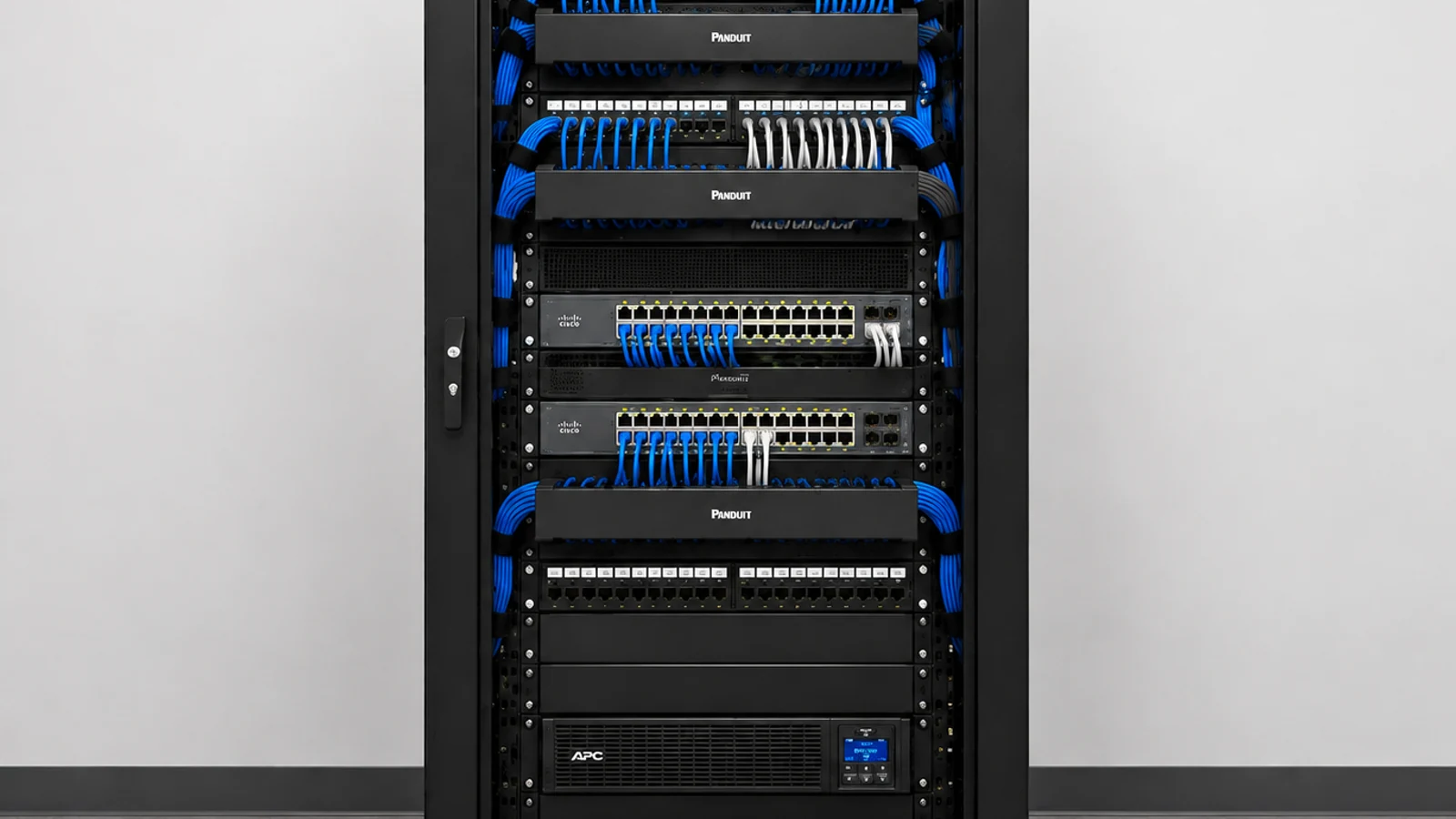
Document which customer network components must remain available and which remote-access configuration belongs to the surveillance platform.
Inspect terminations and test the path where an older device is being replaced so the new camera receives a known-good connection.
Use overlapping context where appropriate to help a reviewer connect parking, approach and entry without demanding identification from every view.
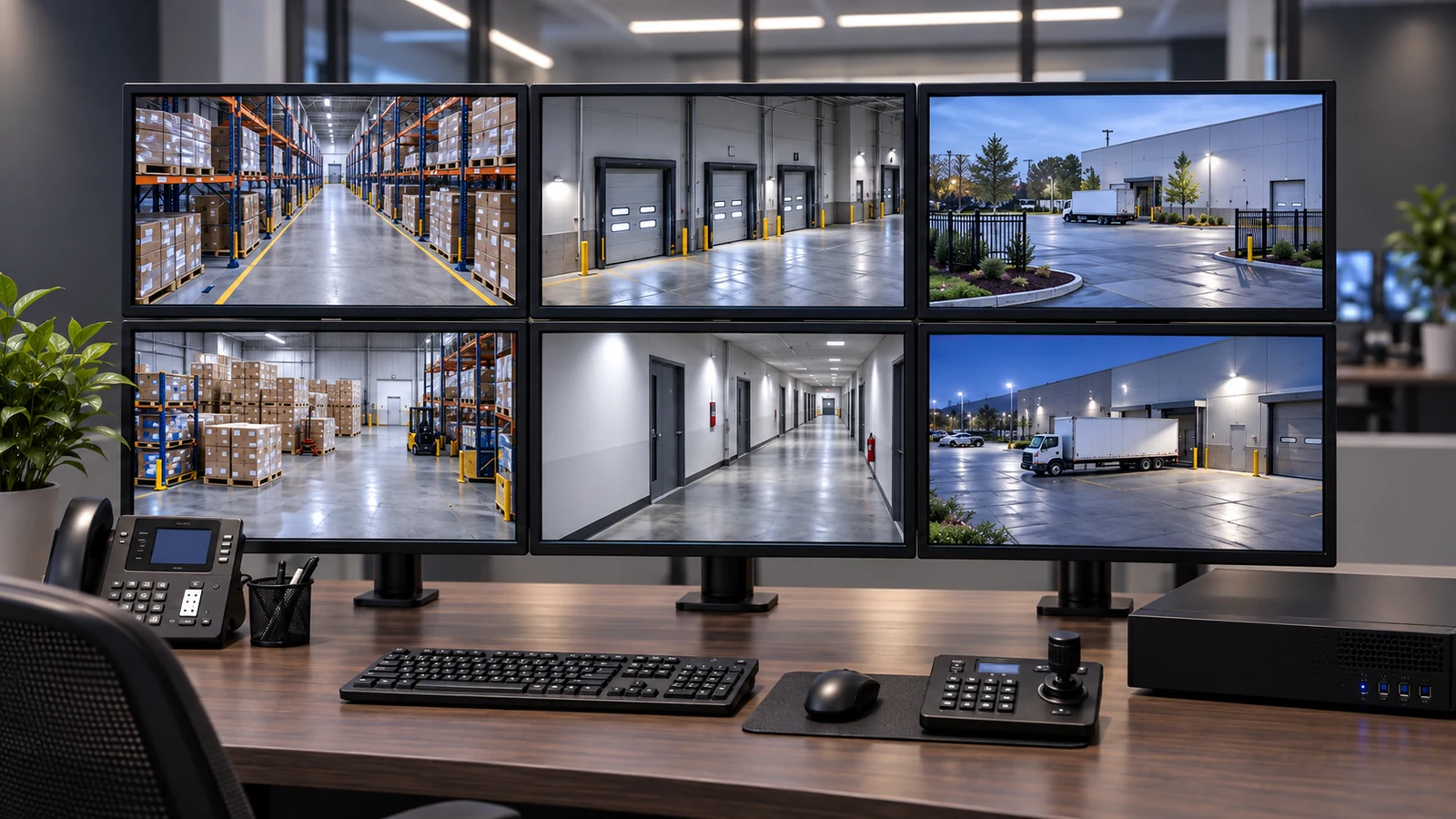
Confirm that the intended user can search, play back and export footage with the permissions assigned at handoff.
PROJECT GUIDANCE
Rio Pinar camera systems may rely on customer-managed internet and network equipment for remote viewing while recording locally on a separate appliance. The scope should distinguish those responsibilities so a future internet change is not mistaken for a recorder or camera failure.
EAST ORLANDO CONTEXT
Rio Pinar projects can involve professional, service and managed commercial properties where entry coverage, parking context and administrator handoff must work together. A clear operating and ownership model matters more than simply proposing a larger system.
RELATED PATHS
Clear playback, export and administrator ownership fit professionally managed properties.
View NVR & Remote Viewing
Selective upgrades can improve reliability without replacing serviceable infrastructure.
View Camera System Upgrades
A recurring fault pattern can be tracked across visits once assets and configuration are documented.
View Service & MaintenanceRELATED PATHS
Union Park offers a different comparison from Rio Pinar’s administrator-led professional and service properties, with more emphasis on exterior perimeters, mixed-generation systems and occupied retrofit work.
Explore Union Park
For a compact property with limited telecom space and selectively reusable infrastructure, Azalea Park offers a closer comparison than Rio Pinar’s administrator-led operating model.
Explore Azalea Park
Semoran / Curry Ford requires a different corridor model centered on vehicle access, parking, service doors and retrofit infrastructure. Its boundary excludes central Curry Ford, SoDo and Delaney.
Explore Semoran / Curry FordPROJECT PROCESS
Identify the authorized administrator and the recorded workflows the business expects to use.
Check cameras, cable, recorder, storage and remote-access dependencies before changing configuration.
Address the device, recording or network component that actually limits the requested workflow.
Have the authorized user complete playback and export and confirm recoverable account ownership before closeout.
LICENSED SUPPORT
Data Pro Communications operates under FL License #EC13016138. Rio Pinar documentation identifies the camera and recording scope, the authorized account owner and any customer-network dependency required for remote viewing.
FAQ
Use a designated property or business owner role with recoverable credentials rather than leaving sole control with an individual technician or departed employee.
Their timestamps, names and scene purposes should make it easy to follow an event from the property approach to the relevant entrance.
Camera count, resolution, bitrate, frame rate, recording mode and usable storage all affect retention. Settings should be calculated from the actual system.
Yes if the runs can be identified, tested and shown compatible with the replacement architecture.
Confirm who owns the network and recorder accounts, document the current access method and avoid changes that could lock out authorized users.
They can have different hours, door behavior and review needs, so the camera scene should be tied to that vendor workflow.
Recurring faults across the same device, cable or recorder area can show whether maintenance is solving the problem or an upgrade is becoming reasonable.
Yes. A compatibility inventory can identify which cameras or recording components can be replaced first without breaking the remaining system.
Show live view, playback, export, account access and the way the final cameras are named so routine use does not depend on the installer.
Test the current device and supporting infrastructure against the desired outcome. Replace only the components that fail compatibility, reliability or coverage requirements.
Share the Rio Pinar entry, parking and administration workflow along with current recorder and remote-view details for a focused professional-property review.