Florida Licensed
Data Pro Communications operates under FL License #EC13016138 for low-voltage systems work.

PRACTICAL RETROFITS FOR SMALLER COMMERCIAL SITES
Azalea Park camera projects often involve smaller occupied commercial sites where older equipment and limited telecom space reward selective correction. The survey looks for the simplest supportable path to reliable exterior and business-area coverage.
Smaller Azalea Park sites do not benefit from oversized designs. The survey separates failed components from useful ones, then spends project effort where exterior approaches with limited mounting options or budget pressure to preserve serviceable components actually limits the result.
Data Pro Communications operates under FL License #EC13016138 for low-voltage systems work.
The survey starts with the areas the business actually needs to review instead of assuming a larger property template.
Older power, coax and camera mounts are evaluated before they are kept or removed.
Recorder, switch and patching choices account for the rack or wall space that is really available.
Remote-view access is documented so the business is not dependent on a former installer or a single employee.
PROJECT GUIDANCE
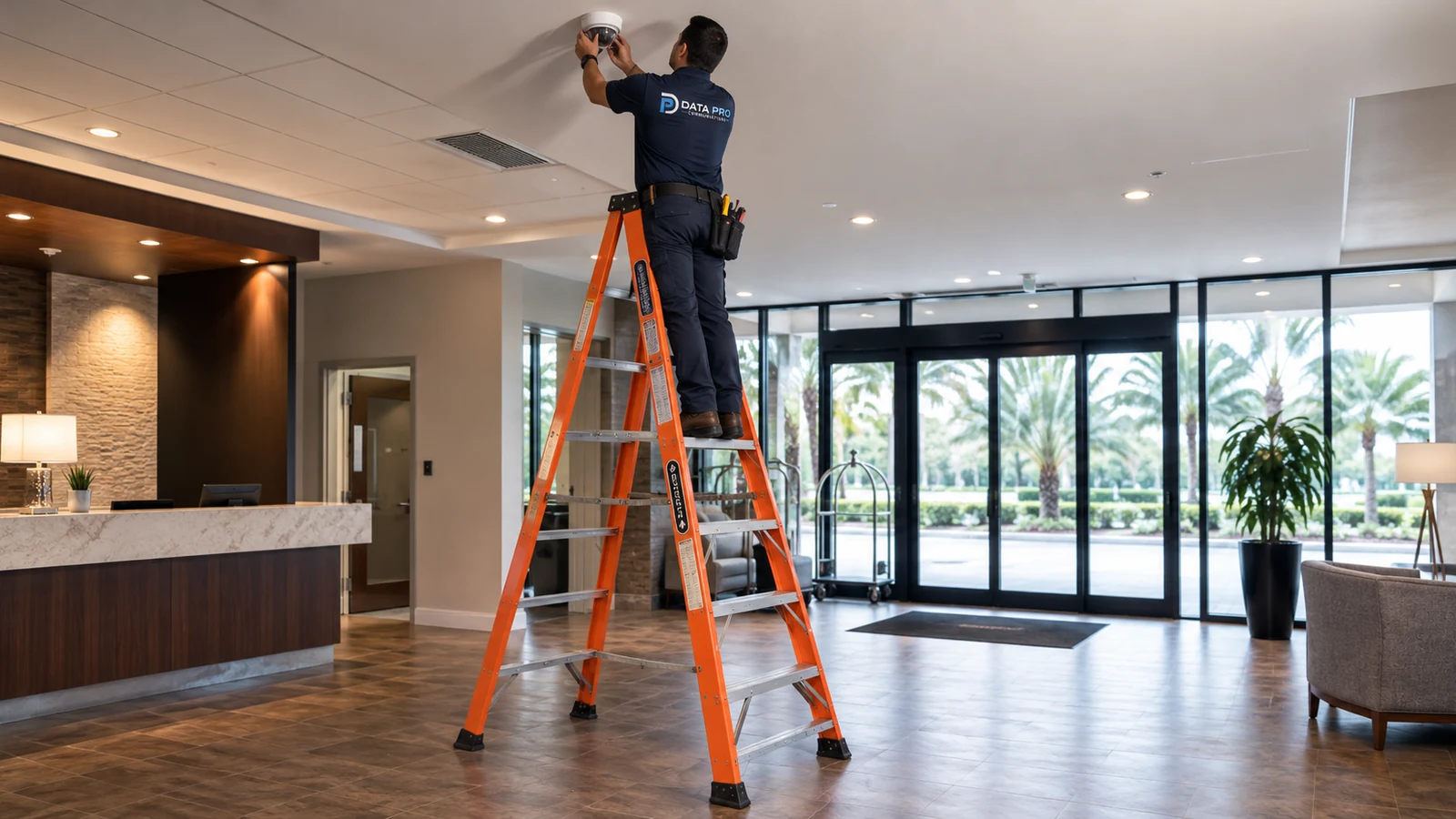
Camera planning across the Azalea Park area begins with the property’s operating pattern, not a location label. The survey follows entrances, exterior approaches, recording needs and existing infrastructure so each scene has a defined purpose. In the Azalea Park area, smaller commercial and service properties can have limited telecom space, older cabling and camera systems added in stages. A right-sized survey separates usable infrastructure from problem components, then concentrates coverage on the exterior approaches, parking and working areas that actually affect day-to-day operations.
PLANNING RISKS
A small telecom location can constrain recorder depth, switch size, ventilation and cable management even when the camera count is modest.
Older field wiring may still work but should not be trusted for higher-resolution replacements until connectors, power and signal condition are checked.
A short cable distance can still be difficult when there is no accessible ceiling or clean path between the camera and the recorder location.
Side or rear work areas can sit close to neighboring space, so the useful view should stay focused on the property objective.
Replacing a few older cameras with higher-resolution models can change retention more than the small device count suggests.
Remote viewing becomes fragile when router or cloud credentials are unknown, shared informally or tied to a departed employee.
CAPABILITIES
Choose views from the business workflow and avoid adding cameras that do not answer a clear review need.
Check existing coax, power and terminations so replacement cameras are not blamed for a weak old path.
Select recorder and PoE equipment that can be mounted, cooled and serviced in the location the property actually has.
Use accessible routes and surface options where appropriate instead of opening walls solely to mimic new-construction cabling.
Update retention estimates when resolution, frame rate or recording mode changes during a selective upgrade.
Set up administrator recovery and user roles so access remains with the business after personnel changes.
PROPERTY APPLICATIONS
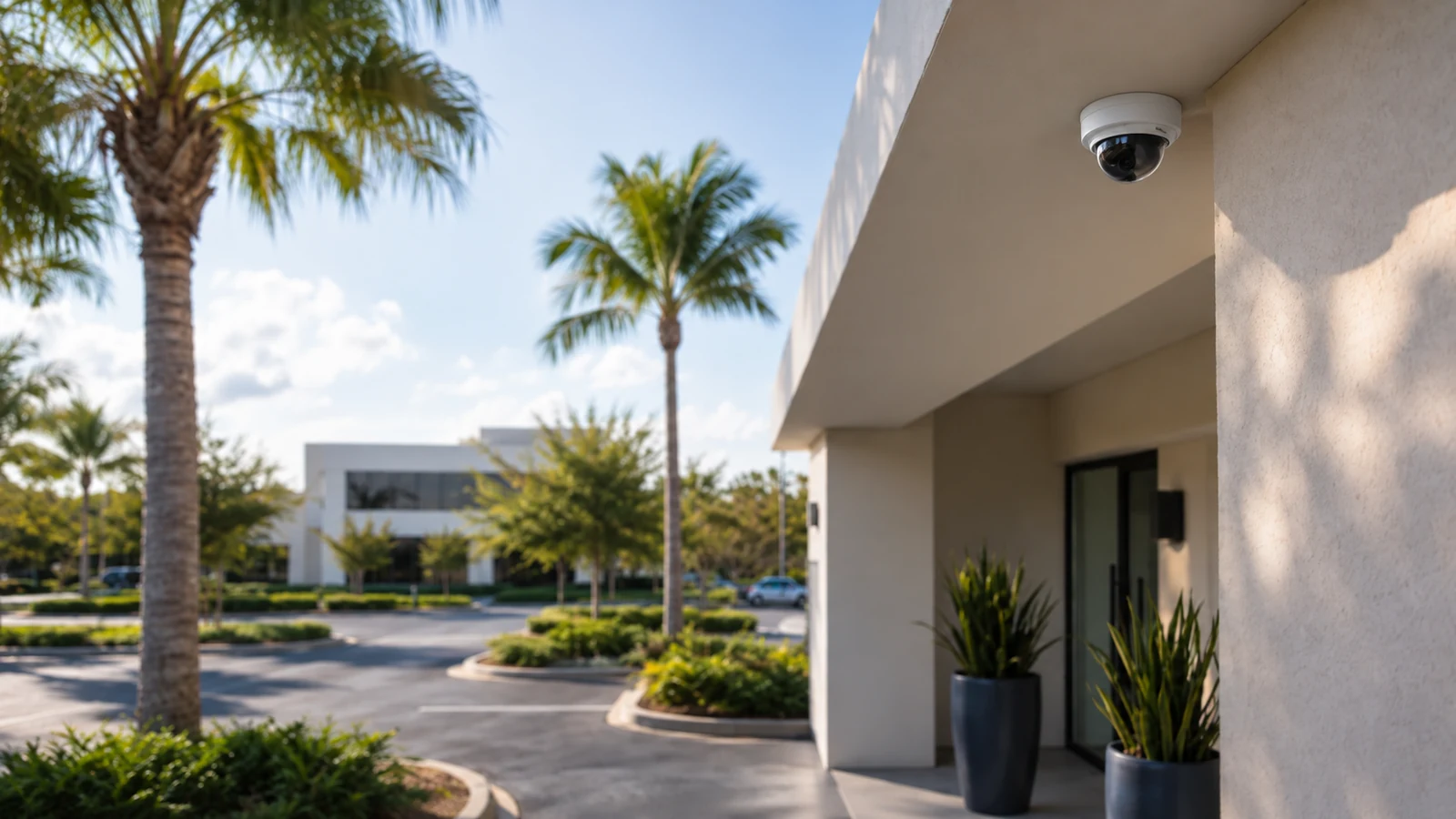
An exterior camera can cover the arrival lane and customer parking without trying to supervise unrelated neighboring property.
Public-area coverage can connect the entrance to the customer-facing counter when that sequence is what the business needs to review.
A dedicated service-side view can show staff or vendor access without forcing an interior camera to cover a poor angle.
A failed device can be replaced selectively when the cable, power and recorder channel are verified rather than replacing the entire system by default.
A small system can still use role-based access so daily viewing and administrator recovery are not the same credential.
The business can keep a familiar retention target by adjusting storage or recording settings after higher-resolution cameras are introduced.
TECHNICAL PLANNING
Measure the usable mounting area and power before selecting a recorder or PoE switch that may not physically fit.
Inspect connectors and field condition, then decide whether the old path is suitable for the specific replacement device.
Plan the most serviceable cable route available rather than assuming a short straight-line distance is accessible.
Document the boundary between the camera system and the customer internet/router credentials needed for remote access.
Recalculate storage from the actual new camera stream settings instead of relying on the old recorder’s previous retention.
Frame exterior cameras around the business need and avoid unnecessary views into adjacent private or unrelated areas.
PROJECT GUIDANCE
Smaller Azalea Park systems can still depend on customer internet equipment, a compact PoE switch or an older recorder. The project should keep those dependencies understandable so a future service visit can distinguish a camera fault from a network, power or account problem.
EAST ORLANDO CONTEXT
Azalea Park camera projects often involve smaller occupied commercial and service properties. Right-sized coverage, selective reuse and practical installation matter when older wiring and limited telecom capacity have more influence than overall system size.
RELATED PATHS
Selective replacement keeps useful parts of a smaller system while addressing unsupported or failed components.
View Camera System Upgrades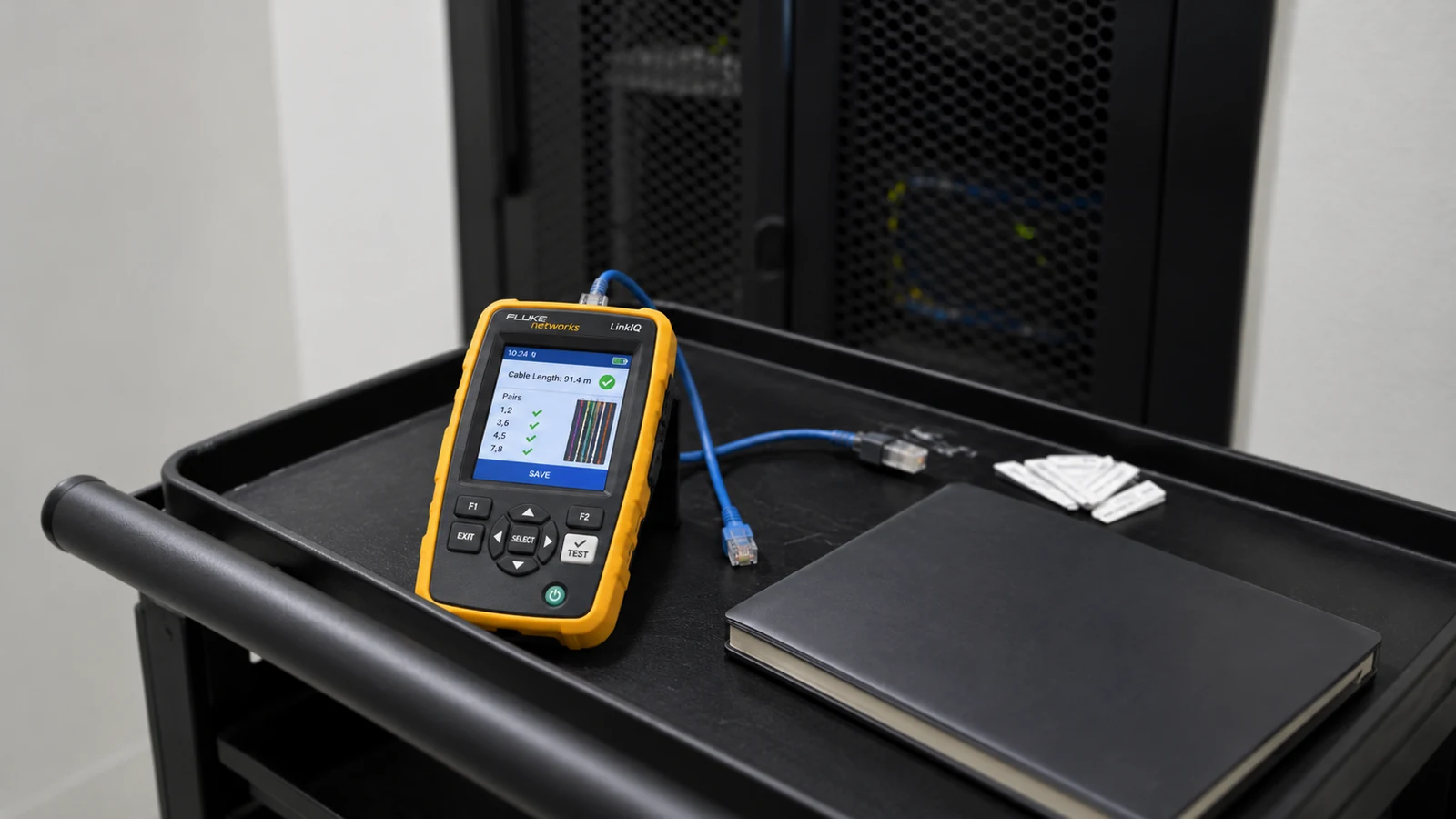
Intermittent older issues can be isolated before a right-sized upgrade is proposed.
View Existing Camera Troubleshooting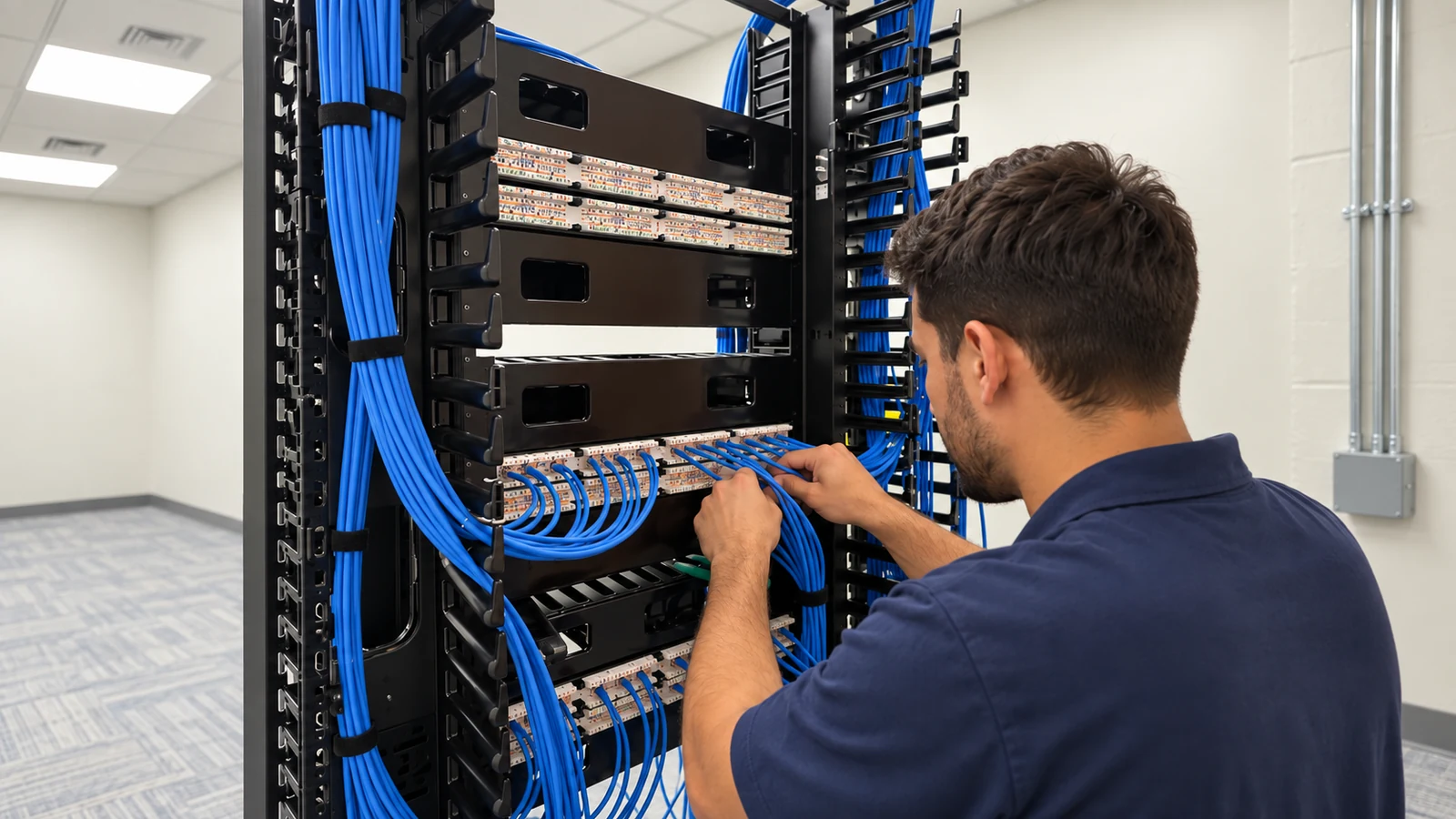
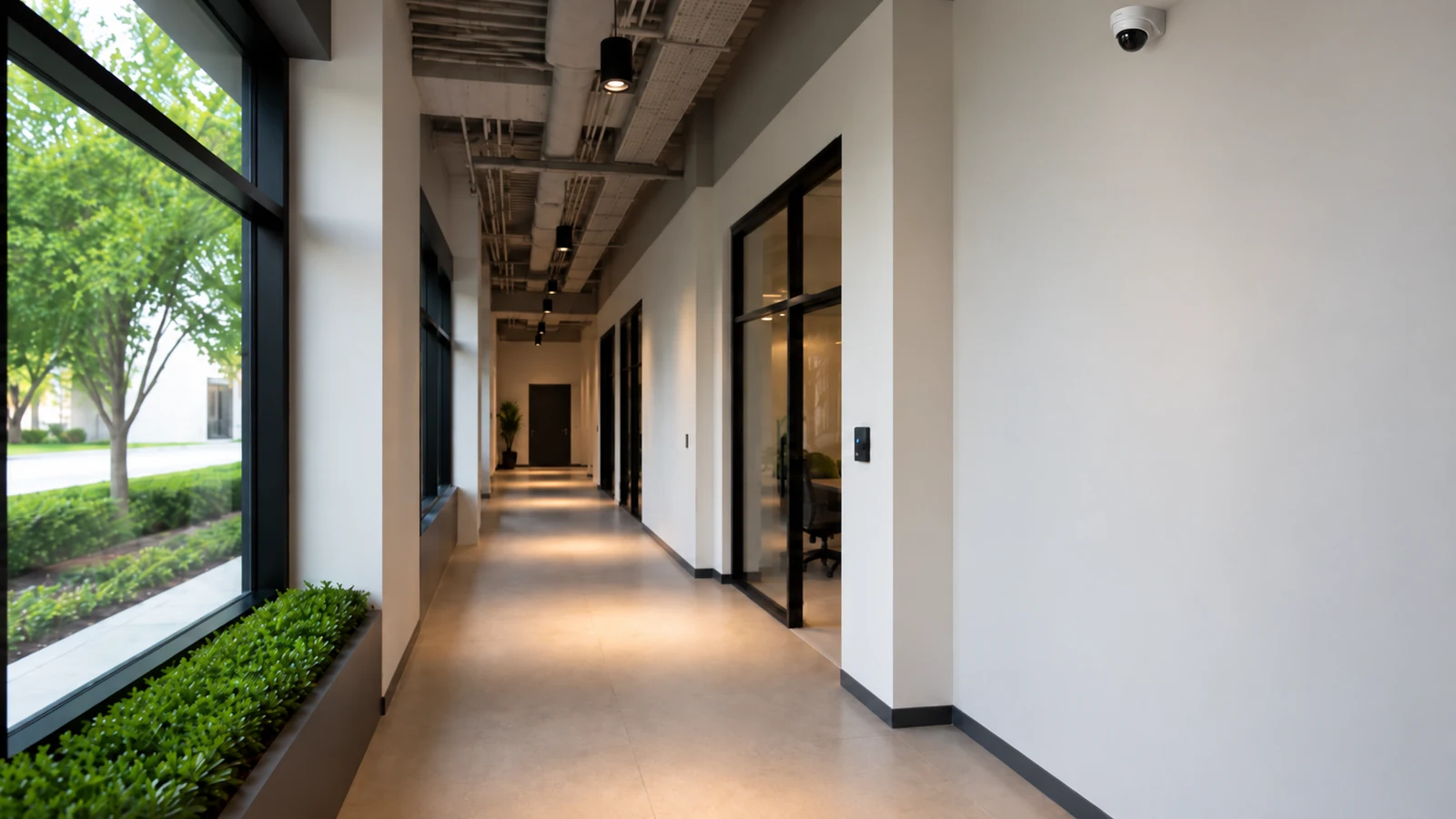
Short commercial runs may still require careful routing through finished walls and limited ceiling spaces.
View Cabling ServicesRELATED PATHS
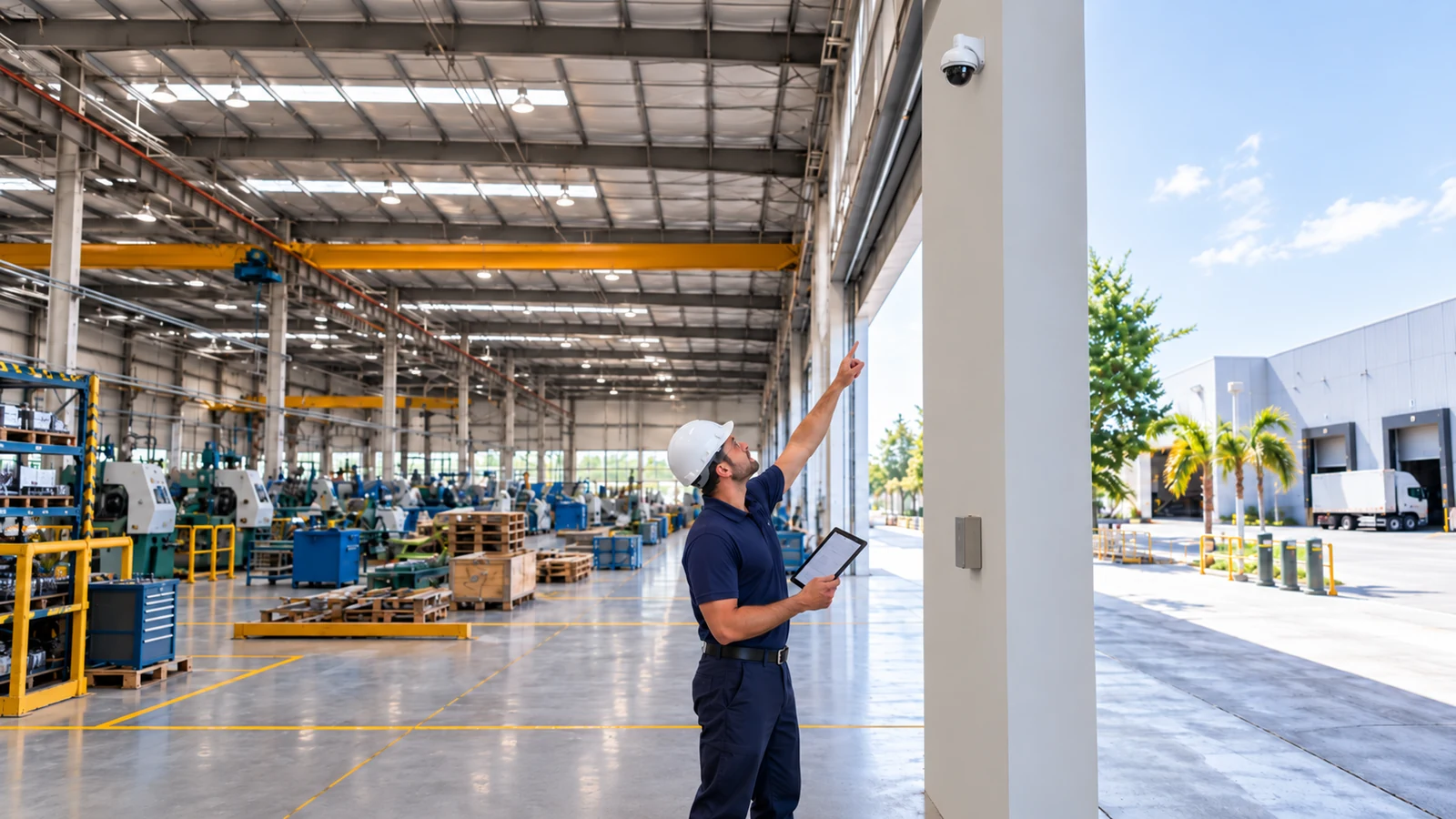
A nearby project may fit Goldenrod better if its corridor-retrofit model, mixed-age buildings, rear or service access, parking approaches, and existing telecom constraints are the main considerations.
Explore Goldenrod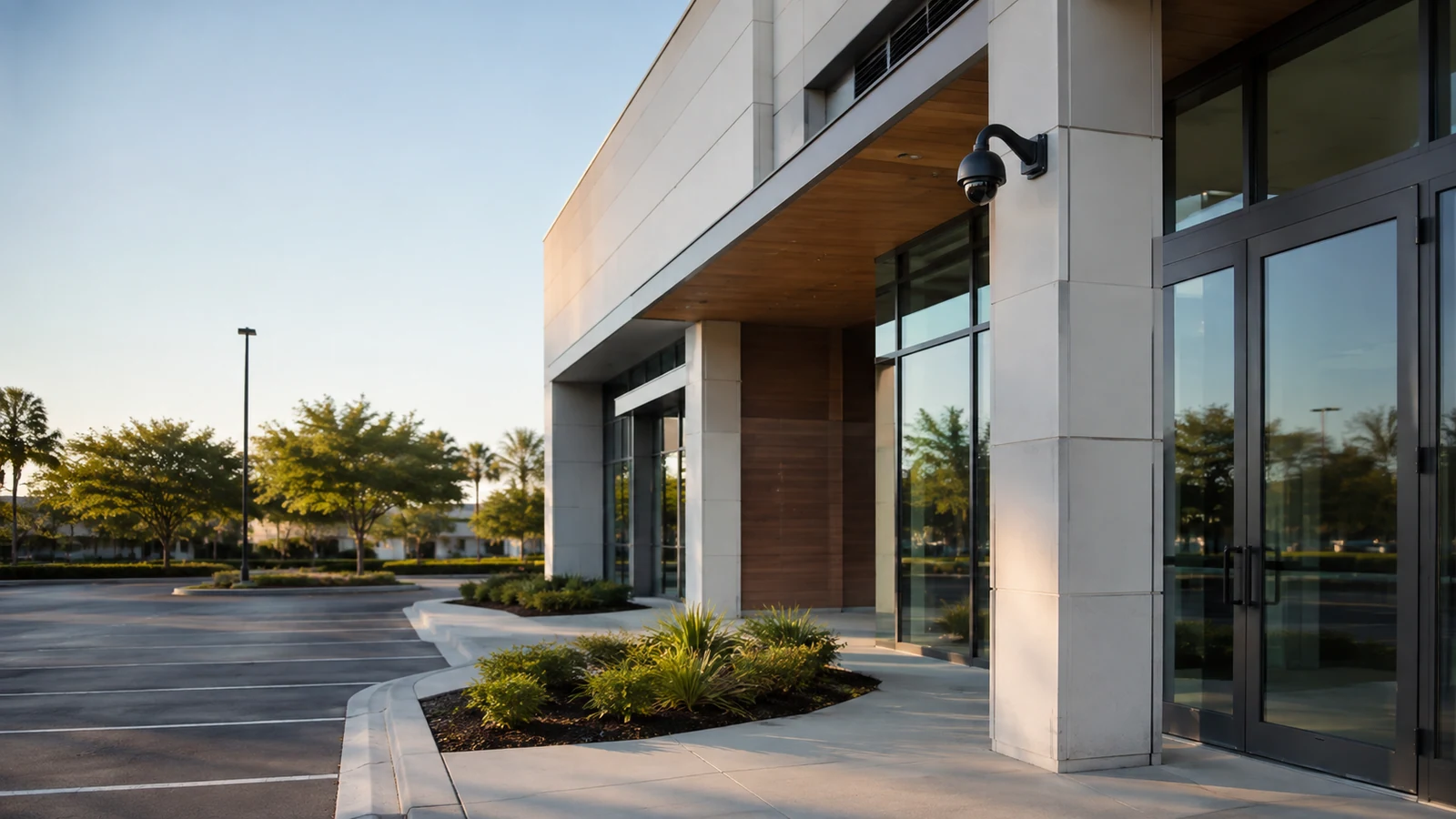
Unlike the smaller-site Azalea Park model, Union Park places more emphasis on exterior perimeters, mixed-generation systems and retrofit work at occupied neighborhood businesses.
Explore Union Park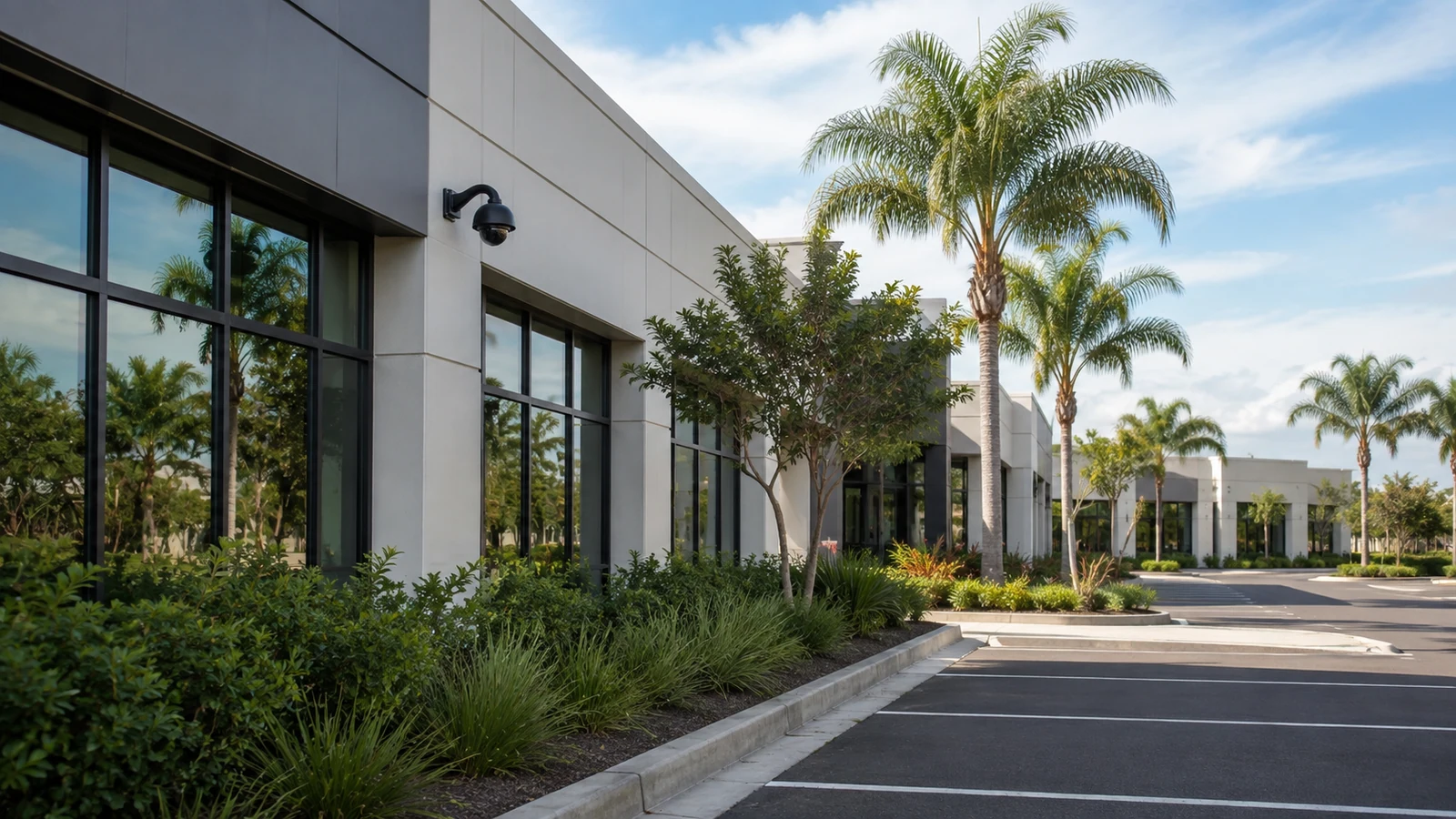
Rio Pinar is a better comparison when a professional or service property is shaped by administrator access, entry and parking relationships, and measured system upgrades.
Explore Rio PinarPROJECT PROCESS
Start with entrance, parking and service-area questions and compare them with the cameras already installed.
Check older cable, power, recorder channels and mounting points before buying around them.
Install new cable or equipment only where it solves a confirmed limitation and can be maintained later.
Confirm playback, retention and remote access with the owner or manager and document the final device names and credentials.
LICENSED SUPPORT
Data Pro Communications operates under FL License #EC13016138. Azalea Park project documentation keeps the scope proportional to the property and records any retained cable, power or recording equipment that remains part of the finished system.
FAQ
Inventory the recorder, power supplies, network equipment and available space before adding devices. A compact site can become unreliable when hardware is stacked without a clear service path.
Often yes. Compatibility with the existing recorder channel, cabling and power determines whether a selective replacement is practical.
Length alone is not the issue. Condition, routing, terminations, labeling and accessibility matter more than whether the run is physically short.
Start with the approach or work area tied to the actual concern, then verify that the view remains useful when vehicles, doors or lighting change.
No. Reuse should be selective. Keeping a failing power supply, damaged cable or unsupported recorder can move cost into repeat service instead of saving it.
Keep the scene focused on the property’s legitimate access and operating areas rather than extending coverage into unrelated private space.
Check the local recorder, network path, account and secure remote-access method before changing cameras. The field devices may still be working normally.
Often there are pathway alternatives, but they depend on ceiling access, wall construction and the serving telecom location. The route should be chosen during the survey.
Photos of the recorder and power/network area, camera count, known cable types, the failing locations and the desired new views reduce uncertainty before the site visit.
A clear record of what stayed, what changed, where the equipment terminates and who owns the system credentials makes future service much easier.
Describe the Azalea Park commercial site, the cameras that are failing or missing, and the infrastructure you want tested so the project can stay right-sized.